How to play Squad on Linux/Proton/Steamdeck (Updated 2025)
2025 new steps
Current setup
- Install Squad on a Linux machine / Steam Deck
- Go into the game Properties. In the Compatability tab select either Proton Hotfix for the latest version from Steam or install GE-Proton Latest for the auto-updating version of Glorious Eggrolls version of Proton.
- Search your Steam library for EasyAnti Cheat and install that in the main Steam location (The default default location)
- Profit
Tried without any additional shims, game works fine.
Check if you even need this guide
A wonderful aspect of WINE and Proton and Linux is the open-source nature of these things means the community can find and fix bugs when the developer themselves is snowed under. You may find the additional steps in this guide are no longer required.
If the game runs fine and you can play a server without getting kicked out, maybe you only want to look at enabling feral's gamemode and using Glorious Eggroll Proton.
Try the following simple steps first
- Install/Verify Squad
- Tell Squad to use the most recent Proton version you have
- Launch Squad
If the game runs fine and you can play a server without getting kicked out, maybe you only want to look at enabling feral's gamemode and using Glorious Eggroll Proton.
Proton
Proton is an amazing tool
It's based on the WINE shim, Proton is developed by Valve. There are other variants but for now the Glorious Eggroll[github.com] version of Proton is the de-facto community favourite due to the way it integrates proprietary and alternative drivers to do things like video playback in certain formats.
How do I get Proton?
For the purposes of this guide I recommend ProtonPlus[flathub.org]. Get the most recent GE version then restart Steam.
Then click the "cog"/settings icon, select the Compatability tab, drop down the list and select the GE version you just installed.
Running any Linux version of Steam, simply search the Steam library for "proton". It will list all versions, you always have all versions, you don't need to install every version. Sometimes ProtonDB will suggest an older version, sometimes you can get away with a recent ProtonGE.
Easy Anti Cheat
EAC is Linux compatible
But developers are really lazy apparently! All they need to do is turn it on in their dev environment according to Epic[dev.epicgames.com].Let's use Valve's version manually
Following the guide on https://squadfm.org/#installation-linux-only we carry out the following steps- Get the EAC files from Valve's official Github[github.com] >here<[github.com].
- Using the "cog" or right-click on Squad and select Manage Files, in your file browser navigate up until you see "\compatadata", enter that folder and look for "\393380"
- Drill down into the directories "...\steamapps/compatdata/393380/pfx/drive_c/users/steamuser/Application Data/EasyAntiCheat/55/"
- Copy the files from the downloaded .zip into that directory
- Set "\55" to read-only
- Set "...\steamapps/compatdata/393380/pfx/drive_c/users/steamuser/Temp/" to read-only
- Tell Squad to use the most recent GE Proton and have a go
Last section
Suggestions and improvements
- Pictoral guide (WIP)
- Everlasting guide (WIP)
Anything you suggest, I'll add if I can prove it!
More Squad guides
- Подробный гайд для новичков★ 5 (764)61k views1.1k ♥20 minRussianUpdated 28 Sep, 2023
- Squad Leader 101★ 5 (884)29k views1.5k ♥60 minUpdated 22 Jul
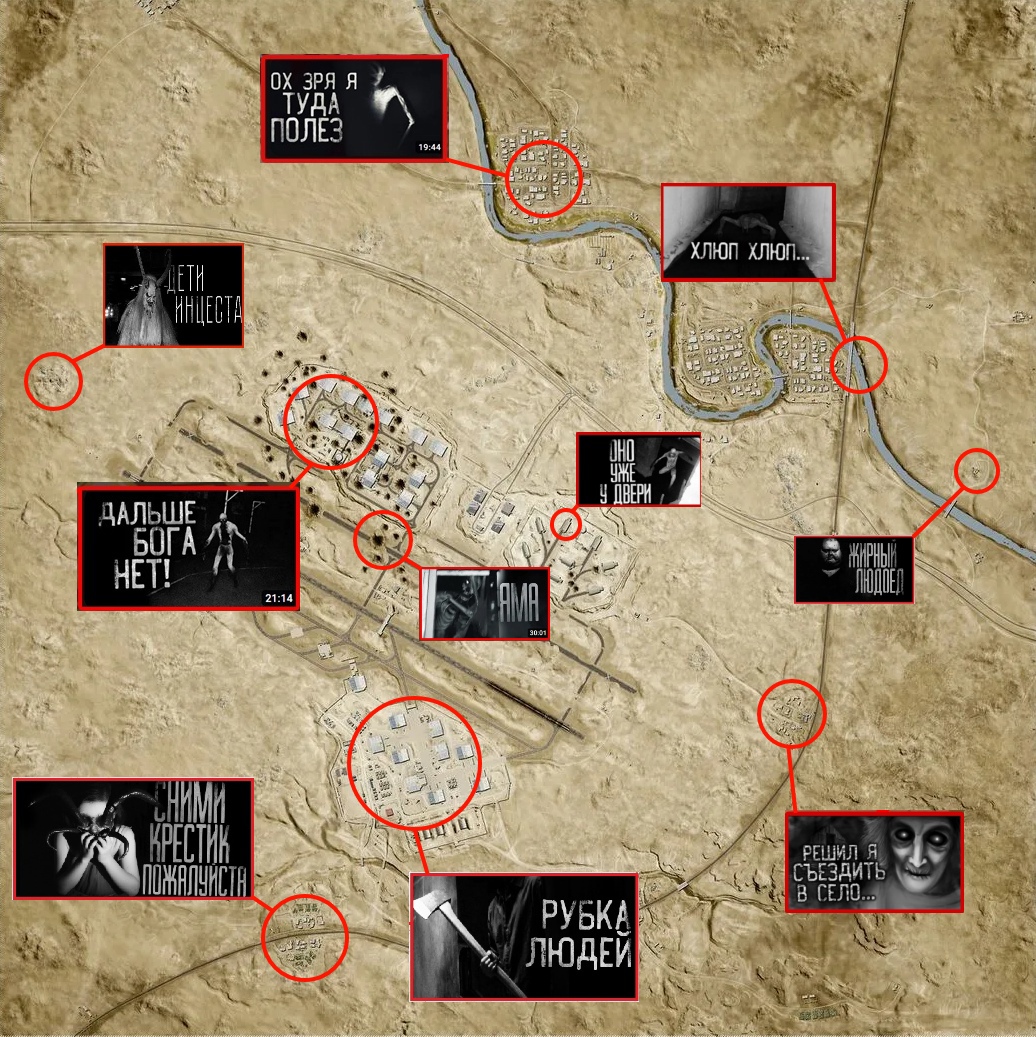
- Как убрать мыло на экране | 100% Способ★ 4 (113)26k views355 ♥3 minRussianUpdated 1 May, 2023
- SQUAD - raising FPS together! / SQUAD - поднимаем FPS вместе!★ 3 (31)19k views75 ♥4 minUpdated 8 Jan, 2024
- Руководство по пилотированию вертолётов★ 5 (199)18k views446 ♥32 minRussianUpdated 20 Feb, 2022
- [Squad v10.5] [EN/РУ] / Where to shoot to penetrate? / Куда стрелять чтобы пробить?★ 5 (220)15k views606 ♥1 minUpdated 17 Jun




🔥 Popular guides
- Upgrading to PremiumTeam Fortress 2★ 5 (20k)1441k views11k ♥6 minUpdated May 11, 2022
- No More Room in Hell Official ManualNo More Room in Hell★ 5 (2.8k)569k views2.1k ♥29 minUpdated Apr 22, 2019
- NMRiH Community Hosting GuidesNo More Room in Hell★ 5 (526)351k views653 ♥1 minUpdated Aug 10, 2022
- ULTIMATE GUIDE FOR GAME DEV TYCOONGame Dev Tycoon★ 5 (5.8k)326k views10k ♥4 minUpdated 23 Jan, 2014
- How to 'Git Gud' Soon™MORDHAU★ 5 (2k)318k views3k ♥68 minUpdated Nov 16, 2024
- Лучшие кооперативные игры SteamPAYDAY 2★ 5 (1.5k)315k views2.1k ♥56 minRussianUpdated Apr 27, 2025






This guide was created by its original author on the Steam Community. Are you the author and want it removed? Request removal.