You're Playing the Wrong Quake Multiplayer
The Multiplayer menu is a polite gesture
Bread doesn't rise on shortcuts. Neither does Quake.
You bought Quake. The single player holds up, the soundtrack is still Reznor, the shotgun still feels like a shotgun. But you came for multiplayer, and that menu option doesn't take you where the Quake community has actually been playing for the last 30 years.
The "Multiplayer" in Quake Enhanced is a museum exhibit. A few servers, a few players on a good day. What it won't do is put you in front of the people who've been playing Quake competitively since 1996 - on their own protocol, their own servers, their own client. They never left. You just couldn't see them from the menu.
That protocol is QuakeWorld.
What is QuakeWorld?
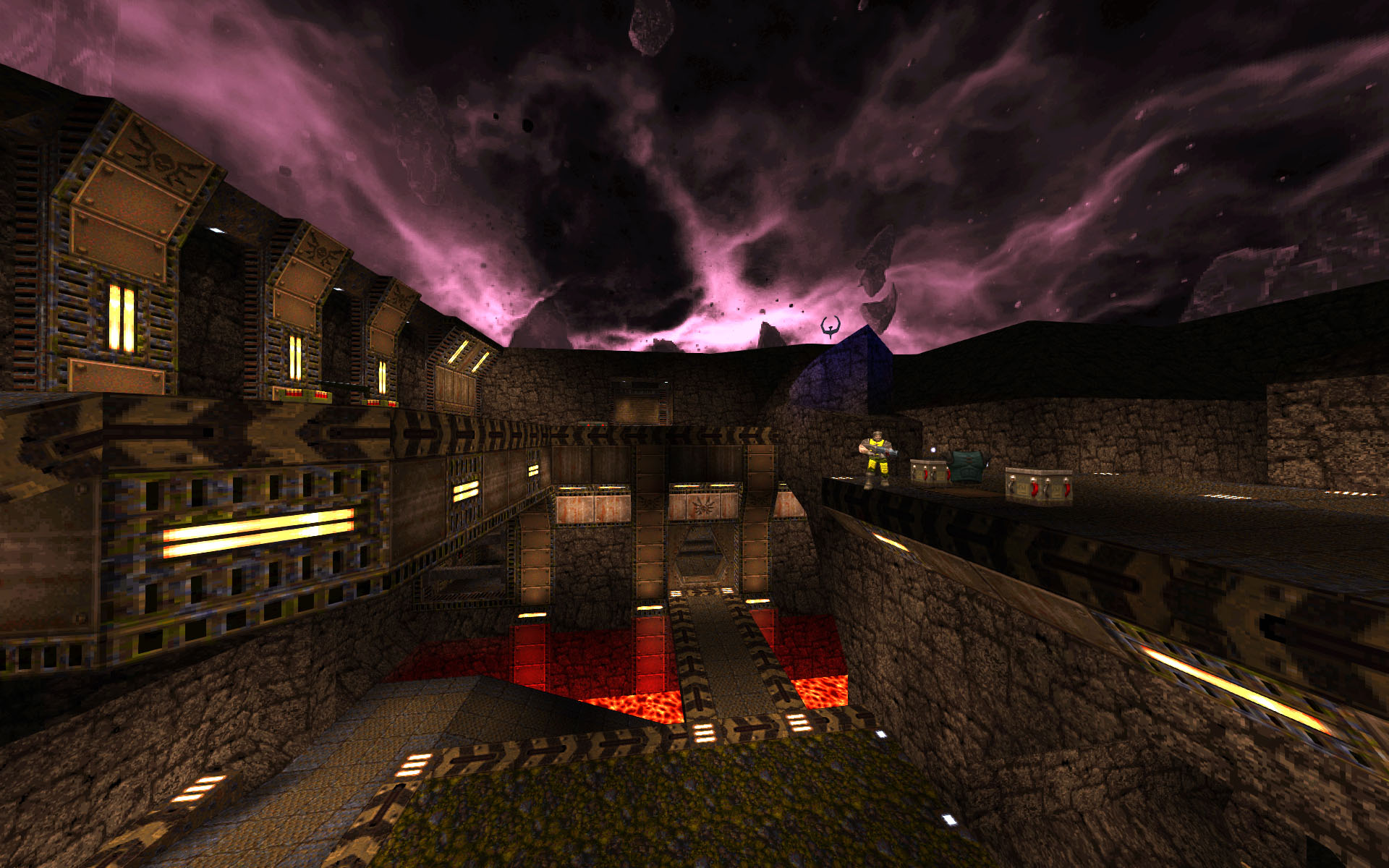
When Quake came out in 1996, multiplayer over the internet barely worked. Carmack noticed. By December that same year he had rewritten the networking code from scratch, popularized client-side prediction, and released QuakeWorld as a separate executable. Optimized netcode, no single player. The point was to make Quake playable when you didn't share a LAN with your opponent.
It worked too well. Team Fortress was born here. Threewave CTF was born here. Bunny hopping, rocket jumping, the whole grammar of arena FPS movement got codified inside QW servers while everyone else was still figuring out how to ping people in their own city.
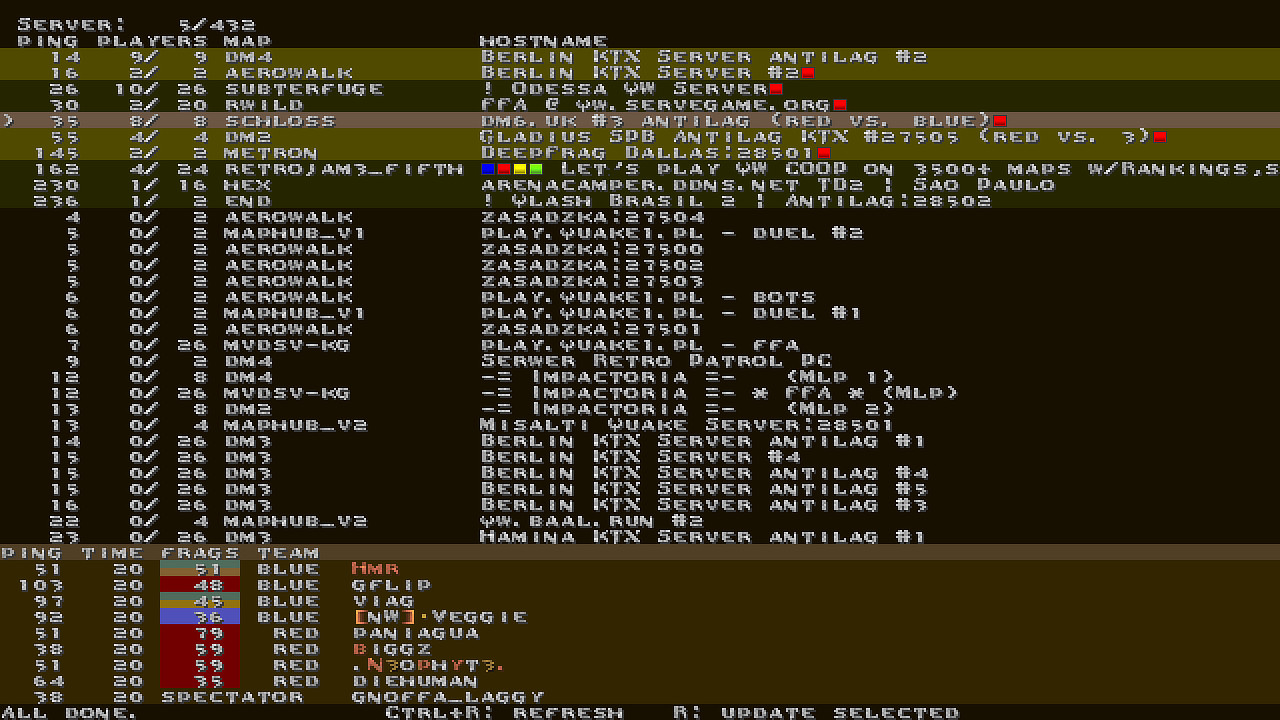
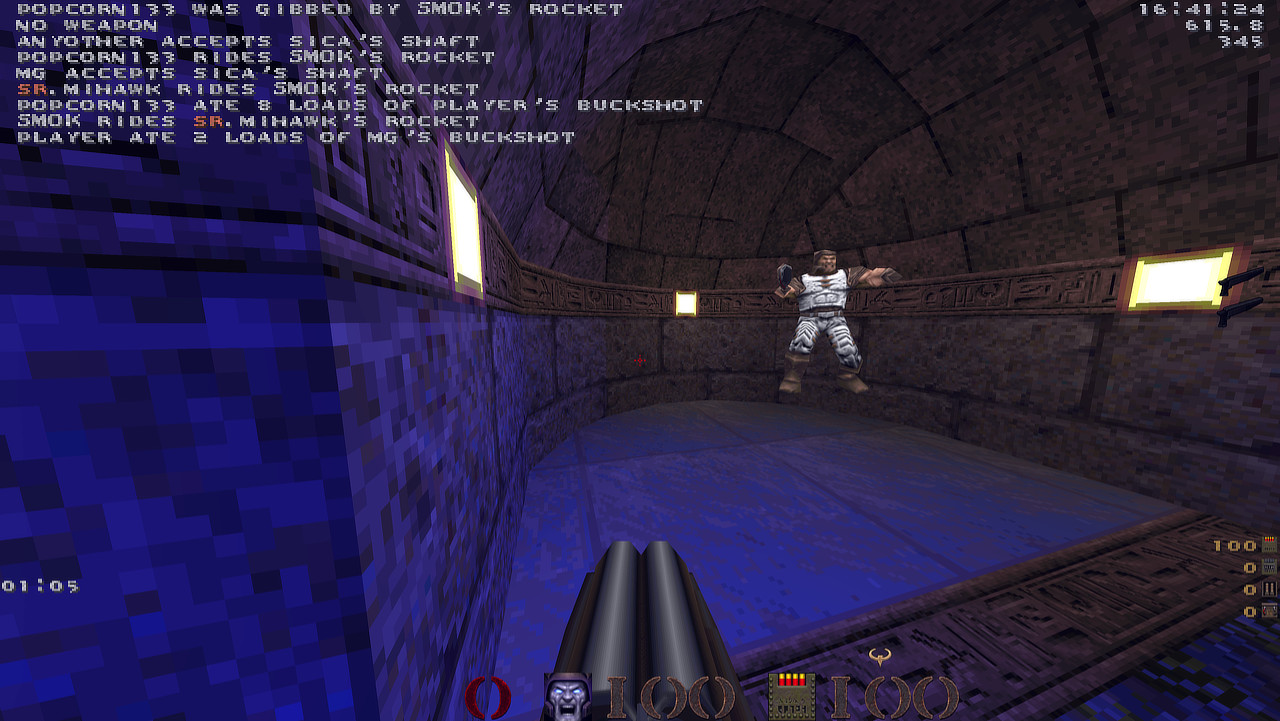
And it never died. Right now there are tournaments. There are Discord channels organizing matches. There are players who started in 1996 and never stopped. The competitive scene runs on a mod called KTX on servers running mvdsv. You can spectate any of those matches in real time, today, from the server browser.
You bought the box. They've been in the basement the whole time, and the party is still going.
The clients you'll hear about
A few names come up when you search for "QuakeWorld client". Quick tour.
ezQuake is the competitive client. The pros use it. Every modern netcode trick, every config option, every visual feature that twenty years of QW players asked for. It takes a weekend to configure and looks like ezQuake. If you already know what cl_independentPhysics does, ezQuake is for you. This guide is not.
FTE is a full game engine that happens to play QuakeWorld. It also plays vanilla Quake, Quake 2, Quake 3, custom mods, splitscreen, with modern Vulkan rendering and a built-in QuakeC compiler. Serious piece of engineering. If you want one engine for every Quake-shaped thing you might ever load, FTE is impressive. If you want to play QuakeWorld in the next five minutes, it's the wrong tool.
AfterQuake is FTE pre-bundled for QW play. Same engine, less assembly required, same complexity once you're past the installer.
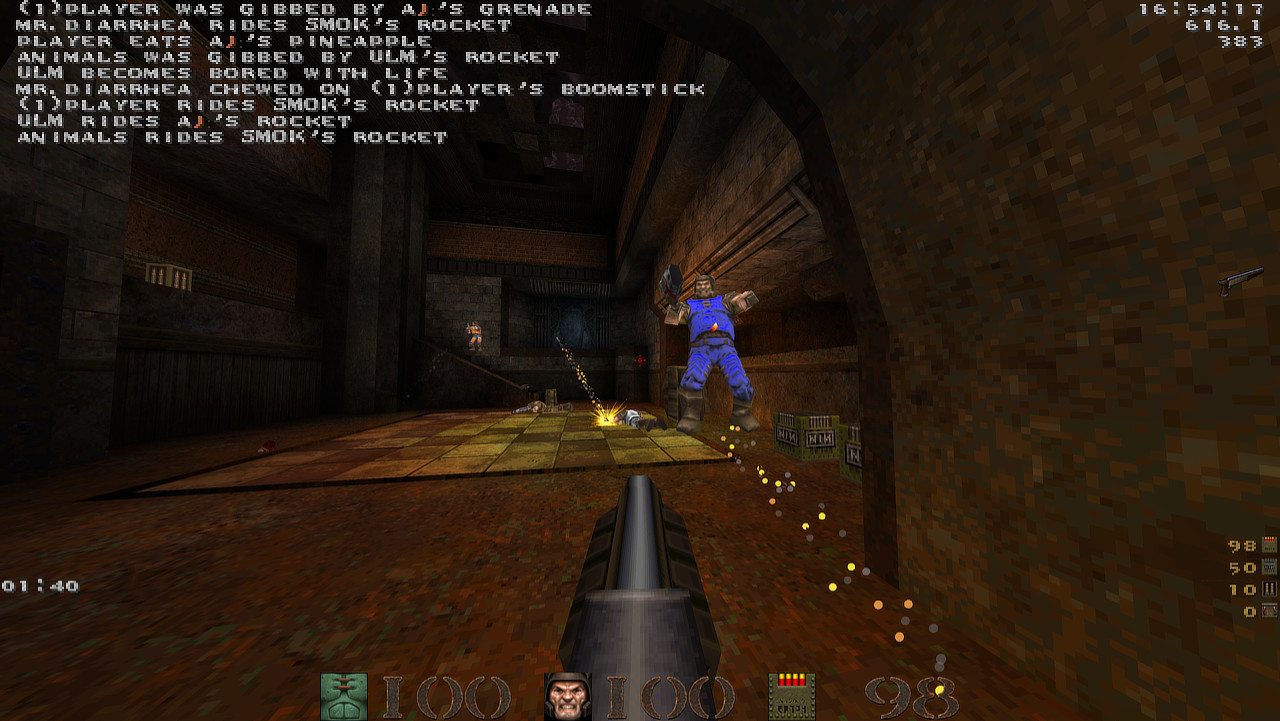
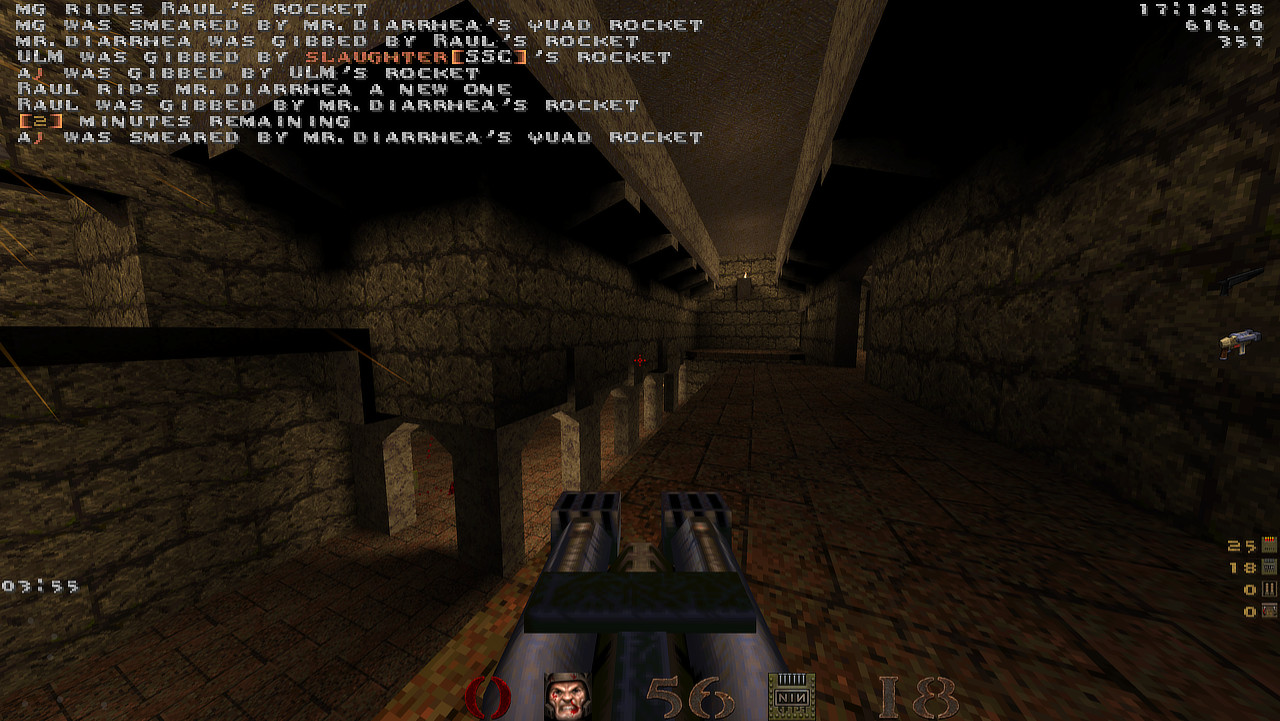
classicQ is the one this guide is about. It was made for the 30th anniversary of Quake (2026). It looks like 1996, plays like the current year, and setup takes 5 minutes.
Full disclosure: I made classicQ. Grandma doesn't lie. And she doesn't sell bread she wouldn't eat. classicQ exists because I wanted to play QuakeWorld and I wanted it to look like Quake. Not "Quake with bloom". Not "Quake with a custom HUD that takes thirty cvars to align". Quake. The lighting. The menus. The brown.
If that sounds right to you, here's the recipe.
The recipe (it takes 5 mins)
- Download classicQ from https://classicq.github.io. Windows, Linux, macOS builds are all there. Grab the latest release.
- Extract the .zip somewhere permanent. Documents folder is fine.
- Find your Quake .pak files. Right-click Quake in your Steam library > Manage > Browse local files. Inside the install folder you'll find id1/ with two files: pak0.pak and pak1.pak. That's the game data.
- Copy pak0.pak and pak1.pak into classicQ's own id1/ folder. Lowercase names, same files.
- Run classicQ. Open the server browser.
That's the whole setup. The pak files are the game data, classicQ is the engine that draws it. You're not pirating anything, you're not modifying your Steam Quake install, and you can delete classicQ at any time without breaking a single thing on your system.
Walking into your first server. The browser sorts populated servers first. Find one labeled FFA if you want to walk in and start shooting. Find one labeled KTX if you want to be politely destroyed by a Dane[www.quakeworld.nu] who has been playing since you were a bun in the oven.
The QuakeWorld Discord link is at quake.world[quake.world]. The community there is small, old, and helpful. Mention you're new, ask anything, someone will answer.
The party's still going
The servers have been up longer than some of the players have been alive. Nobody's waiting for you, but the door's open and someone will rack you on a KTX server tonight if you ask.
Now go.
Grandma
- Quake Soundtrack Solutions★ 5 (822)34k views1.1k ♥15 minUpdated 2 Apr, 2020
- How I play Quake in the Current Year (2023 update: Use Ironwail or Quakespasm-Spiked instead of Quakespasm)★ 5 (903)23k views1.3k ♥8 minUpdated 12 Nov, 2023
- List of Quake 1 clones on the Steam store★ 5 (459)20k views858 ♥2 minUpdated 20 May
- Quake Owner's Manual★ 5 (438)17k views627 ♥59 minUpdated 23 Nov, 2017
- Quake Achievements★ 5 (1k)16k views1.5k ♥29 minUpdated 4 Nov, 2025
- Quake Secrets★ 5 (1.1k)14k views1.8k ♥39 minUpdated 23 Feb





- Upgrading to PremiumTeam Fortress 2★ 5 (20k)1441k views11k ♥6 minUpdated May 11, 2022
- No More Room in Hell Official ManualNo More Room in Hell★ 5 (2.8k)569k views2.1k ♥29 minUpdated Apr 22, 2019
- NMRiH Community Hosting GuidesNo More Room in Hell★ 5 (526)351k views653 ♥1 minUpdated Aug 10, 2022
- How to 'Git Gud' Soon™MORDHAU★ 5 (2k)318k views3k ♥68 minUpdated Nov 16, 2024
- Лучшие кооперативные игры SteamPAYDAY 2★ 5 (1.5k)315k views2.1k ♥56 minRussianUpdated Apr 27, 2025
- Desert Eagle Heat Treated | Blue GemCounter-Strike 2★ 5 (1.6k)293k views1.5k ♥2 minUpdated Jan 16





This guide was created by its original author on the Steam Community. Are you the author and want it removed? Request removal.