How to Build and Customize Your Corvette in No Man's Sky
Introduction
In this guide, we’ll go through how to assemble and customize your corvette, a special type of ship that stands out because it can be built piece by piece and allows you to freely walk inside once completed. We’ll cover everything step by step, from your first visit to the space station to finalizing the project, and then finish with some general information that I’ll keep updating as I discover more.
Want to support the guide? A quick Like, Favorite, or even an award goes a long way in keeping it visible for other players.
1. Where to start
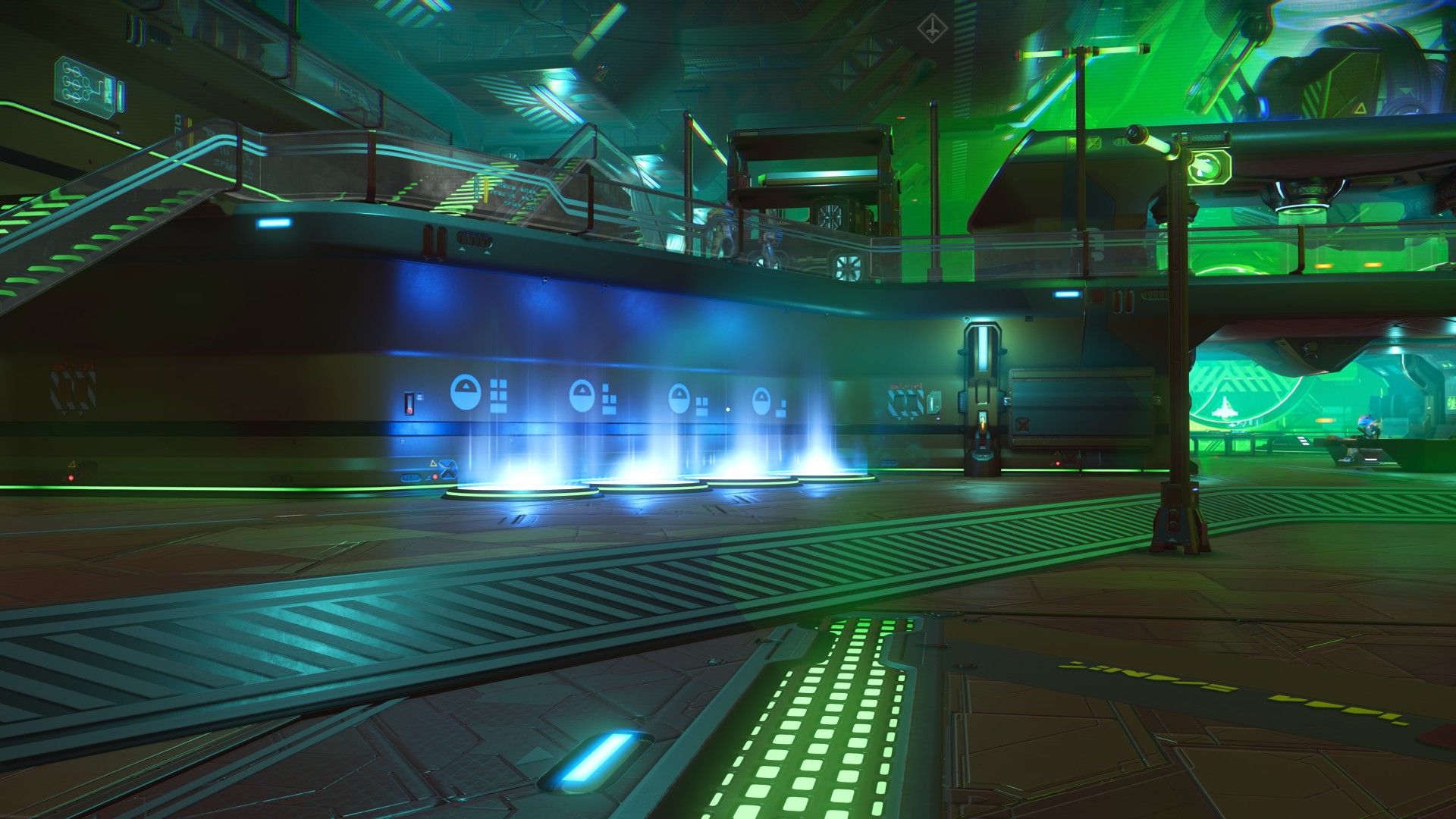
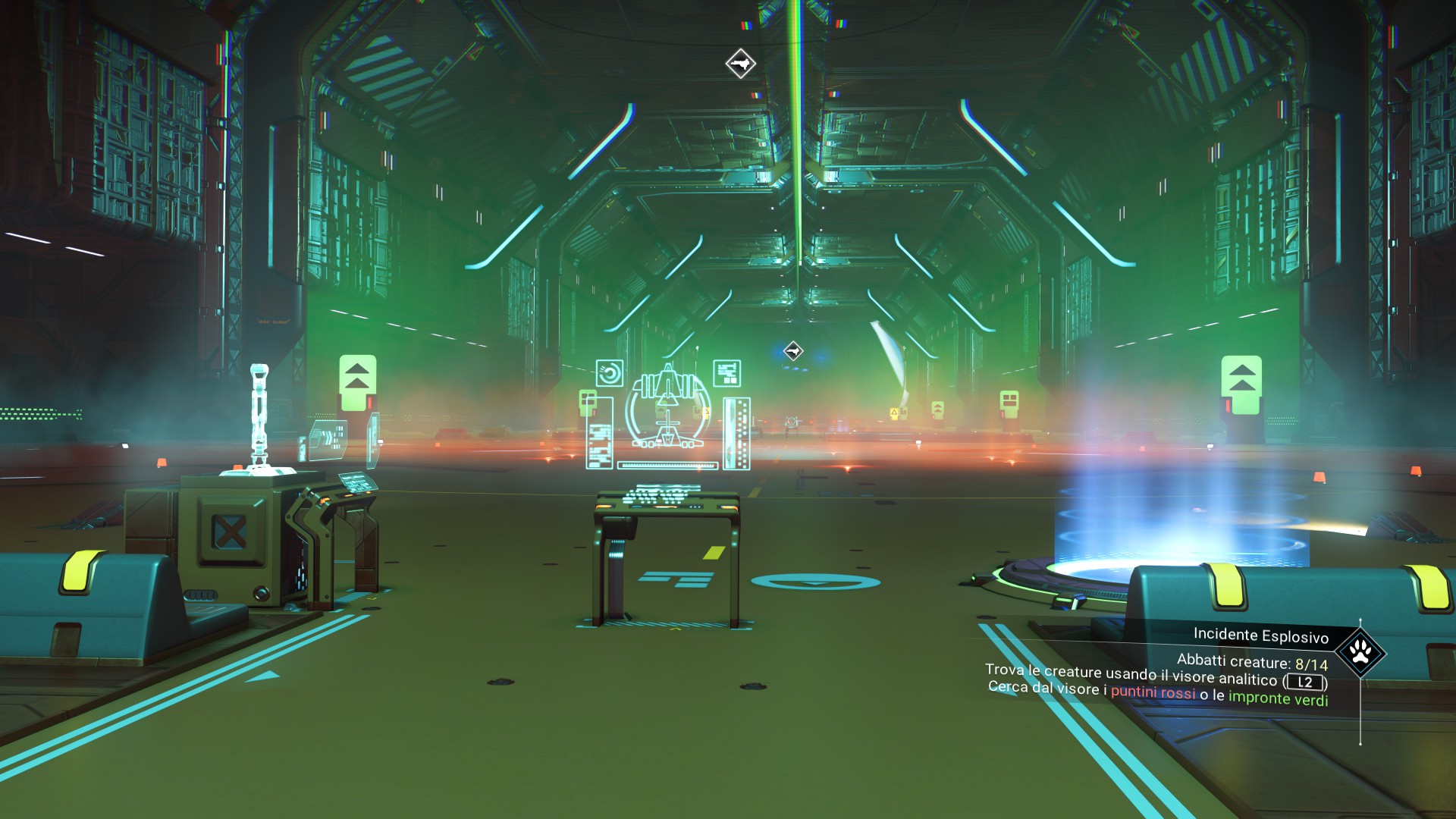
2. The design terminal
Inside the room, you’ll find a control computer.
If you haven’t collected any corvette parts yet, the only available option will be “Purchase Modules”. The initial costs may look high, especially for new players (if you’d like, check out my first guide "The Most Efficient Way to Farm Any Type of Plant in No Man's Sky" where I explain an easy way to make units), but after a few hours of gameplay they won’t feel like much anymore.
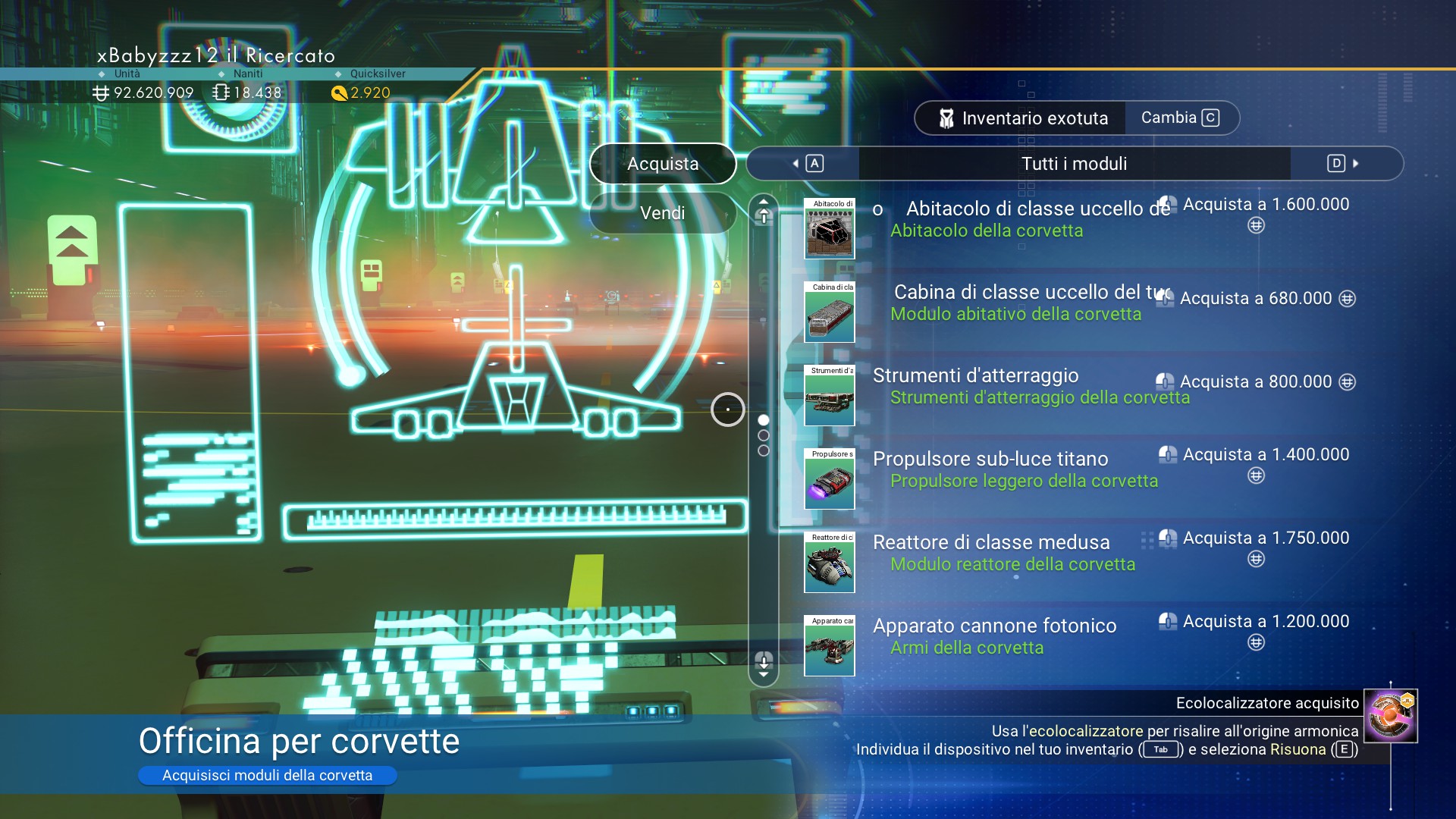 The essential parts needed to build a working corvette are:
- Landing Gear
- Habitation Module
- Cockpit
- Reactor
3. Creating the corvette
- 1. Place the Landing Gear first (this will be your starting point).
- 2. Connect the other modules in the layout you prefer.
- 3. Let your creativity flow — you can make all kinds of designs.
If you realize you’re missing a piece, don’t worry: you can exit, leave the project in standby, and continue later.
When you’re satisfied, press the exit button (for example “Circle” on PlayStation or “Esc” on PC) and select “Finalise Current Design”. From that moment, the corvette will officially become one of your ships, taking up a slot in your starship inventory.
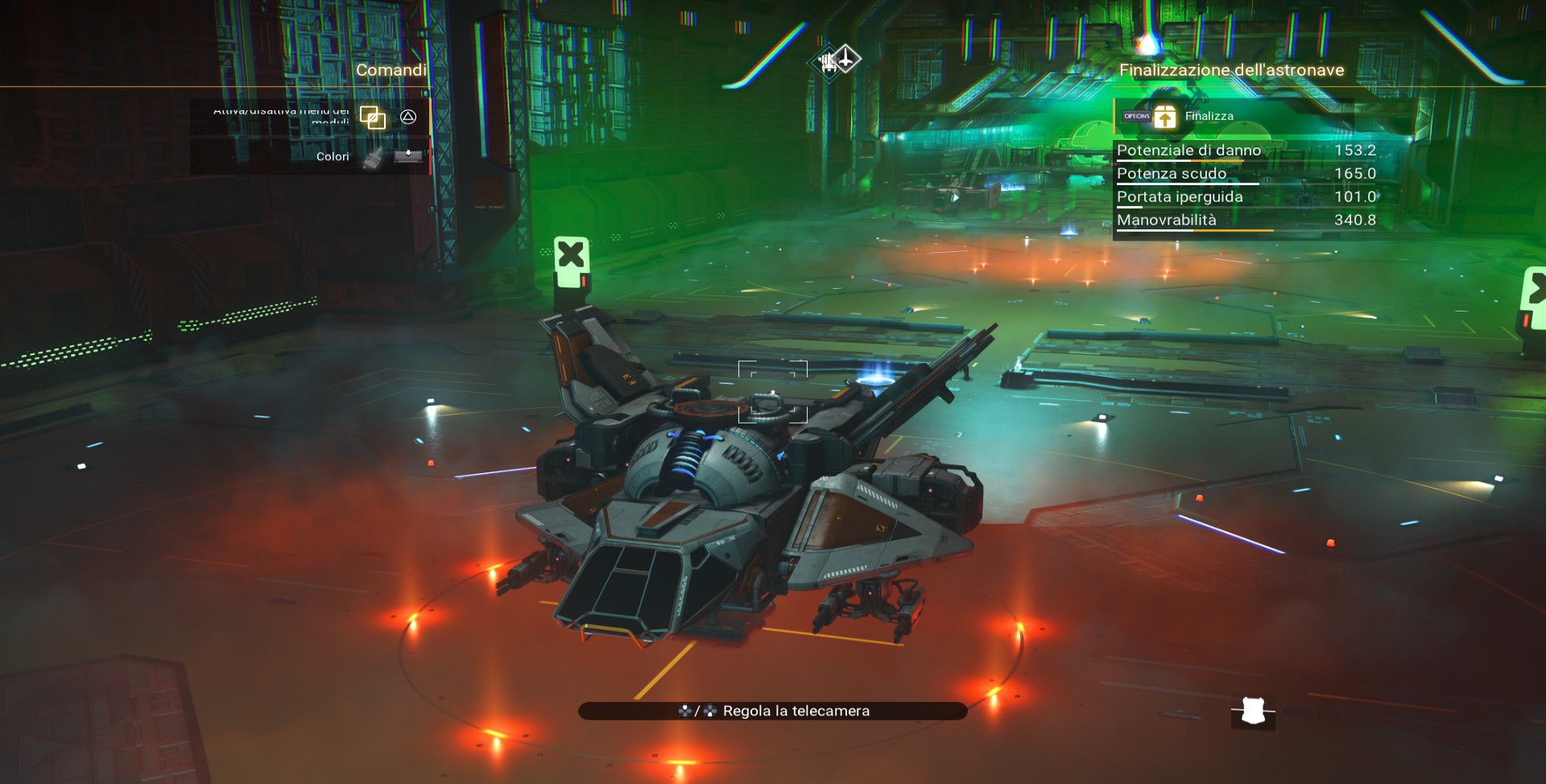
4. Inside the corvette
What makes this ship unique is that while traveling, you can stand up from the pilot’s seat by opening the Quick Menu (for example, pressing Down on the Pad on console or the equivalent key on PC).
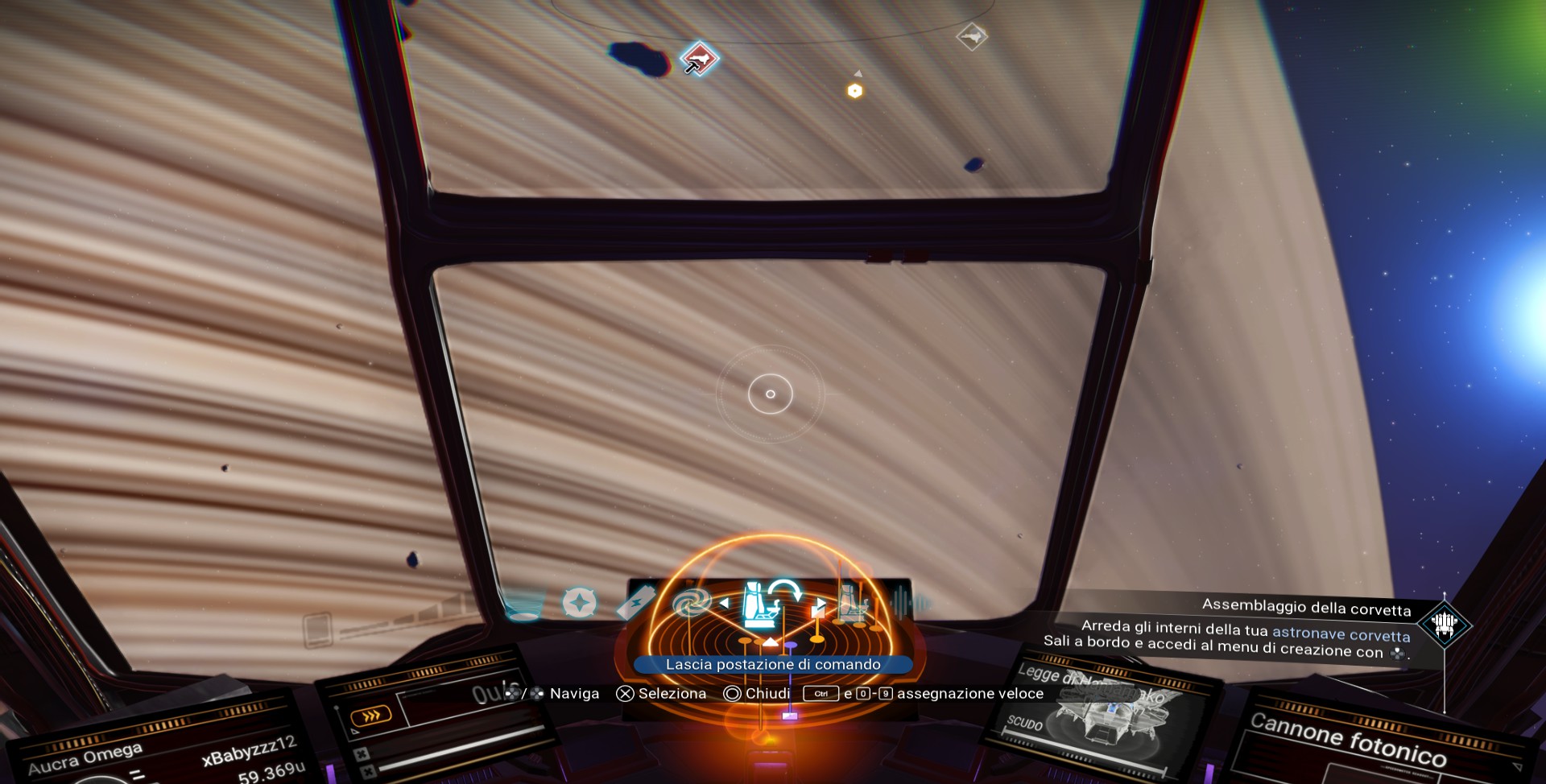
Once up, you’re free to walk inside the cabin.
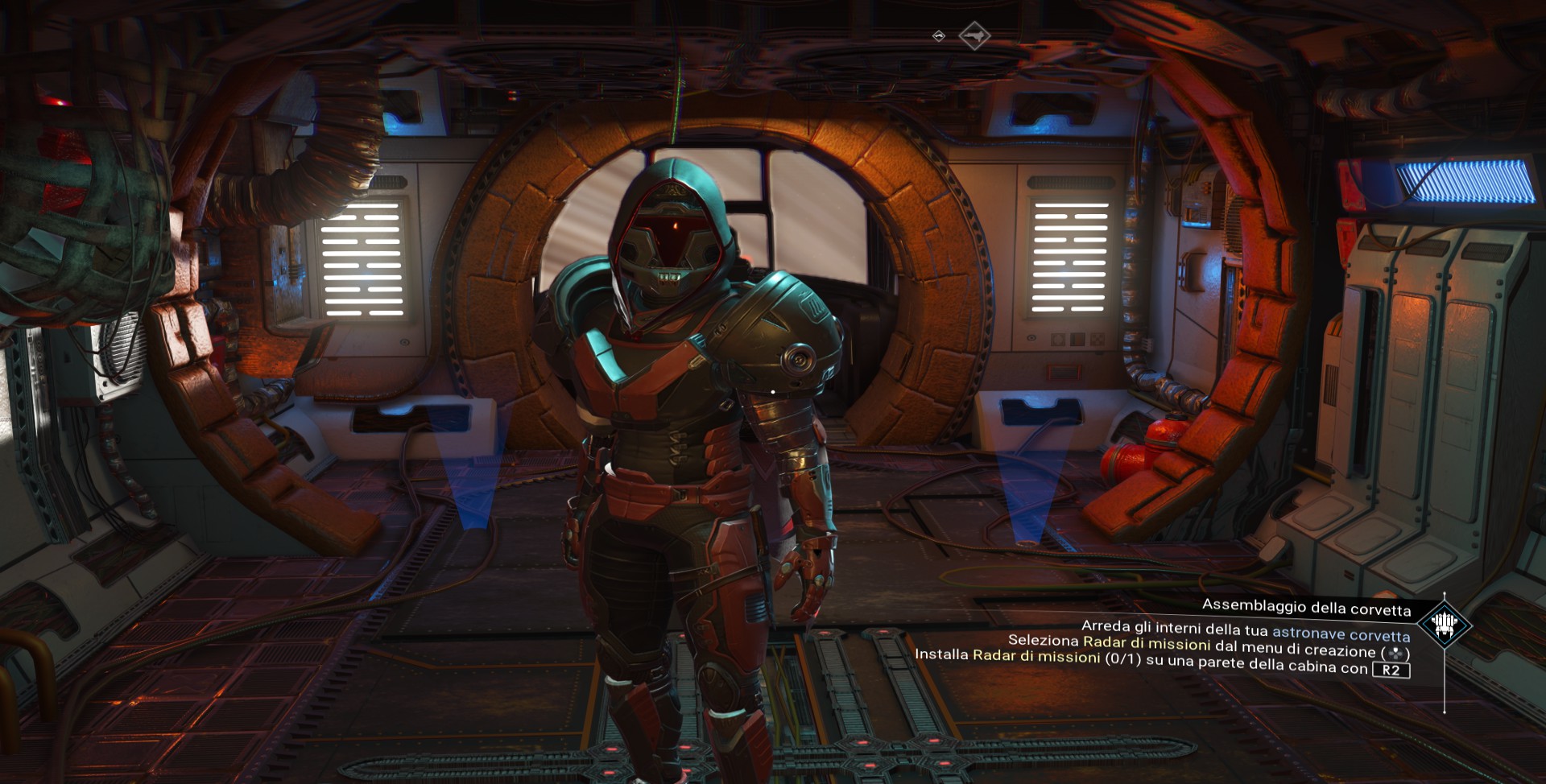
You can also decorate and customize the interiors with both cosmetic and functional parts, for example the Mission Radar, which allows you to launch missions similar to those on the Nexus.
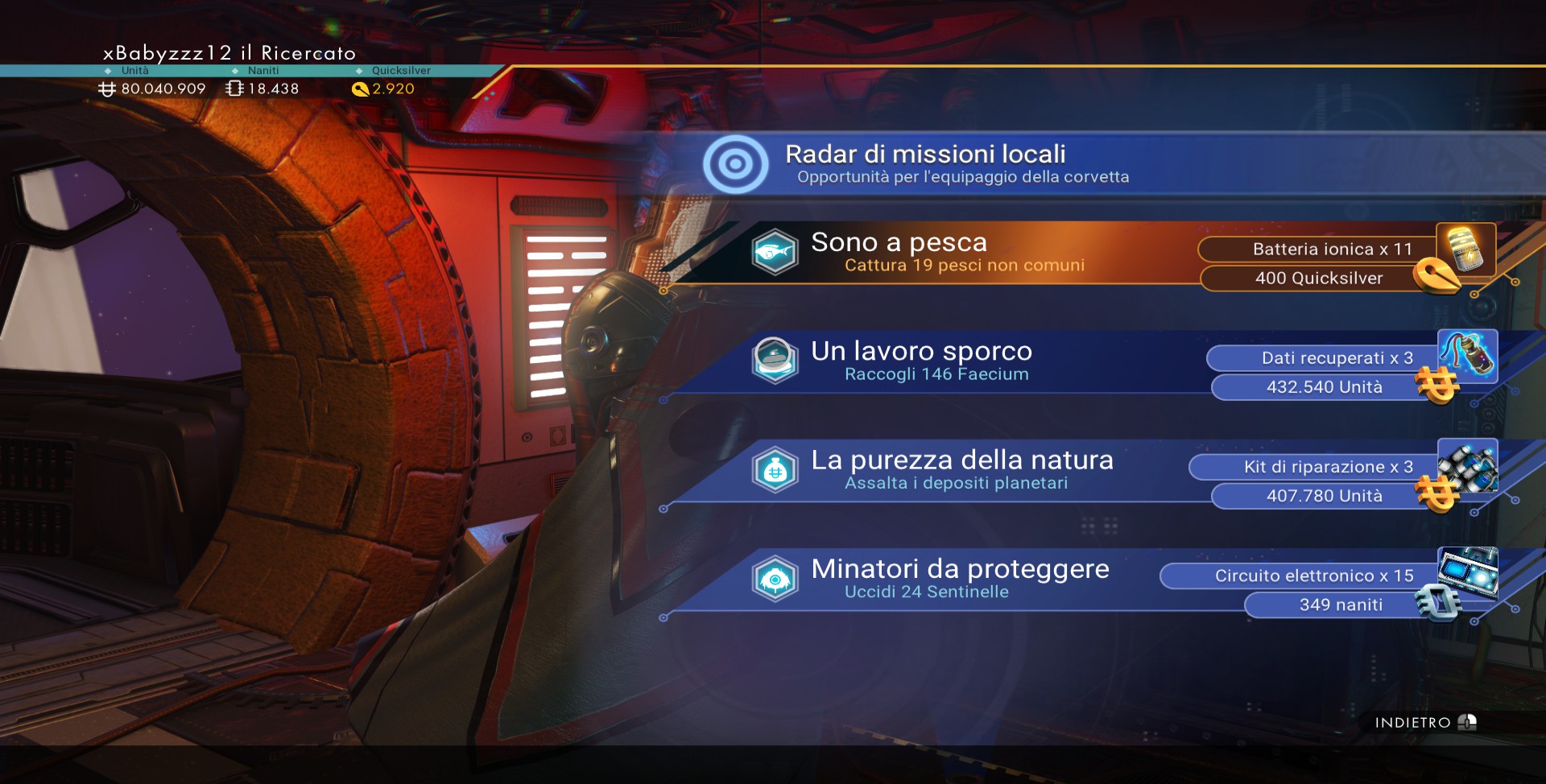
The mechanism and buttons are the same as those used to modify any of your bases.
General information (to be updated)
- The modules you can purchase from the computer in the space station are only basic ones. Higher-quality parts can be obtained by: Searching Salvaged Containers on planets (image below), Defeating pirates, Looting Derelict Freighters and expedition (with this last method I'm finding really many modules)
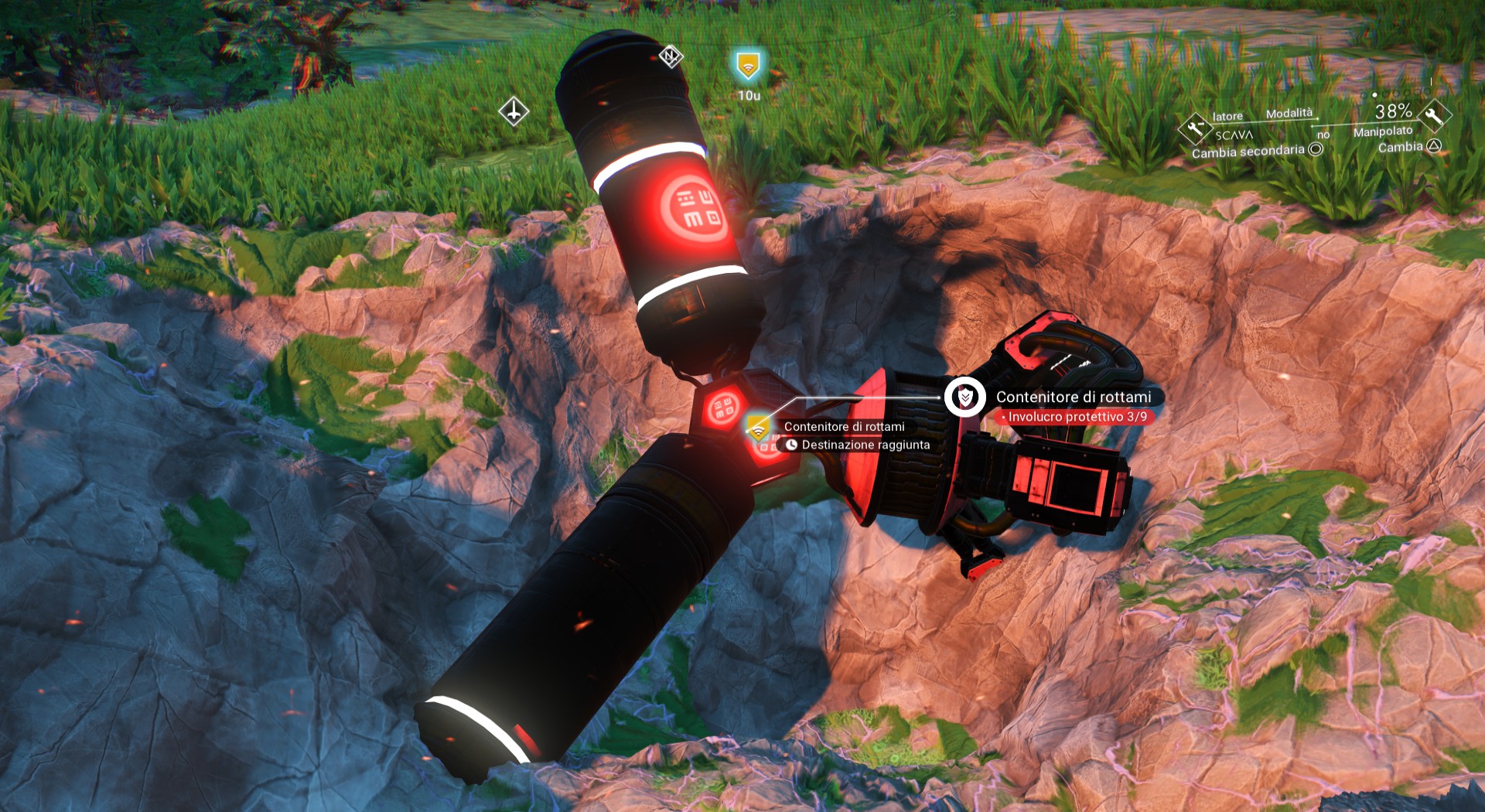
- At the time of writing this guide, corvettes cannot be stored like regular ships.
That's all folks
If you enjoyed it, a thumbs up or some Steam Points would be very much appreciated 💙.
And if you have any questions or want more specific tips, feel free to leave a comment, I’ll be happy to help.
- No Man's Sky Access Codes★ 5 (880)43k views2.1k ♥1 minUpdated 14 Apr
- Refining – The Magic Of Alchemy★ 5 (1.2k)41k views3.6k ♥5 minUpdated 24 Mar, 2022
- How to get RICH in NMS SUPER FAST★ 5 (501)32k views1k ♥2 minUpdated 7 Sep, 2022
- Multi-Tools: Types, Statistics, Weapons, Layouts★ 5 (550)27k views1.3k ♥7 minBulgarianUpdated 3 Jul, 2025
- Starship Guide: Types, Statistics & Roles★ 5 (461)25k views924 ♥8 minBulgarianUpdated 30 May
- Звездолеты СТРАЖЕЙ★ 5 (220)24k views519 ♥7 minRussianUpdated 9 Feb, 2025



- Upgrading to PremiumTeam Fortress 2★ 5 (20k)1441k views11k ♥6 minUpdated May 11, 2022
- No More Room in Hell Official ManualNo More Room in Hell★ 5 (2.8k)569k views2.1k ♥29 minUpdated Apr 22, 2019
- NMRiH Community Hosting GuidesNo More Room in Hell★ 5 (526)351k views653 ♥1 minUpdated Aug 10, 2022
- ULTIMATE GUIDE FOR GAME DEV TYCOONGame Dev Tycoon★ 5 (5.8k)326k views10k ♥4 minUpdated 23 Jan, 2014
- How to 'Git Gud' Soon™MORDHAU★ 5 (2k)318k views3k ♥68 minUpdated Nov 16, 2024
- Лучшие кооперативные игры SteamPAYDAY 2★ 5 (1.5k)315k views2.1k ♥56 minRussianUpdated Apr 27, 2025






This guide was created by its original author on the Steam Community. Are you the author and want it removed? Request removal.