The Tetsudon Corvette Build Guide
Introduction
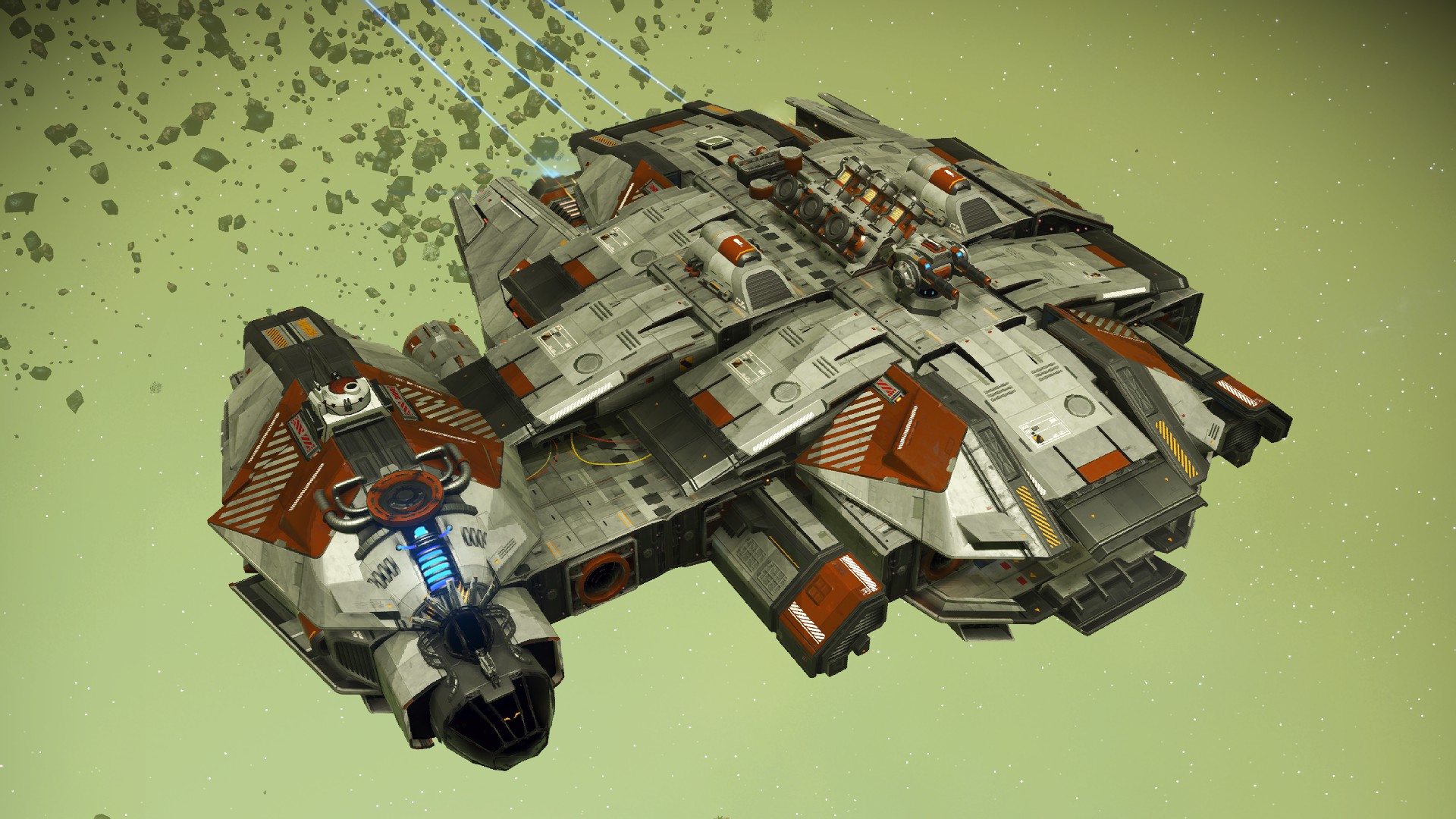 Welcome to the build guide for the LT-3570 Tetsudon class corvette. This is my second corvette build guide for No Man's Sky. If you're interested in an asymmetrical ship with a saucer-like design then go check out my guide for the YT-2400 Outrider or the simplified YT-2400 Outrider.
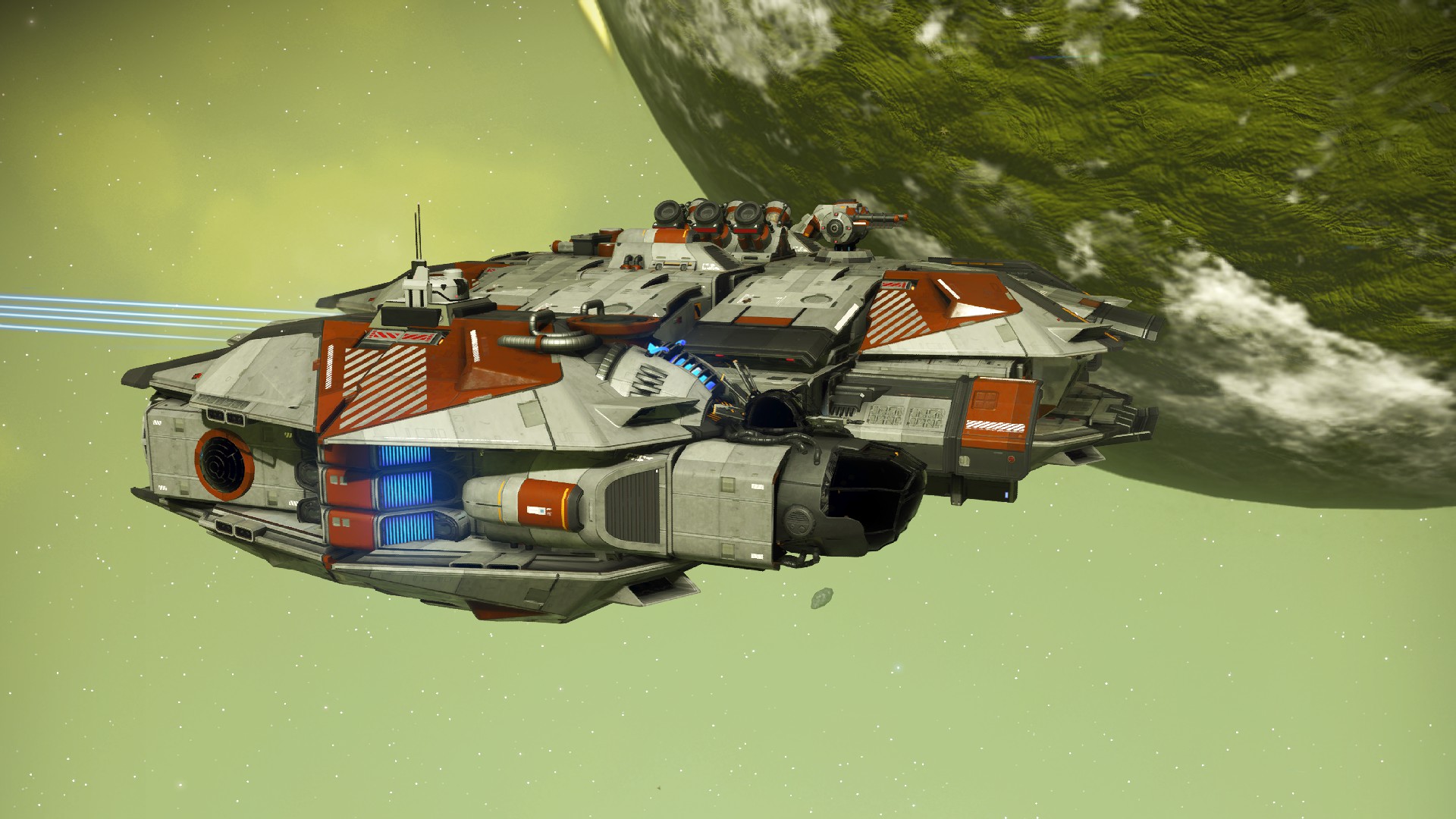
To check out more images of this ship from different angles, skip to the very last section.
Why Tetsudon? Well, testudo is the name of an African tortoise, and in Japanese Tetsudon can roughly translate to iron bowl. So, it sounds somewhat like calling it a tortoise while the meaning of "iron bowl" fits a round or oval starship pretty well. Mostly, I thought it sounded cool.
This guide will have step by step pictures so minimal reading will be necessary, and there are no mods used so anyone should be able to do it. There is some minor glitch building involved using offset parts, but I'll also go over how to do that when the time comes.
Anyway, let's get started.
Main Body
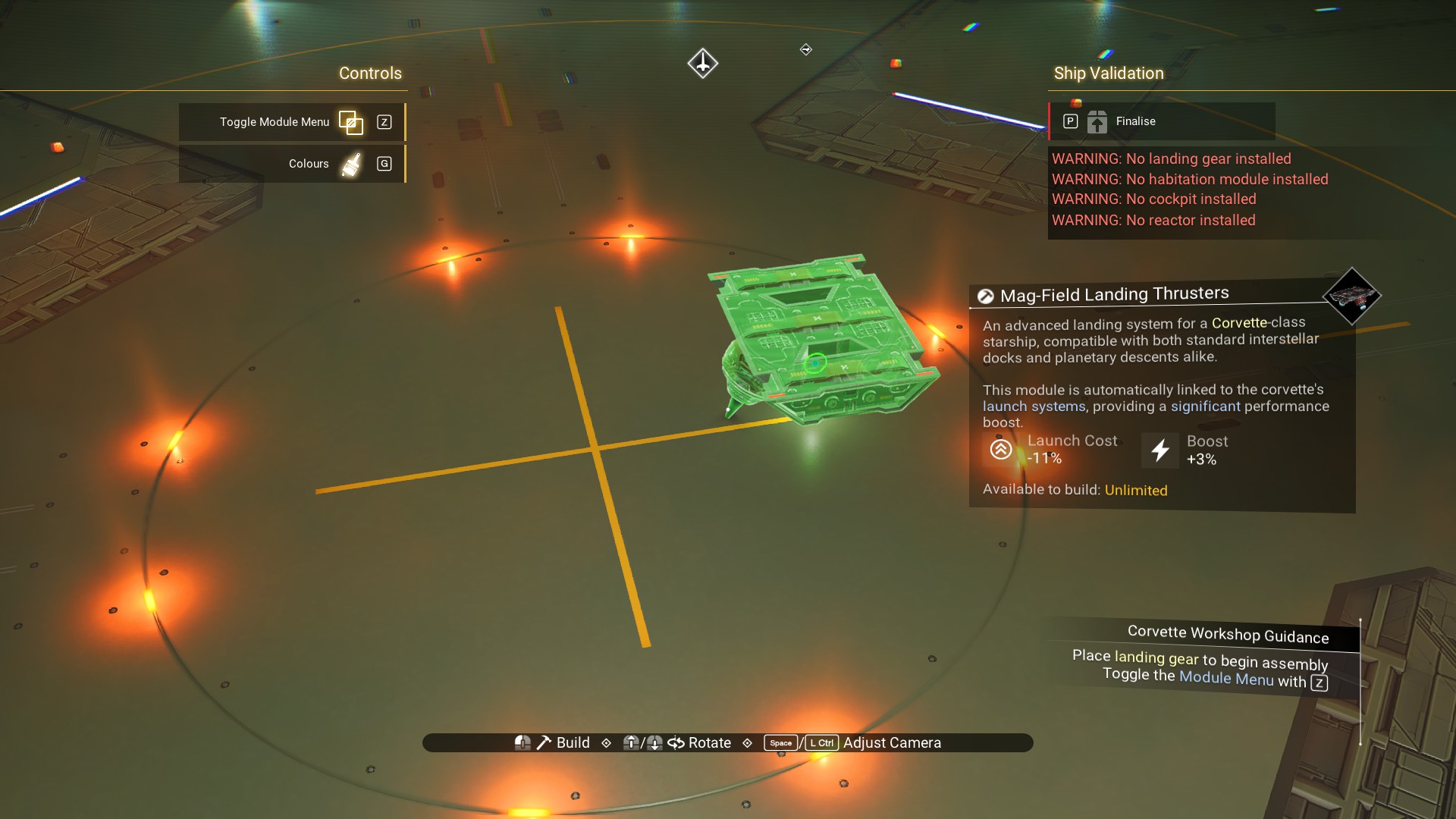 Place a habitation module on top, with the landing gear toward the rear of the module.
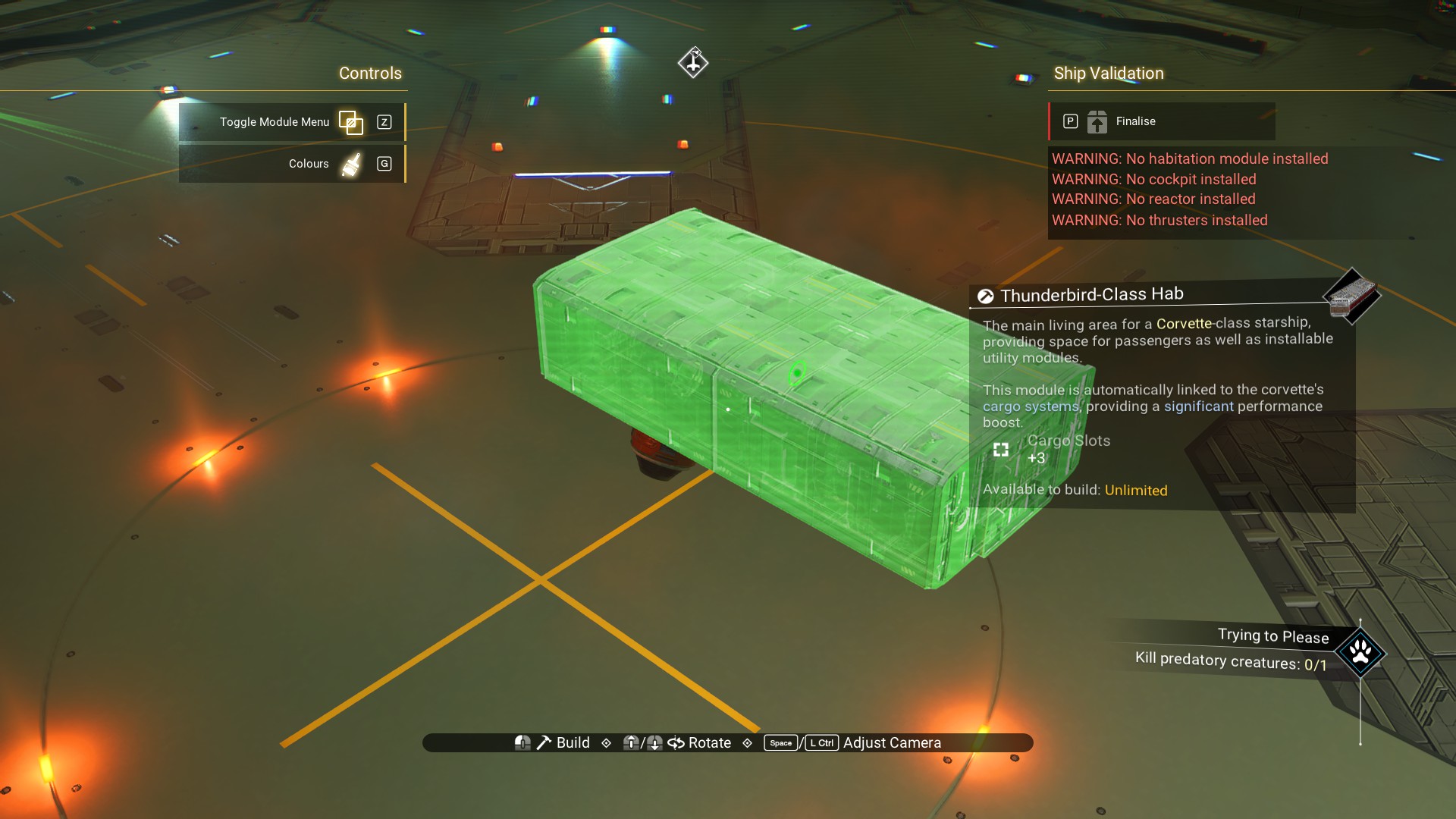 Walkway on the left.
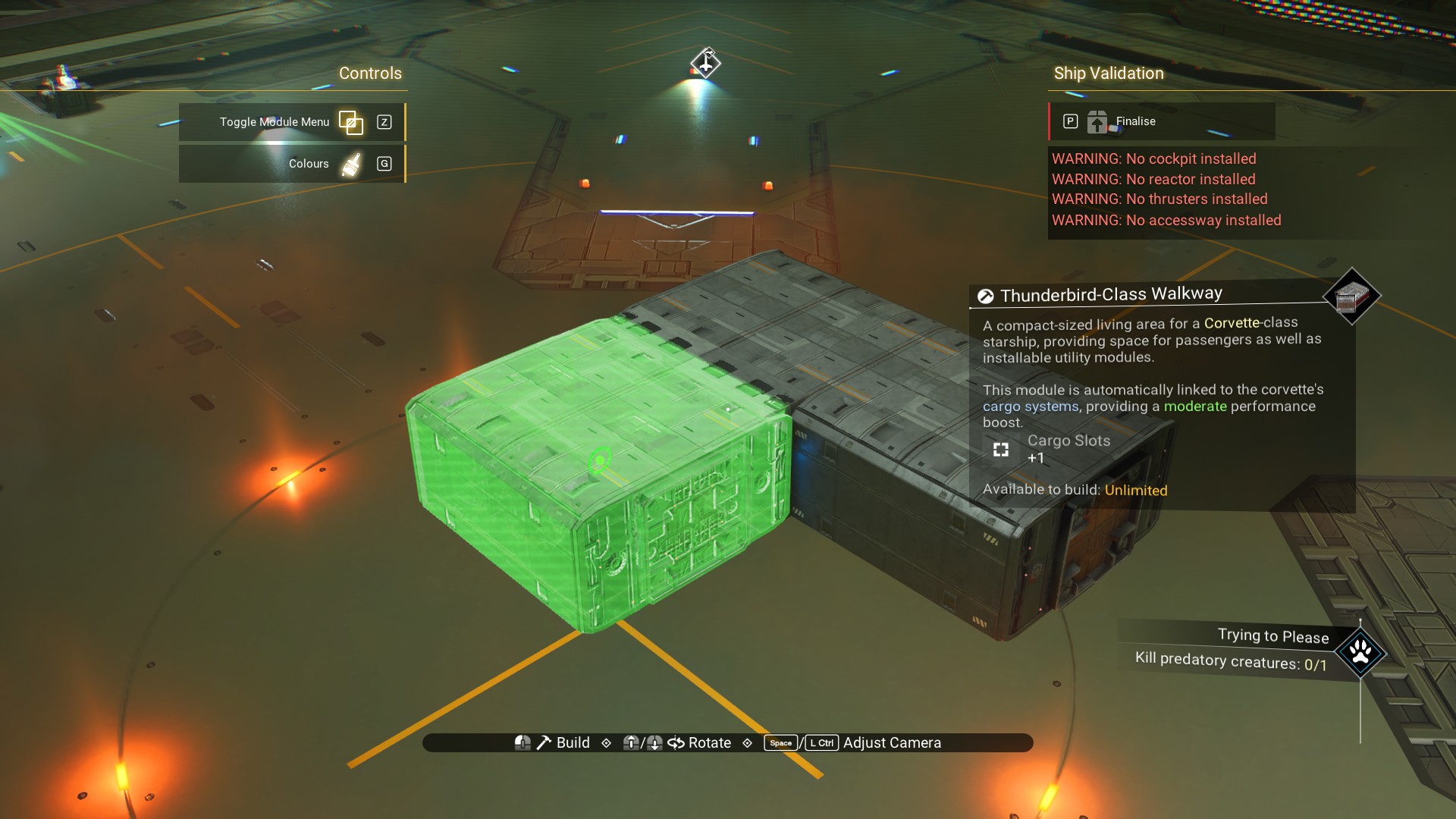 One on the right.
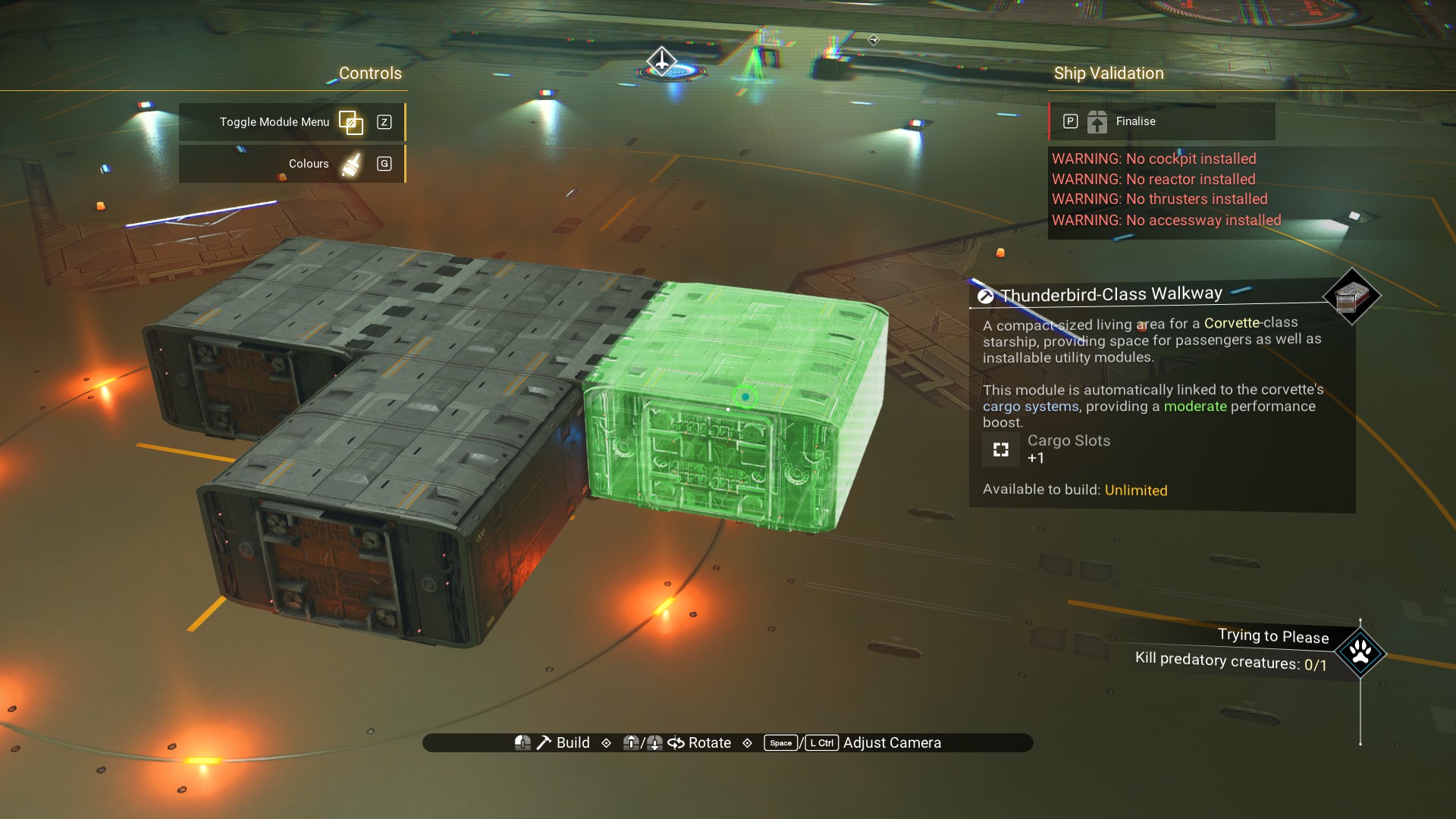 And, another on the rear.
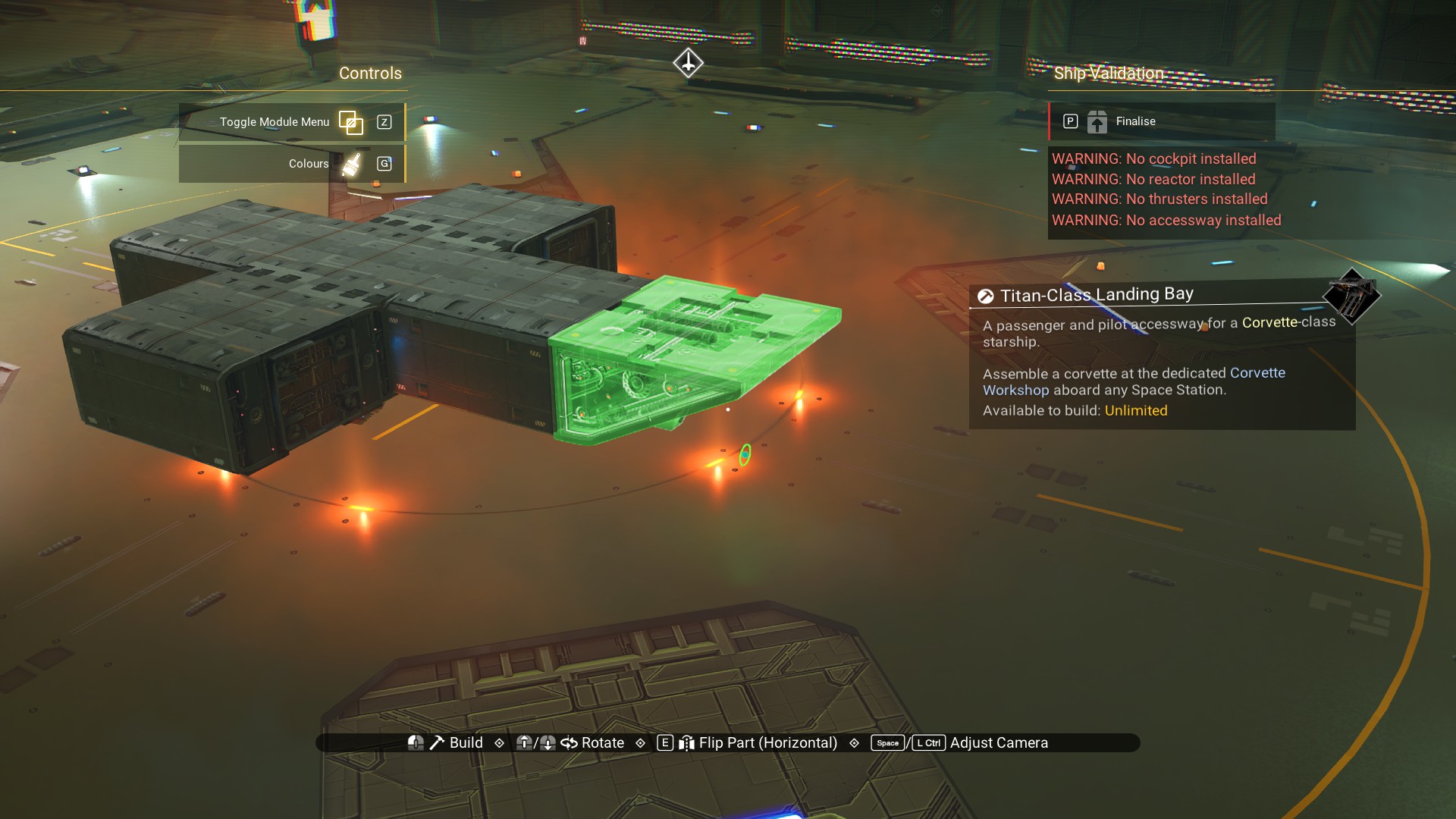
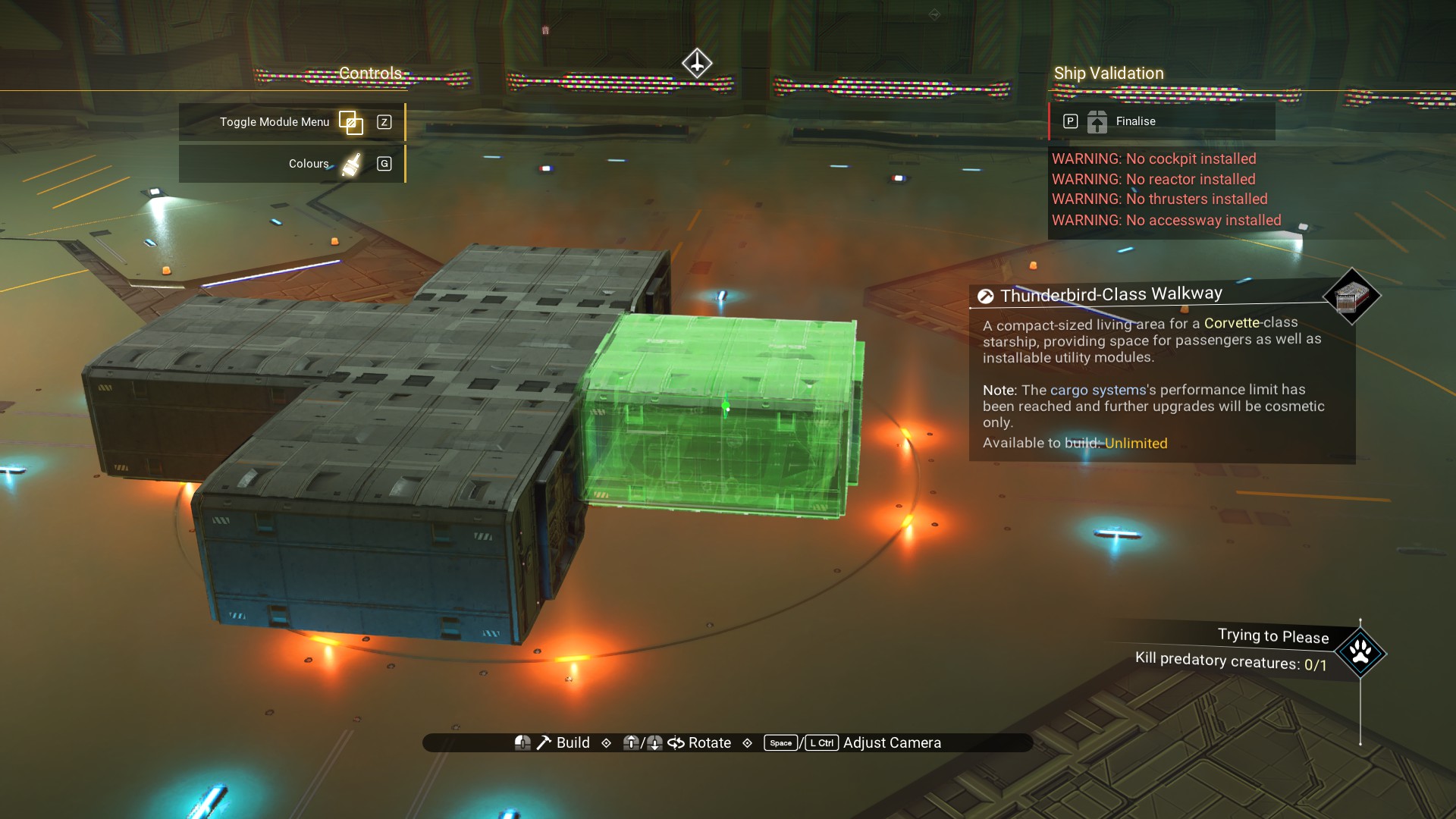 Landing bay on the rear walkway.
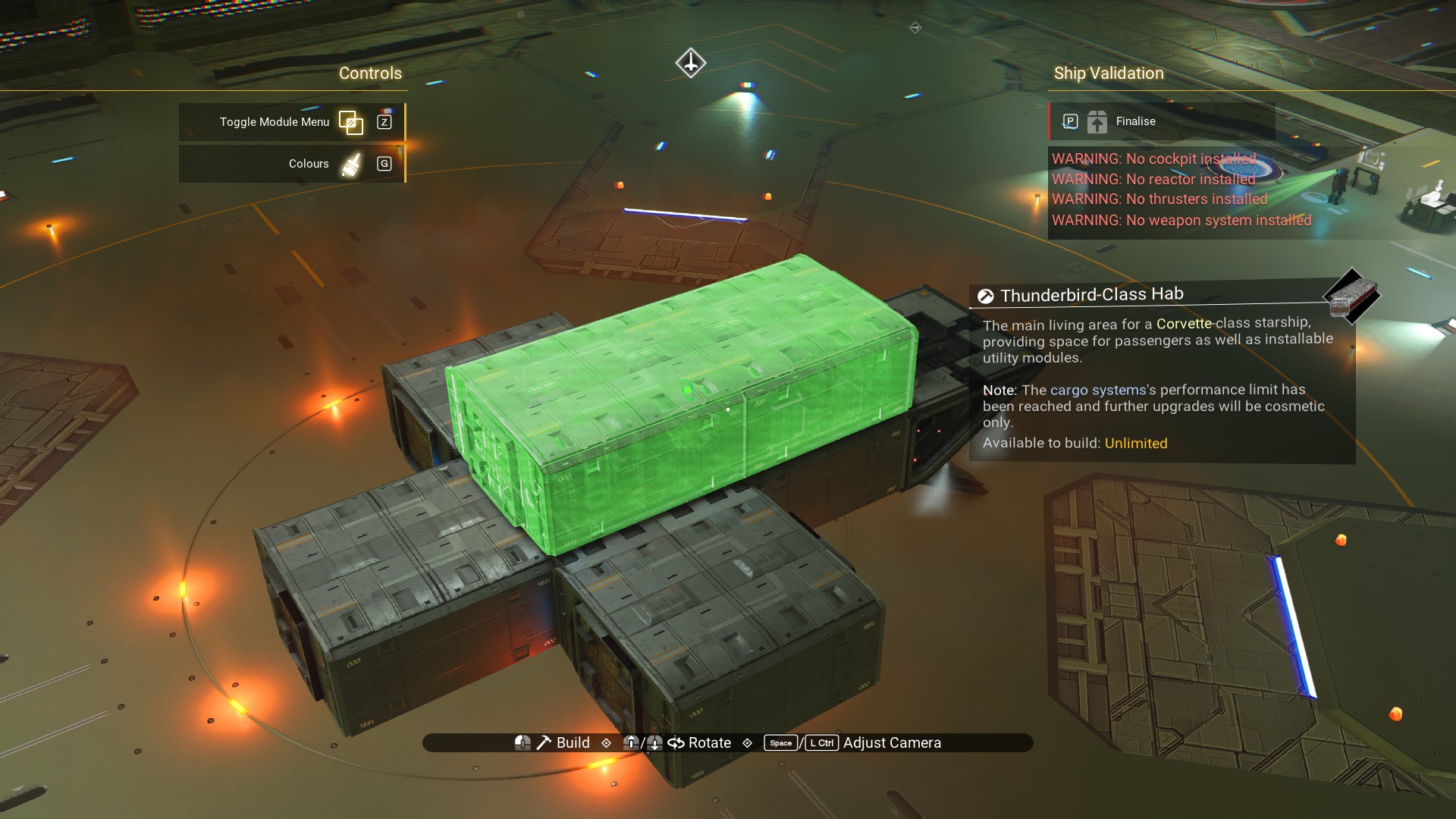
 Habitation module on top, as shown.
 Another in front.
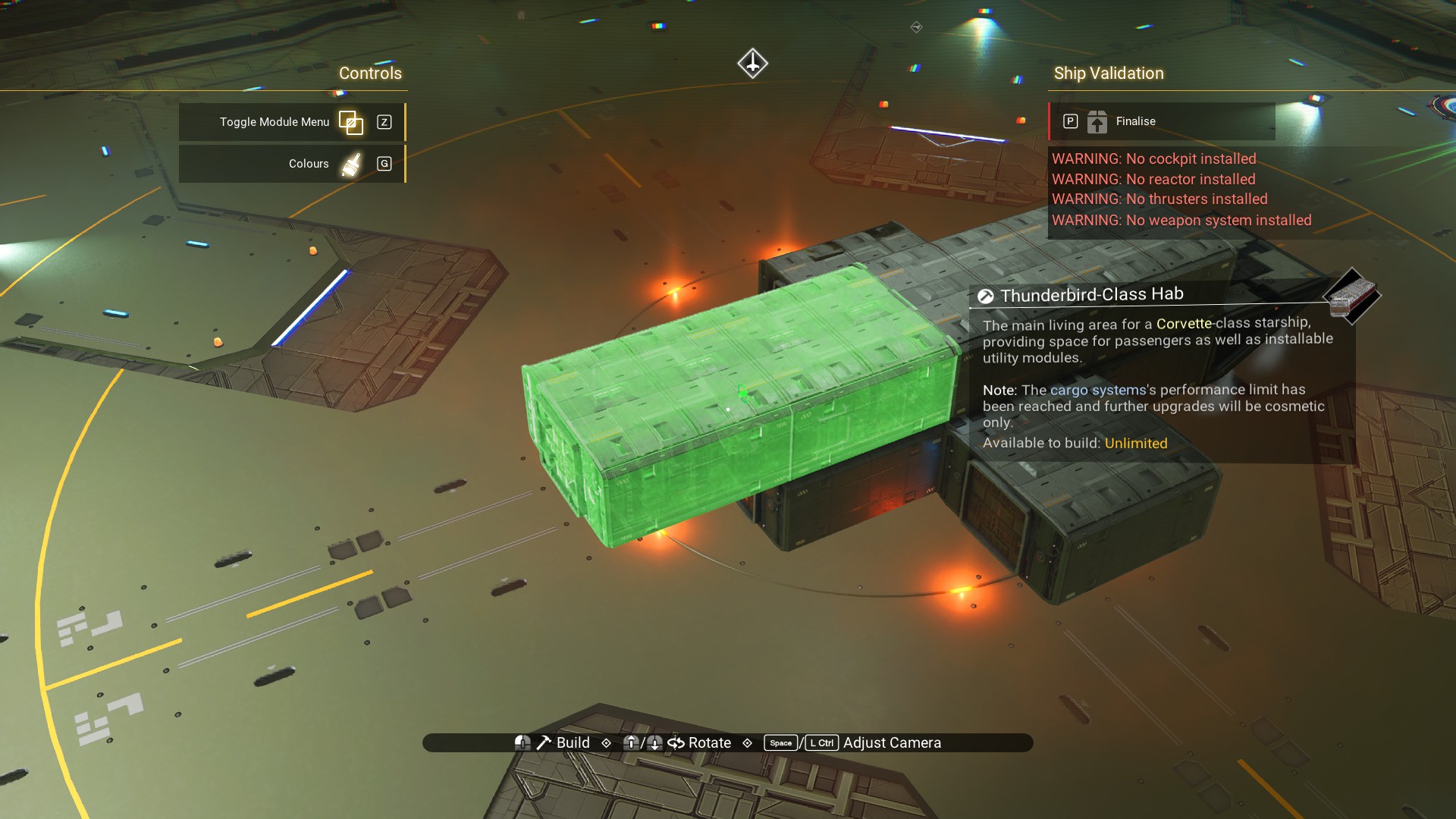 One to either side of the front module.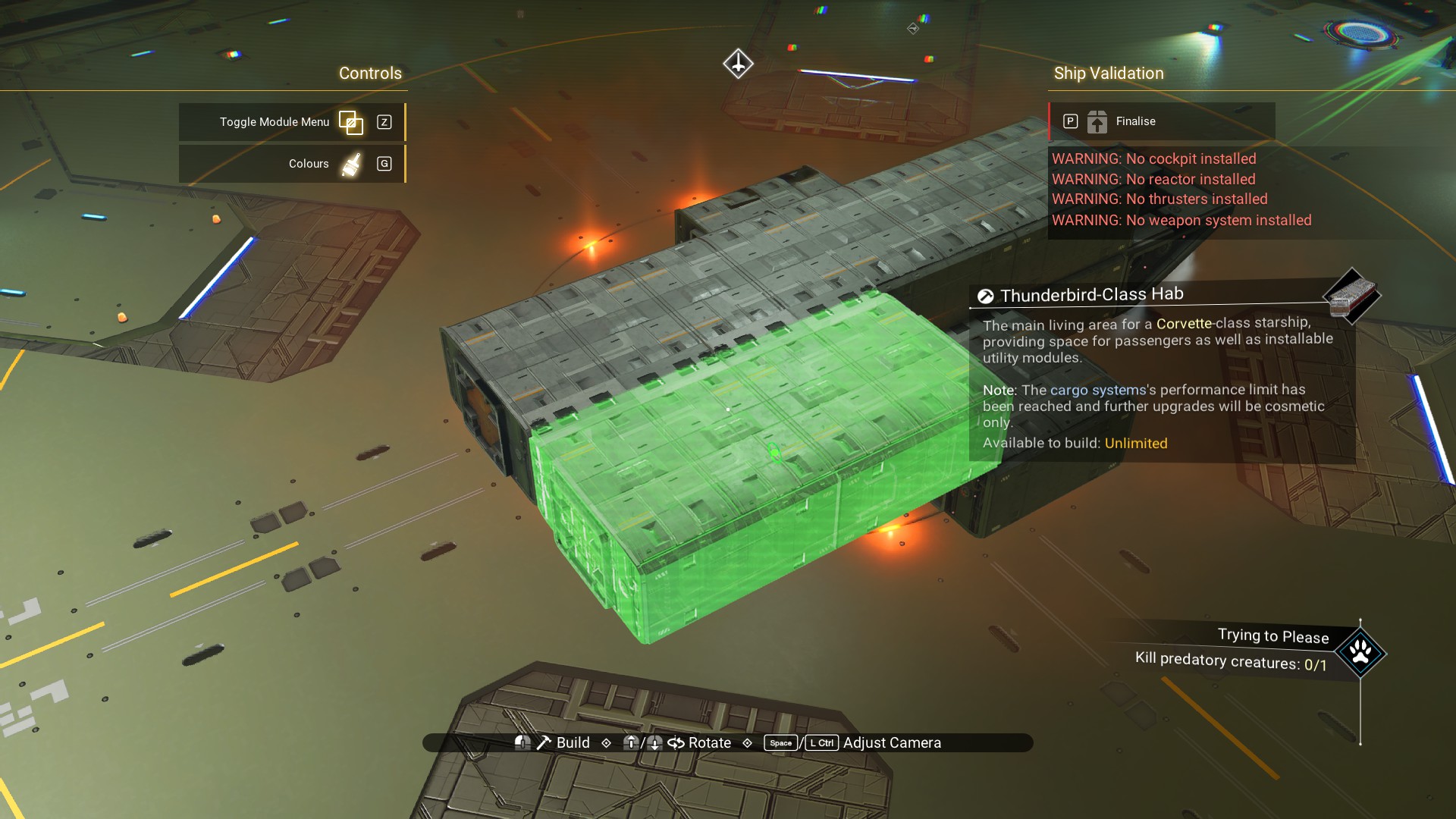
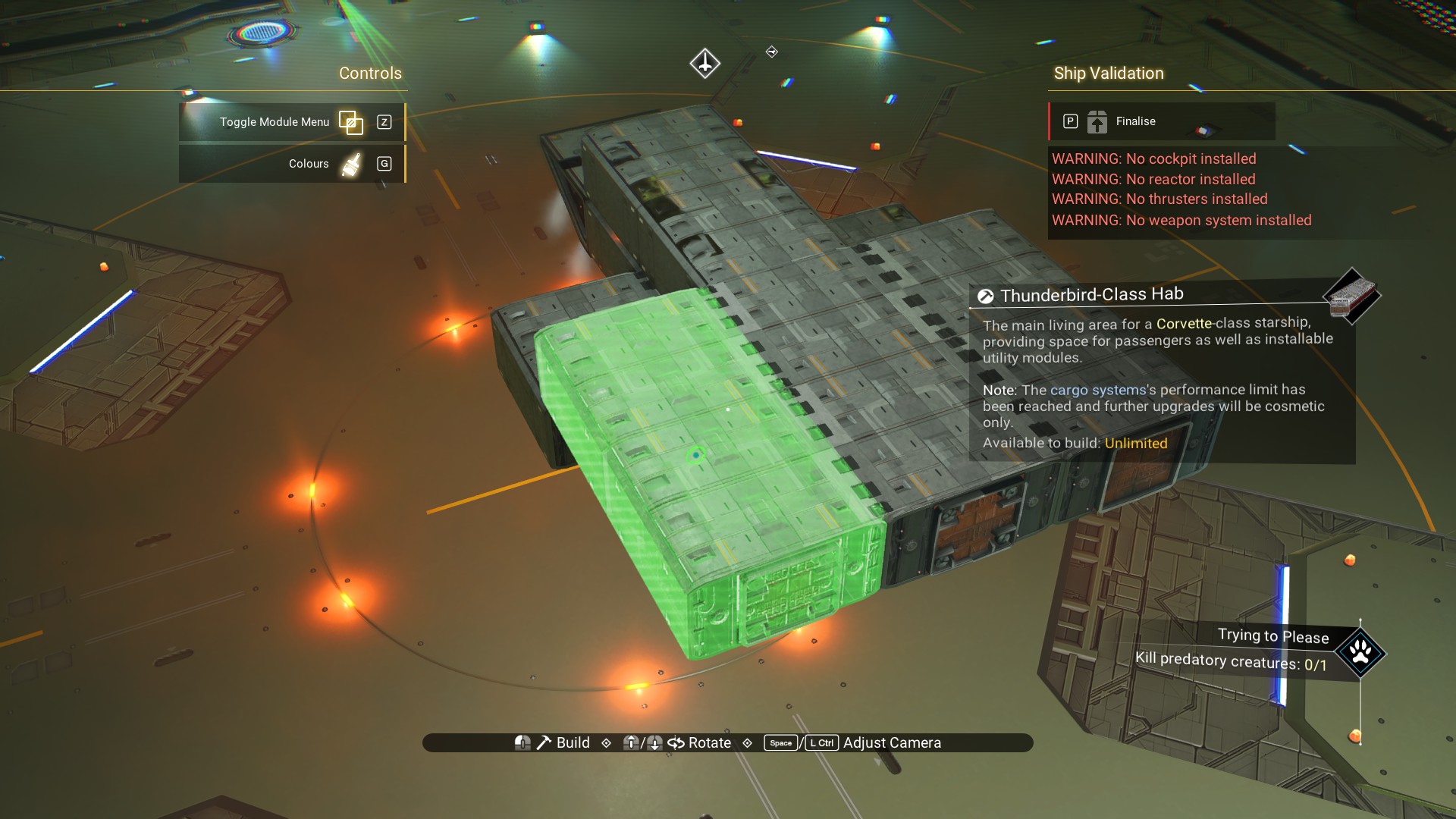
One to the rear on the starboard side of the ship (your left, if looking at the front of the ship).
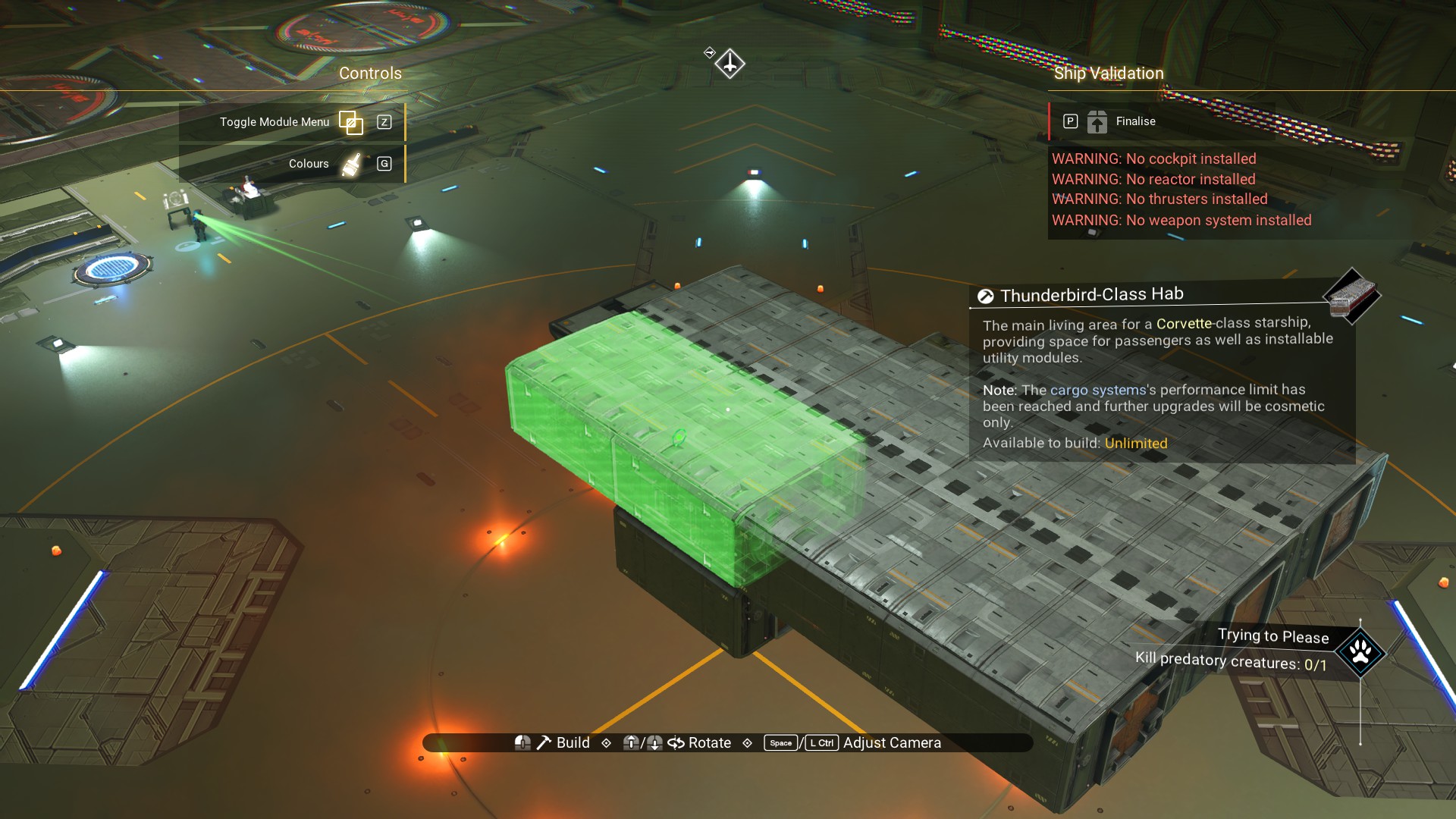 Still on the starboard side, a habitation module centered front to back.
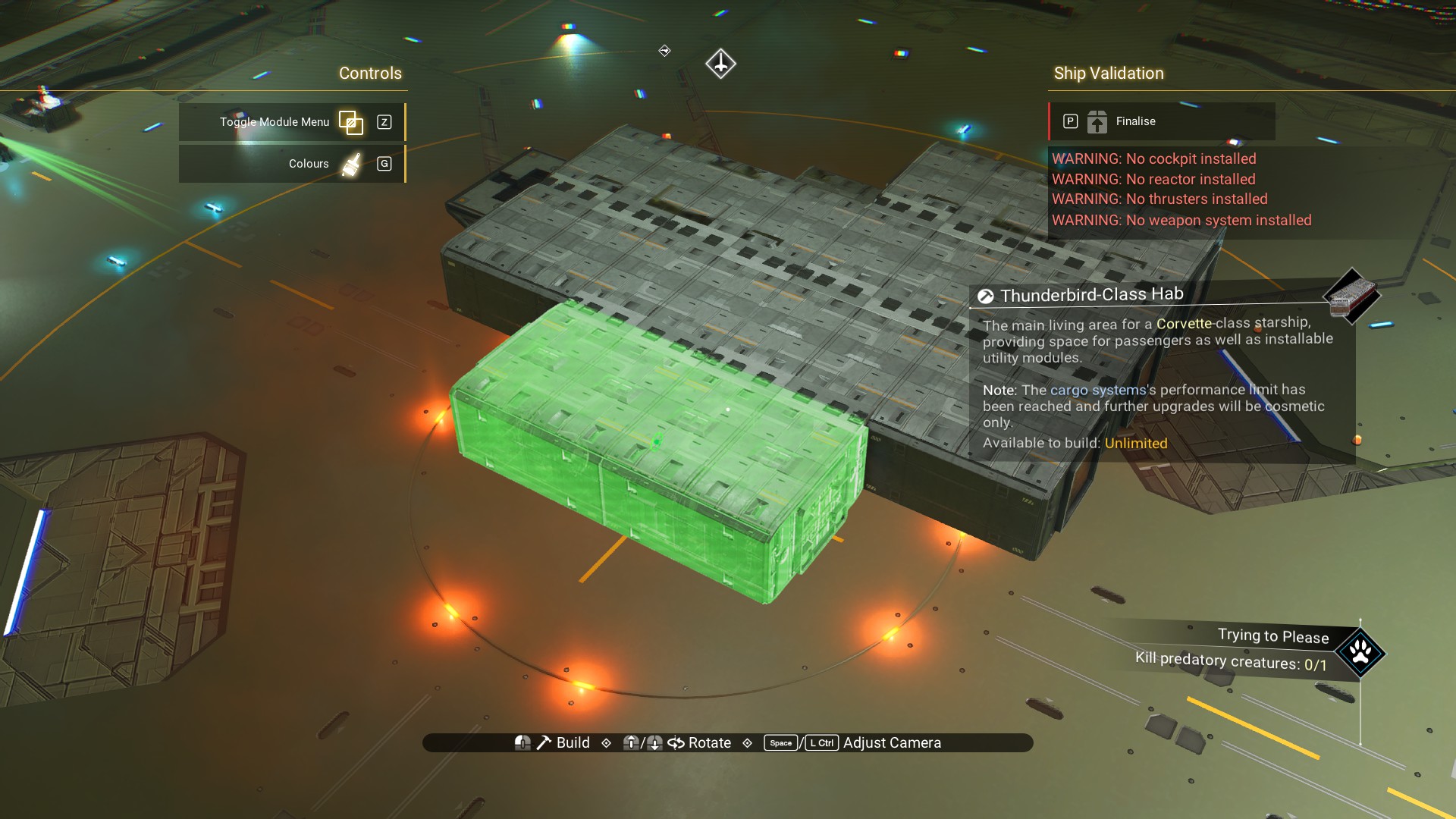 And, another beside that.
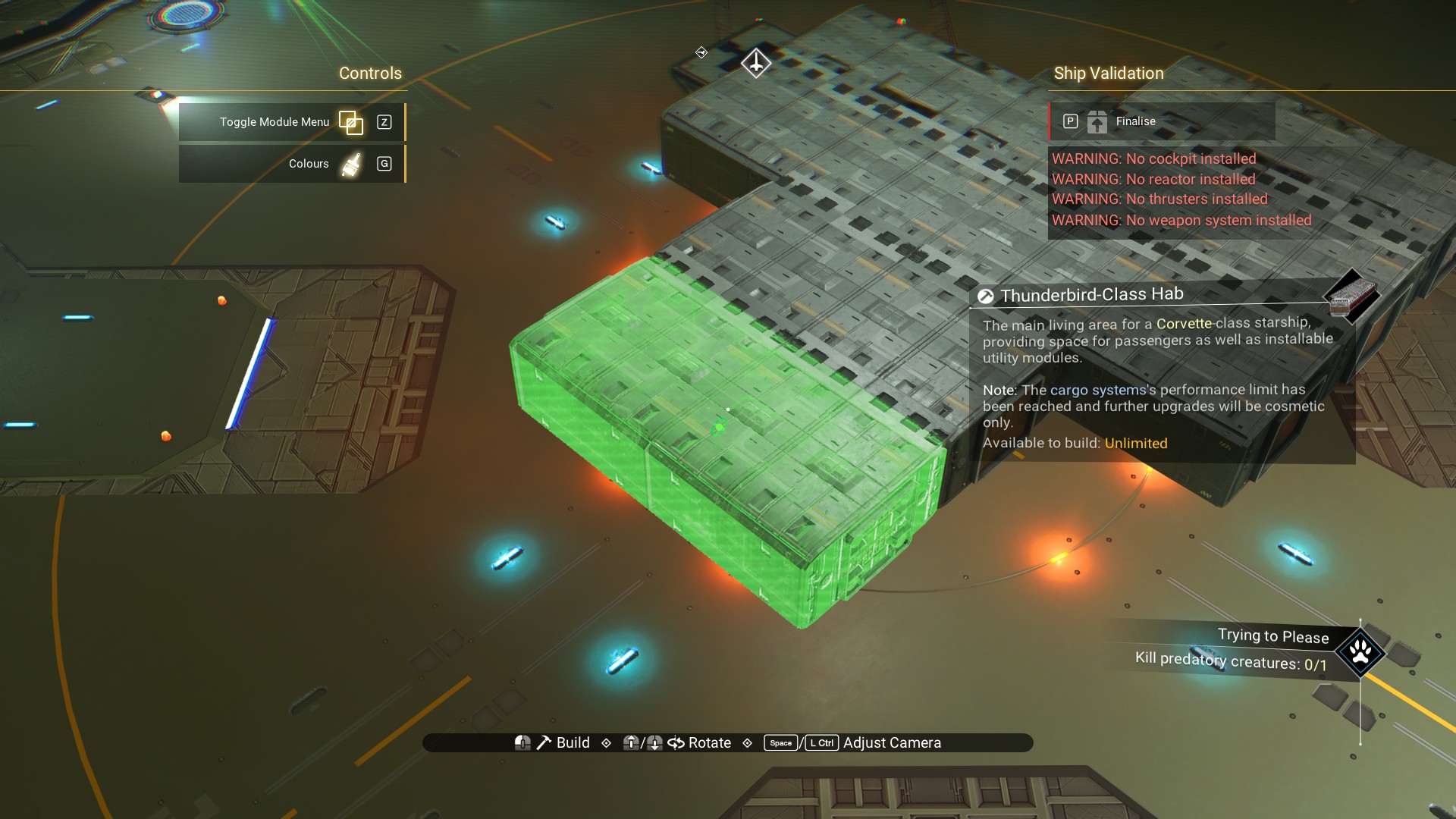 And, a third. This one will be the basis for the cockpit later on.
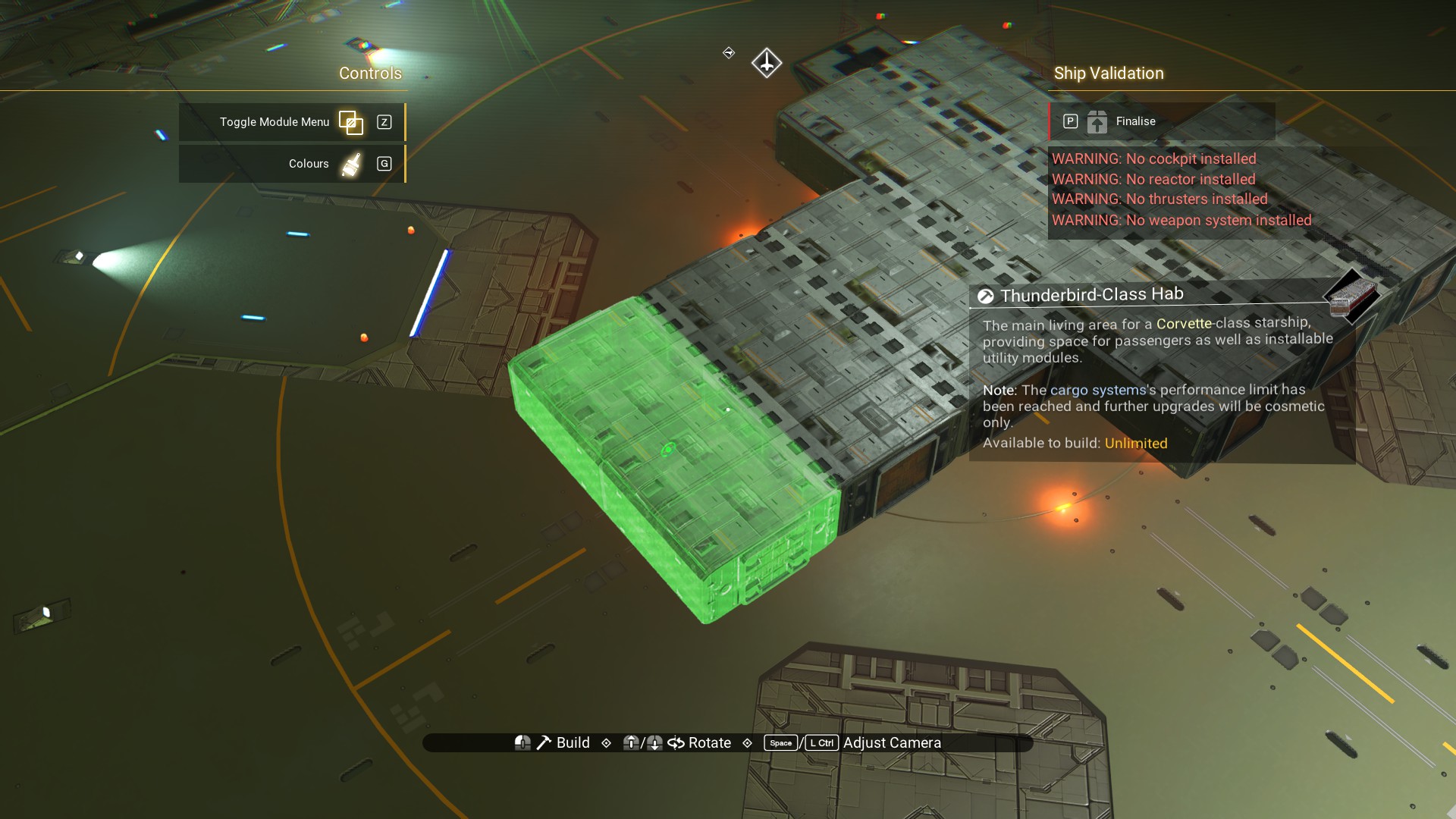 Back on the port side of the ship (your right if looking at the front of the ship), add a habitation module as shown.
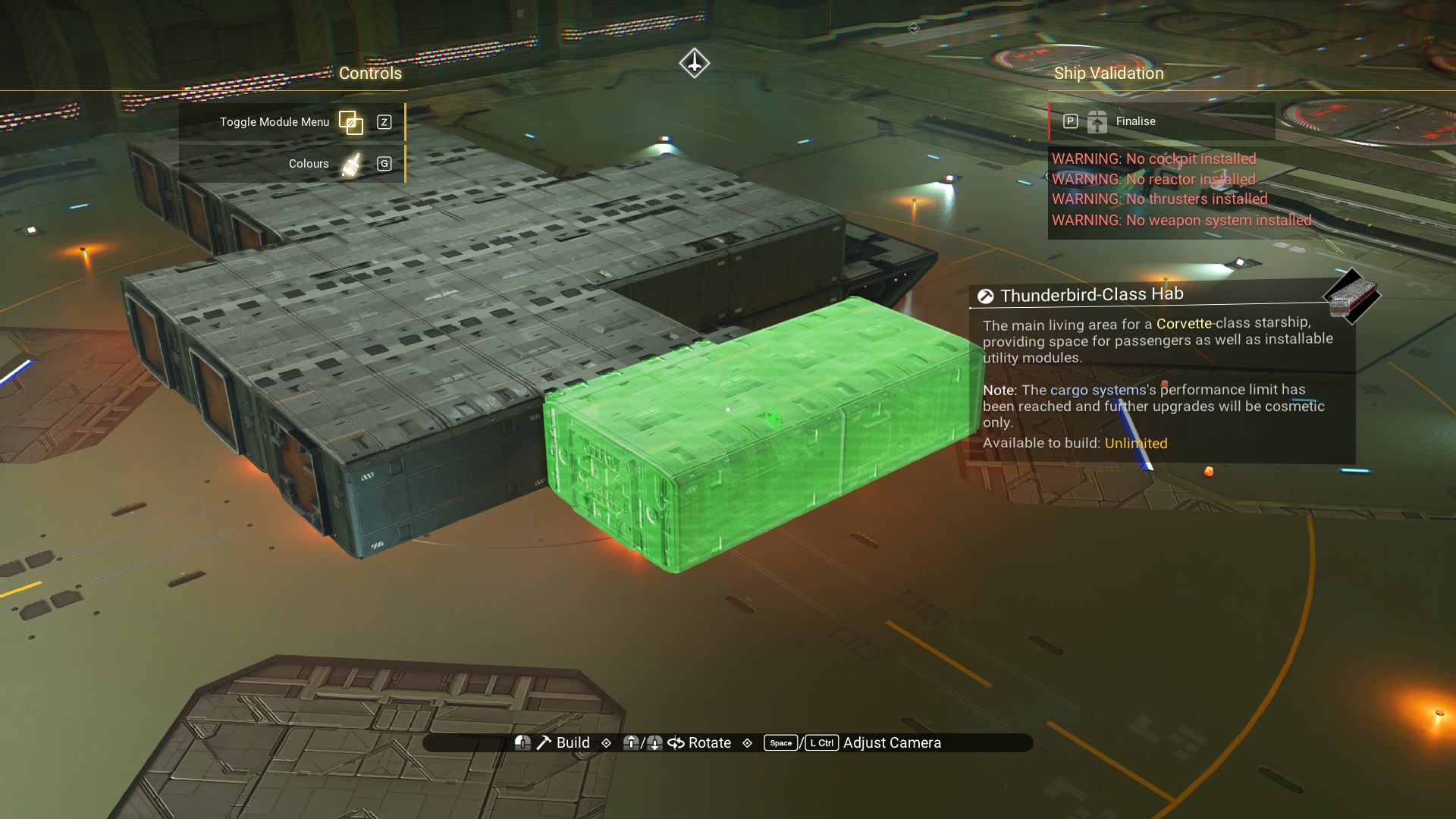 Now, add a walkway along the rear. There should be a hole left where we'll place a reactor later.
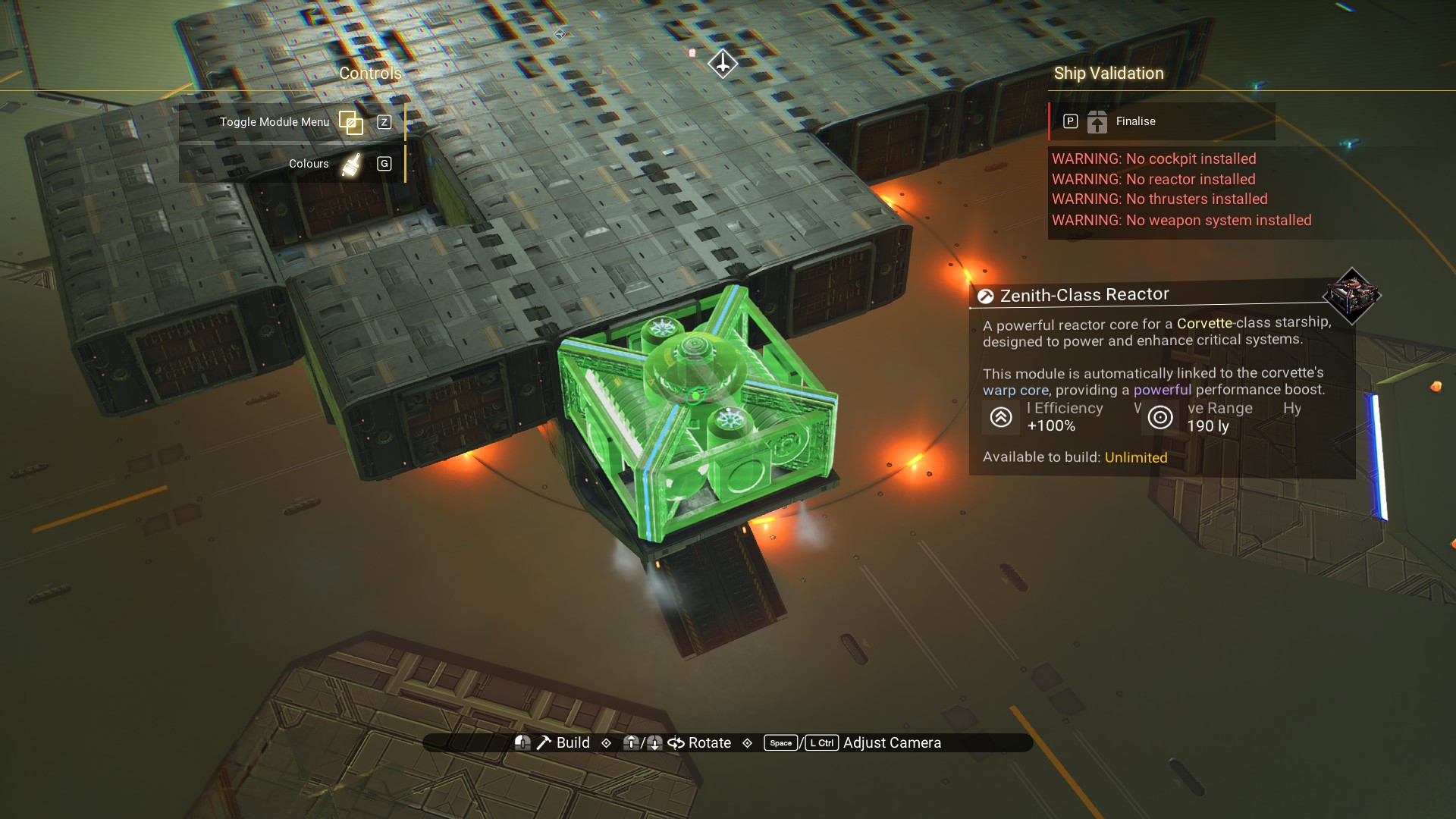
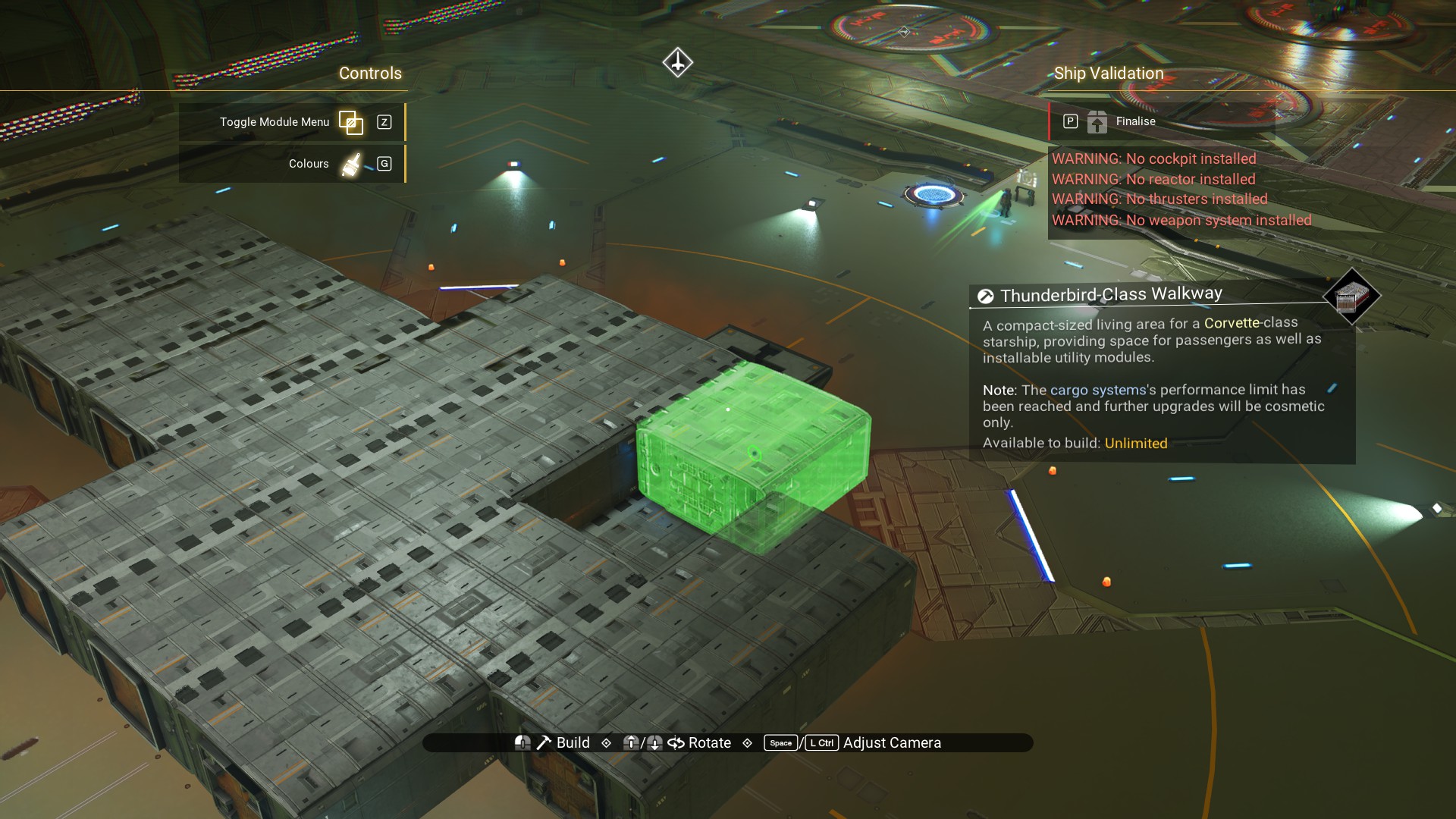 Place a Zenith Reactor over the landing bay.
 Titan thrusters, left and right of the reactor.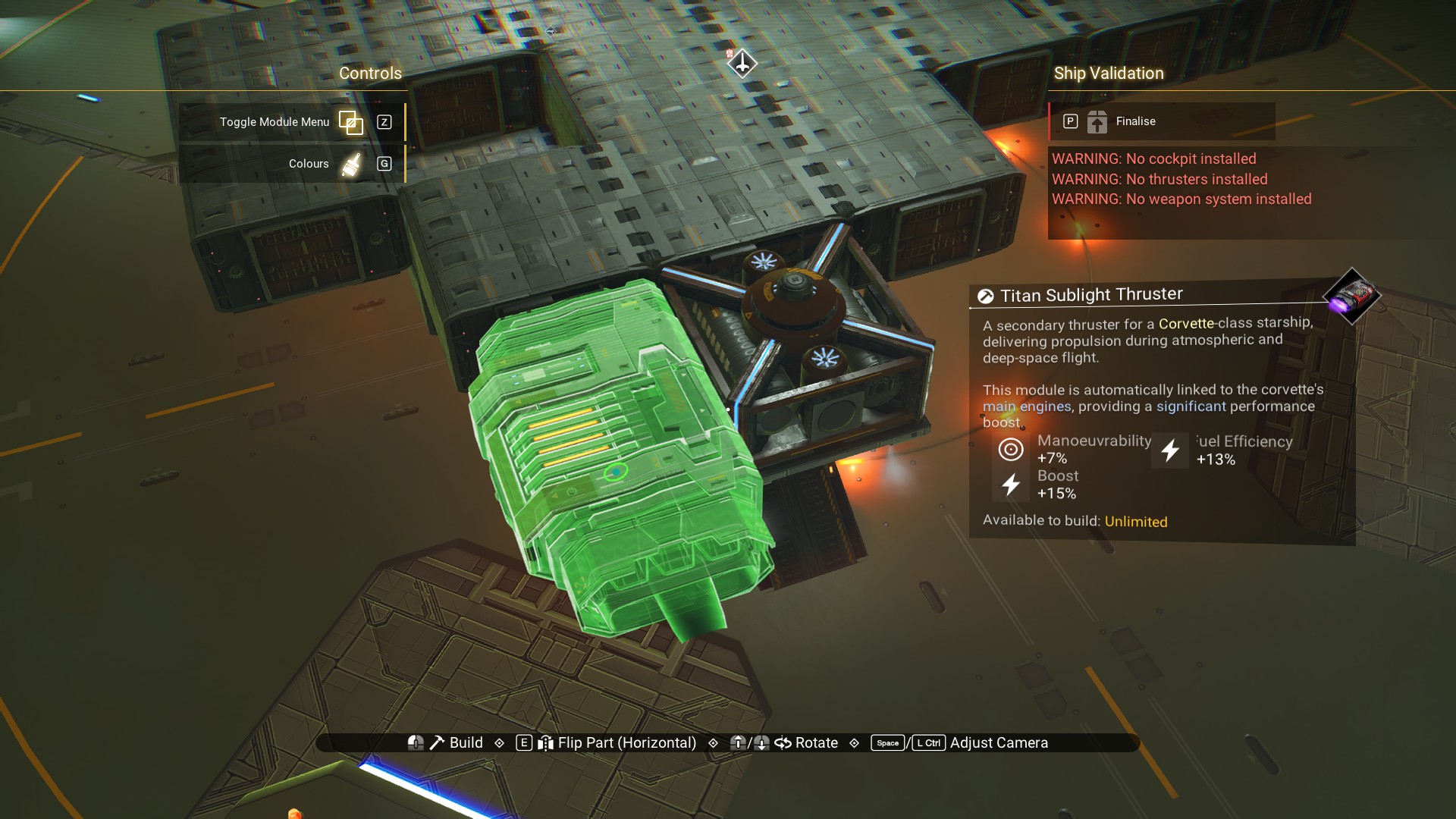
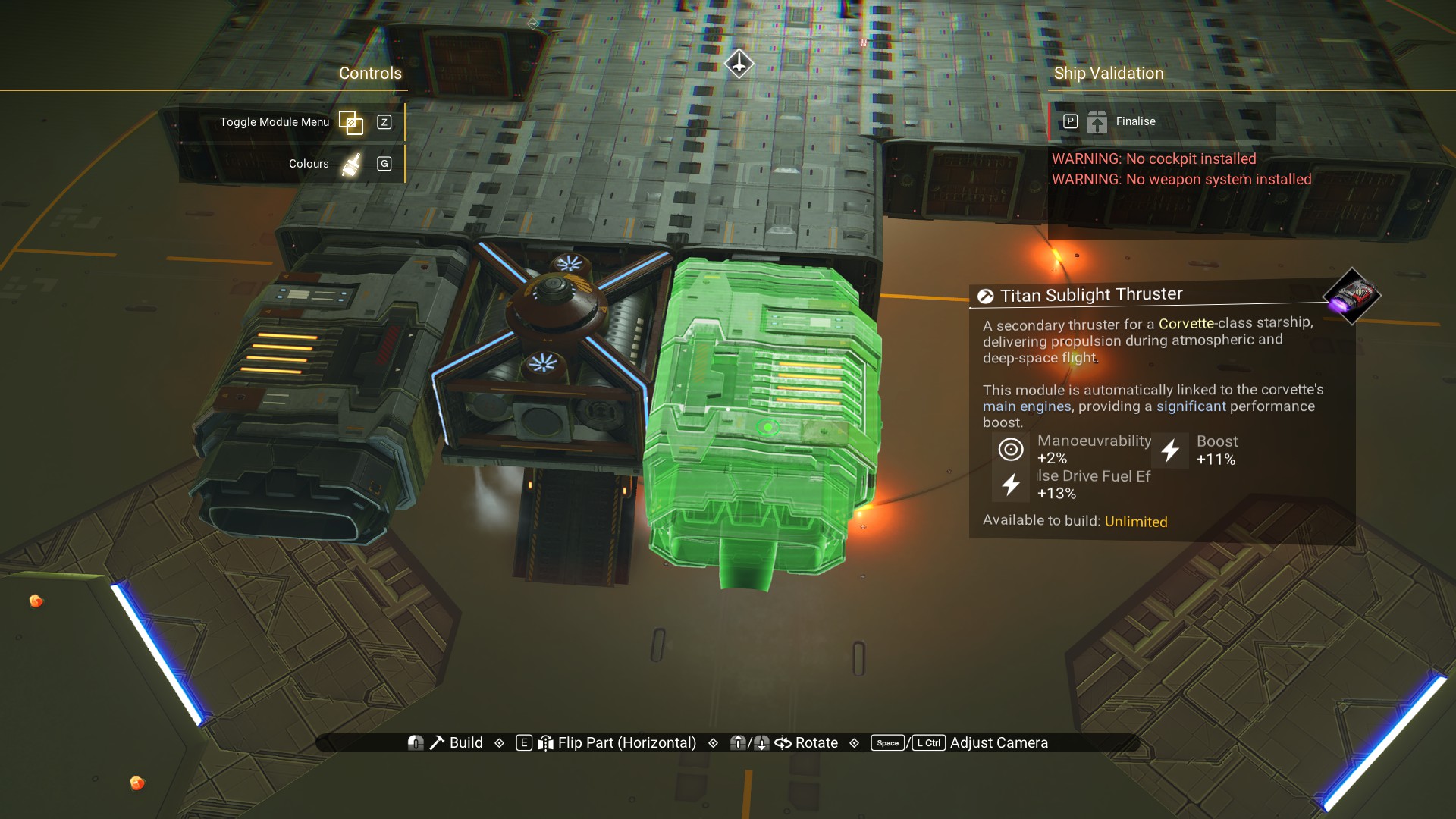
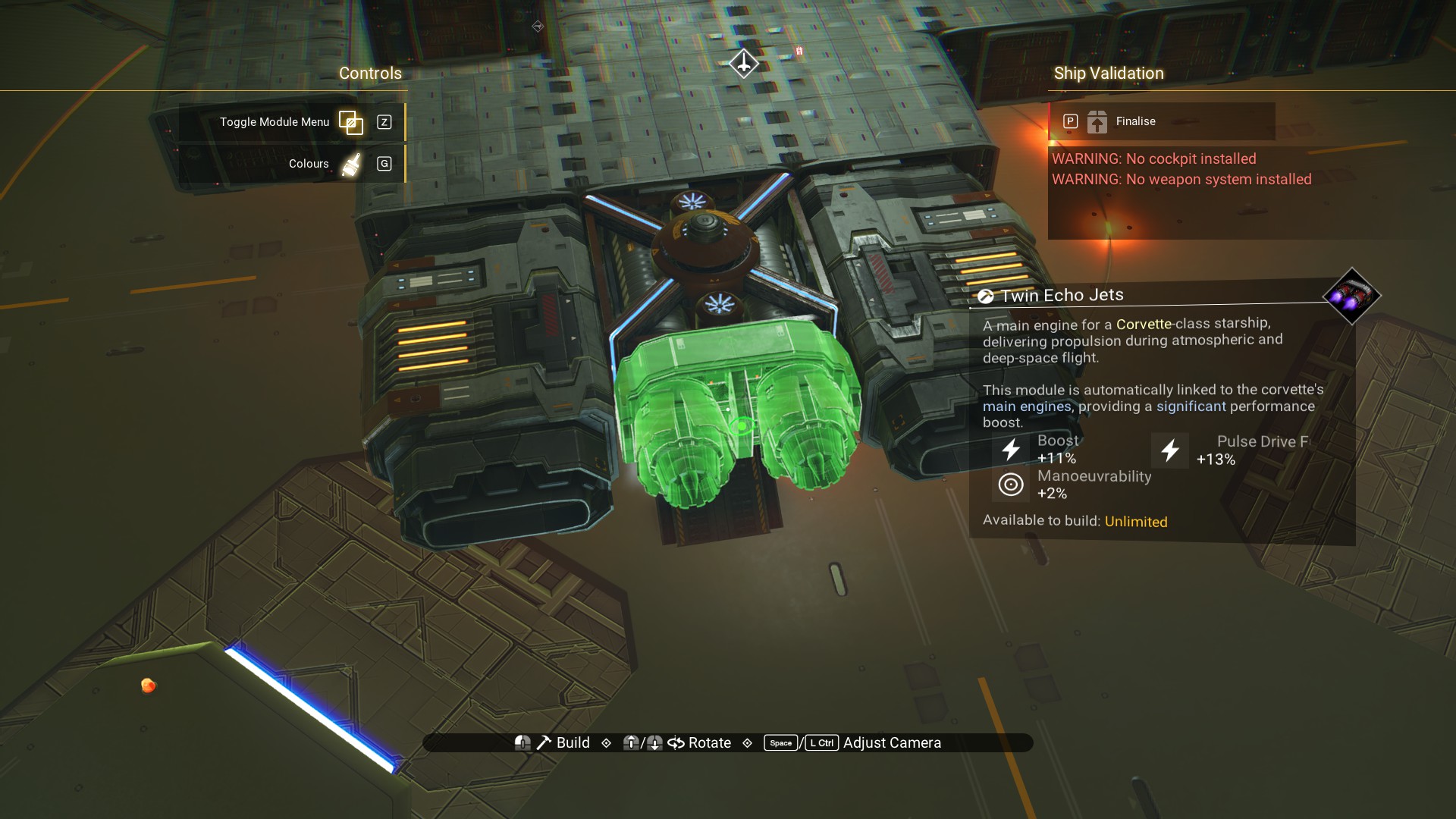
Twin Echo Jets in the middle, on the reactor.
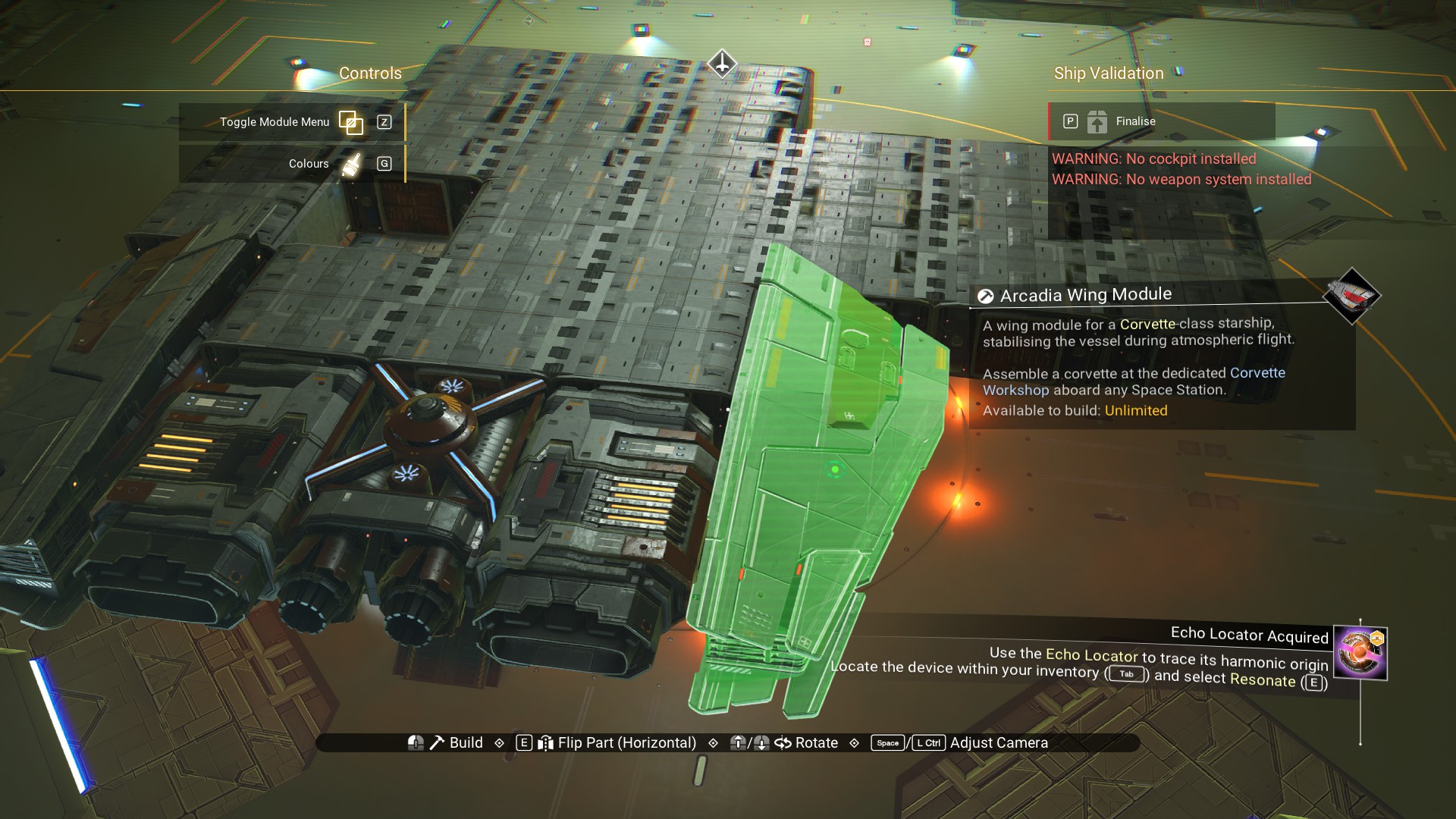
 Arcadia Wings, on the left walkway and right habitation, so they're adjacent to the engines.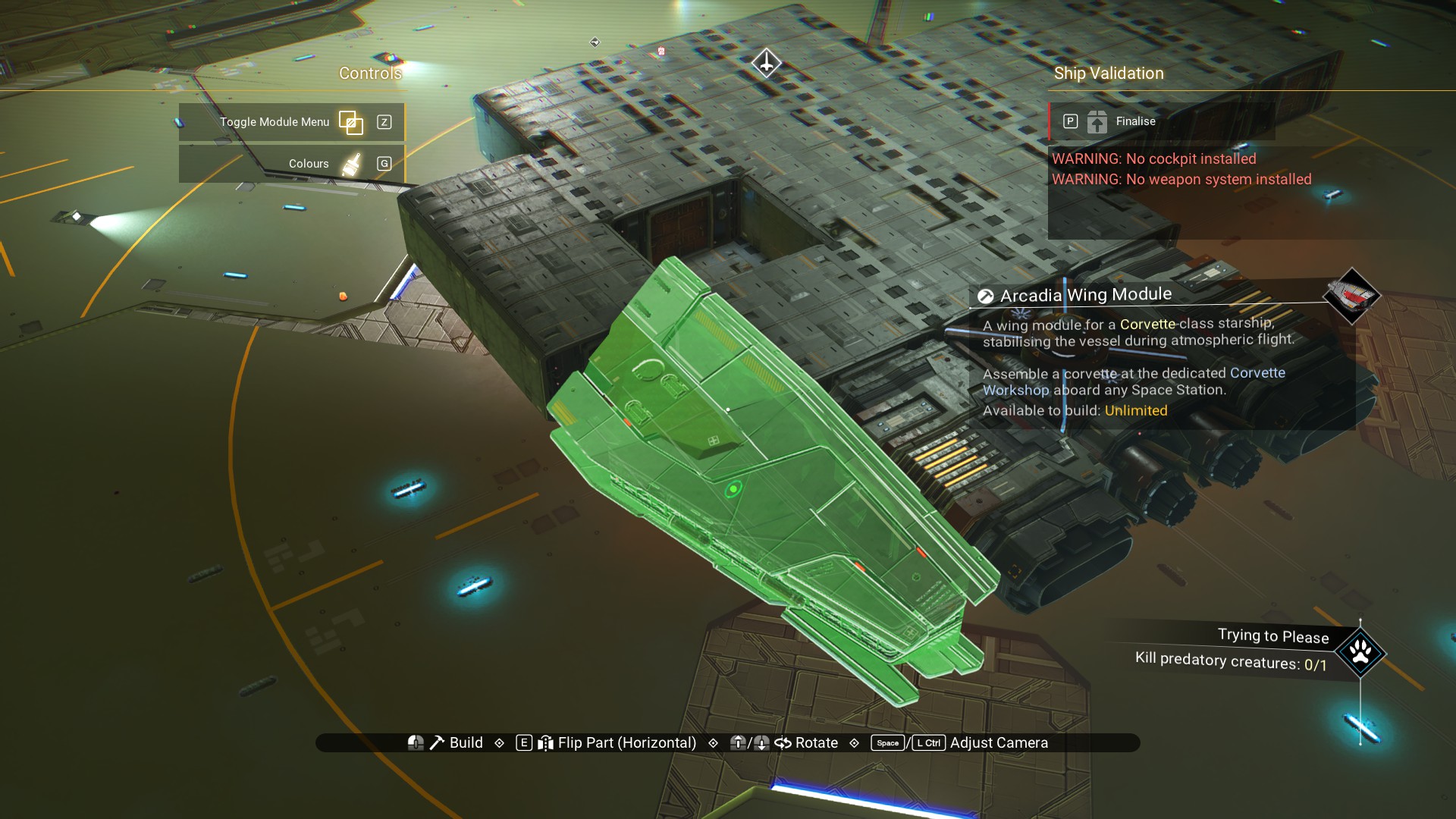
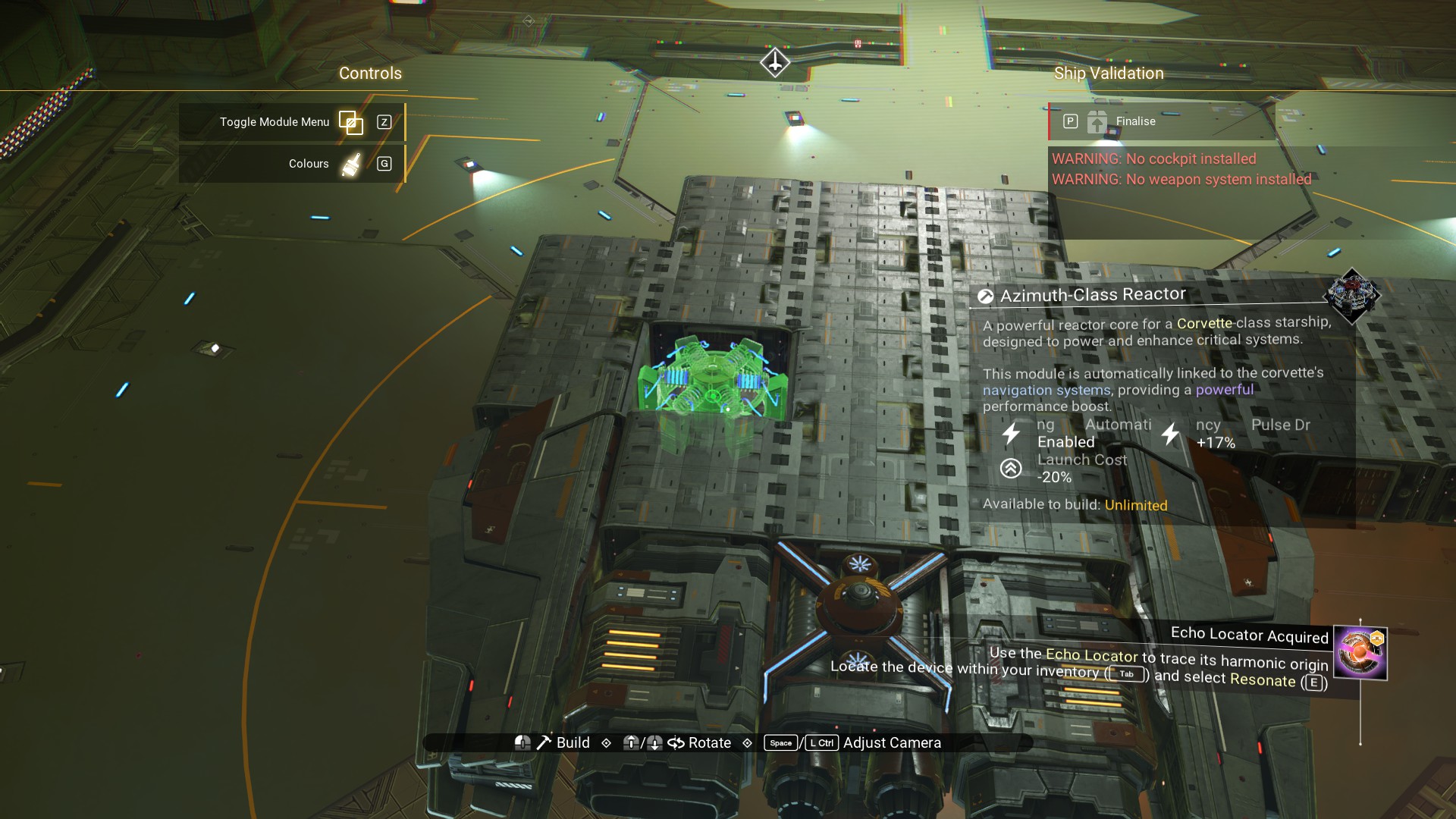
Azimuth Reactor in the hole from before.
 A habitation module on top, centered as shown.
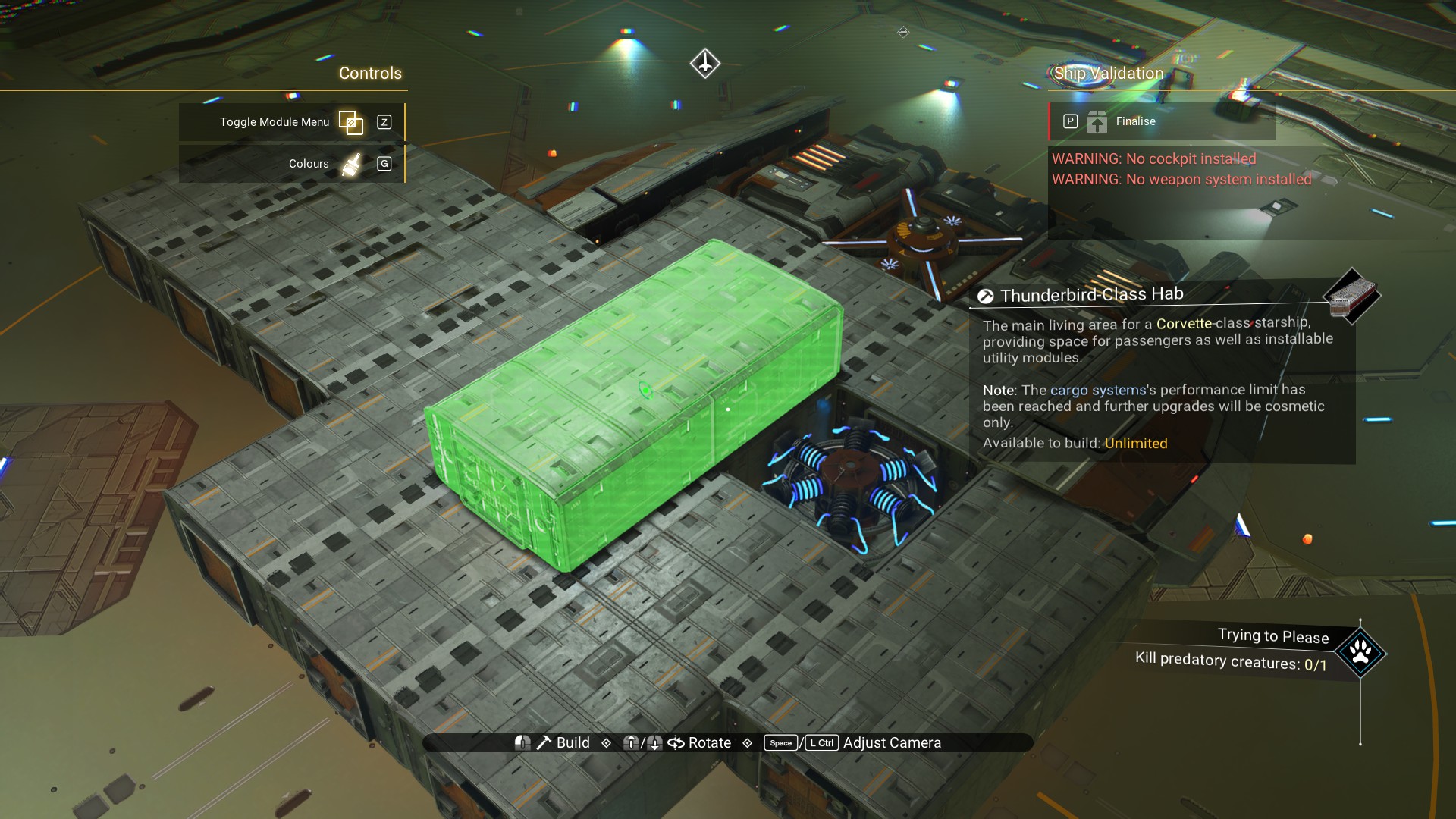 Walkway over the reactor.
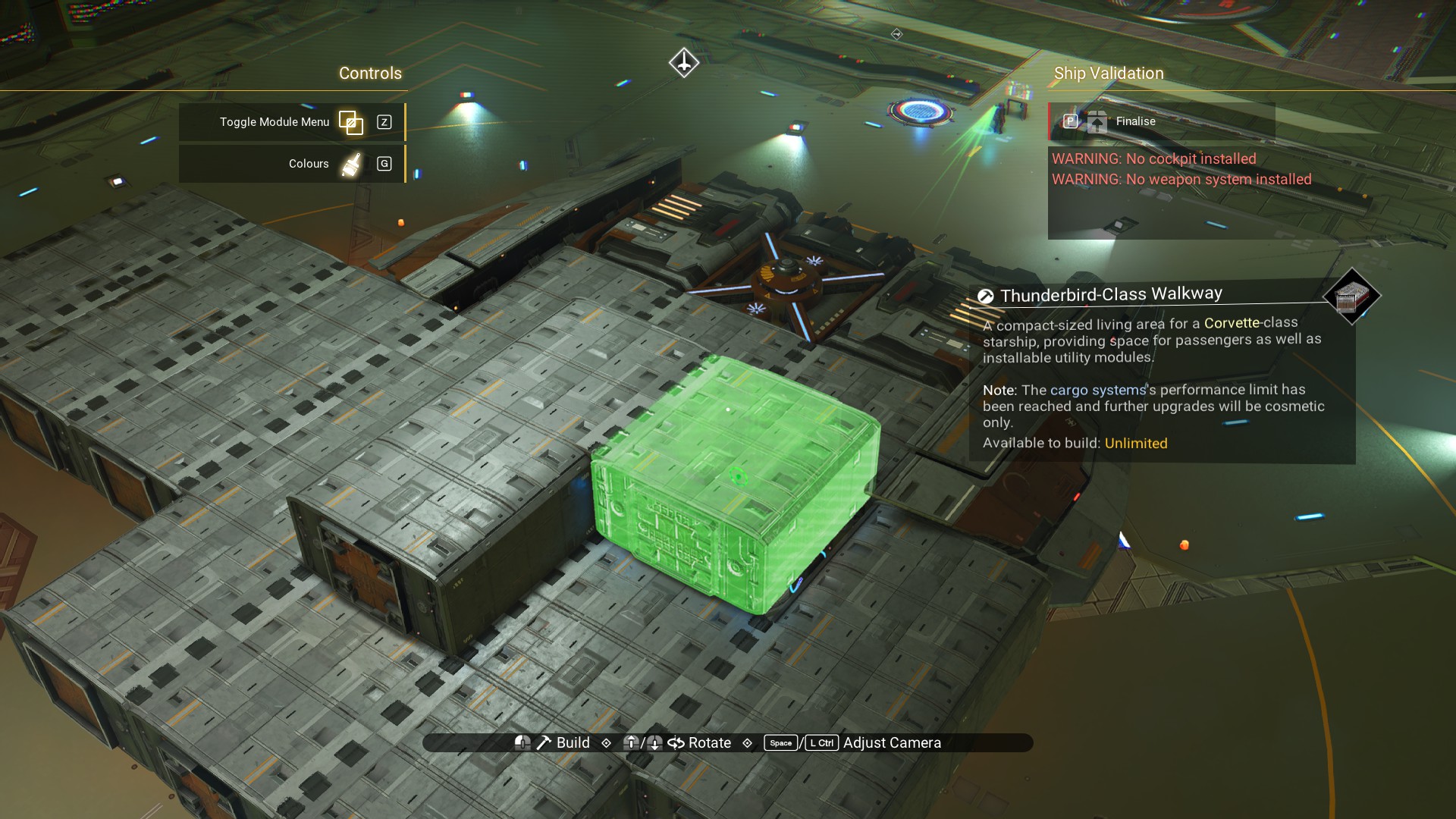 Another behind the habitation module.
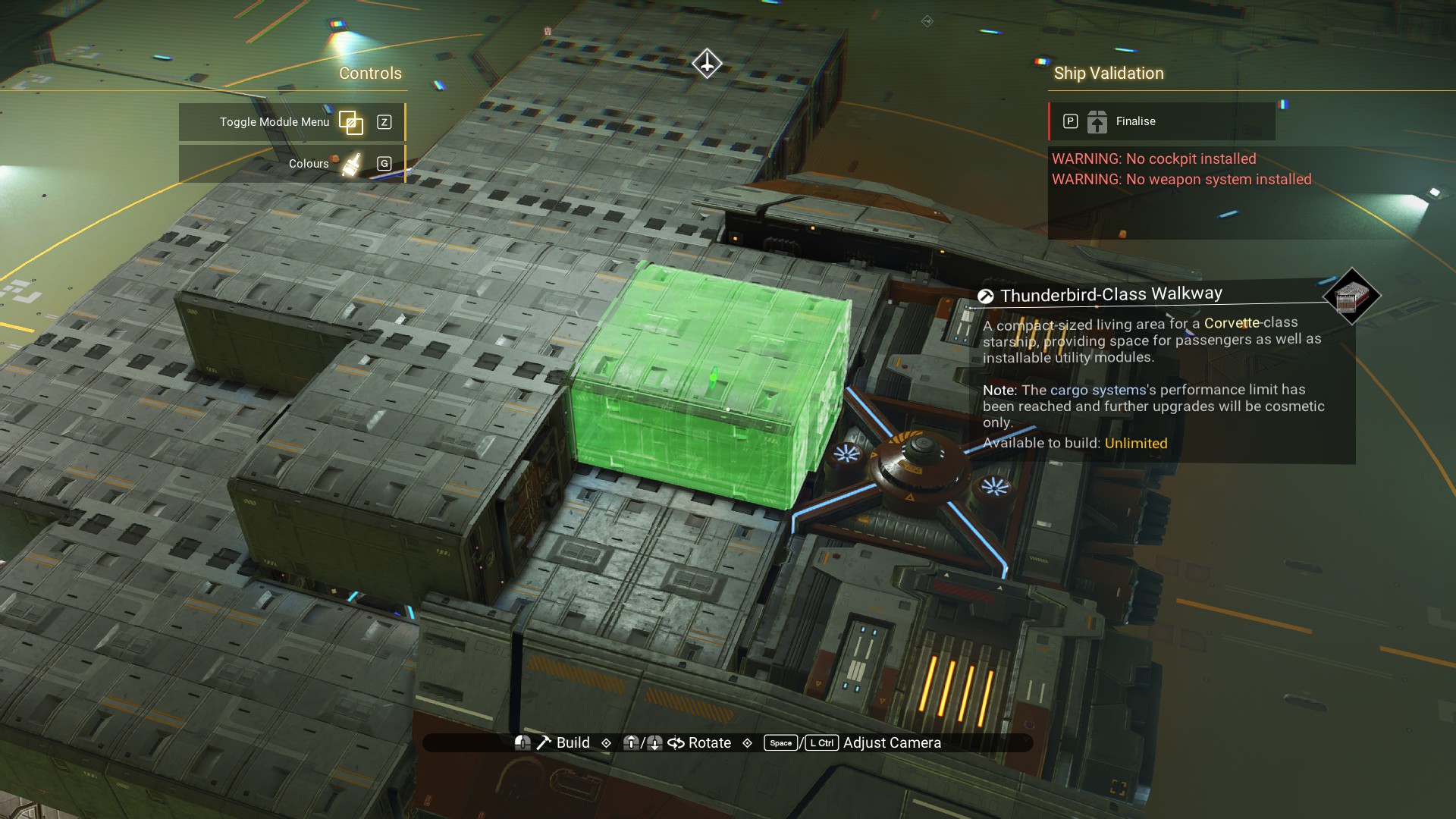 And, another on the other side.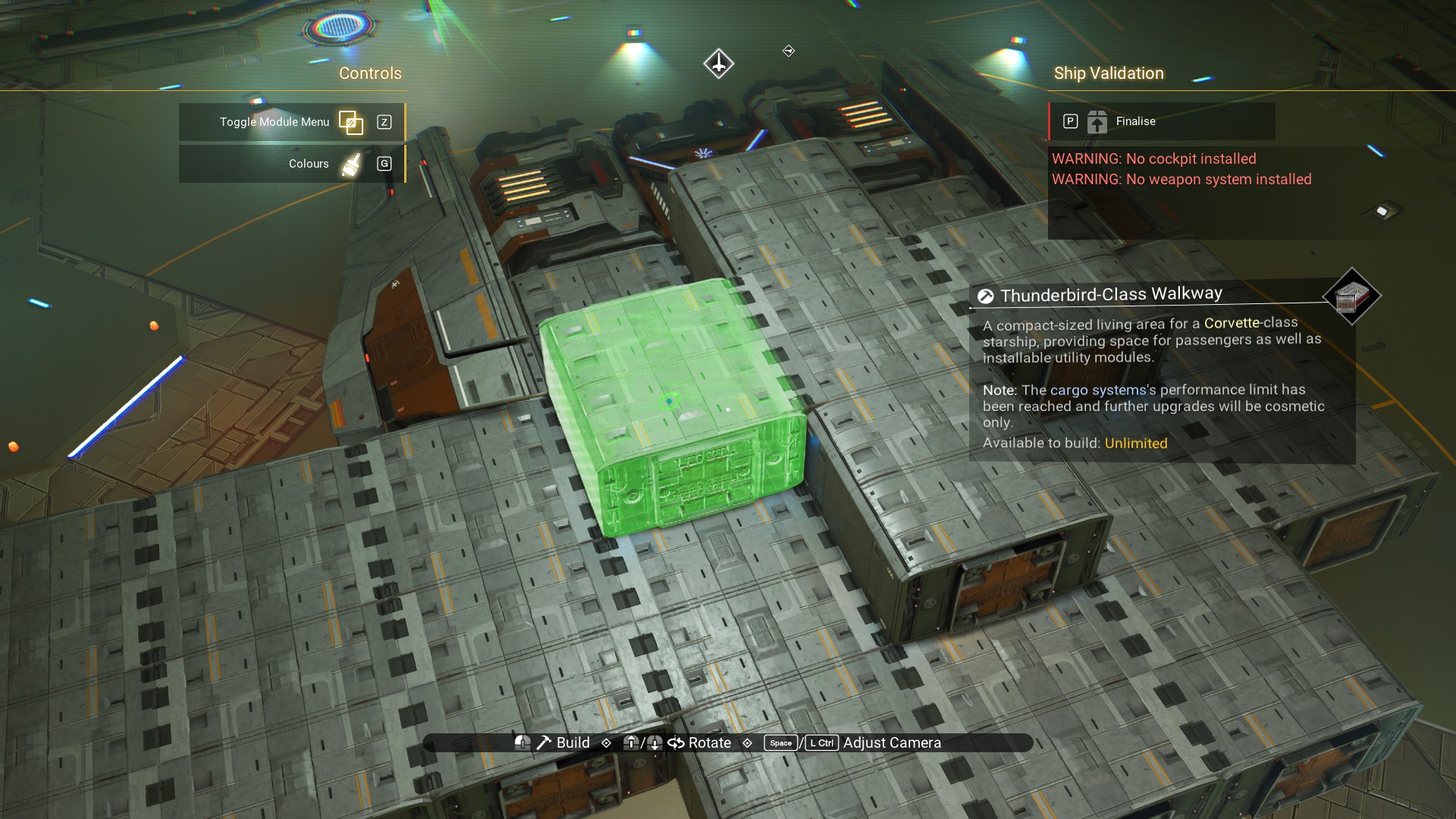
That's the main body done. Next, we'll offset some parts with some minor glitch building.
Offsets: Cockpit and Wings
Offsets are probably the easiest glitch to take advantage of while building. There's a way to rotate modules by finalizing a ship, building stairs, then going back into build mode. Or, you can risk crashing your game by spawning your ship at your base and using base parts to model the ship. So, we're going to keep it simple with a method that shouldn't break anything.
We'll be using Ducting Modules to create the offsets. Other parts work, but we don't need to worry about that.
First, place a Ducting Outlet on the front of the habitation module to the far starboard side of the ship (your left, looking at the front).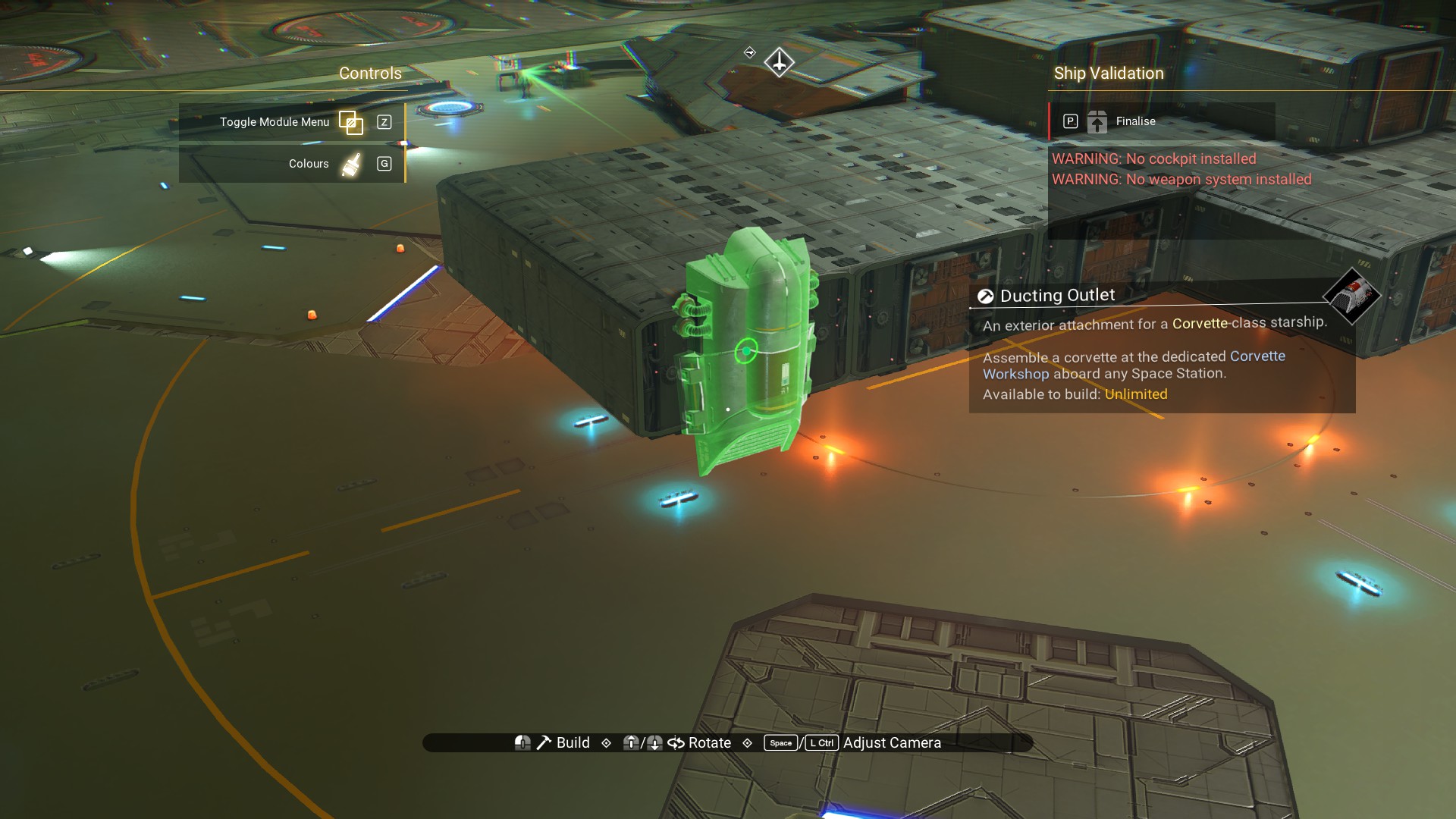 Next, take the habitation module and shift it until the Ducting Outlet is on the side of the module, as shown. This will offset the module so we can build around it.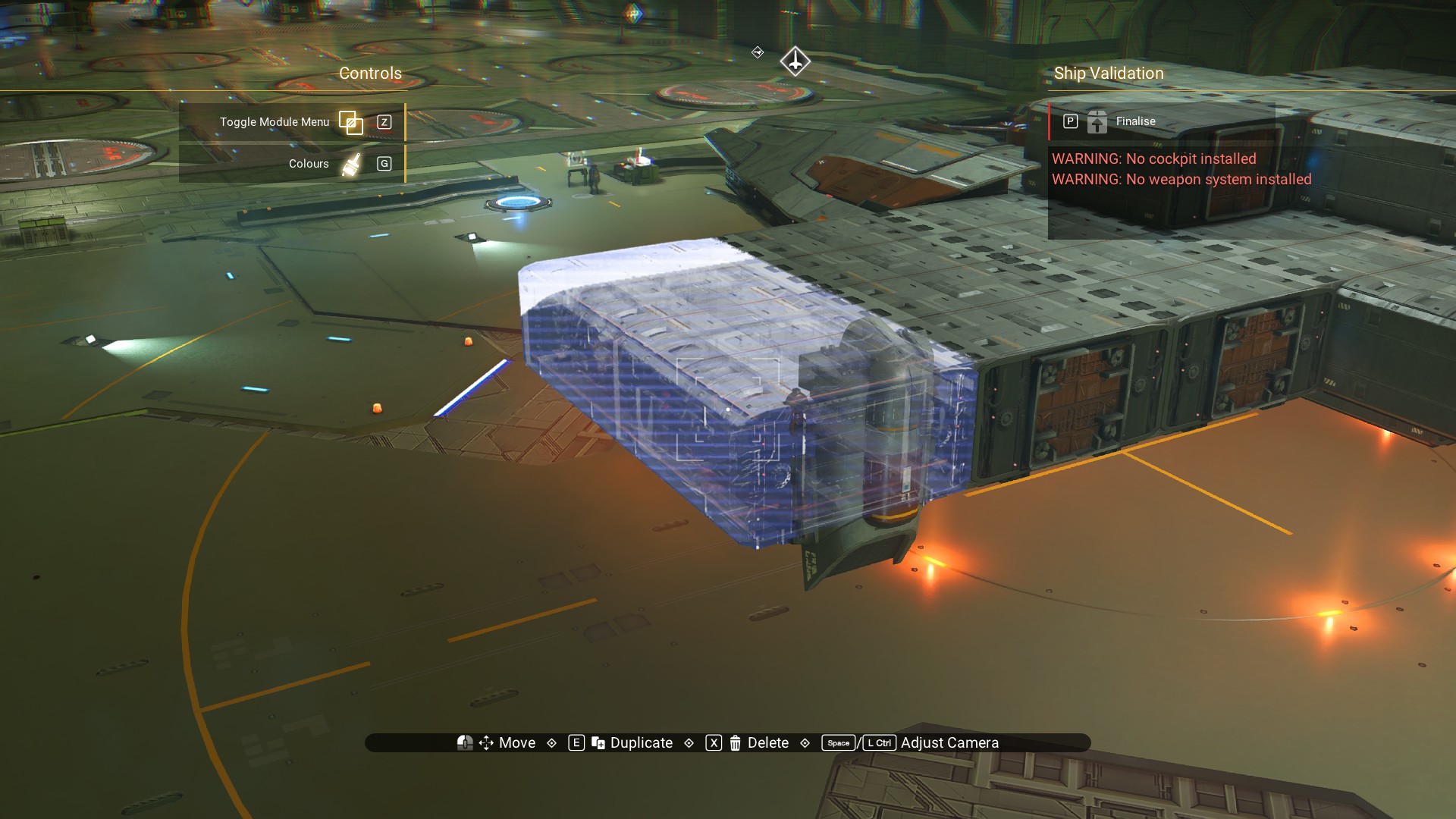
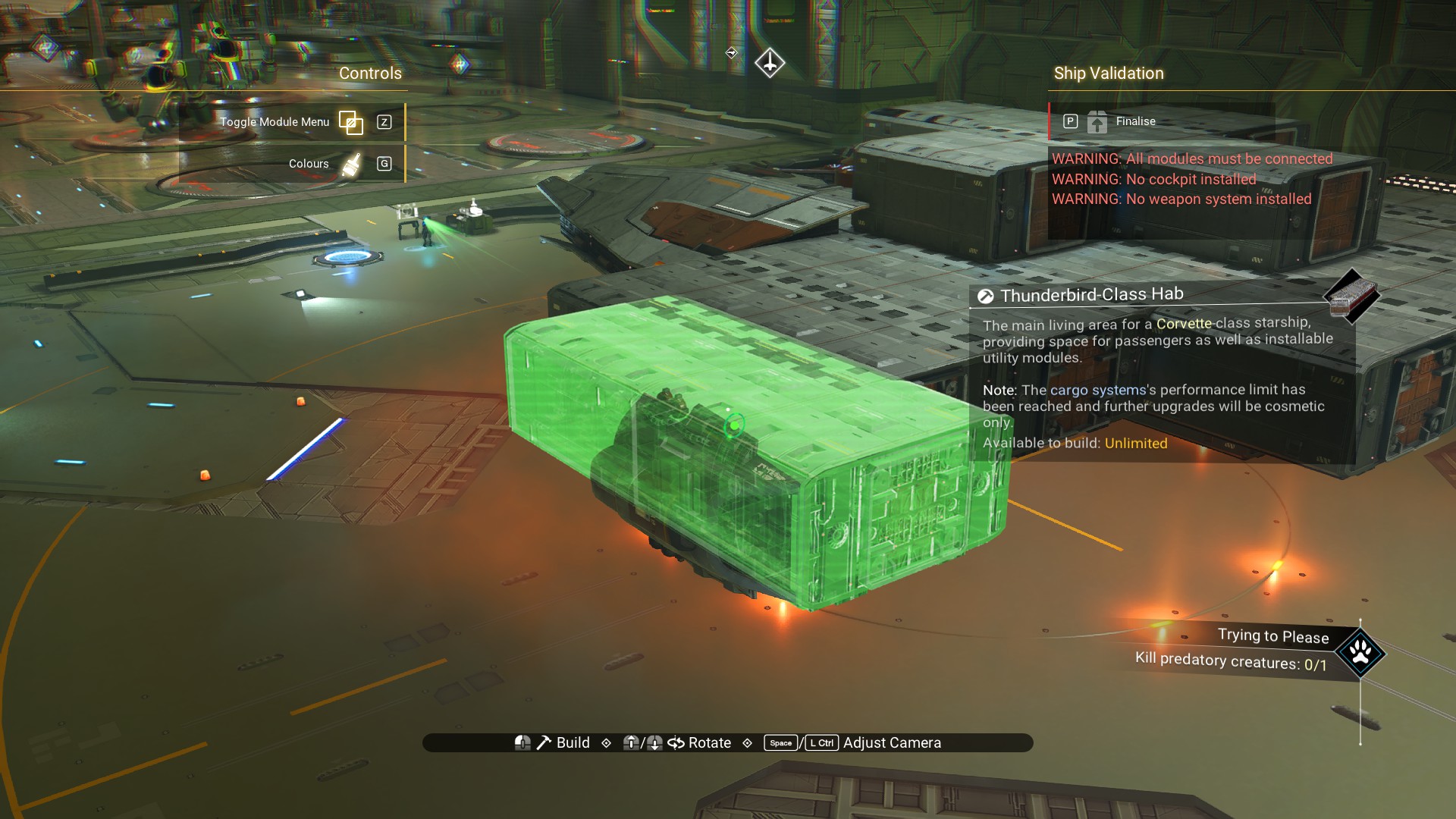
Delete the Ducting Outlet. It's done its job.
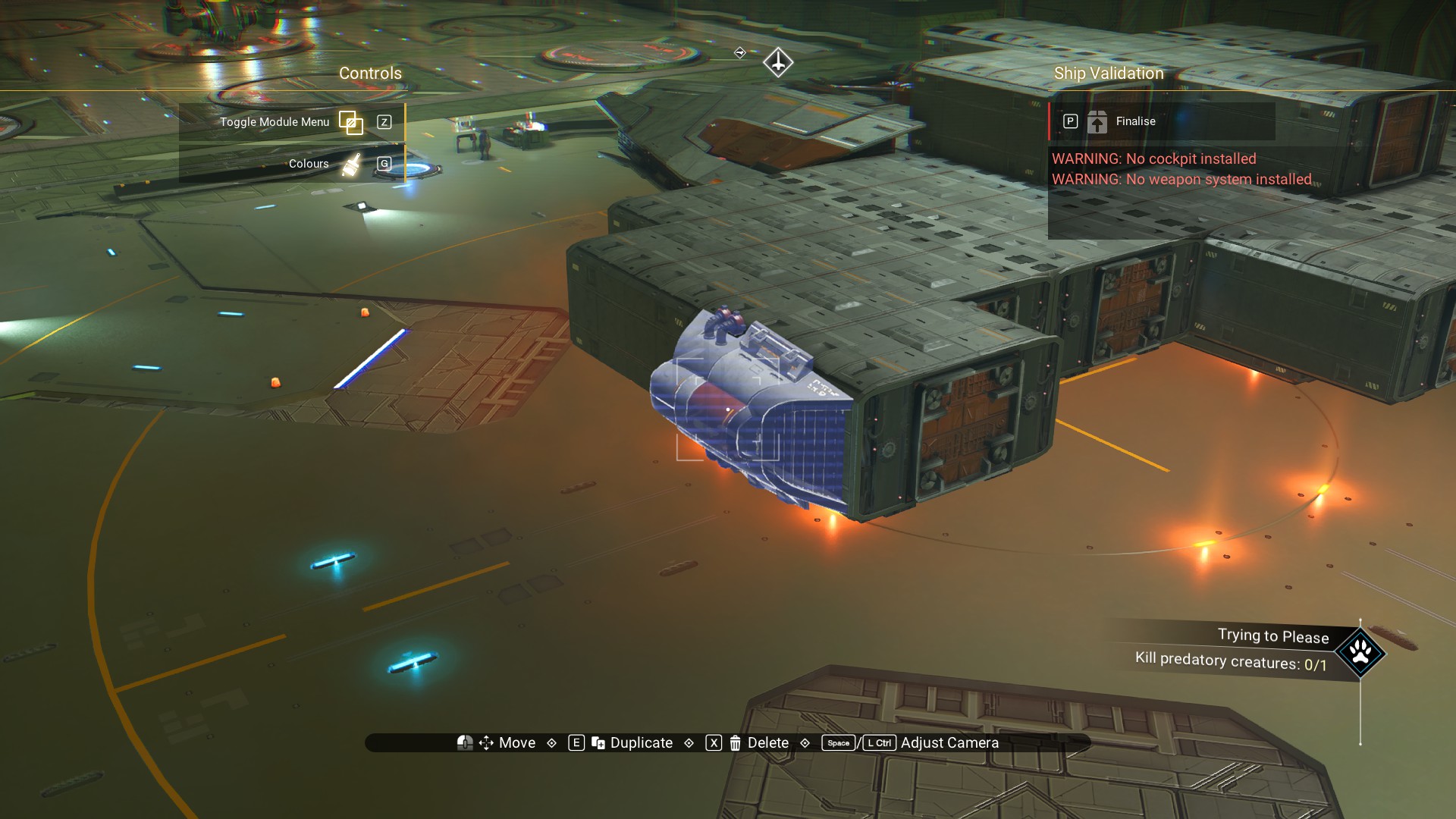 Place another habitation module beside the one you just offset.
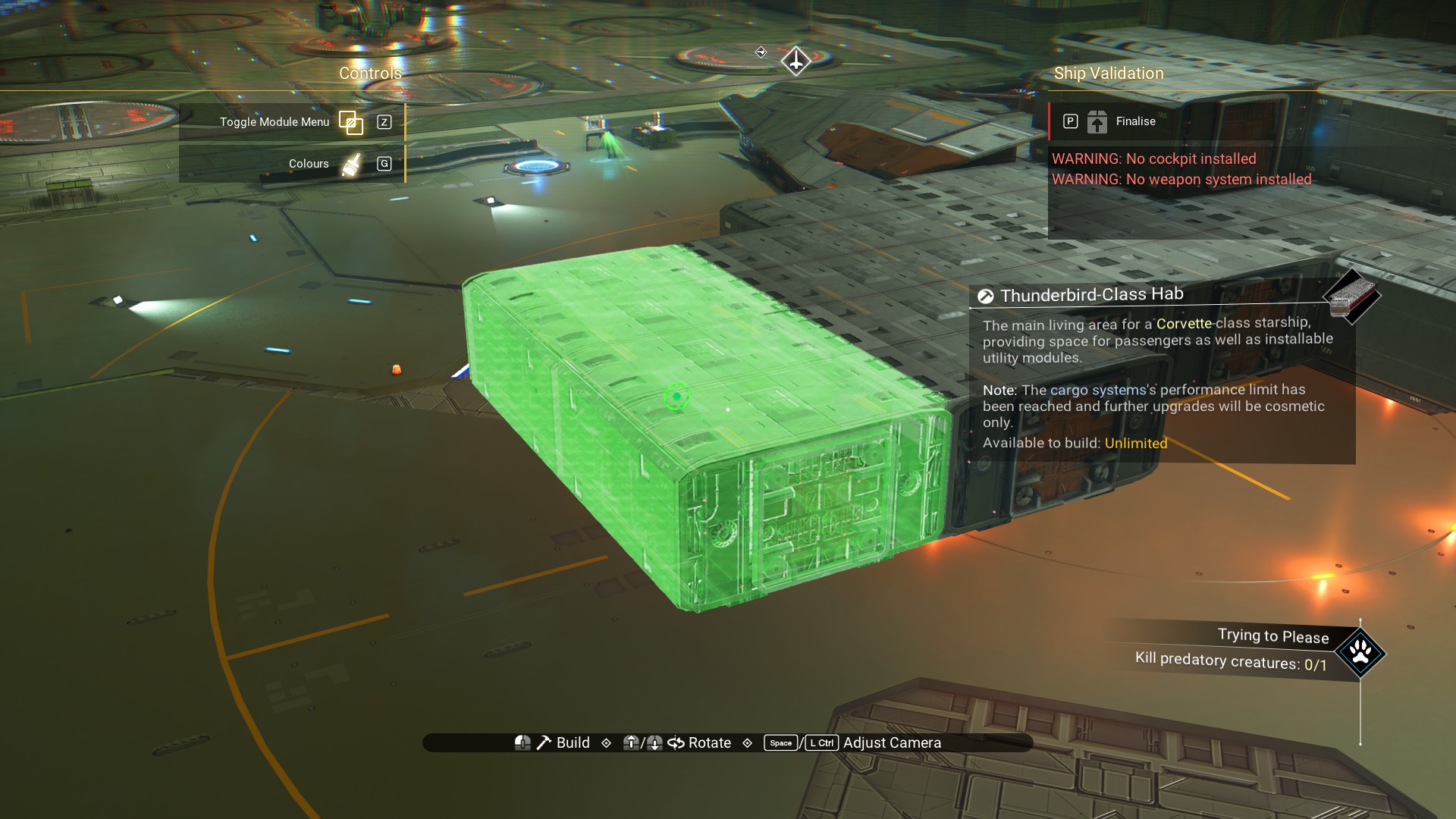 And one beneath the one you just offset.
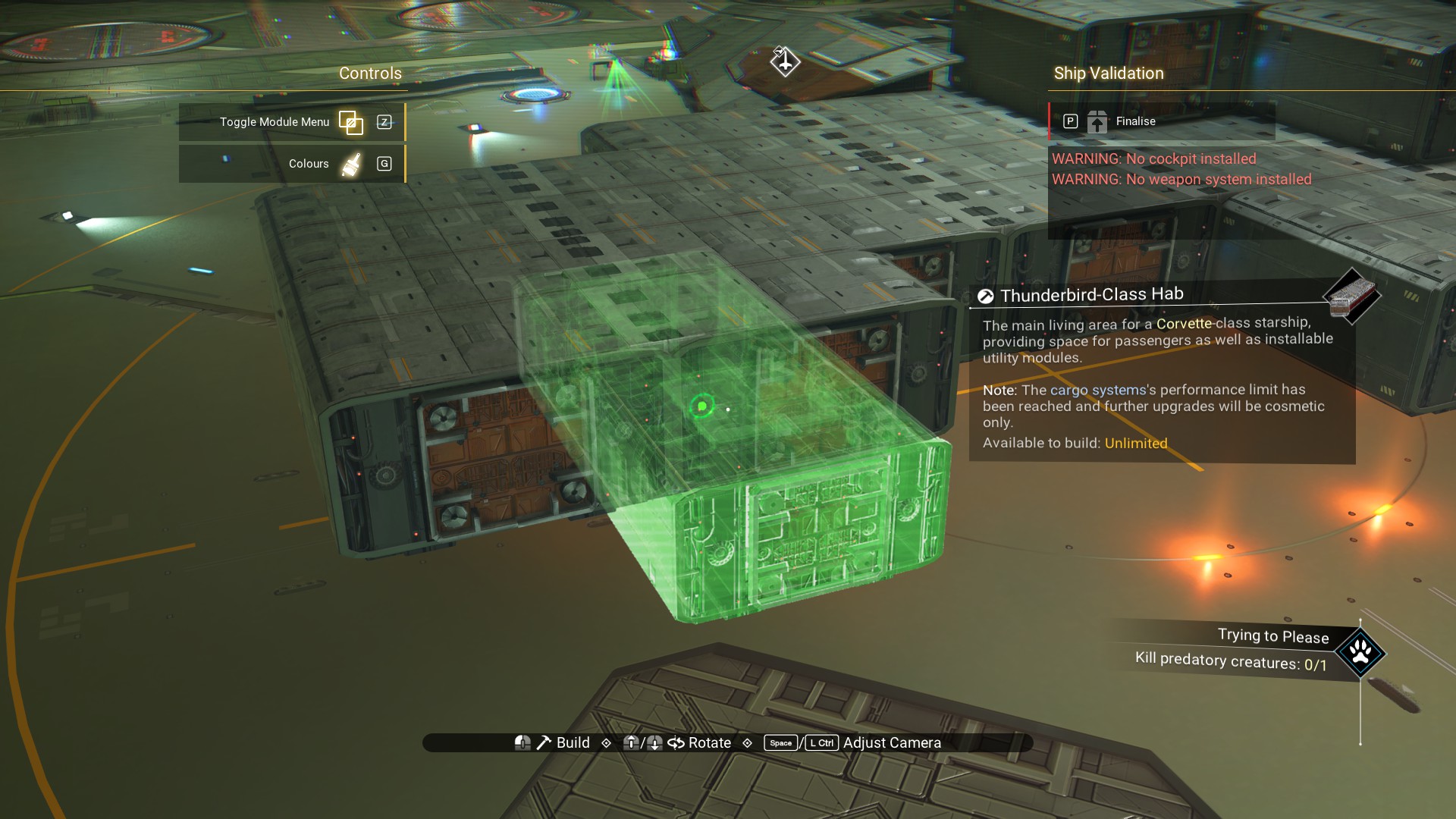 Now, place two Arcadia Stabilisers on top, as shown.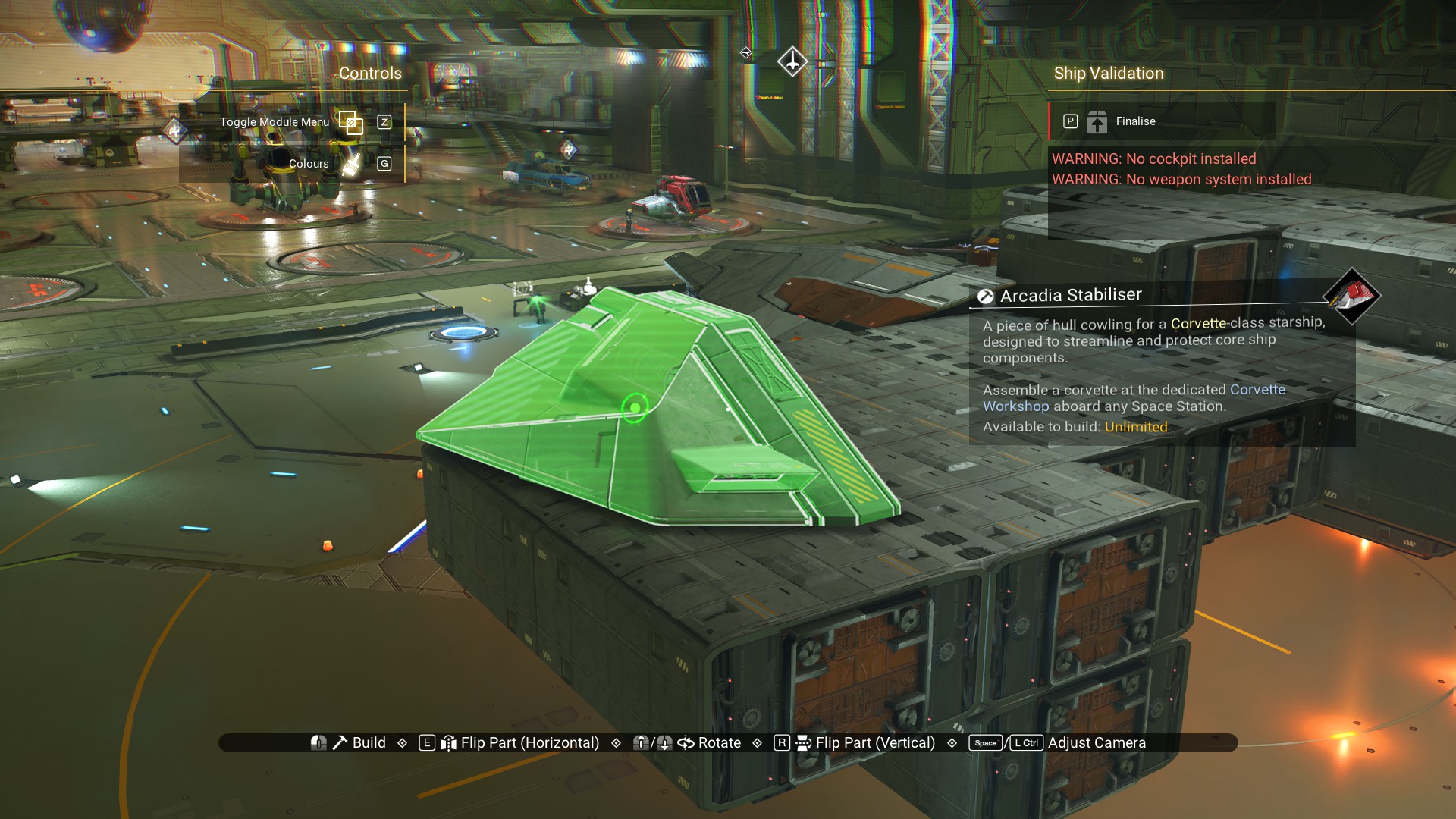
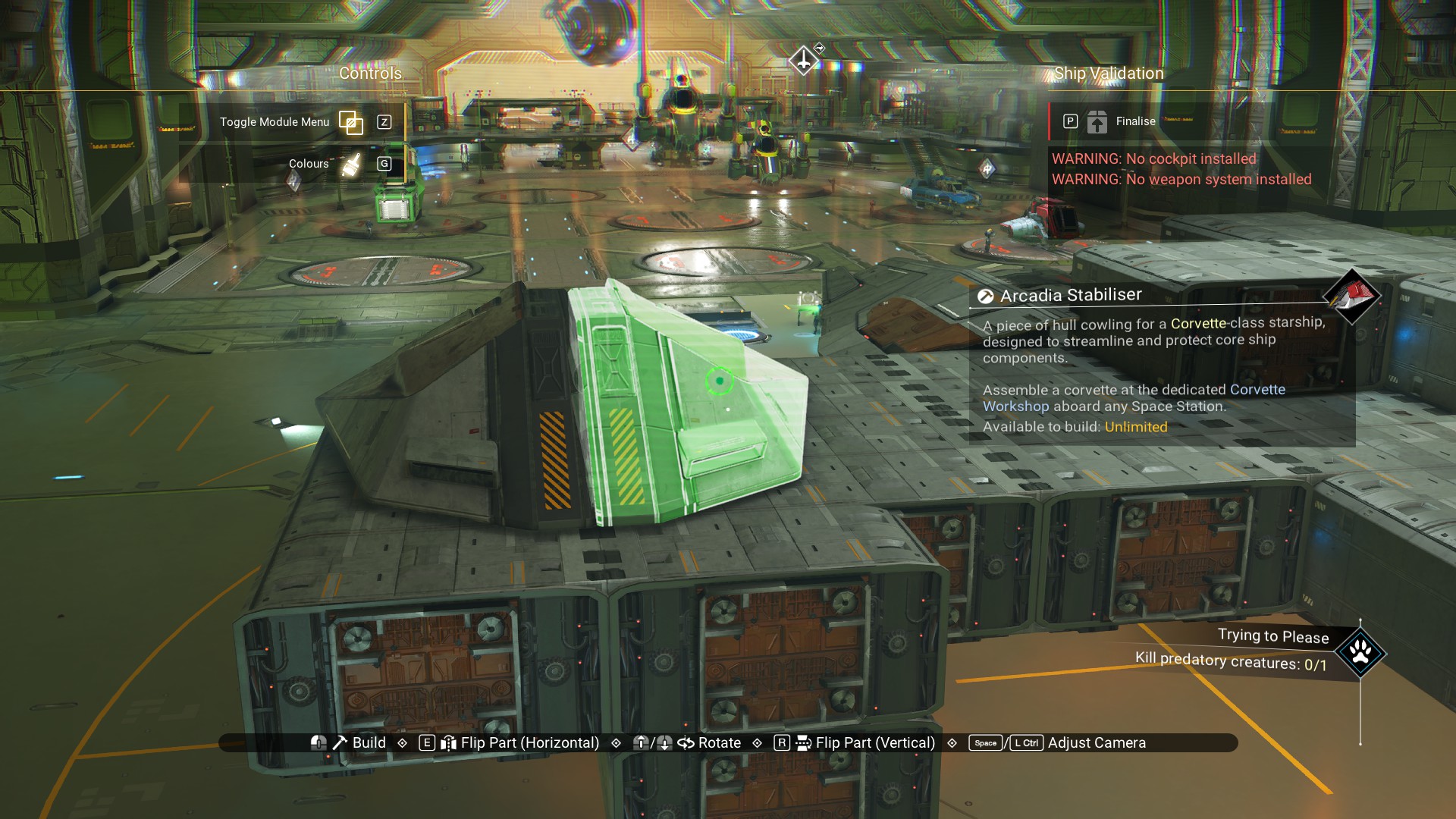
And, one Stabiliser underneath.
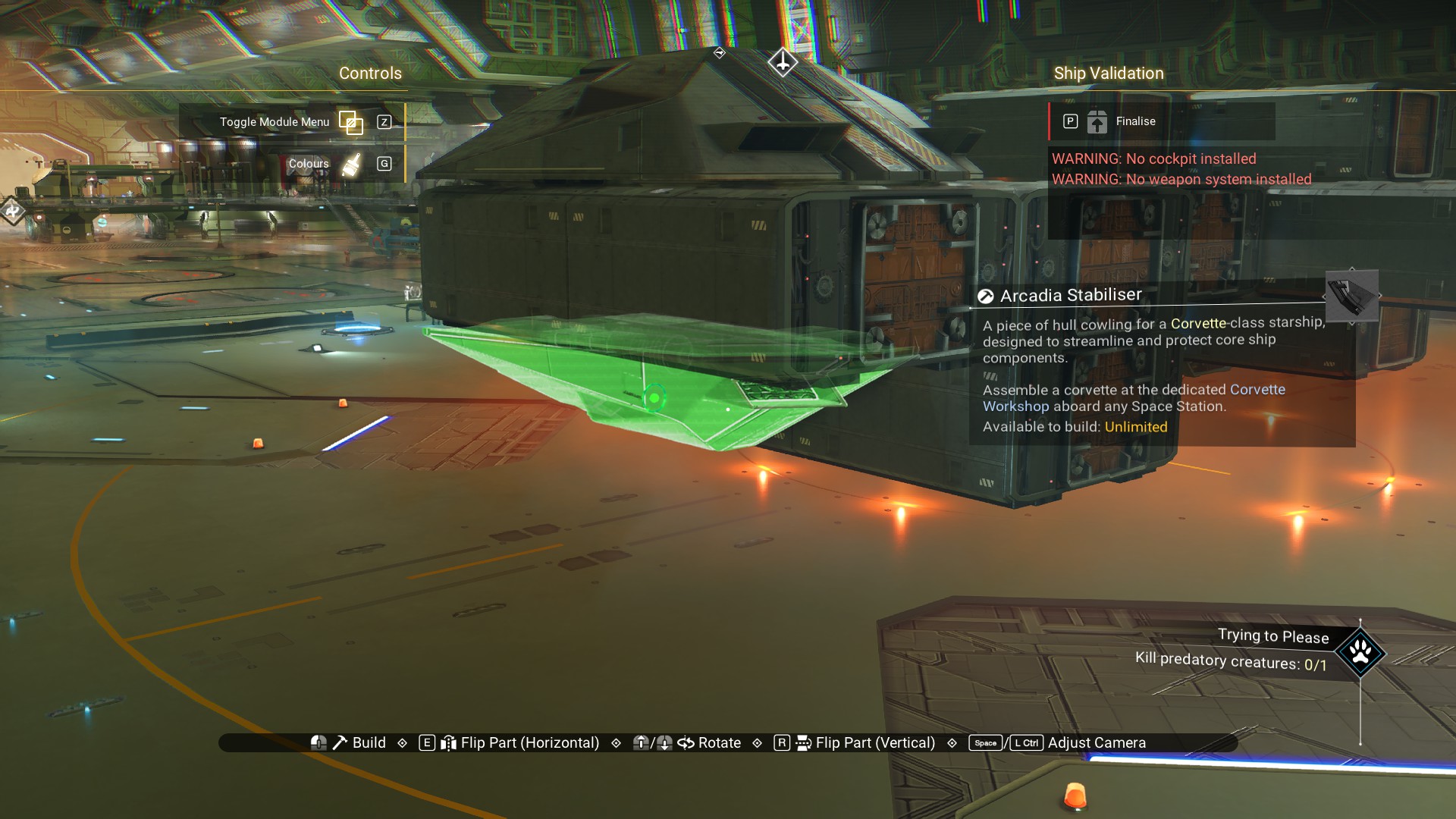 Delete the lower habitation module.
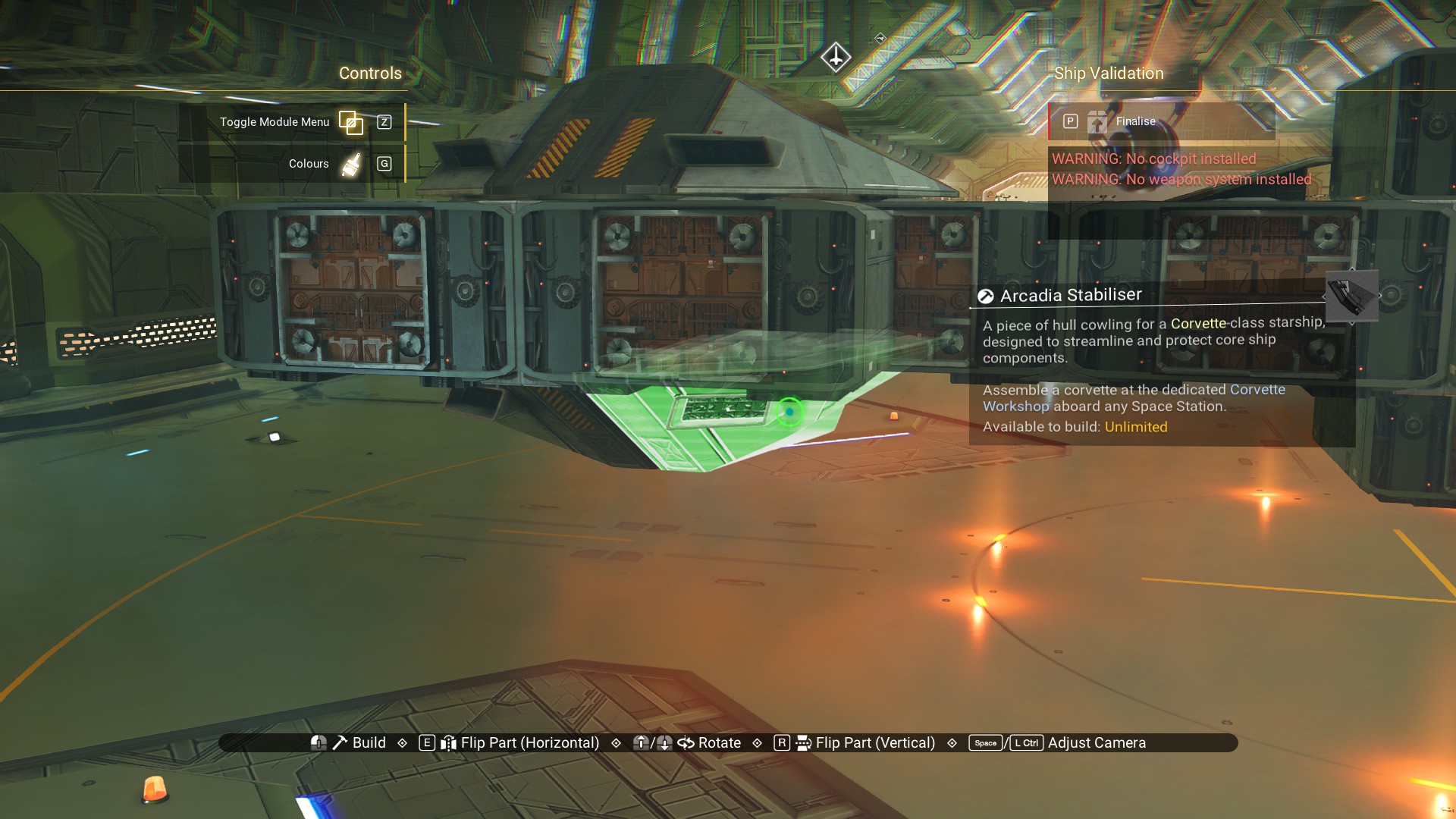
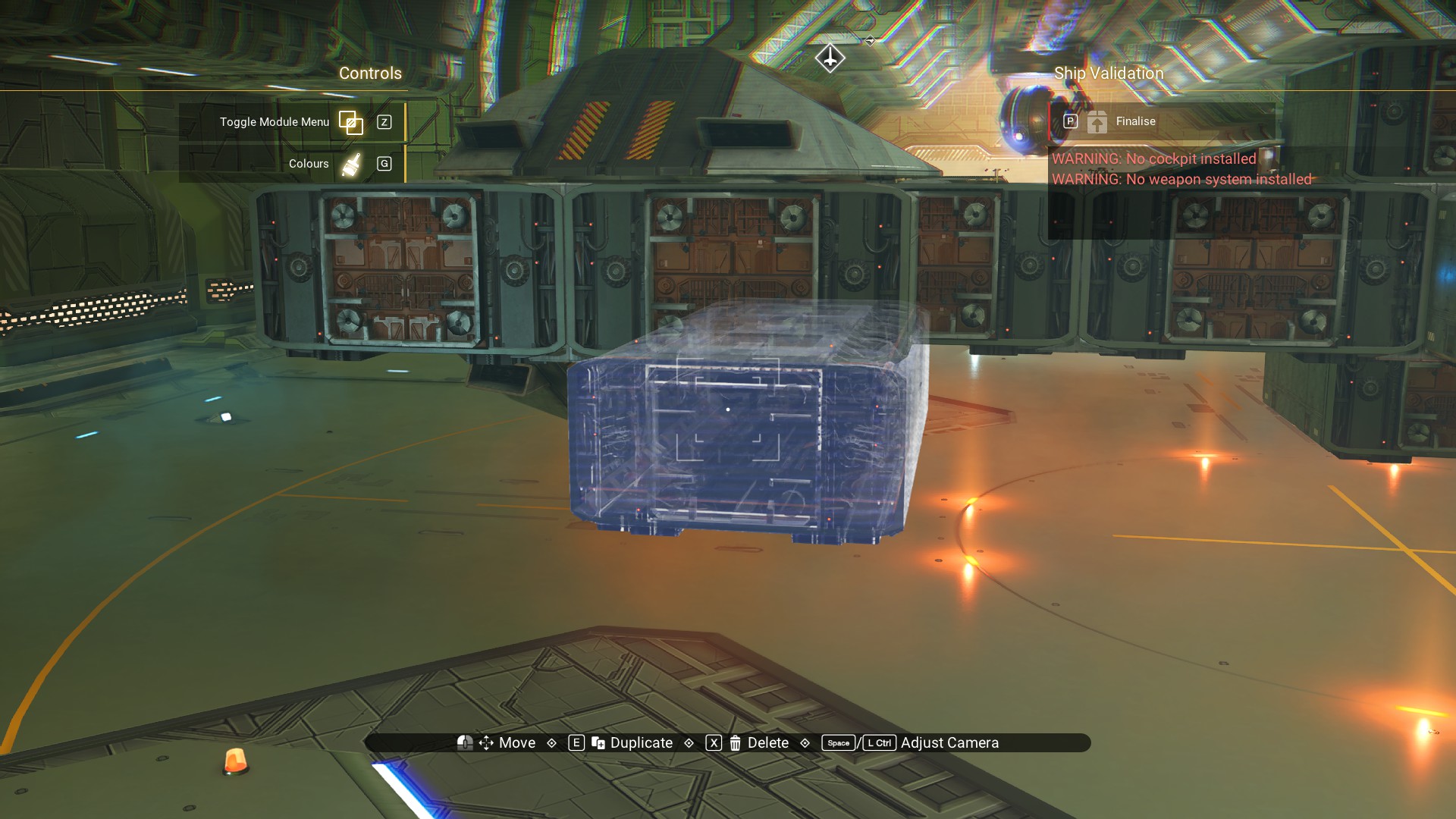 Place another Arcadia Stabiliser underneath.
 Then, on the rear of the cockpit, place two Arcadia Blades on top.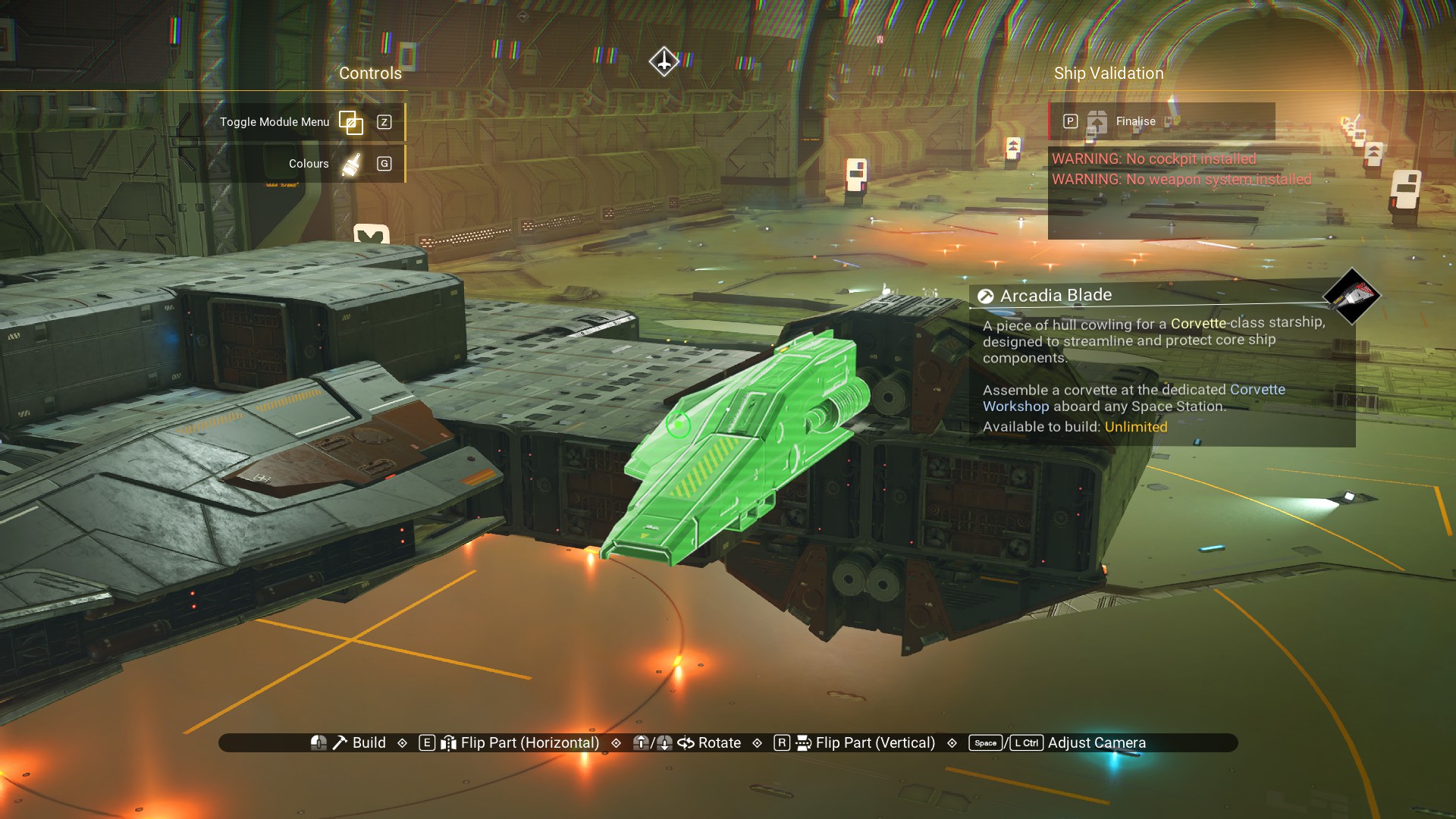
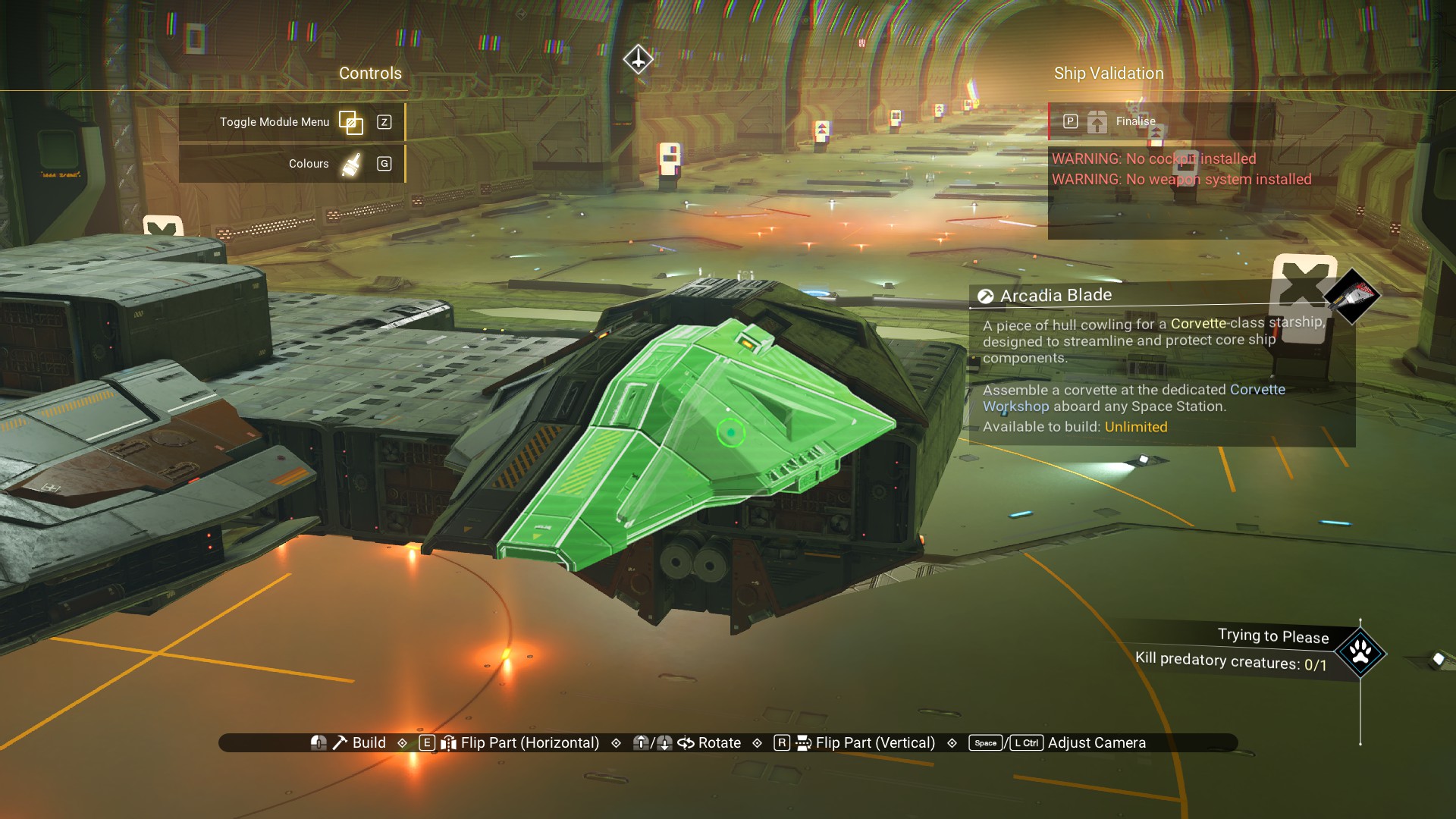
And, two more underneath.
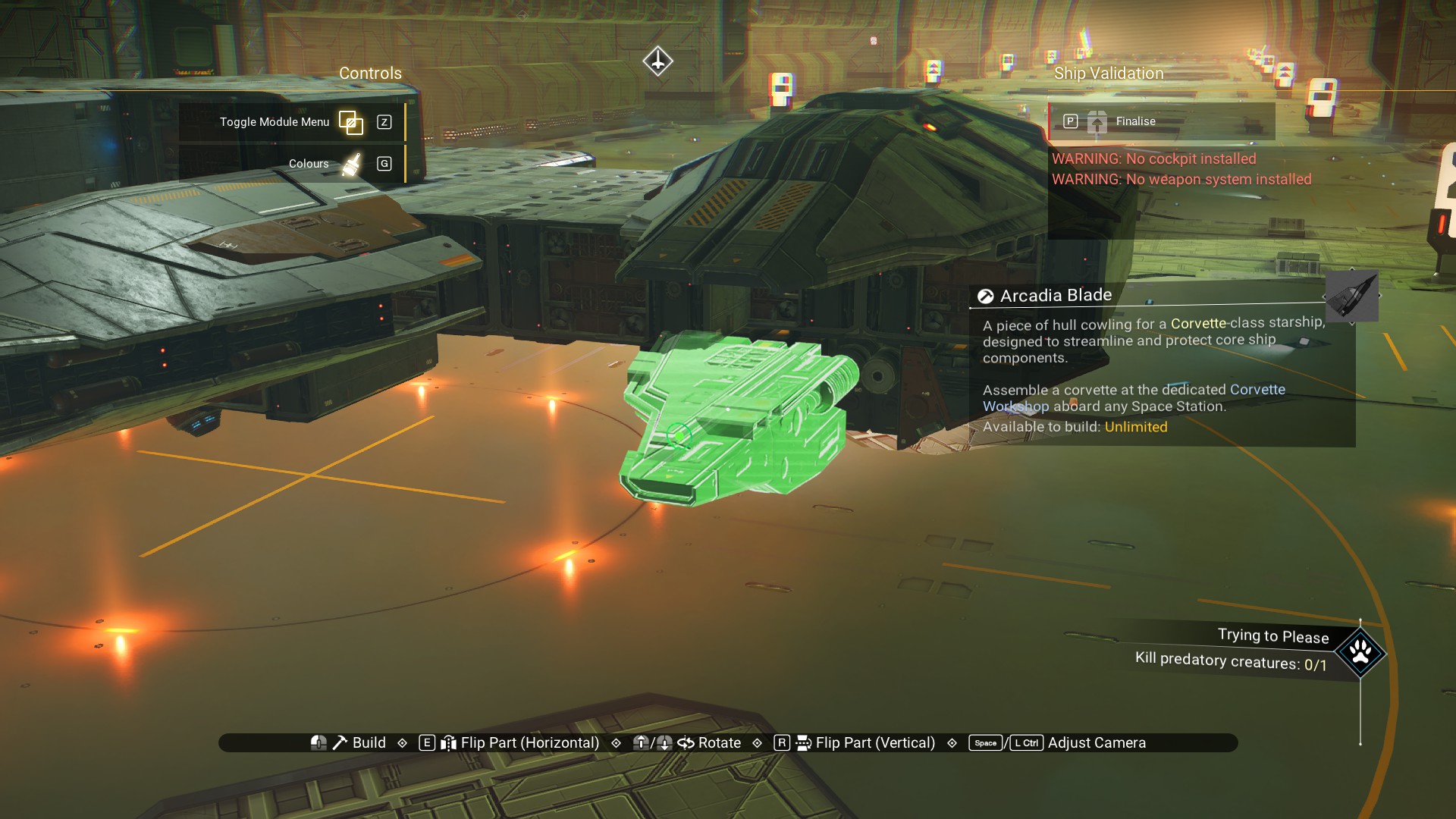
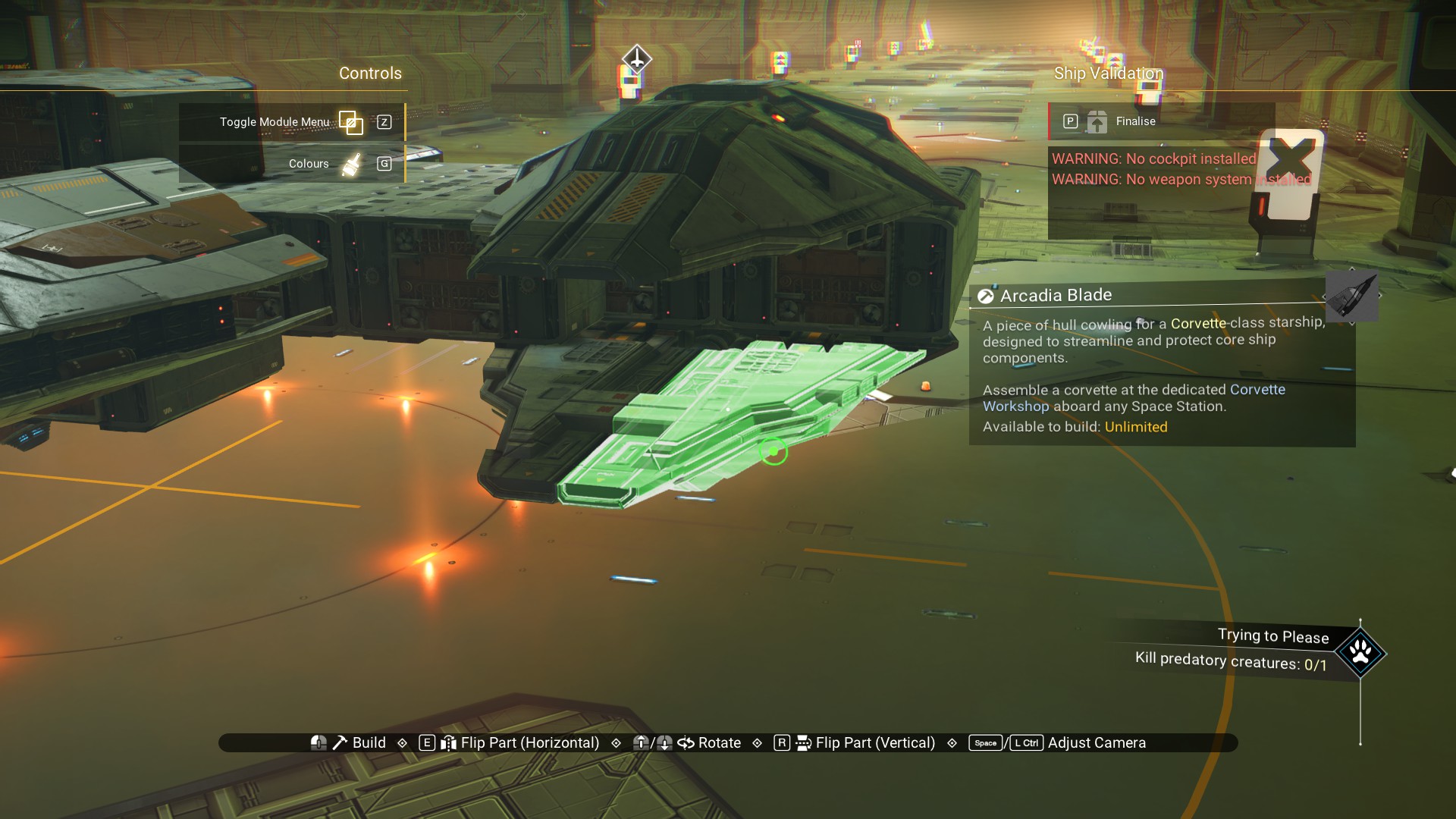
Now, the offset habitation modules can be deleted, leaving an empty space.
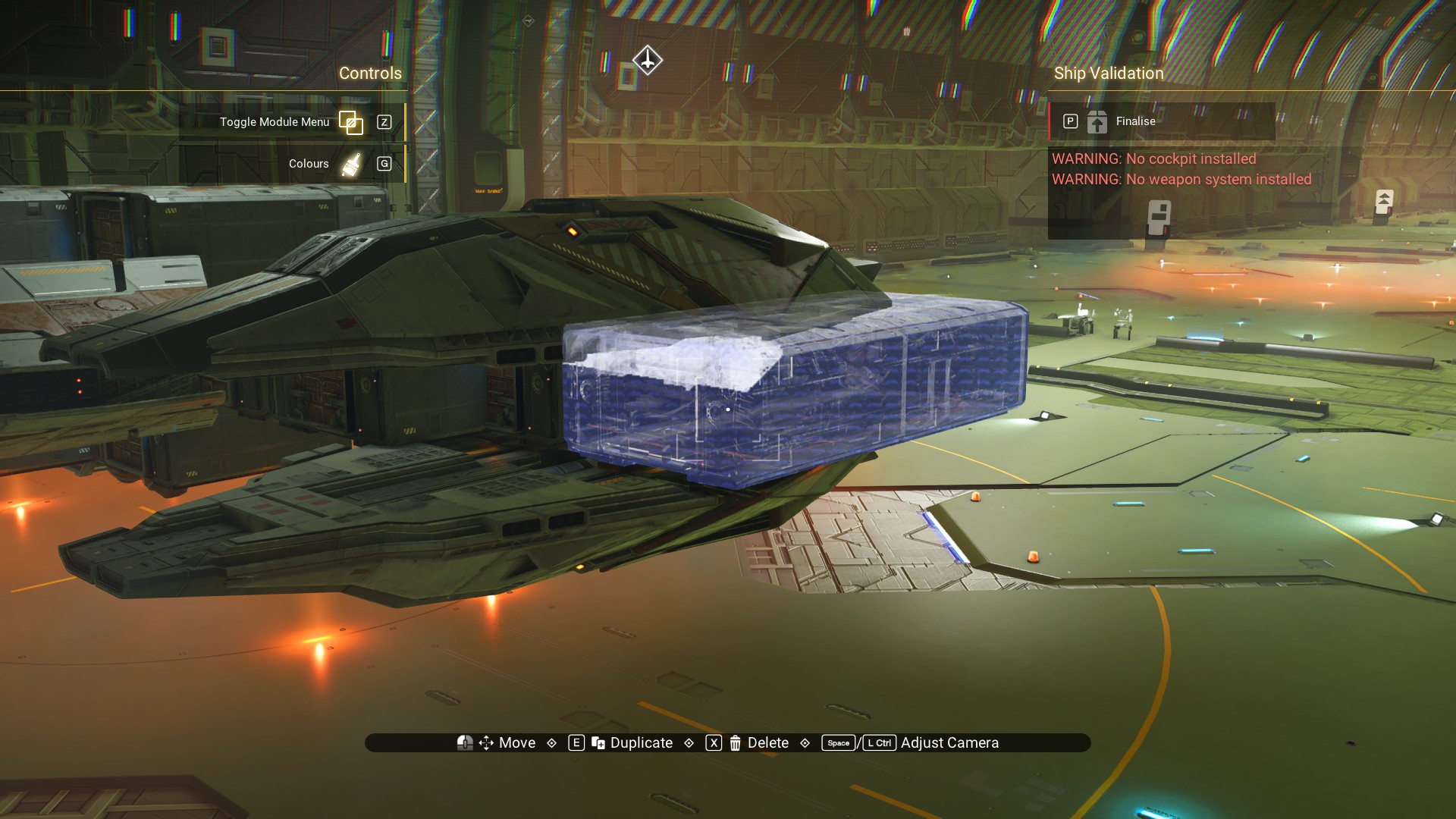
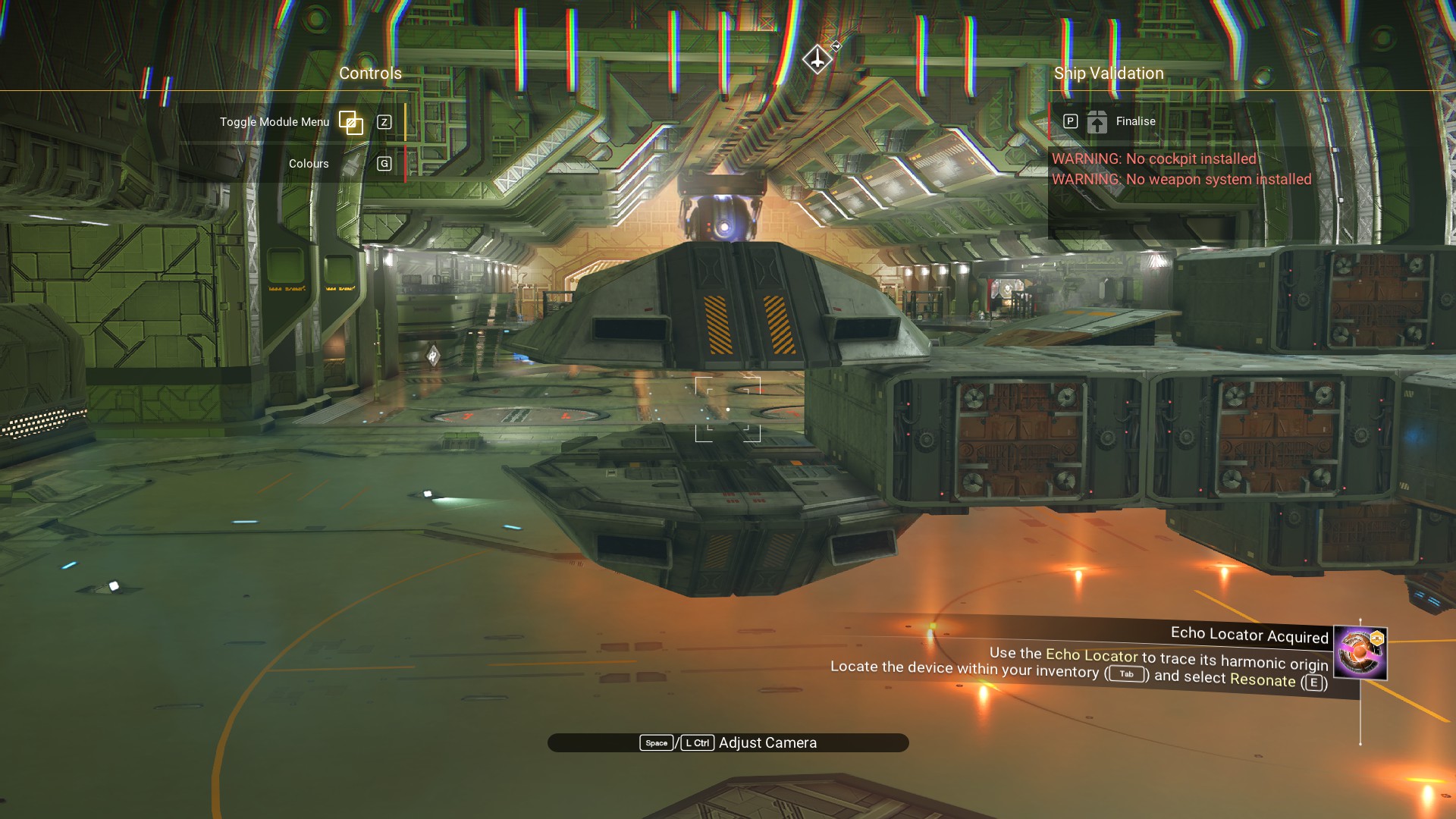
We do want a habitation module there, just not an offset one. So, let's place one right back where we had one before doing the offset building.
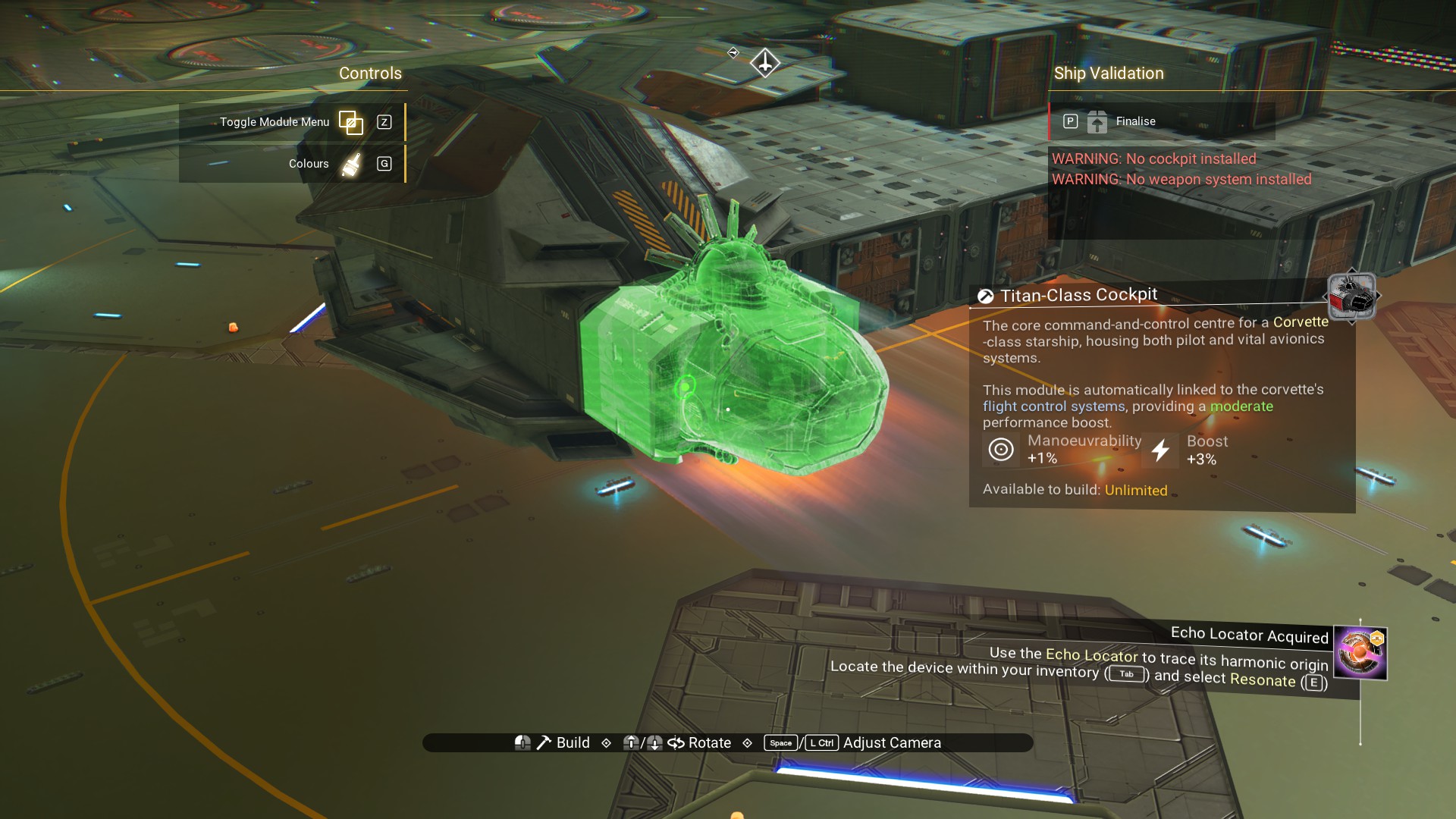
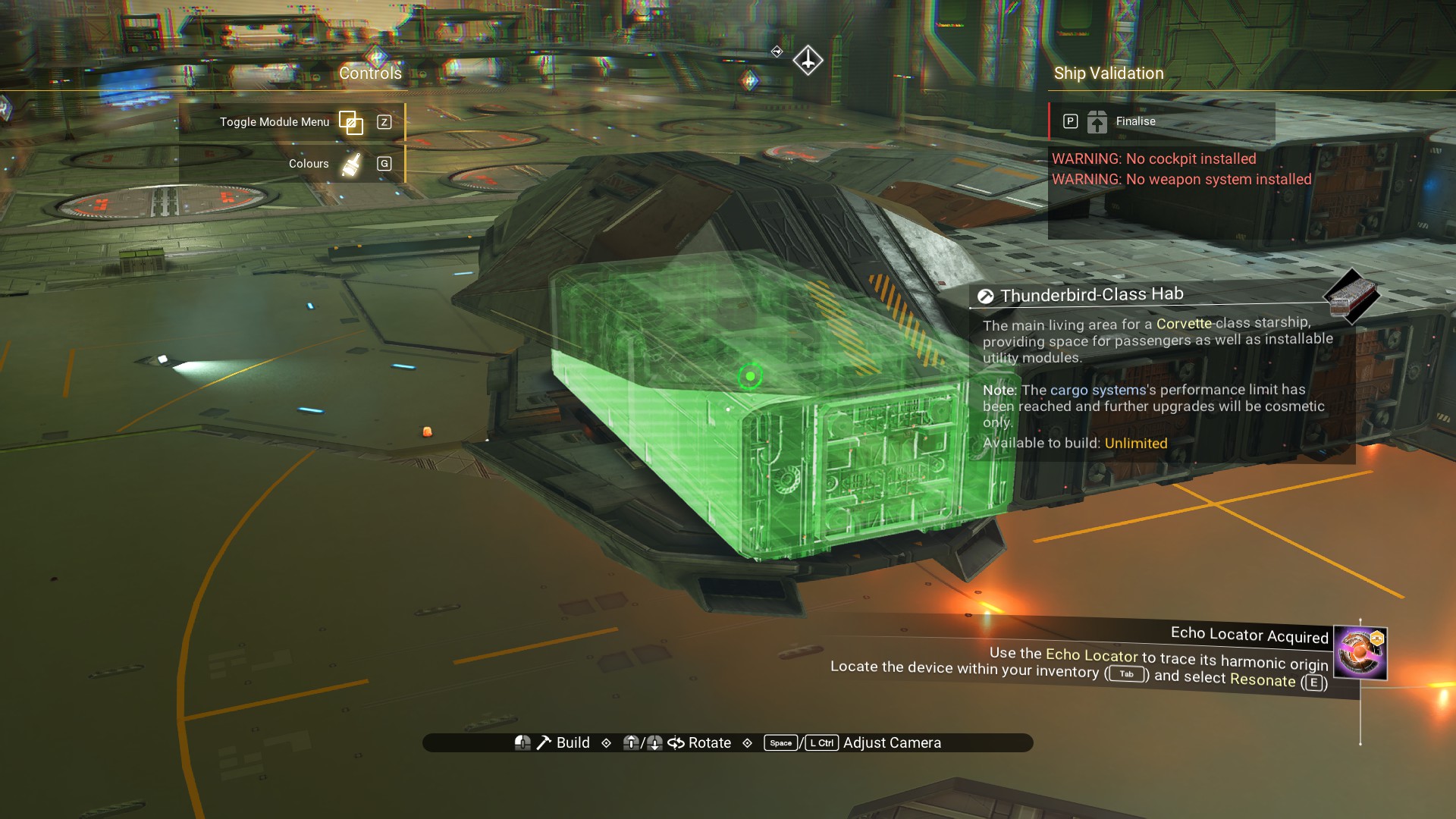 The actual cockpit will go on front.
 And, a walkway on the back end of the cockpit structure.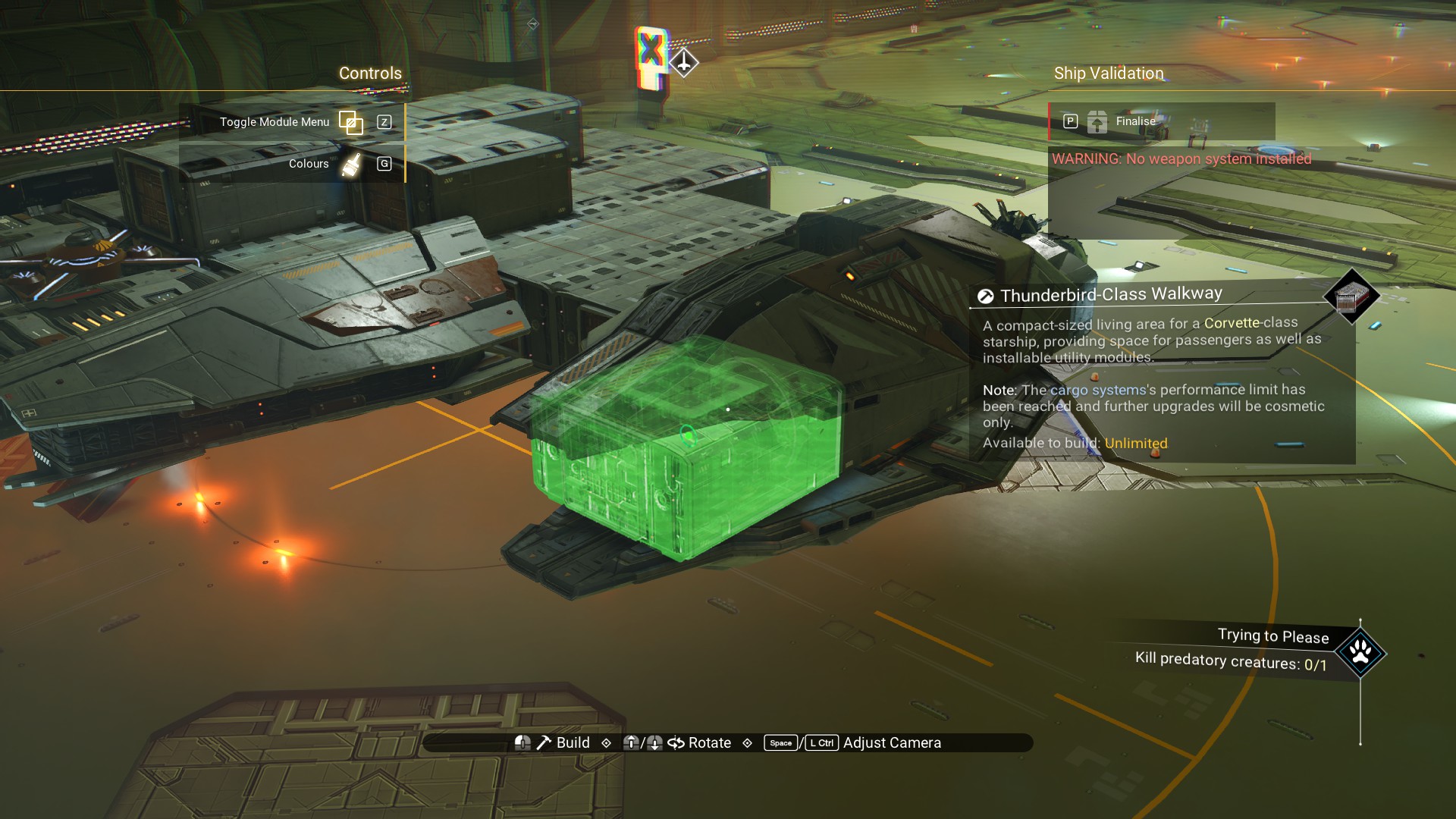
Now, for the offset wings on the front of the ship.
There are three habitation modules which form the bow/front of the ship. Place a Ducting Outlet on the front of the starboard most habitation module (left most, when looking from the front).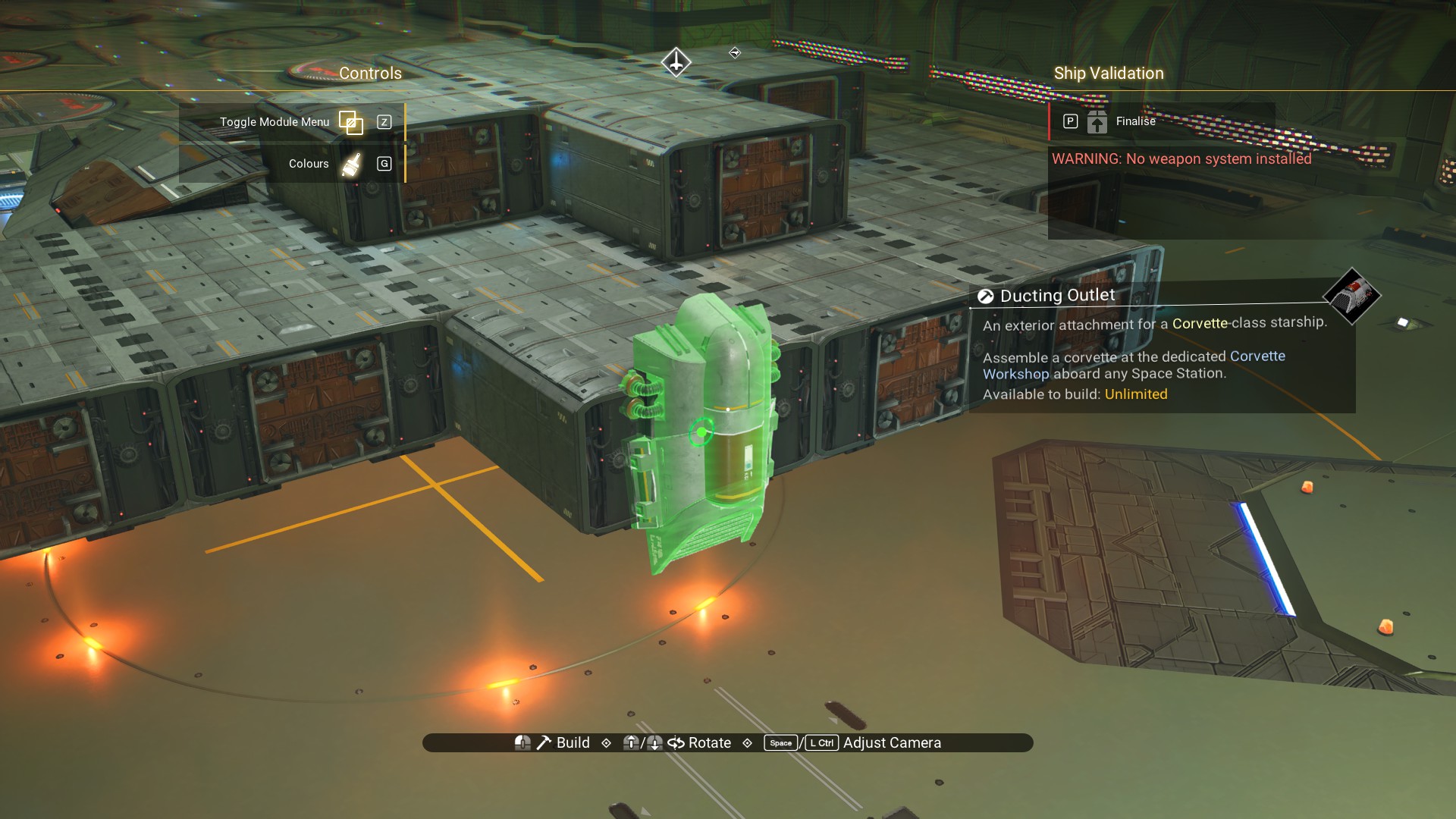 Move the habitation module the Outlet is sitting on so that the Outlet is now on top, as shown.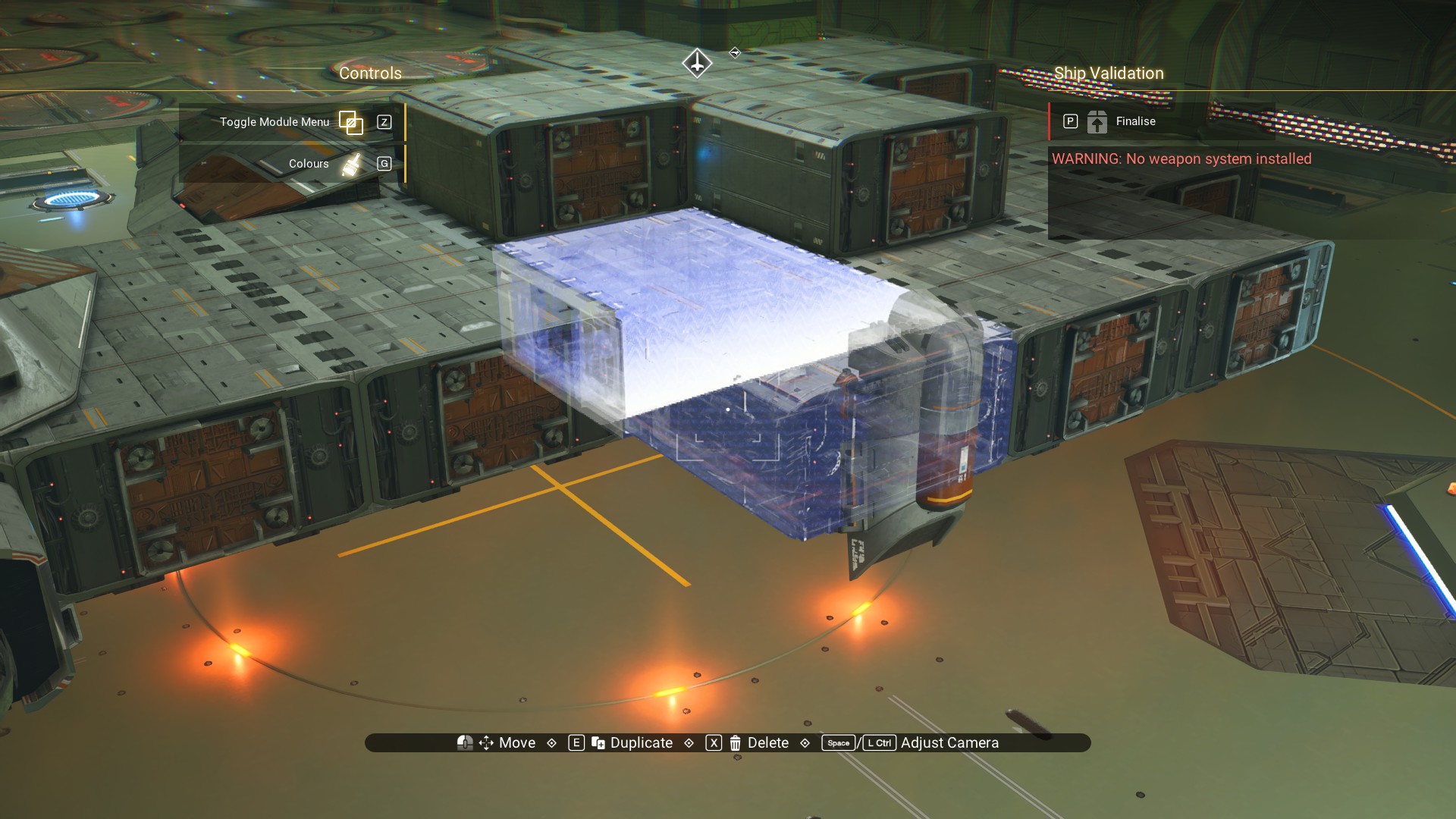
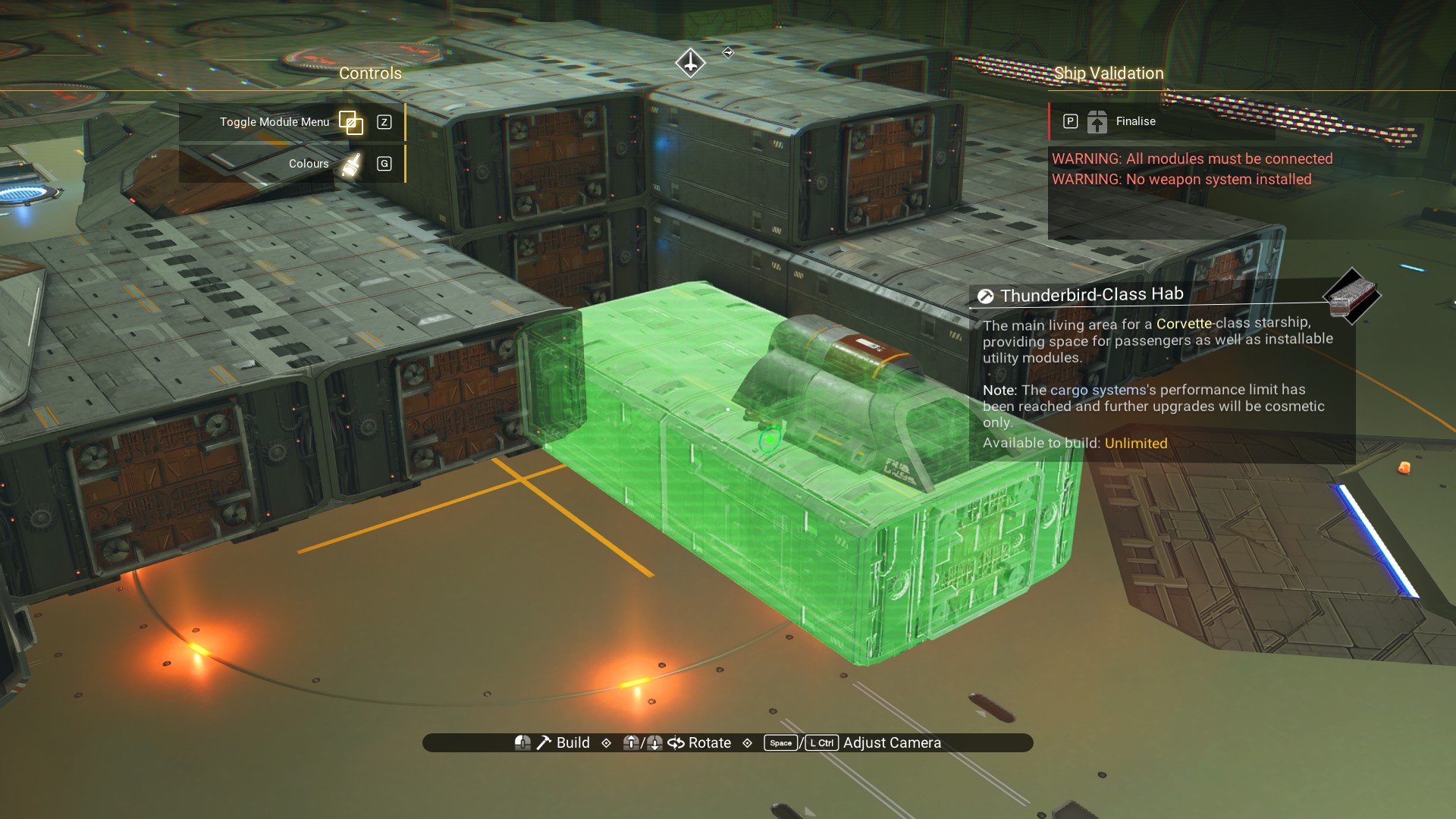
Place an Ambassador Wing on the offset module so its rear is snuggly up against the habitation module behind it.
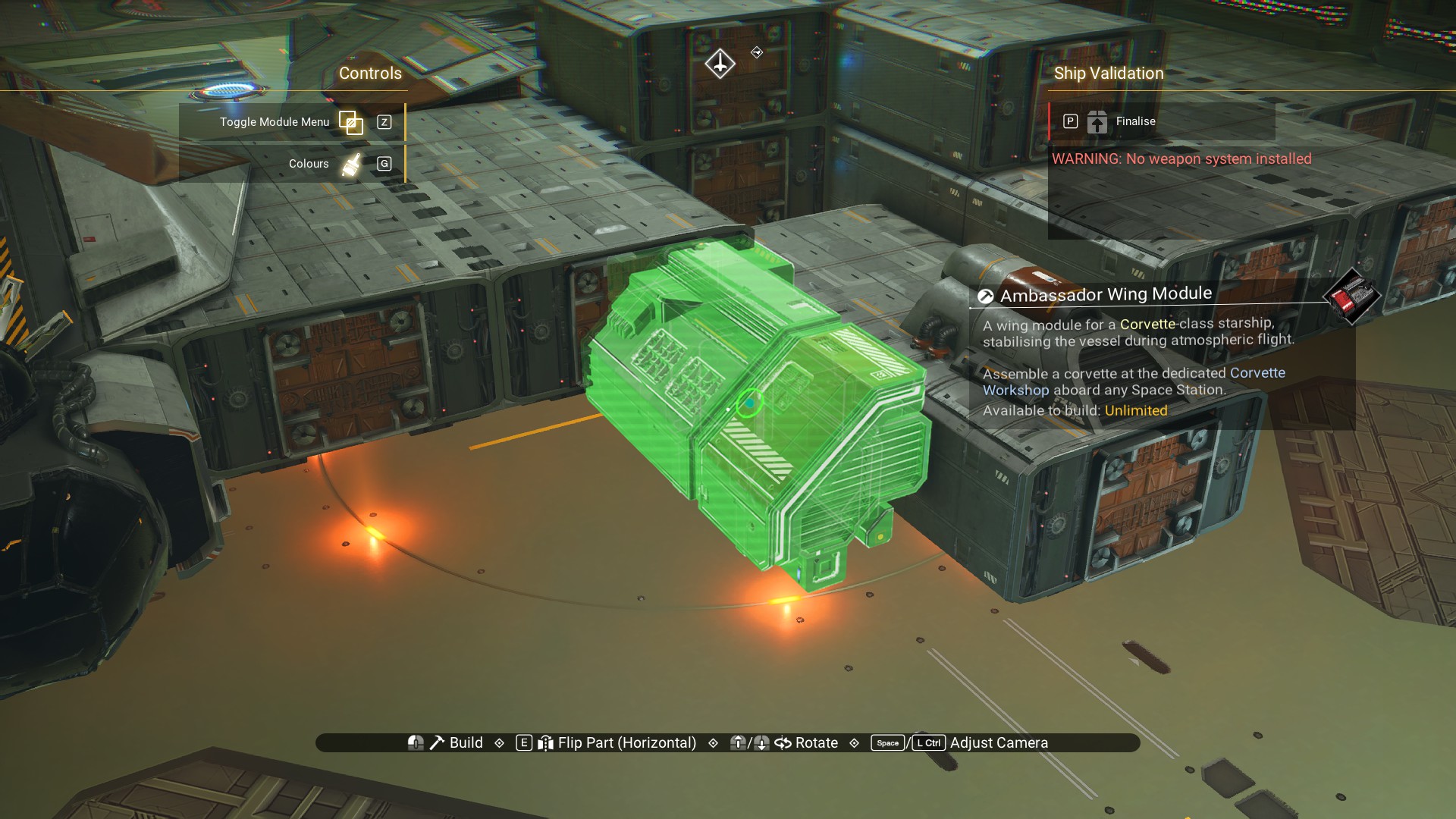 Delete the Ducting Outlet.
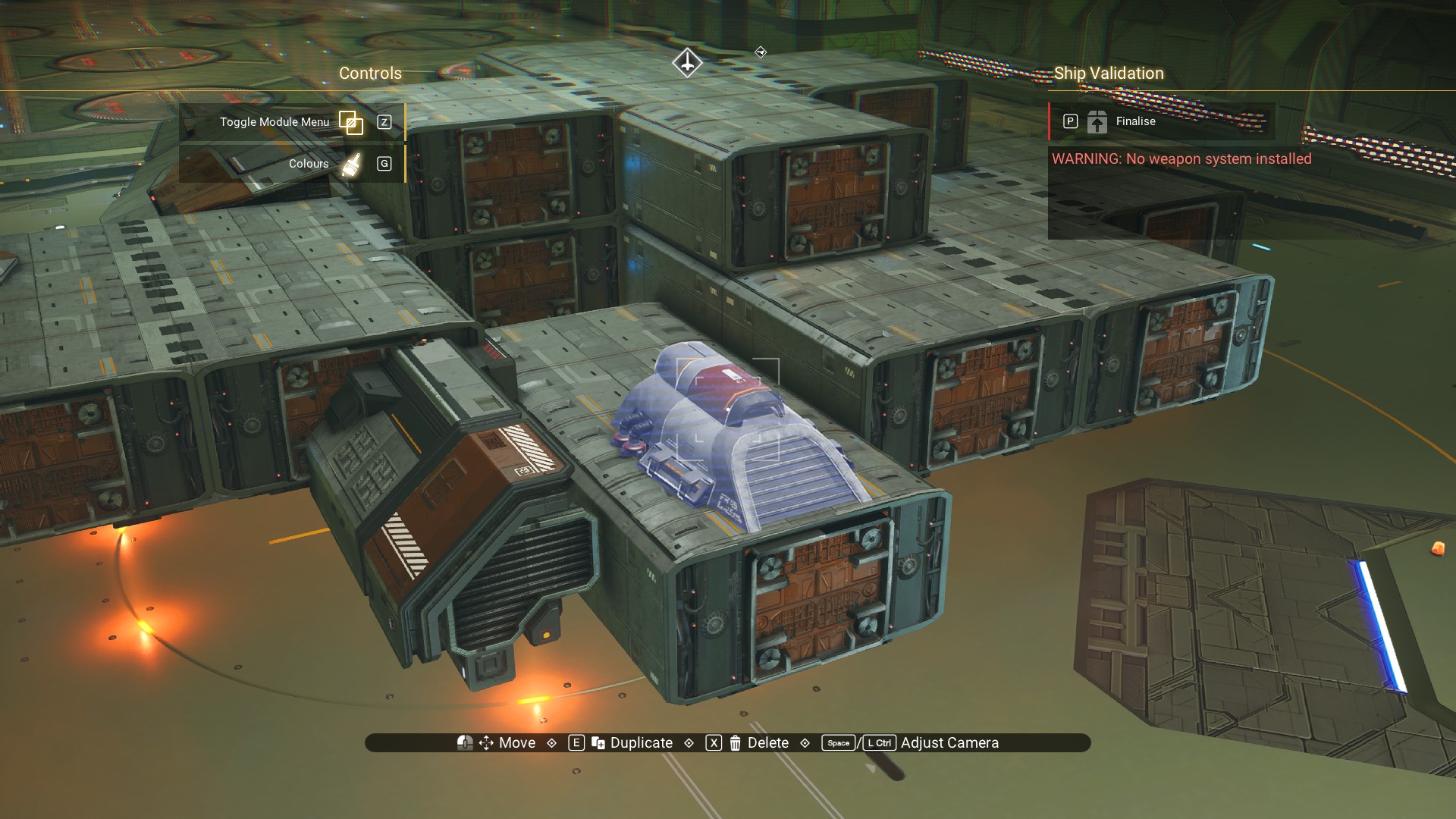 And, move the offset habitation module back into place.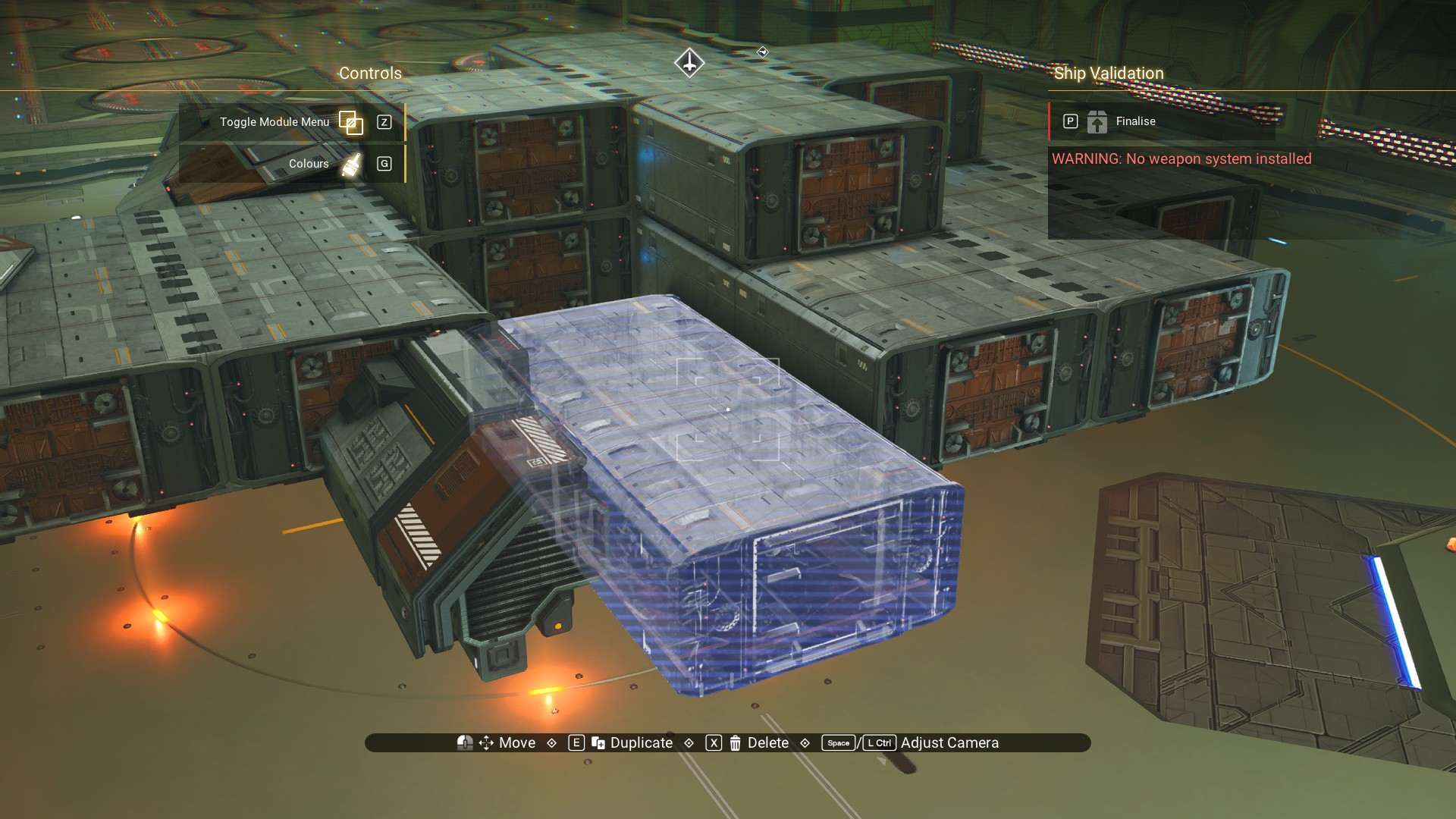
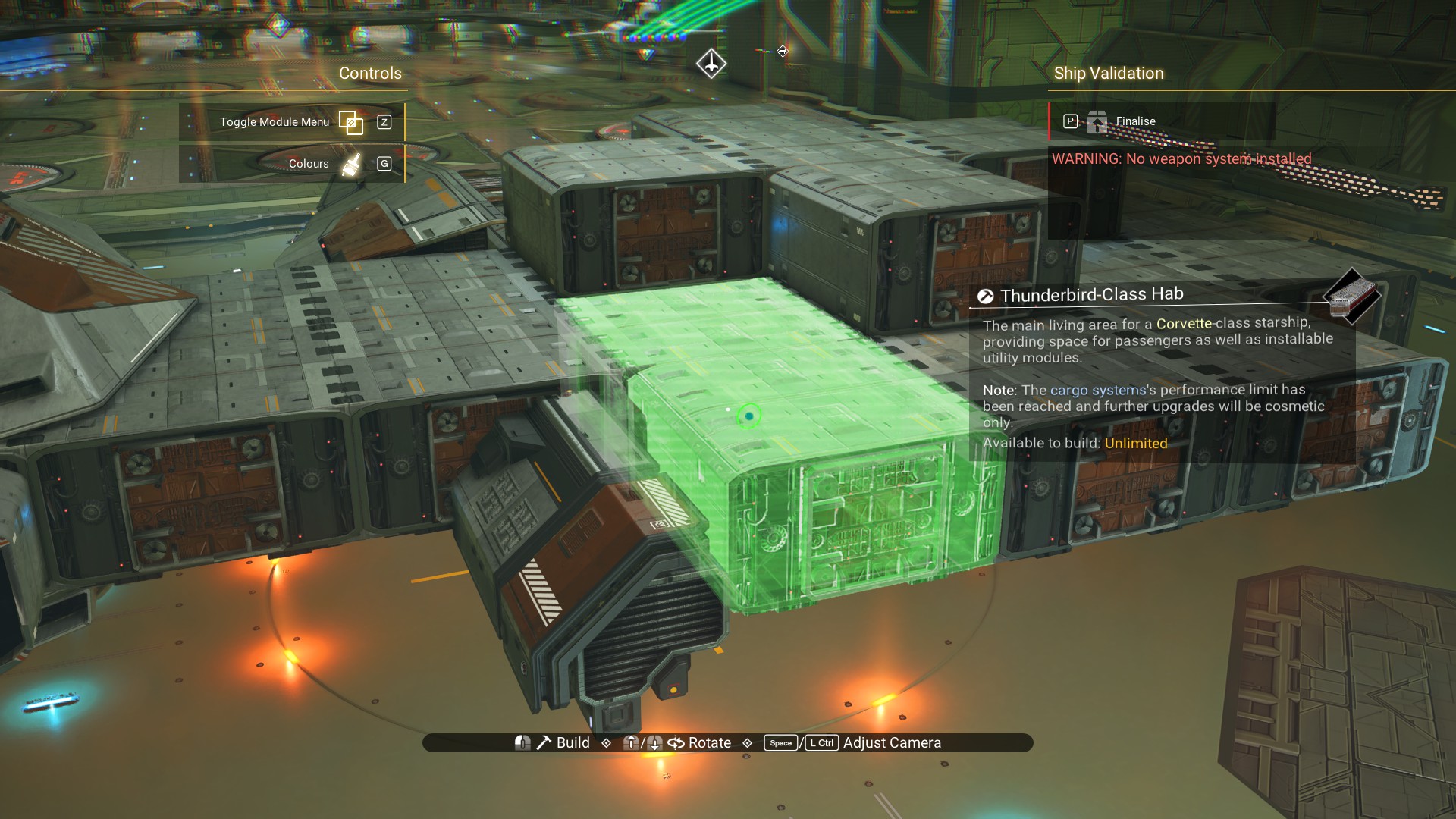
We'll do the same thing on the other side. Place a Ducting Outlet on the front of the habitation module.
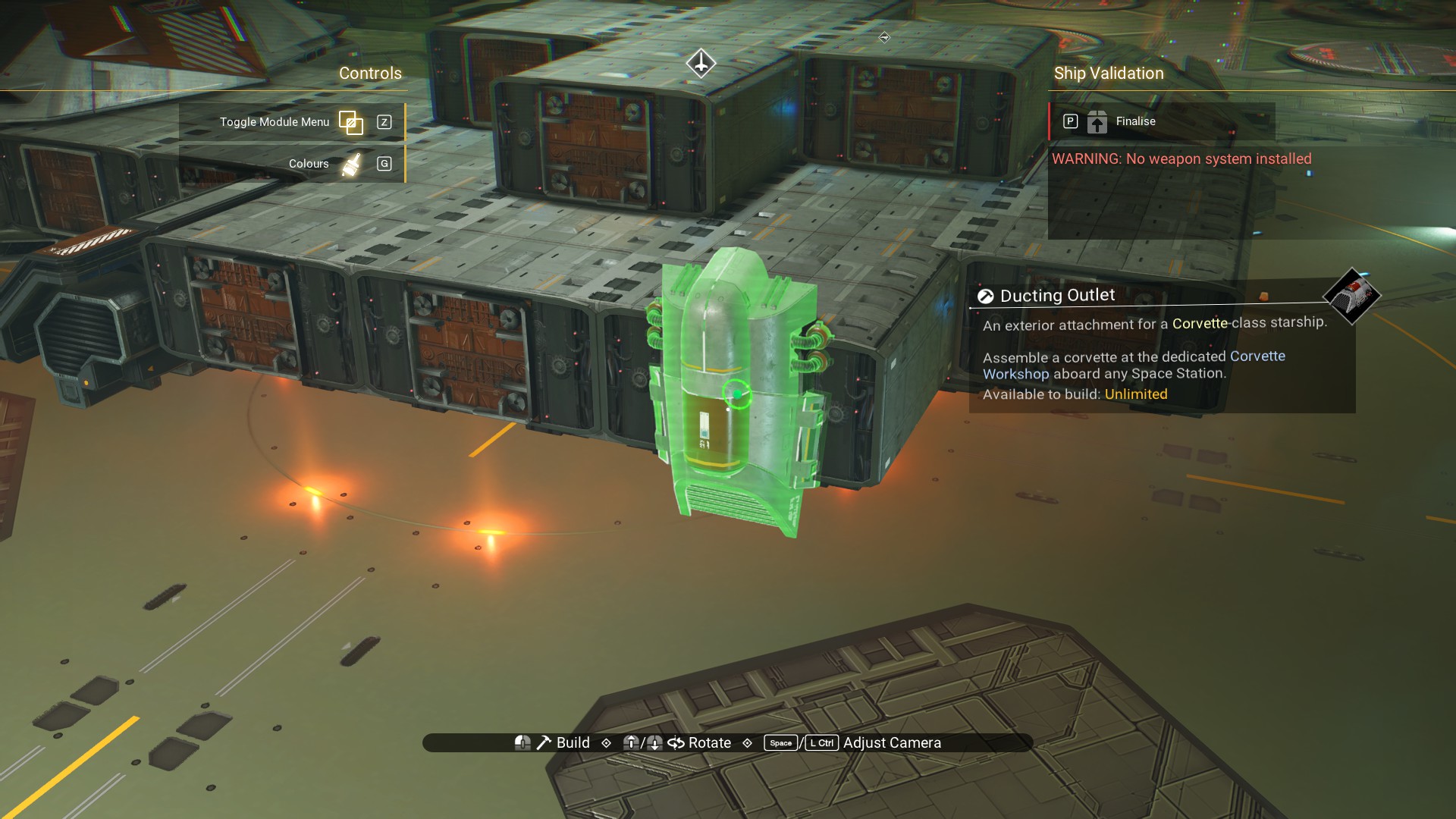 Move the habitation module so that the Outlet is on top of it.
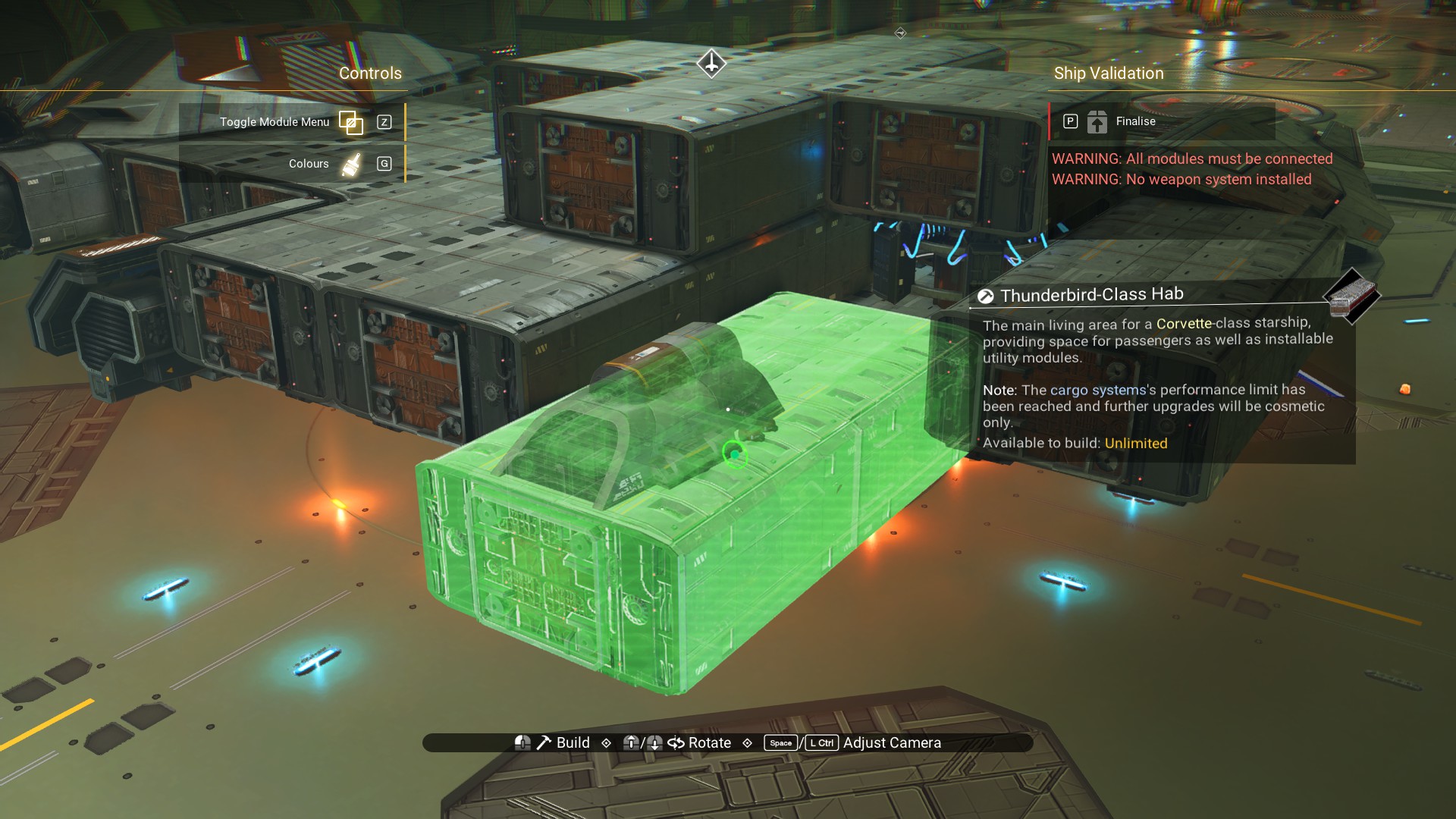 Place the Ambassador Wing on the offset module.
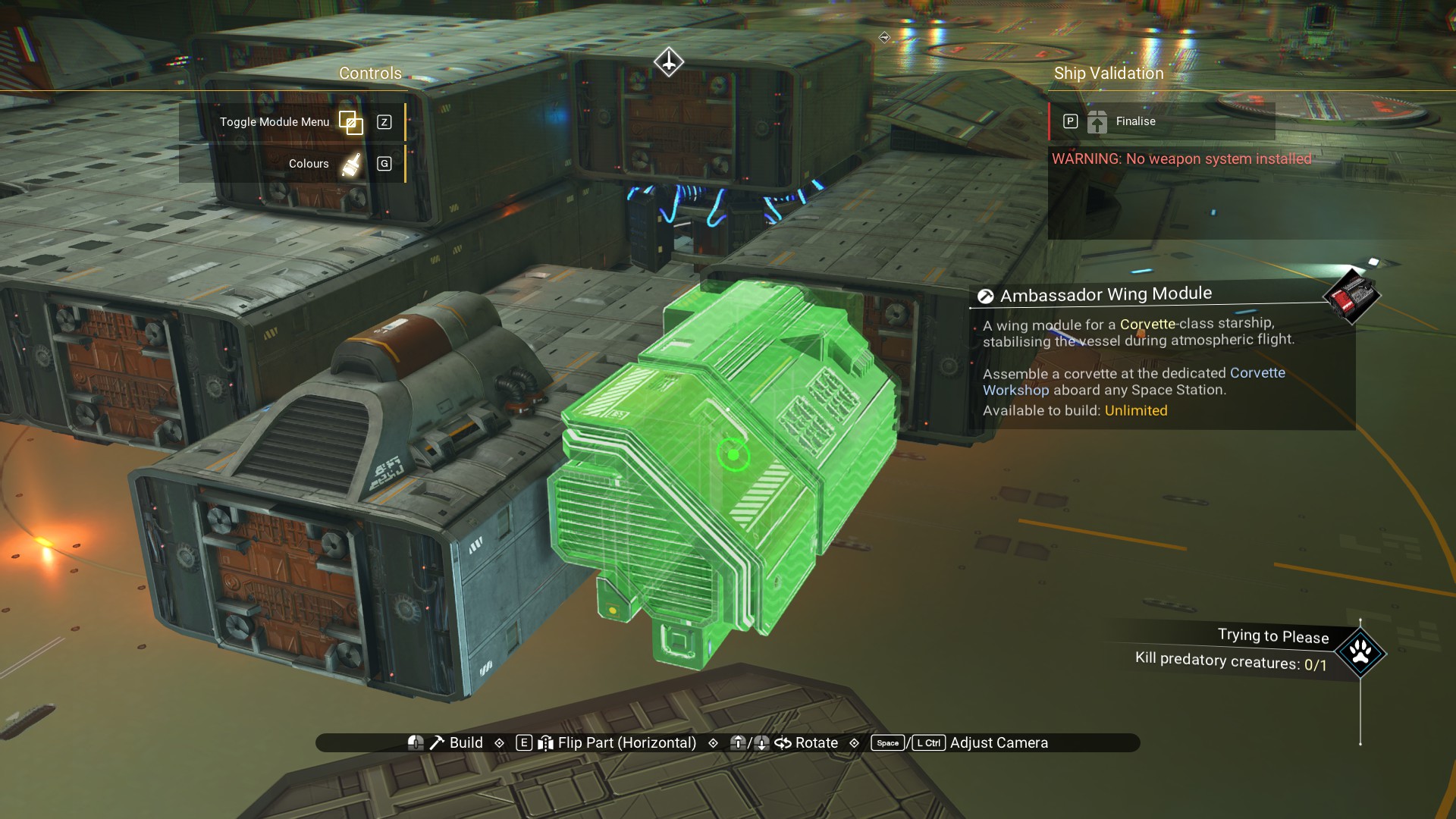 Delete the Outlet.
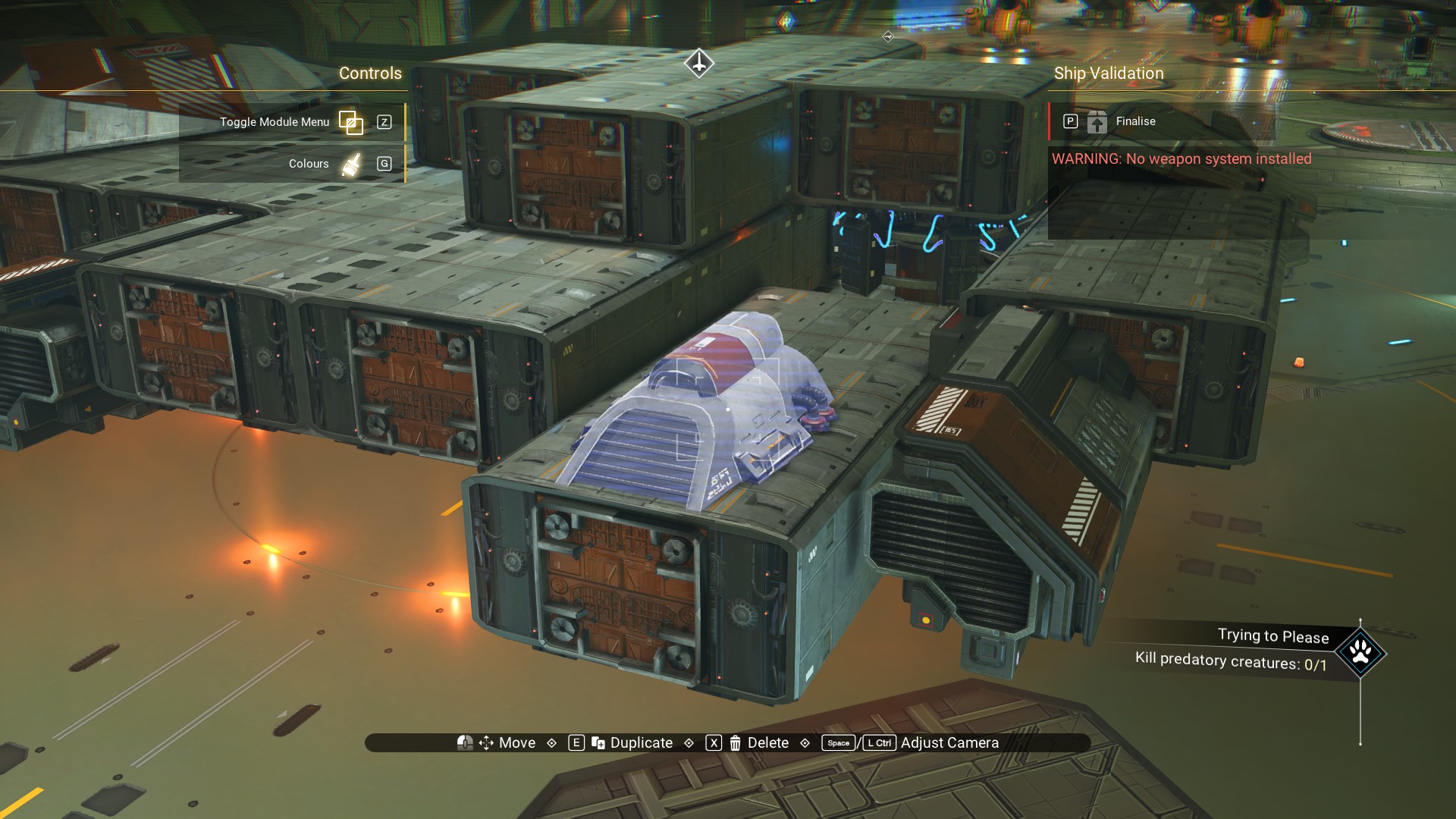 And, move the habitation module back into place.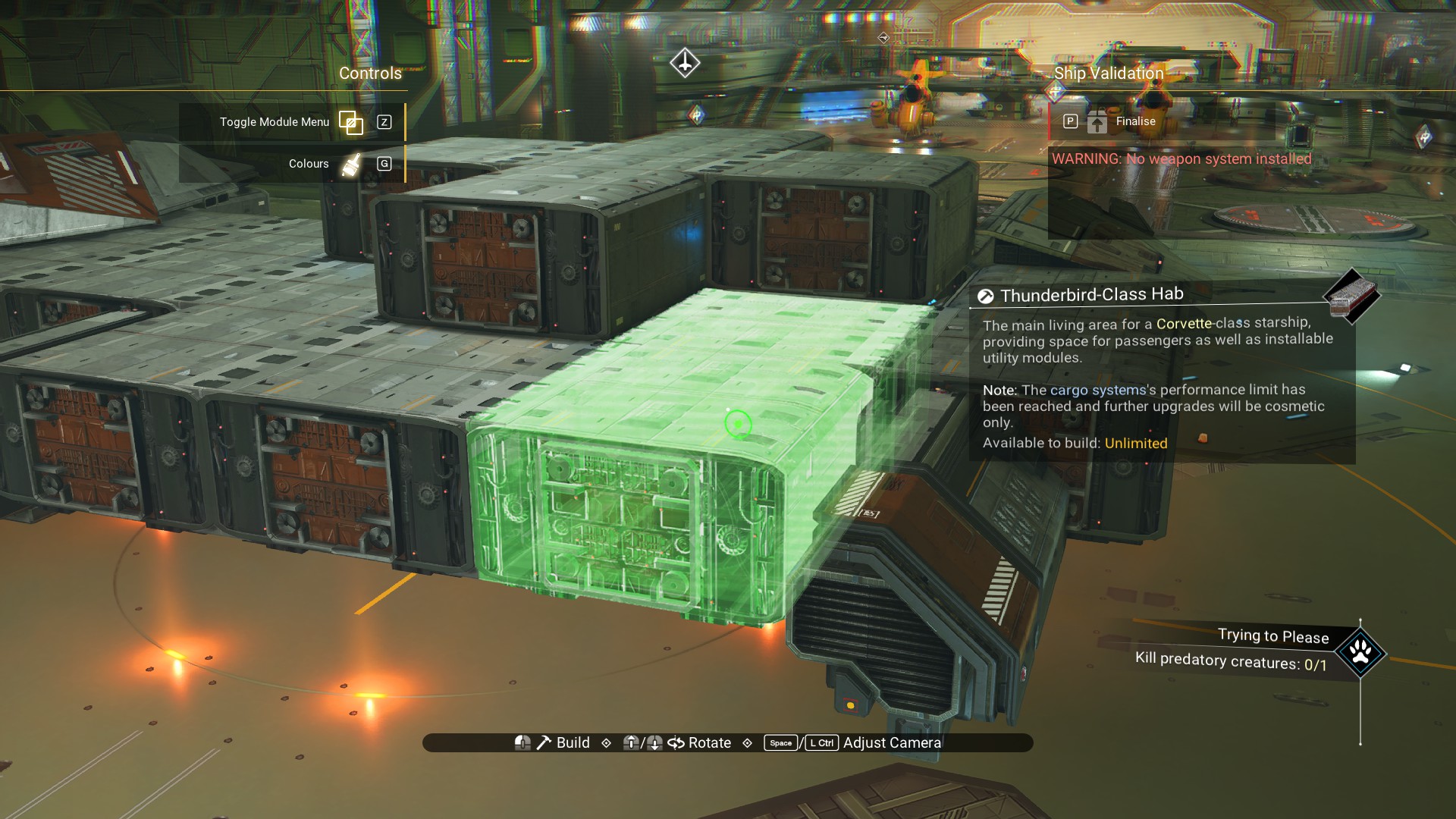
And, you're done with offsets! Back to normal building to finish out the ship.
Adding Contour
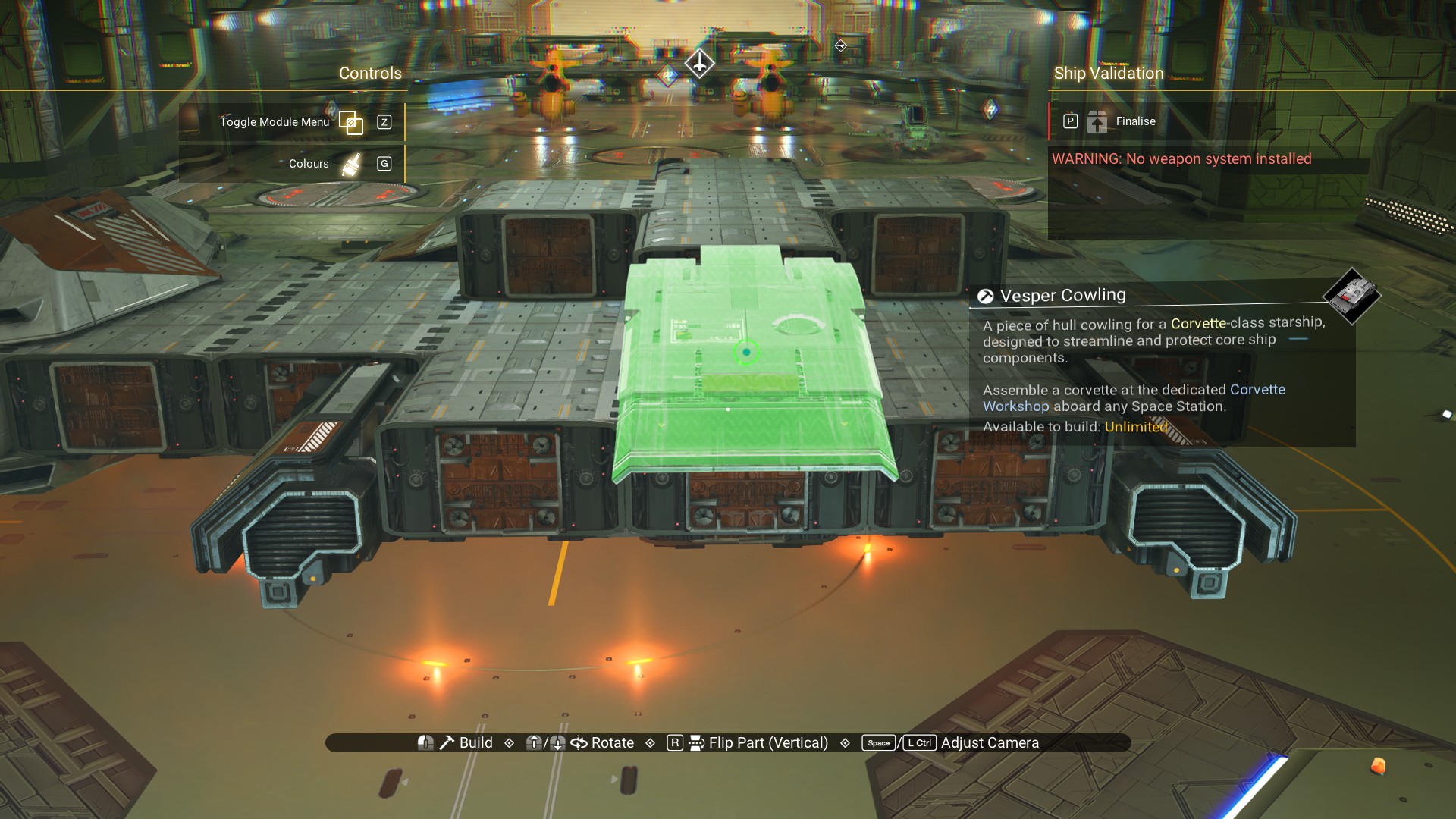
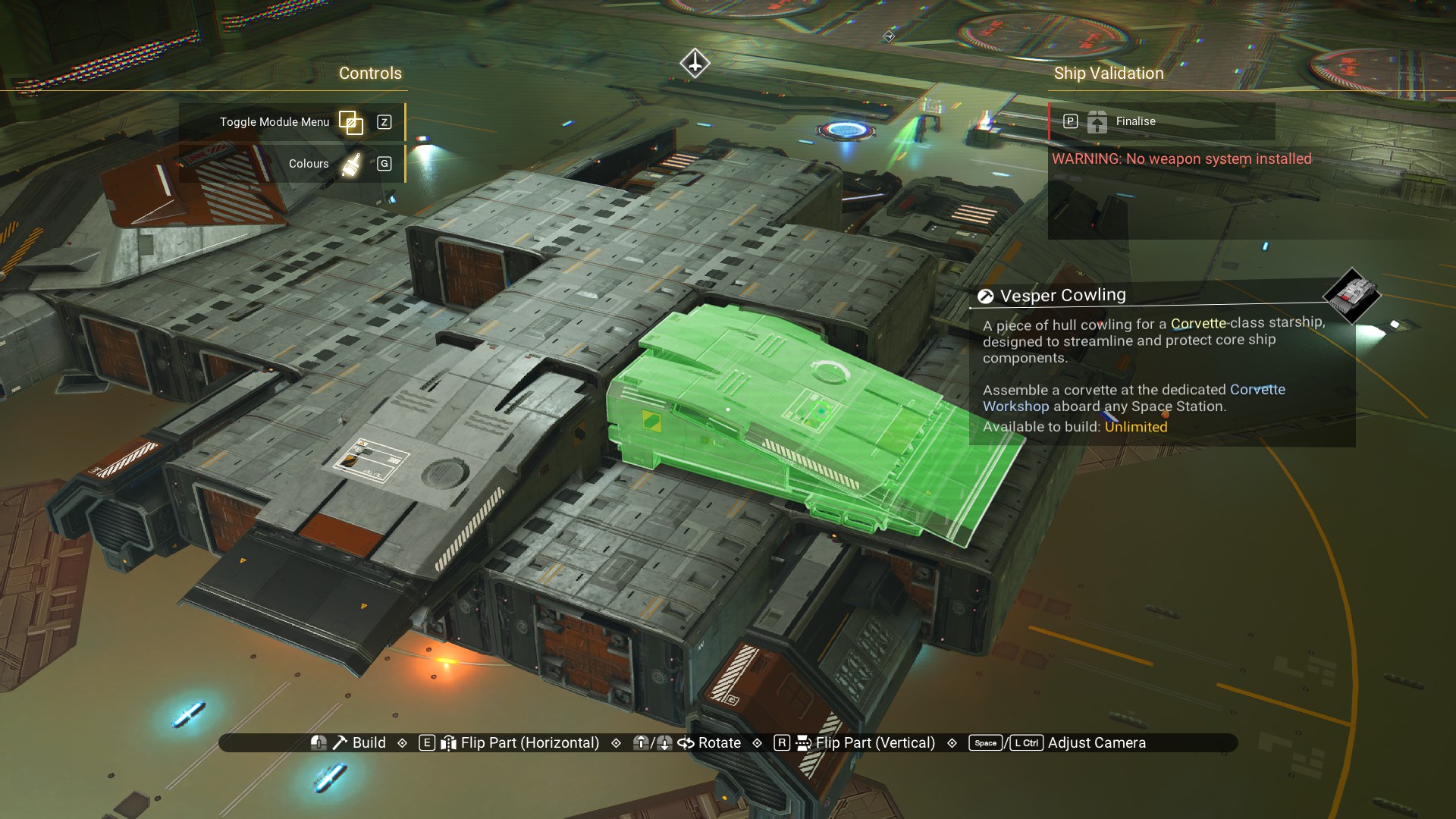
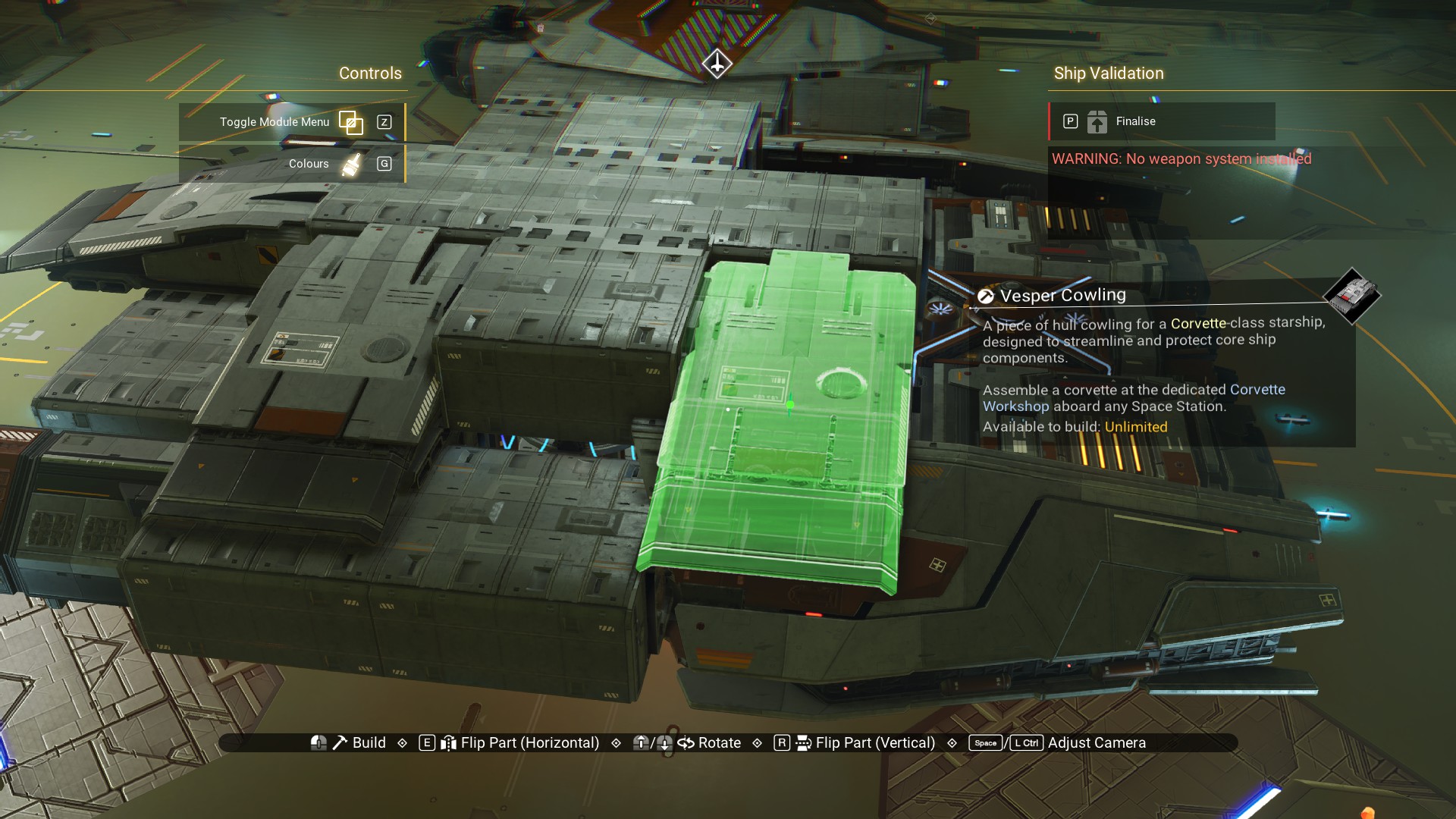
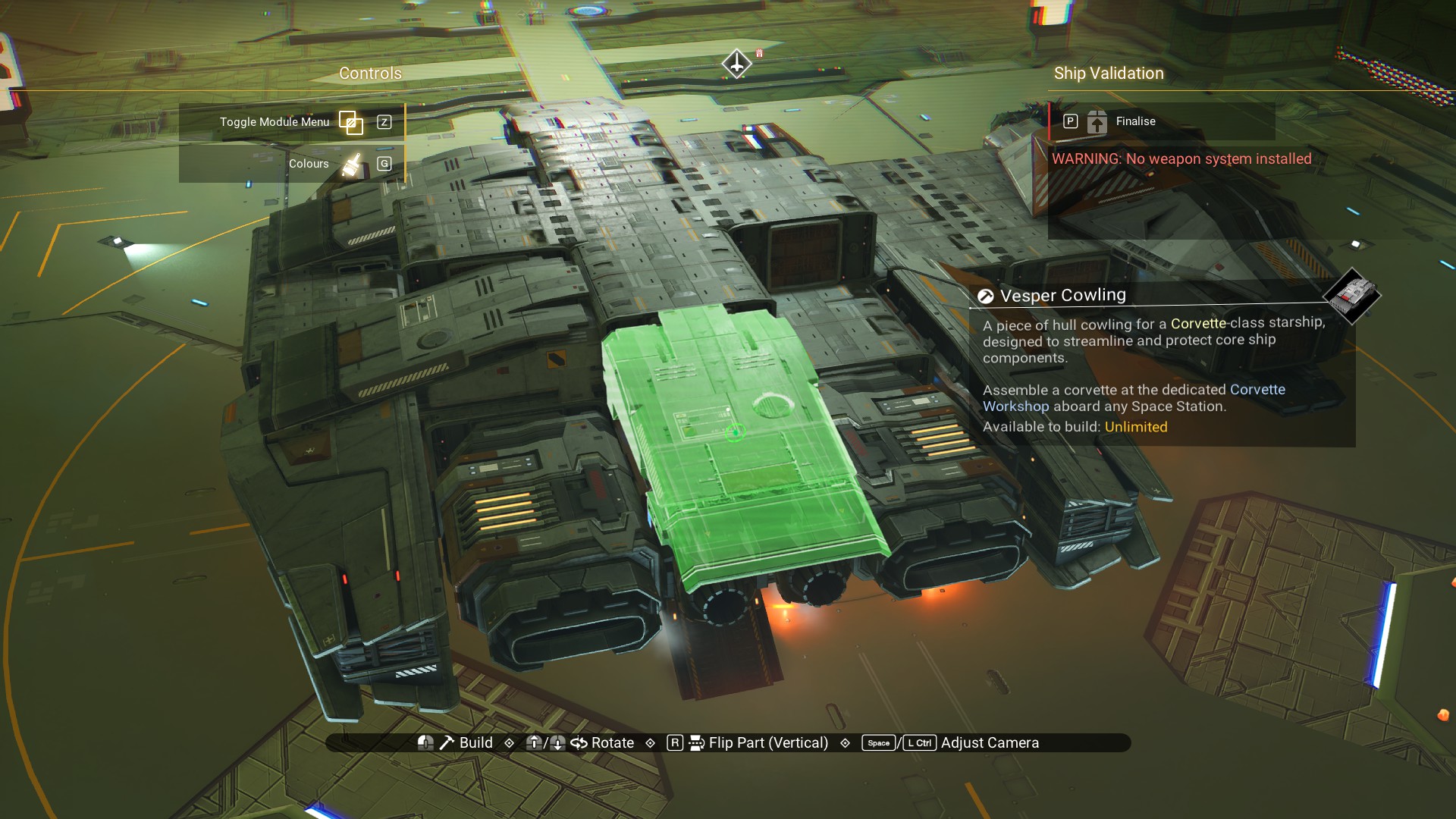
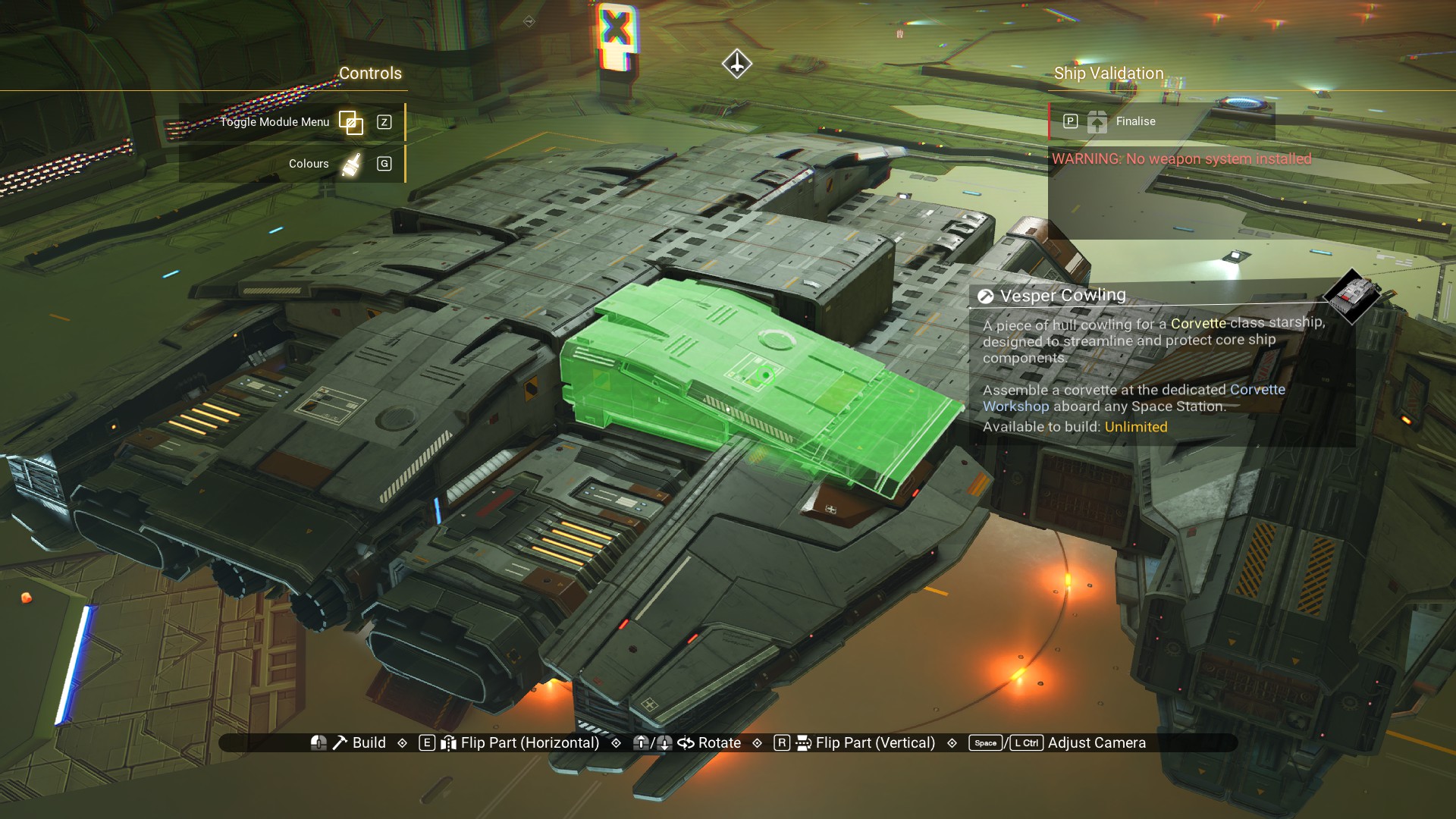
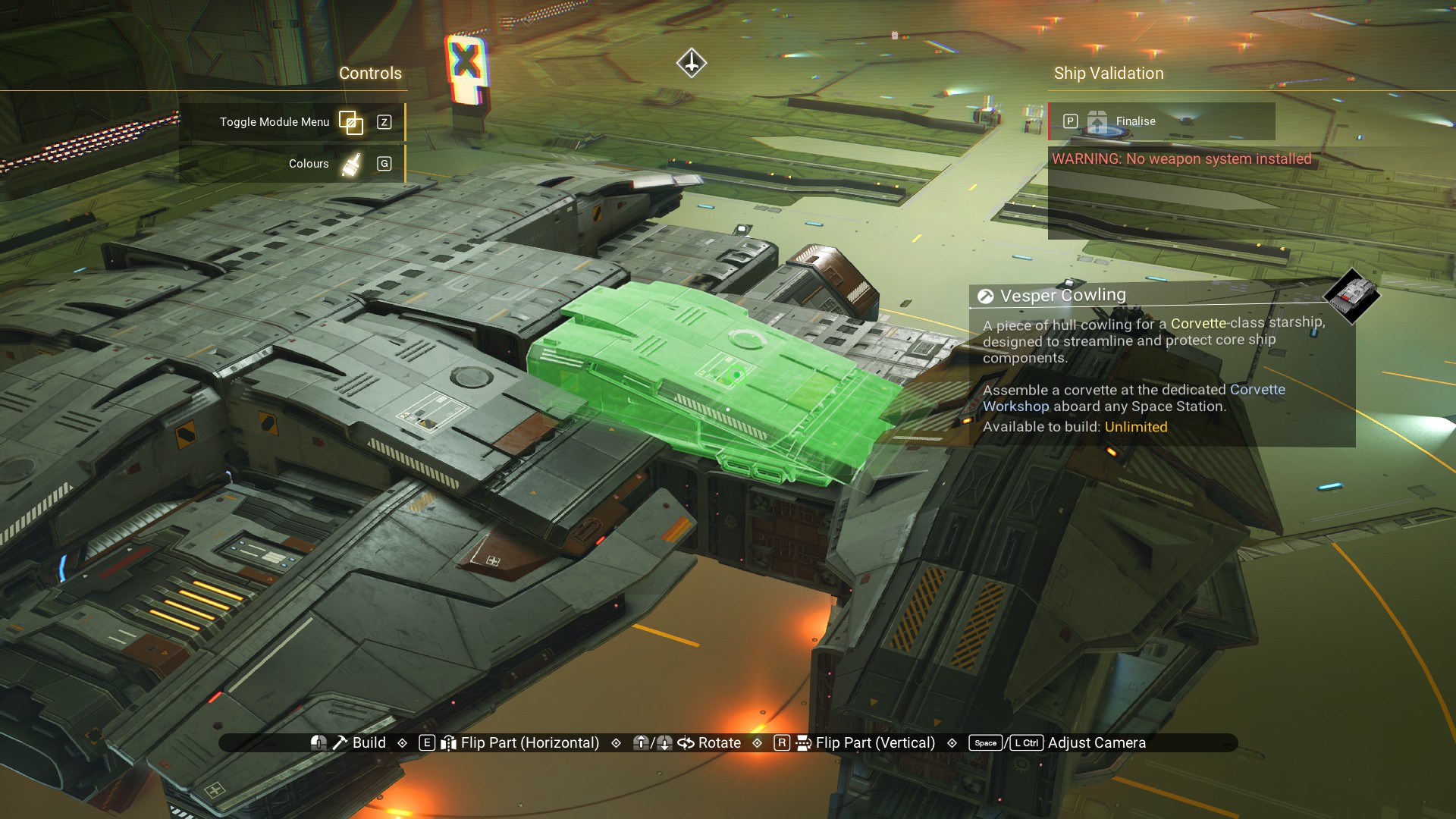
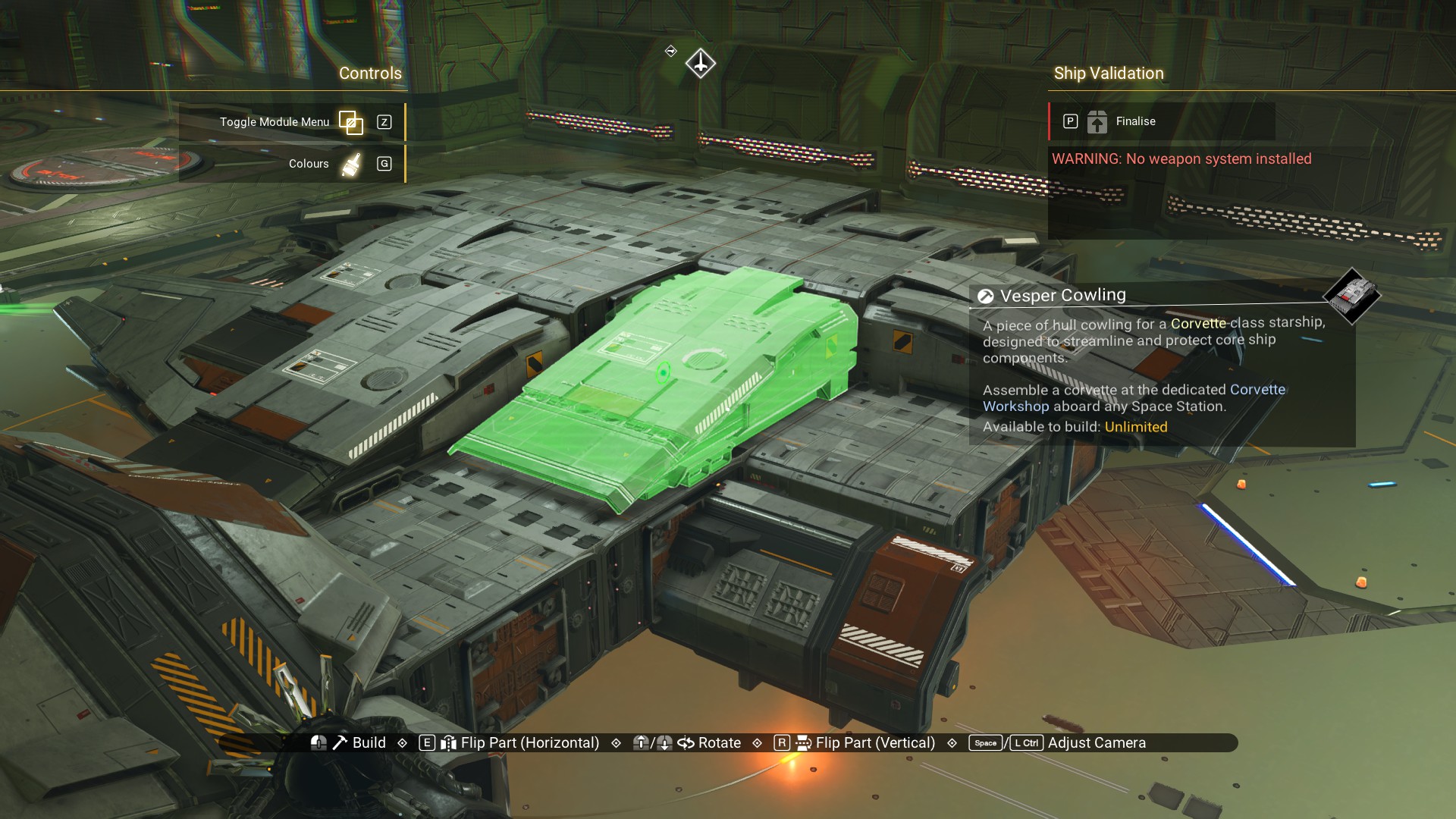 And, we'll do the same for the bottom of the ship. Again, follow along with the images.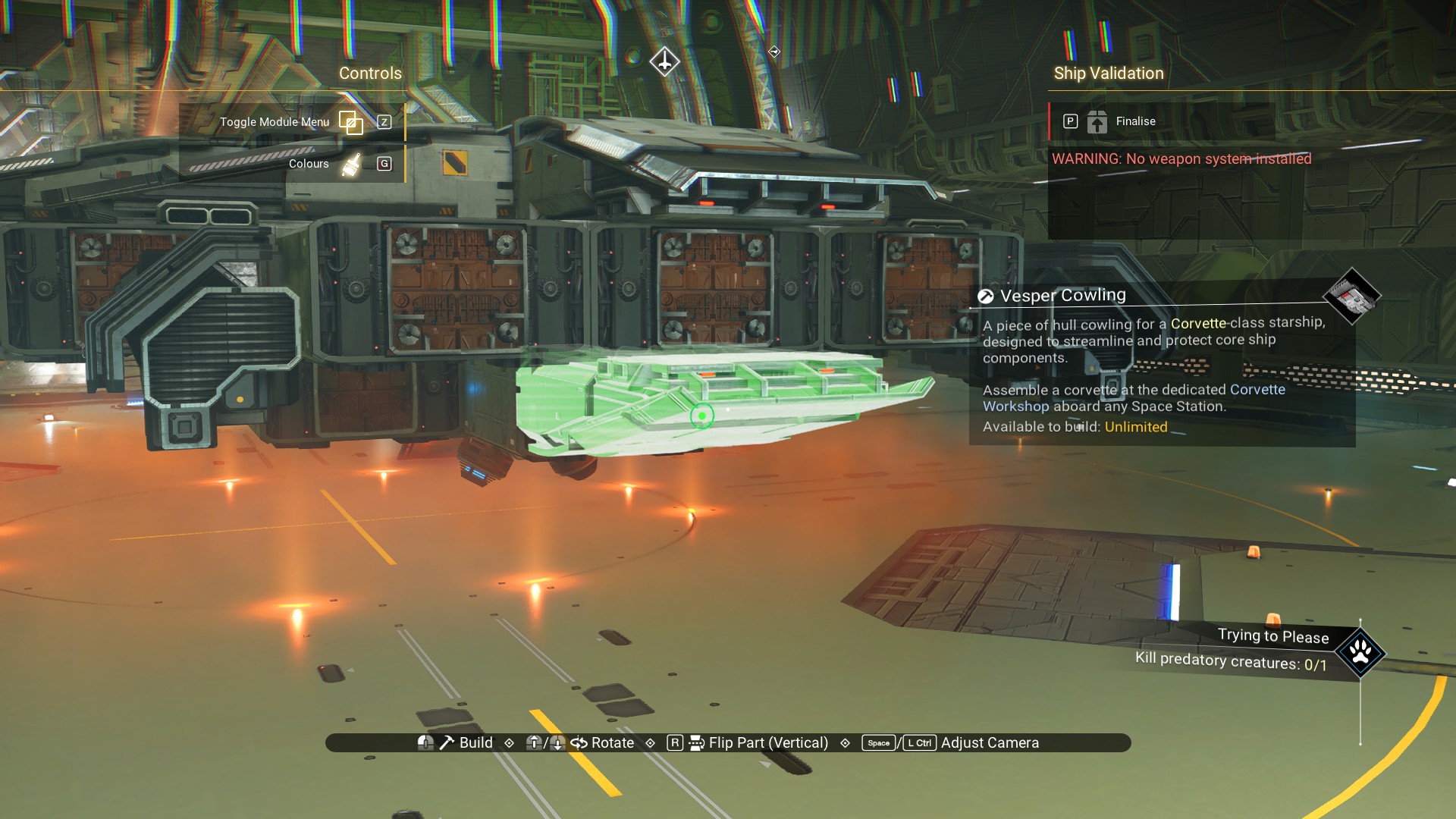
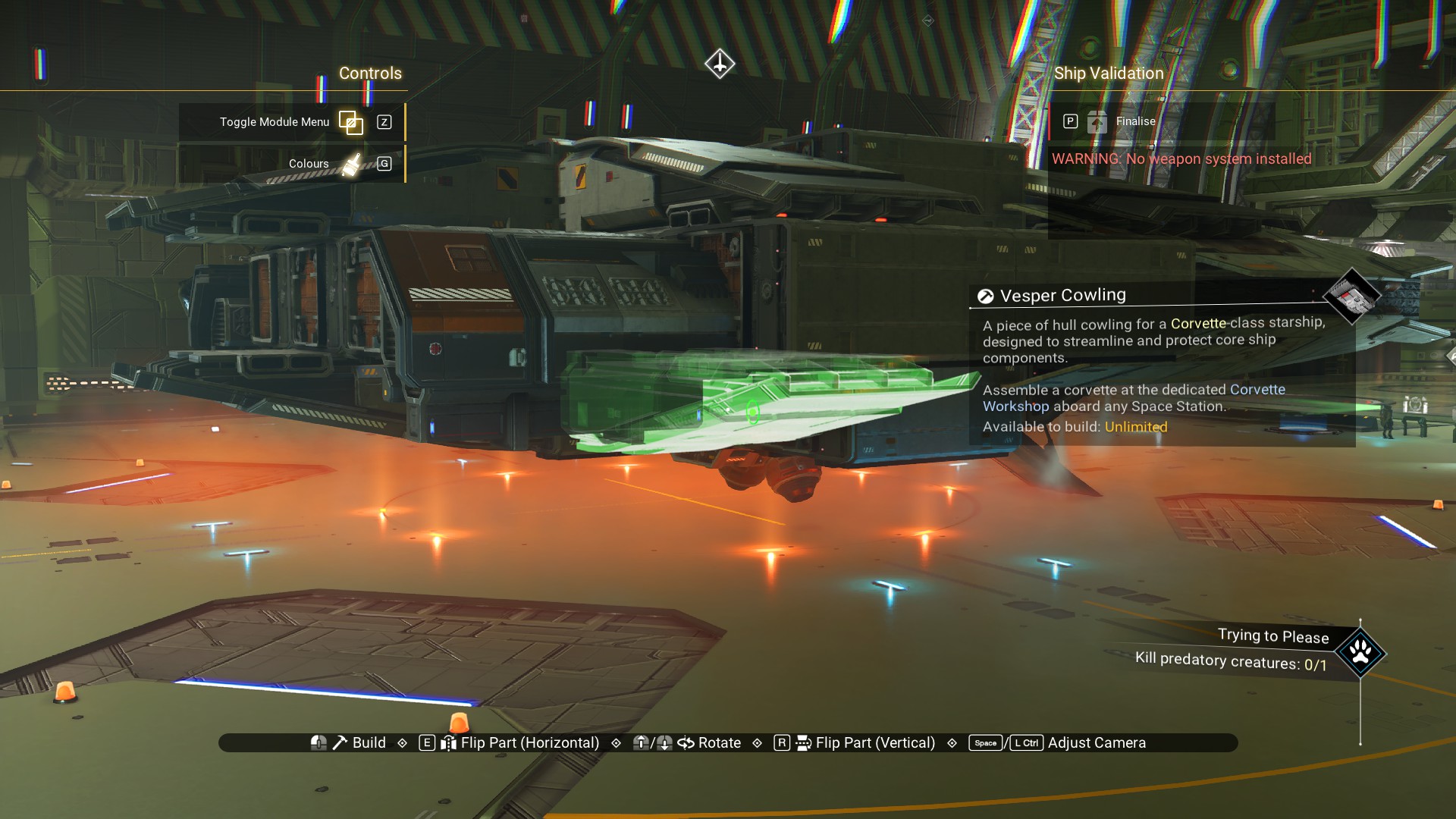
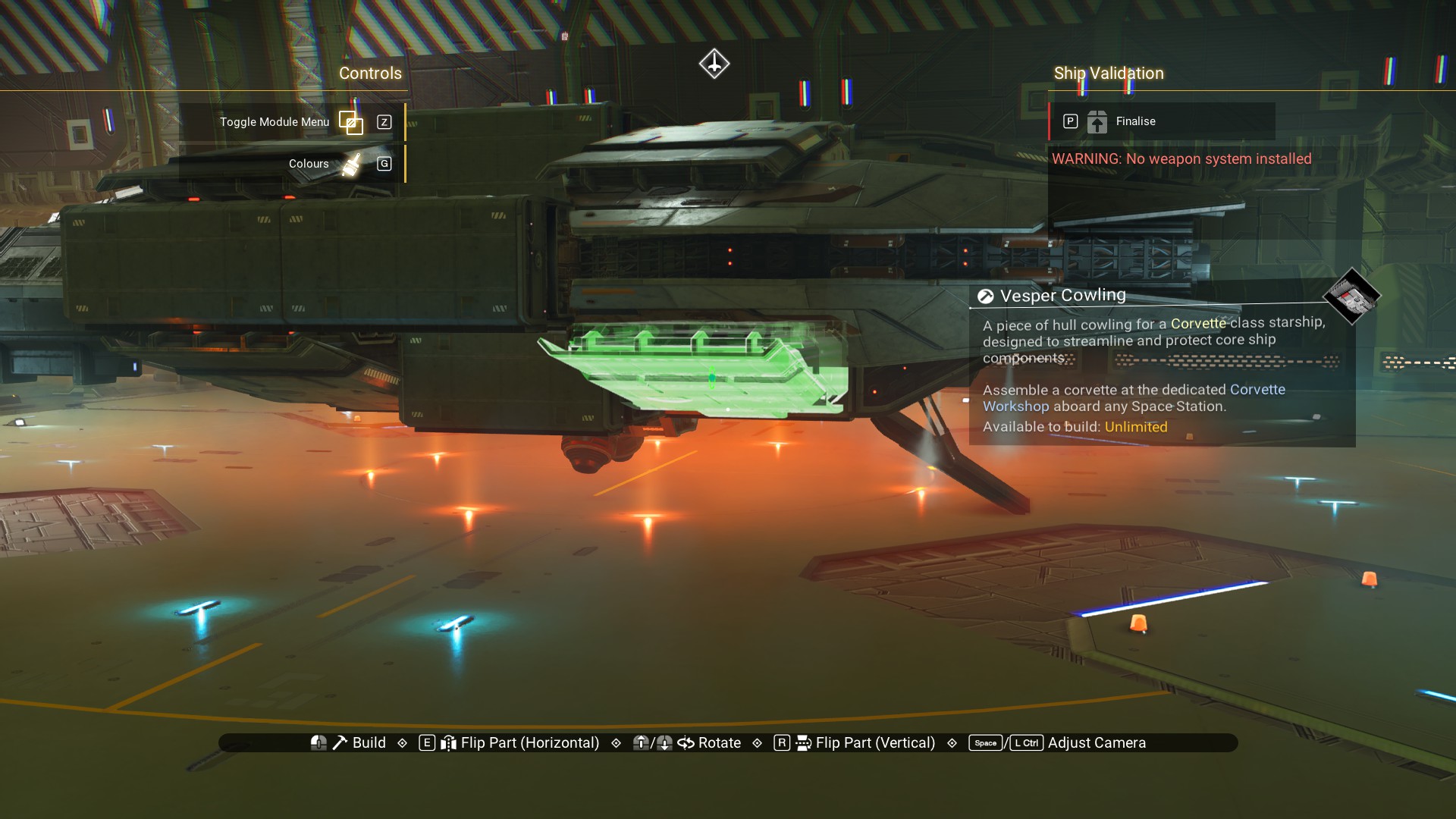
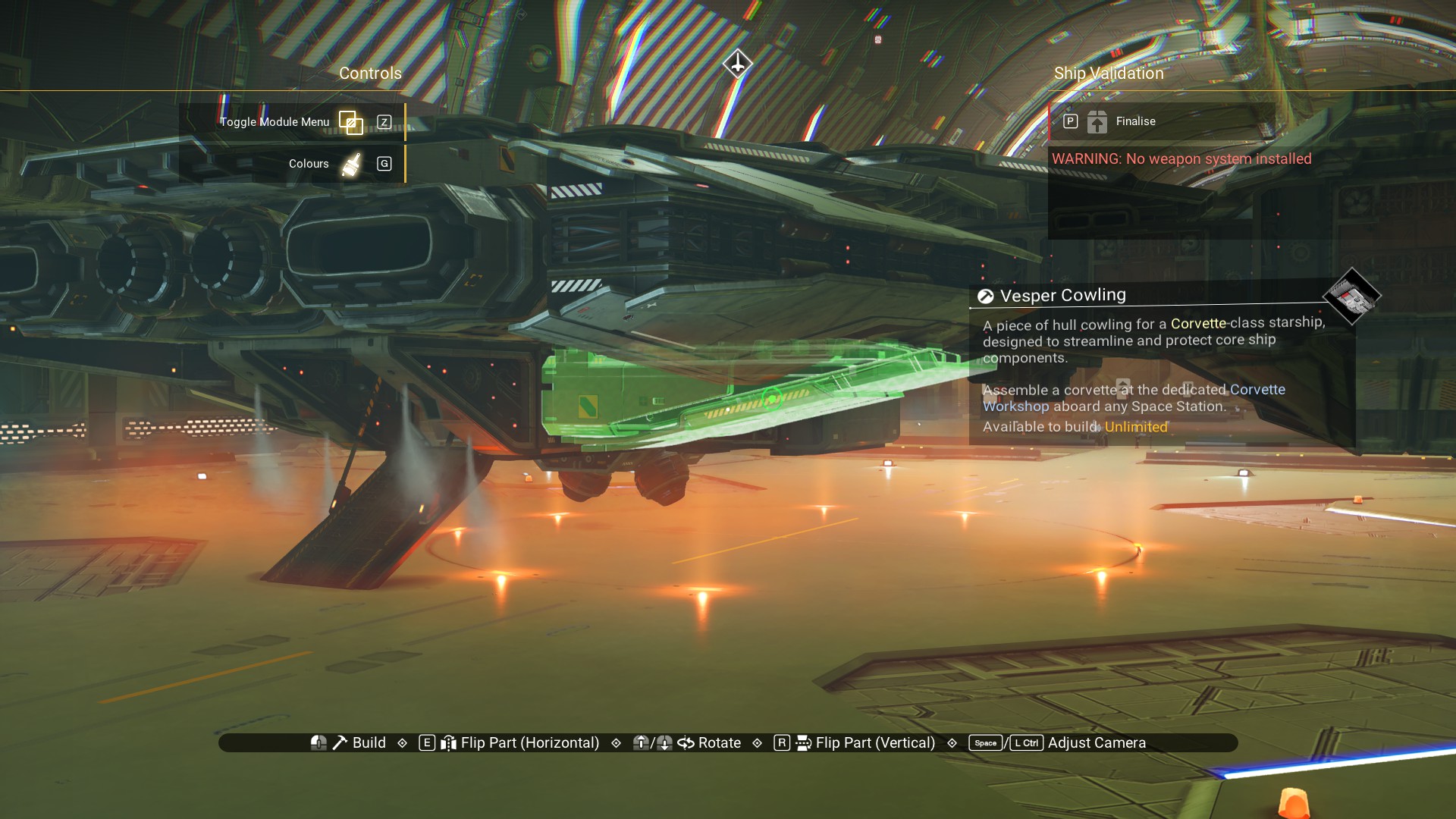
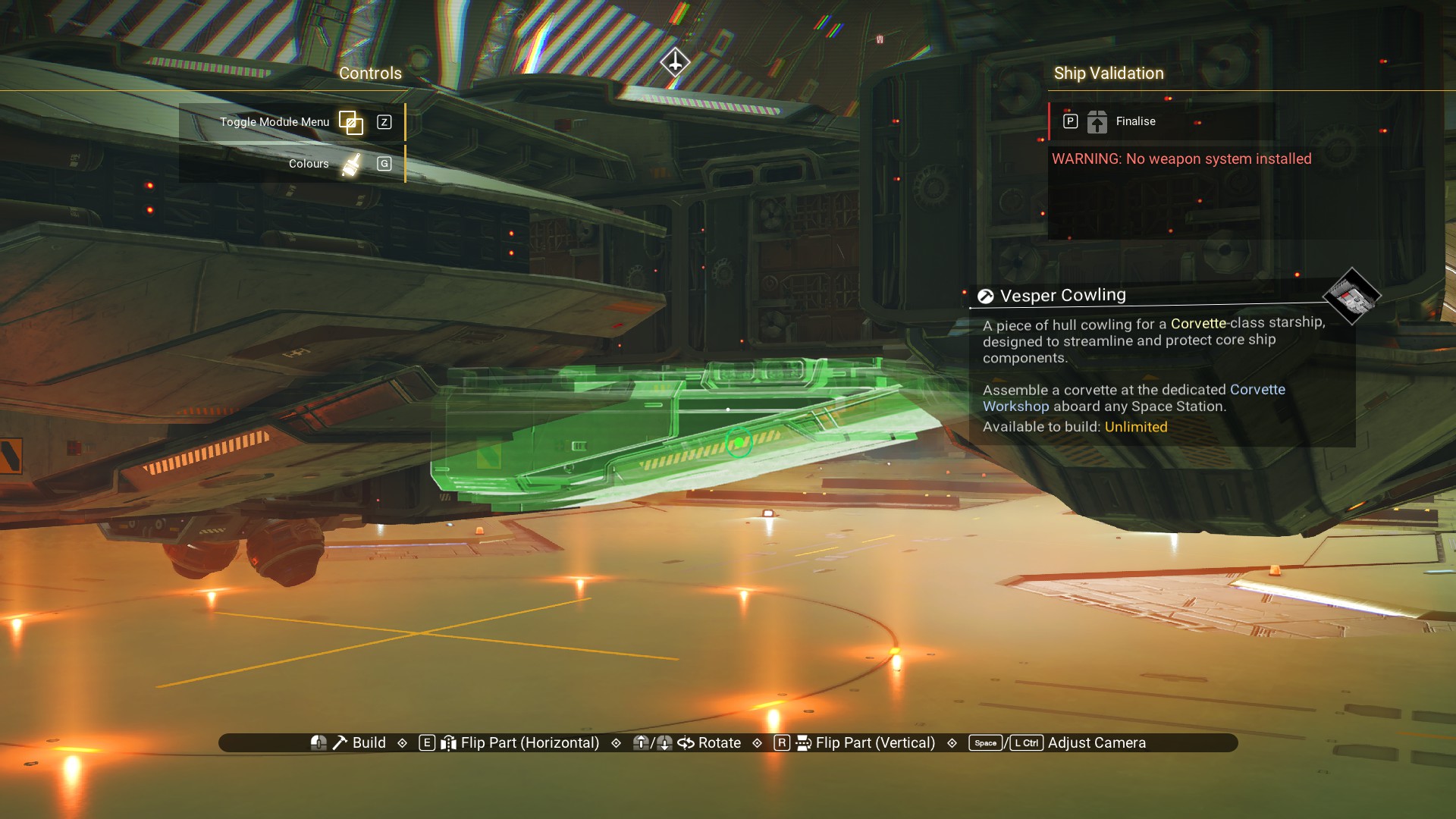
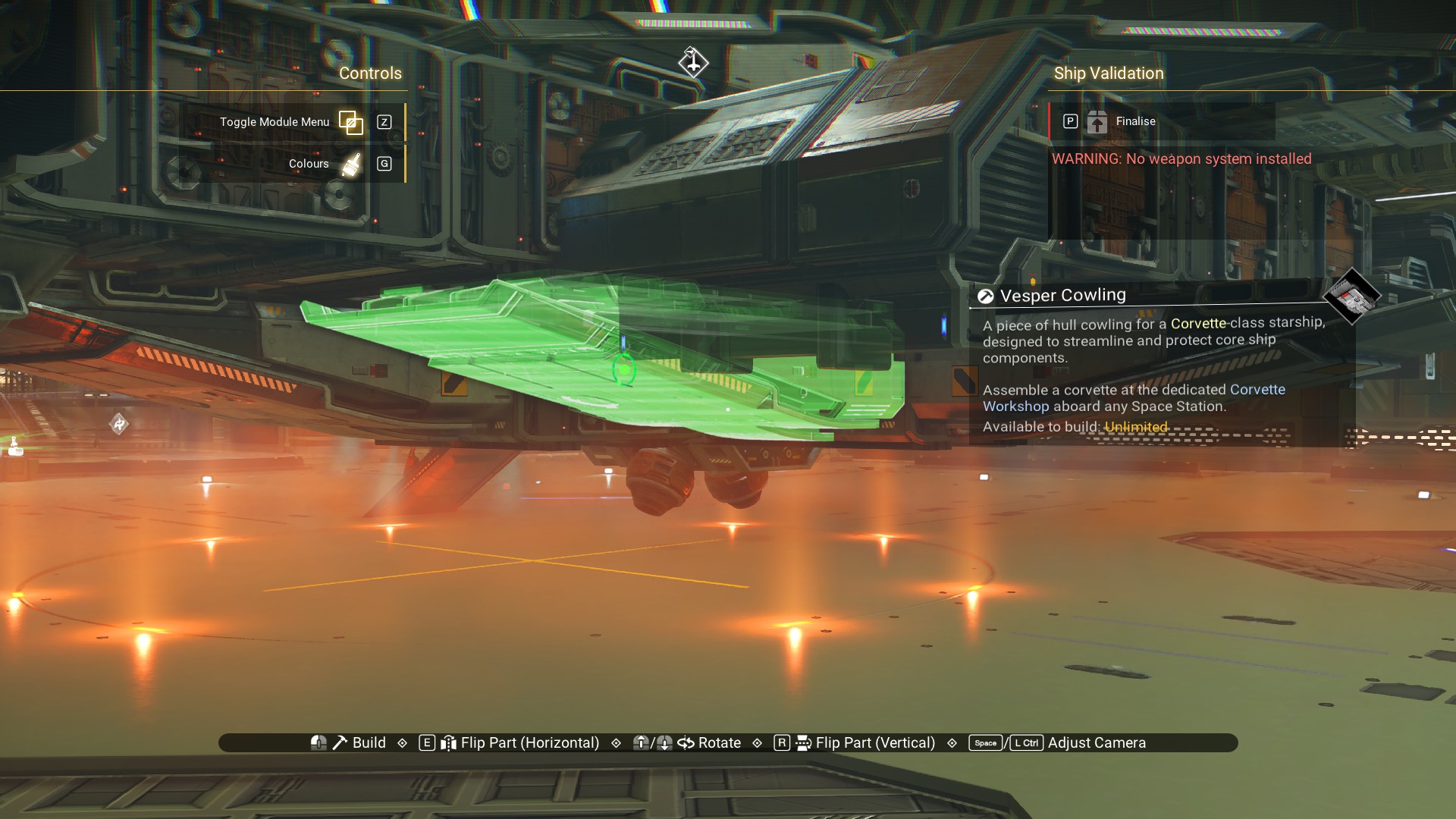
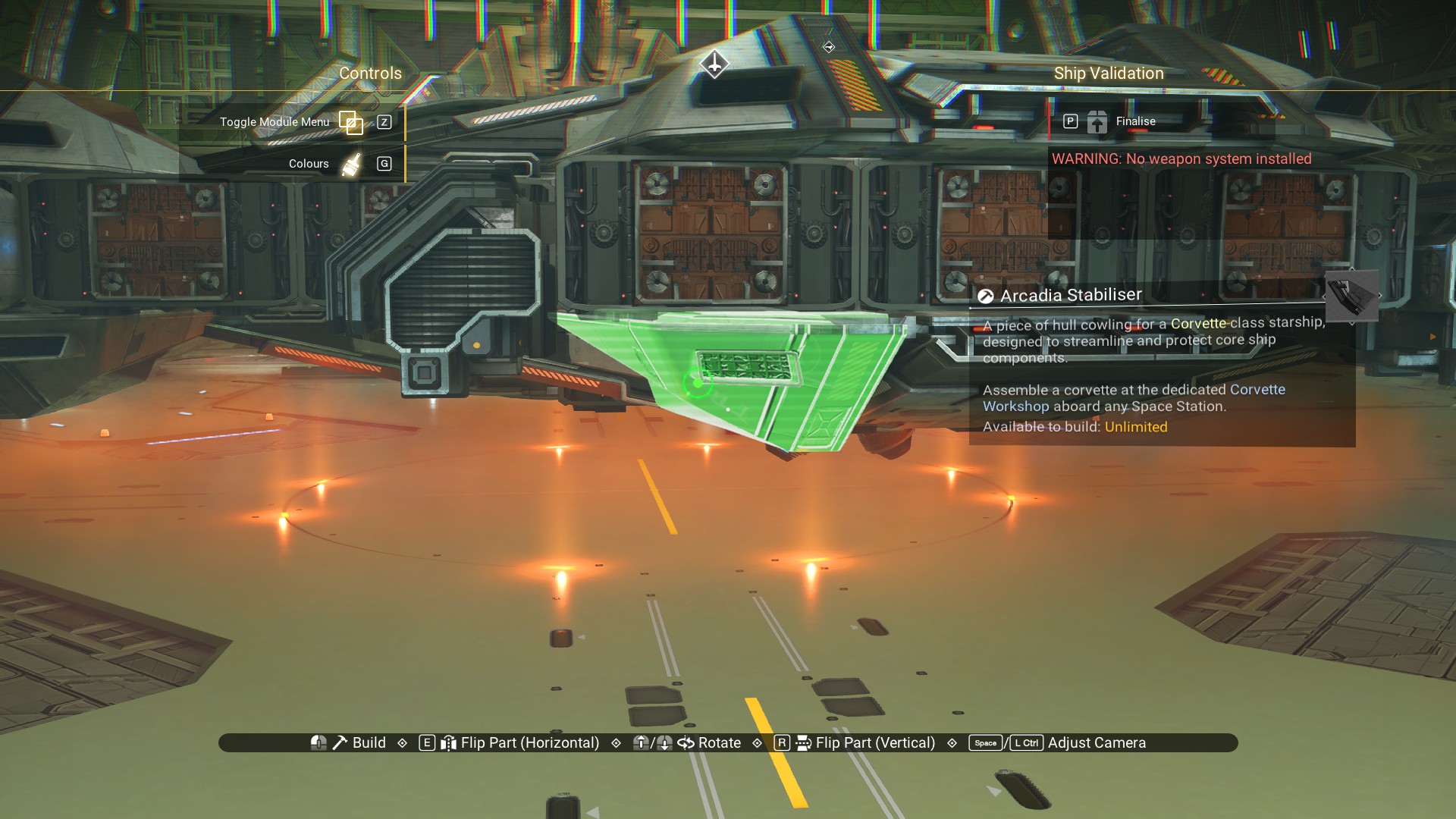
You'll notice we put the Cowlings in the same places on top and bottom, except where the landing bay is. If some of the images are difficult to follow, especially on the underside, then refer to where the Cowlings were placed on top and do the same underneath. Arcadia Stabilisers on the front. Up top.
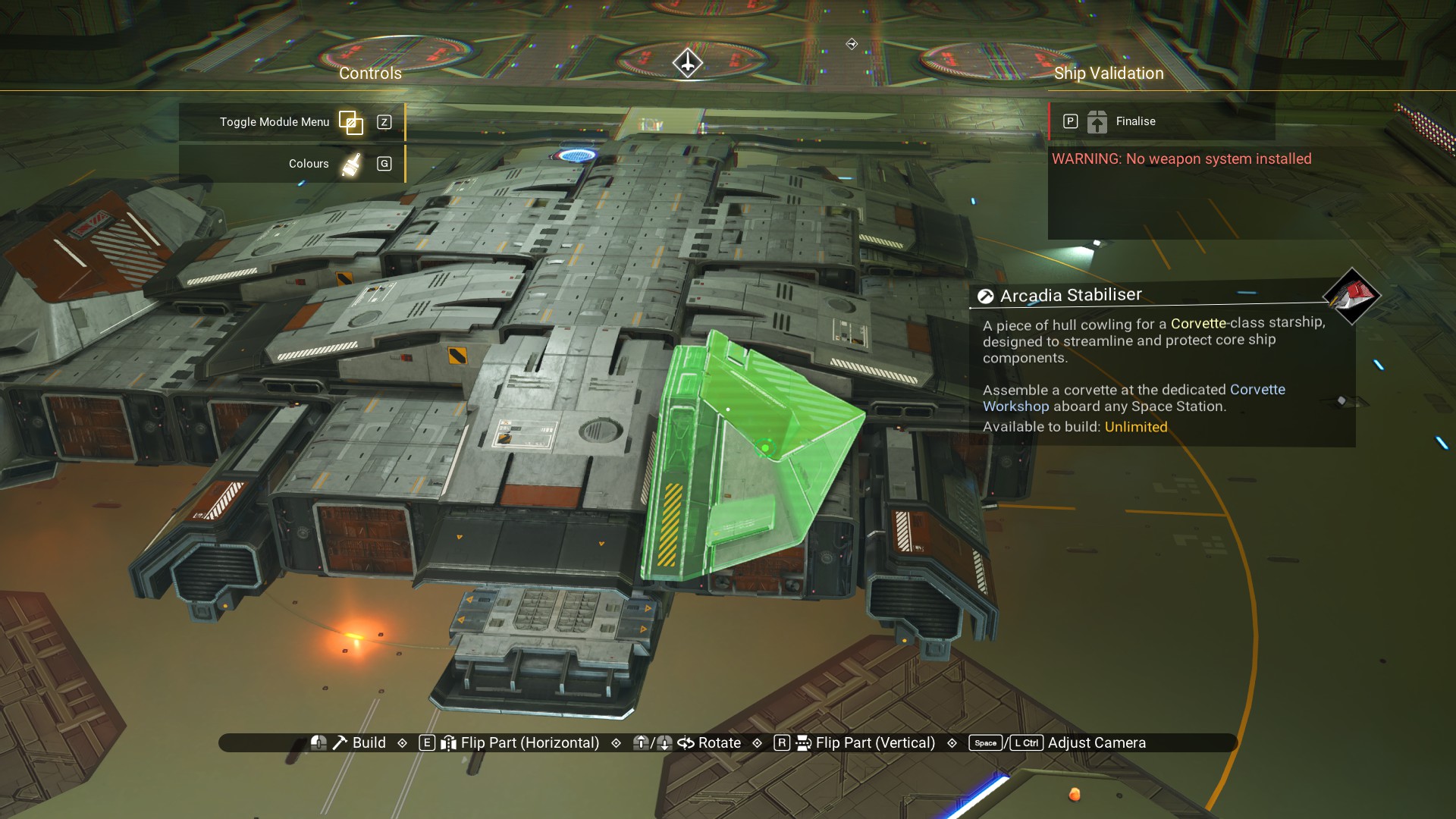
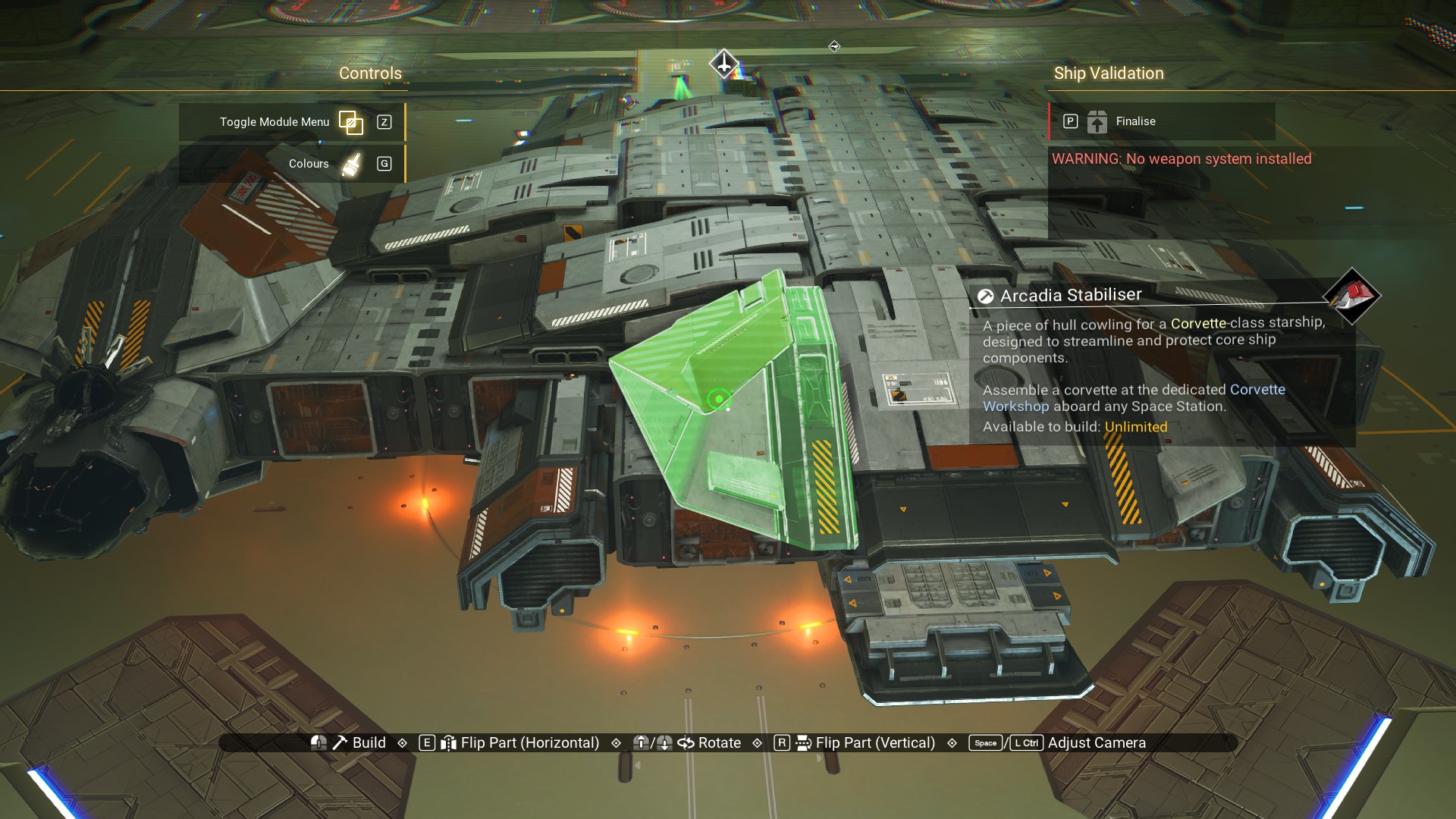
And, on the bottom.
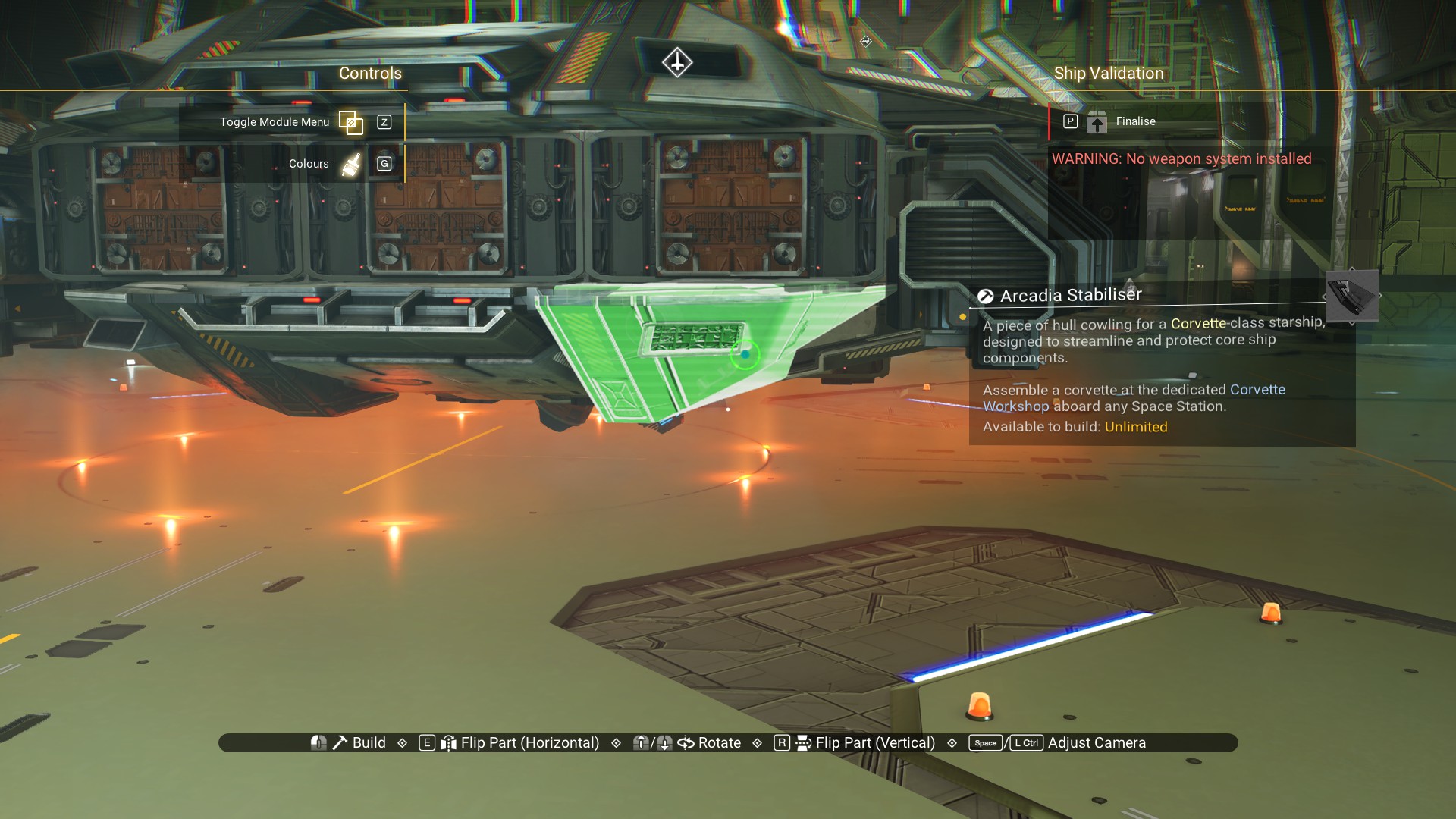
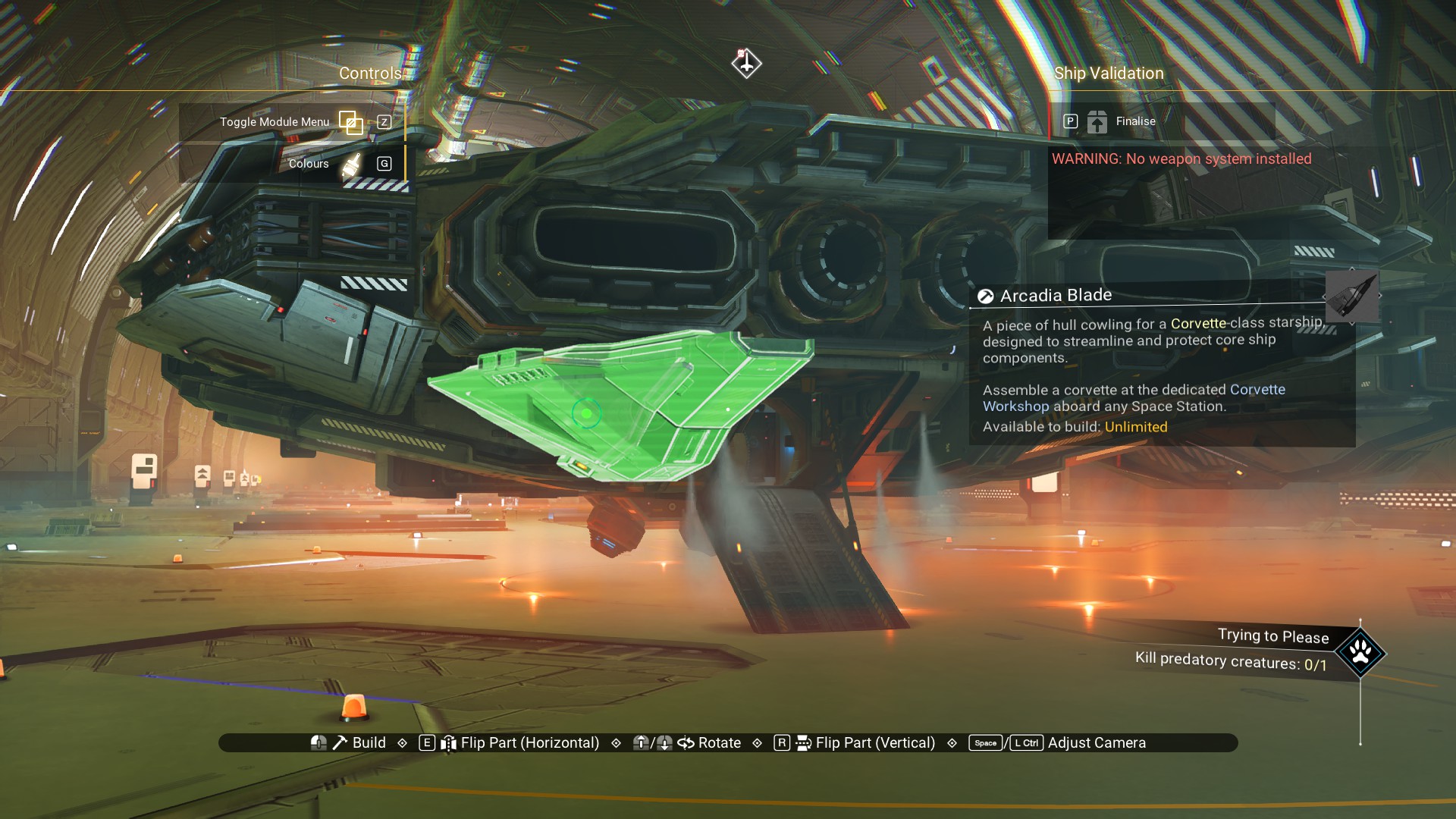
Arcadia Blades on the rear, over the thrusters. Up top.
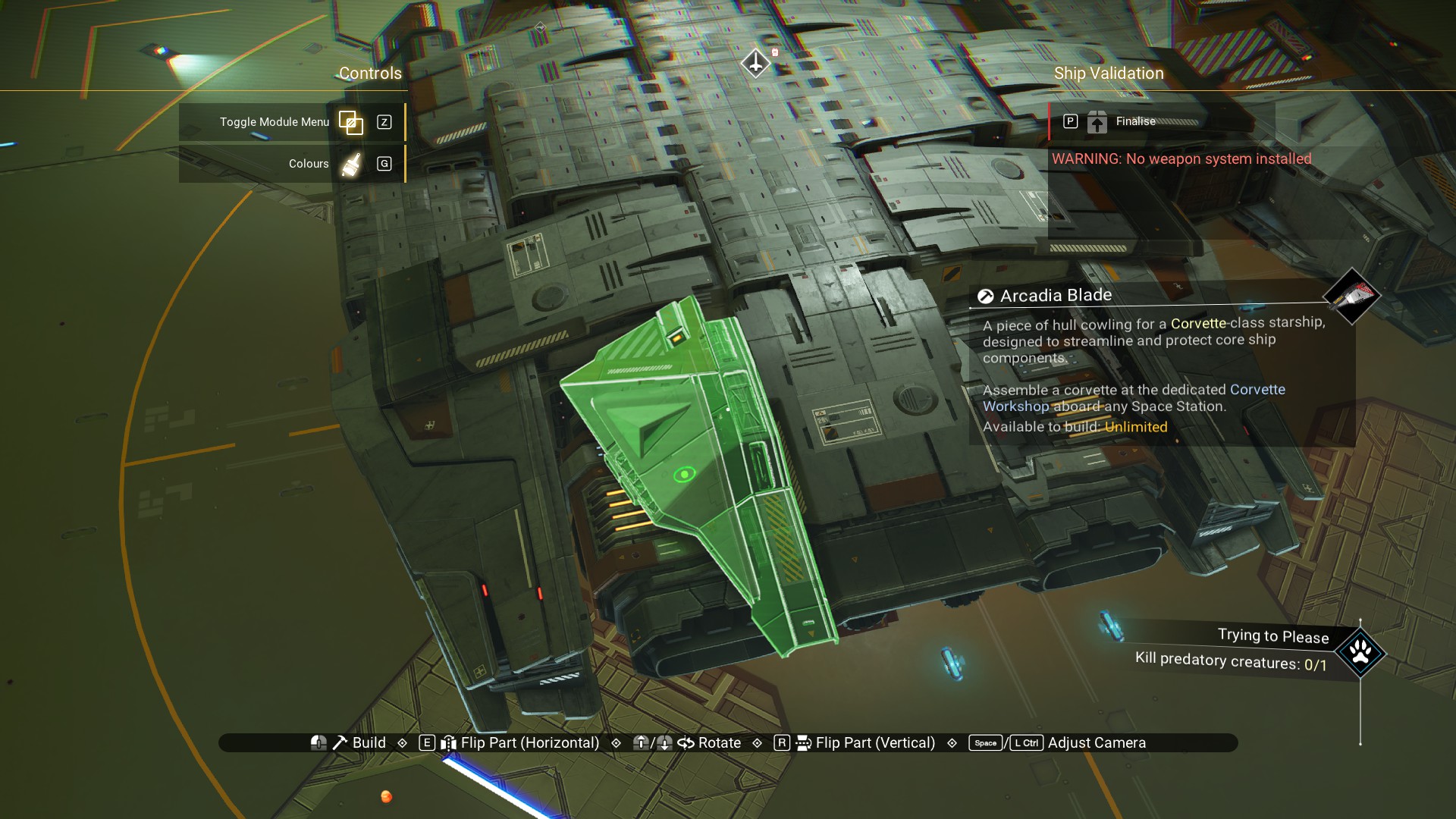
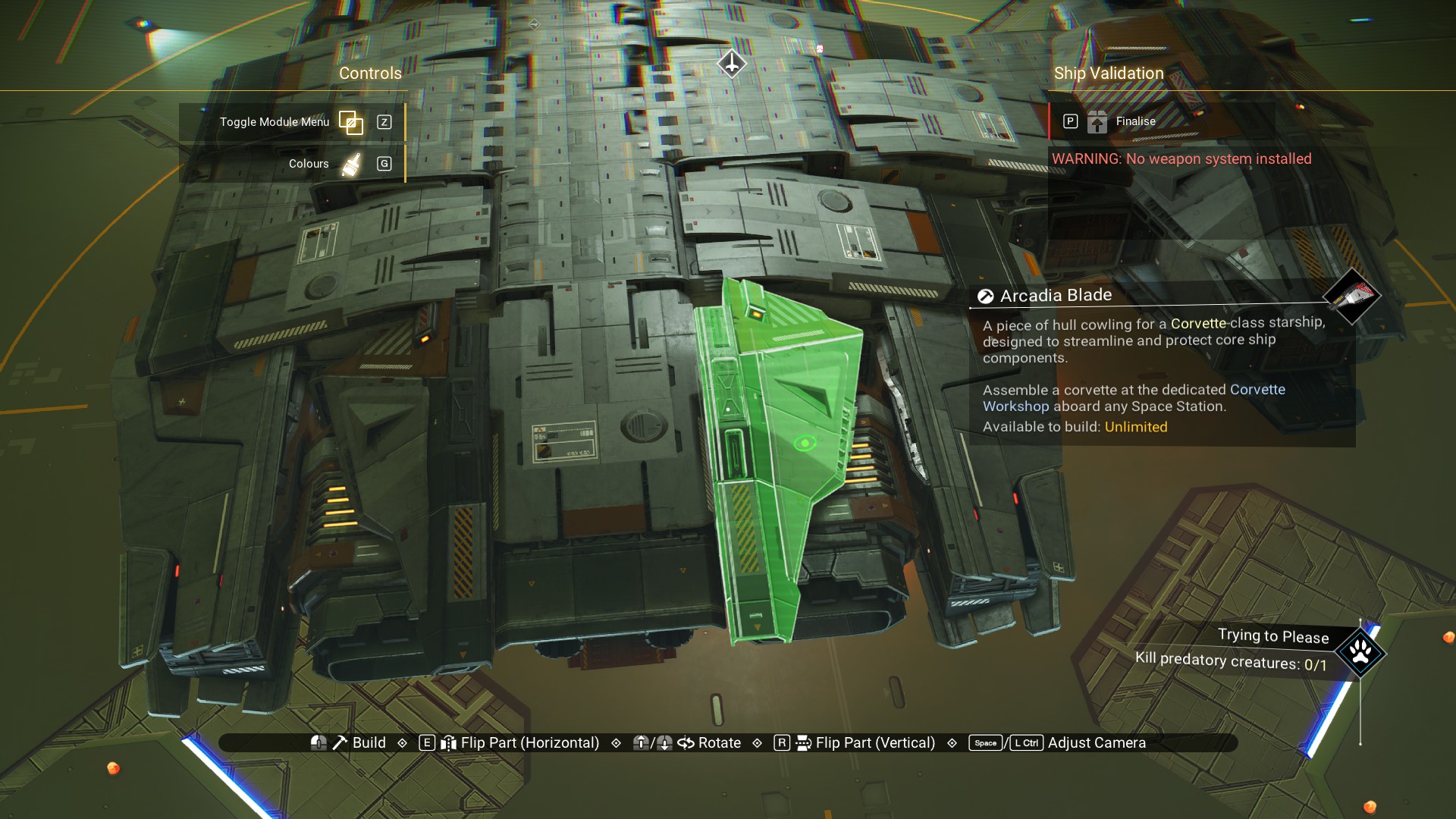
And, on the bottom.
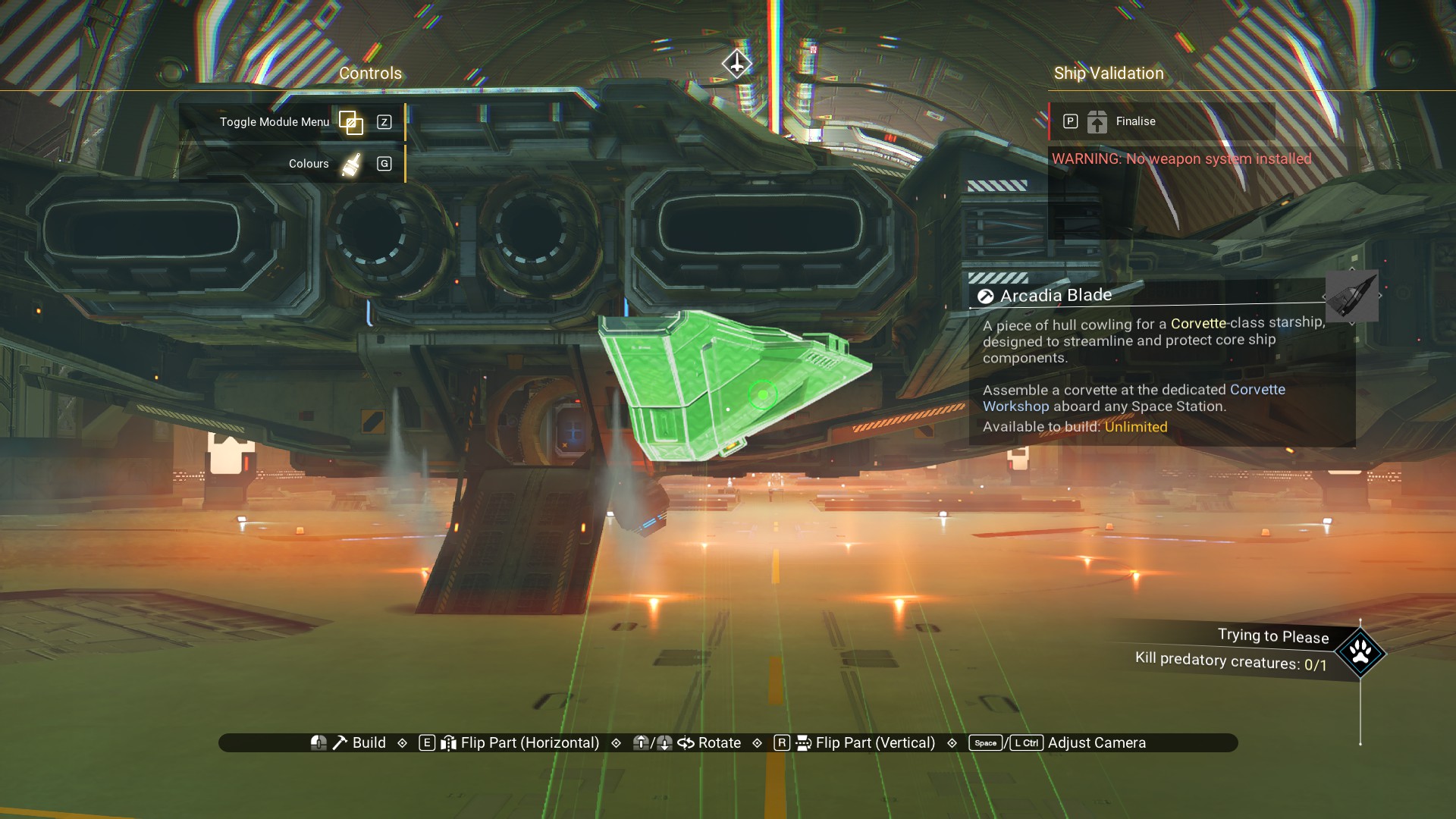
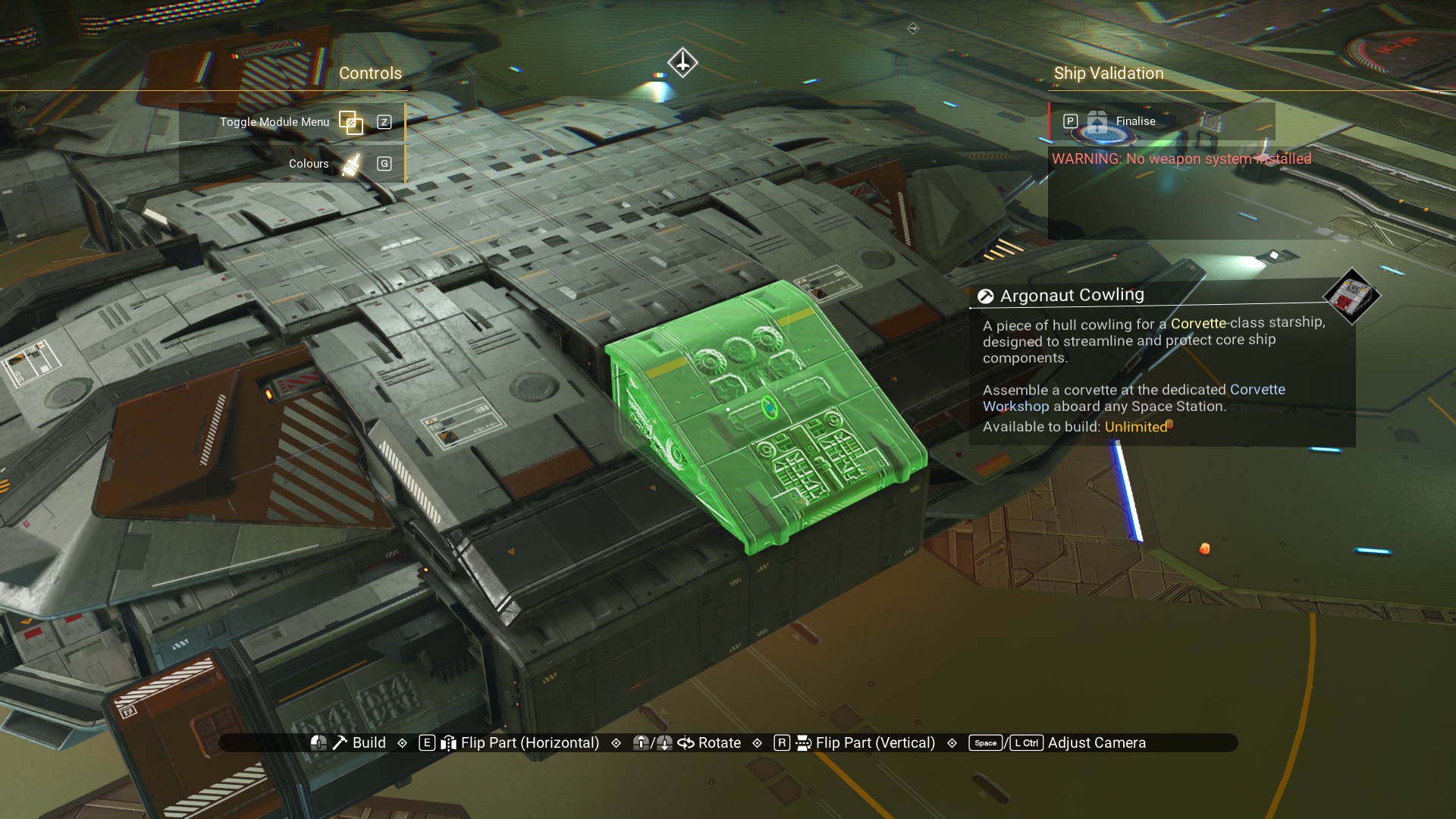
An Argonaut Cowling goes in the empty spot on the port side, up top.
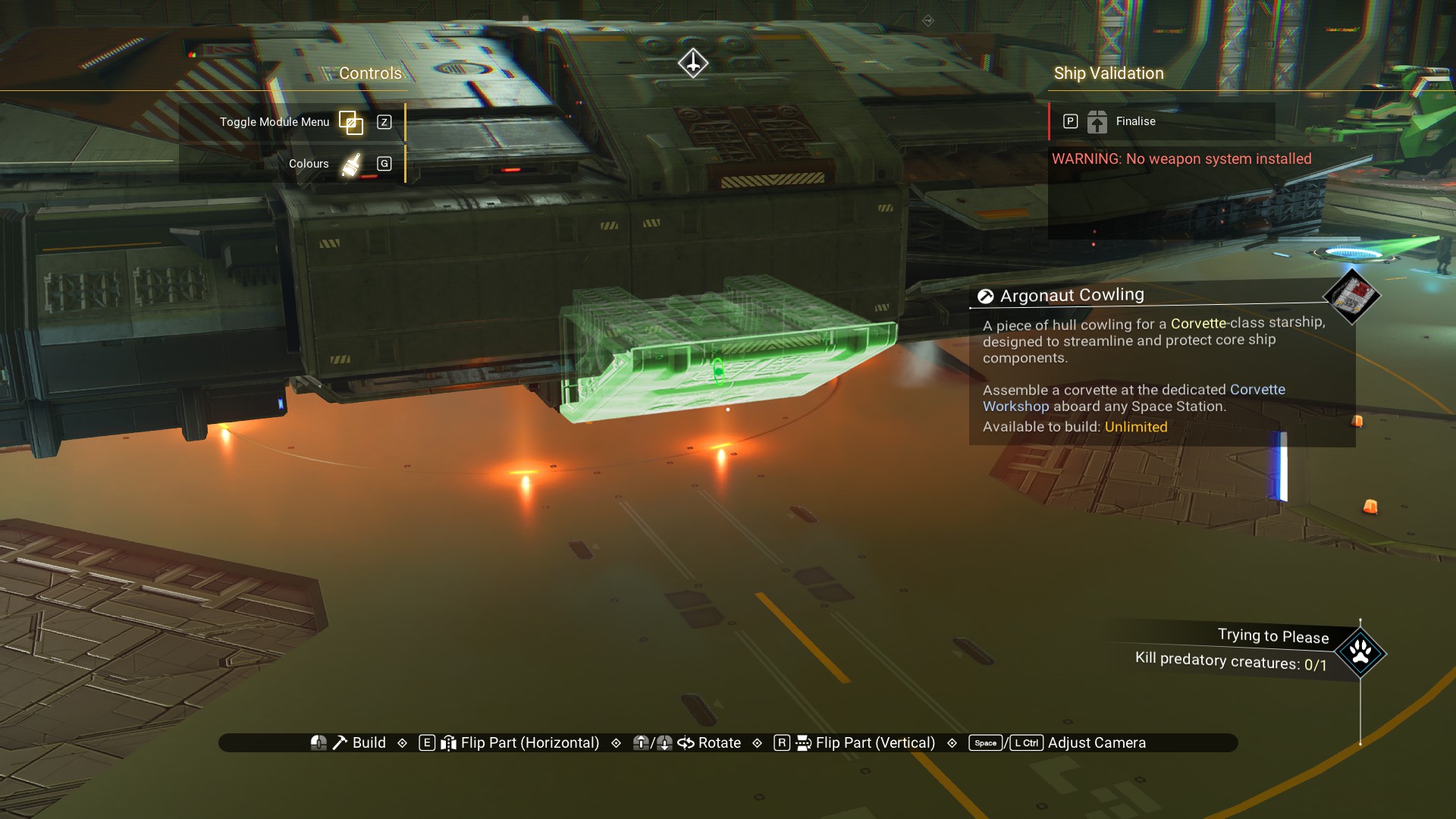
 And, on the bottom.
 Go ahead and put a Medusa Reactor on the front end of the cockpit structure just behind the actual cockpit (You may notice some other stuff in the image; ignore it. I forgot to add this reactor in my build until the end.).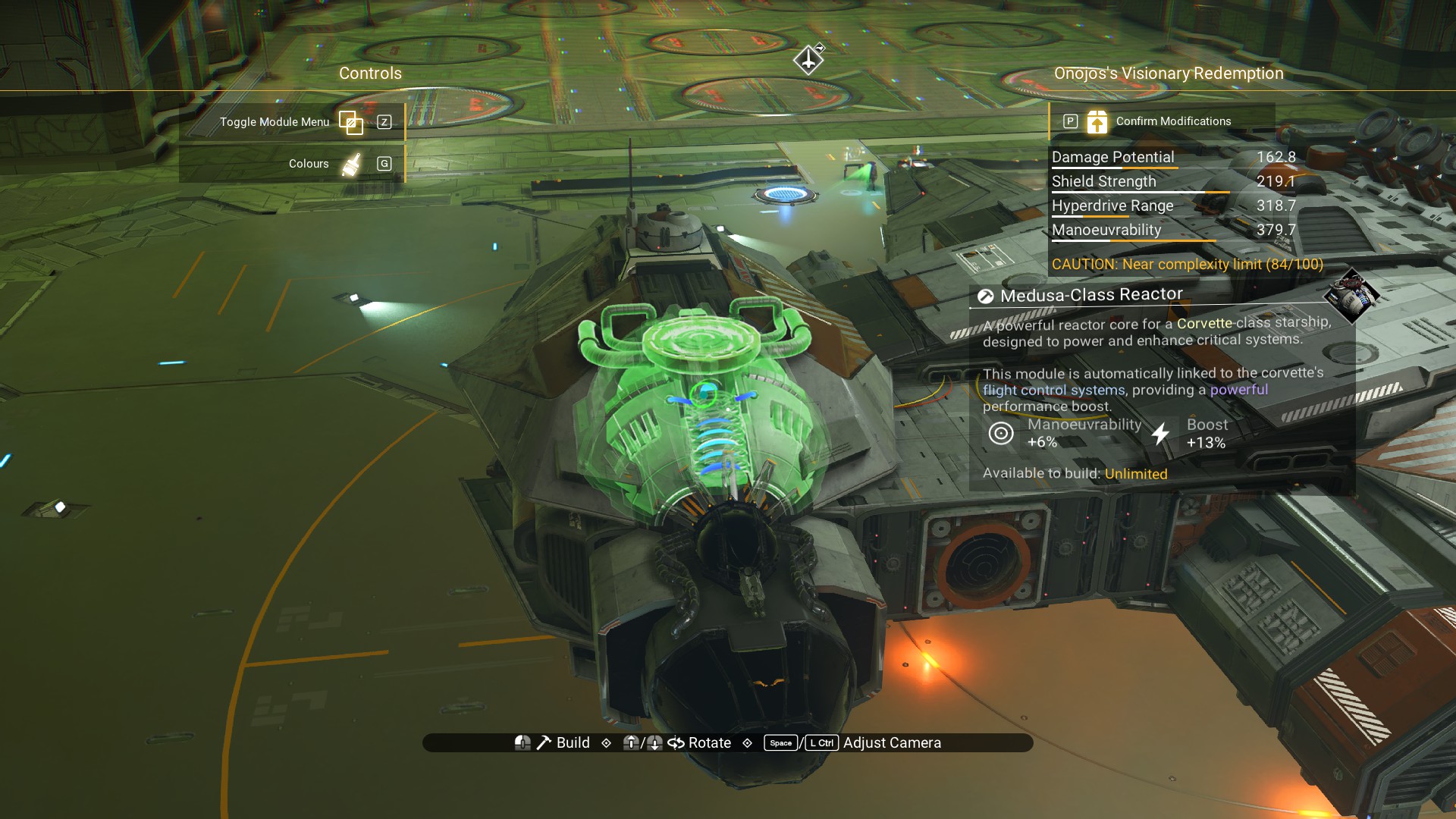
Next, guns and accessories.
Guns and Accessories
More than two guns seems to confuse the system when switching between photon cannon, phase beam, etc. So, we're just going to put two guns on this ship.
One gun up top, towards the front.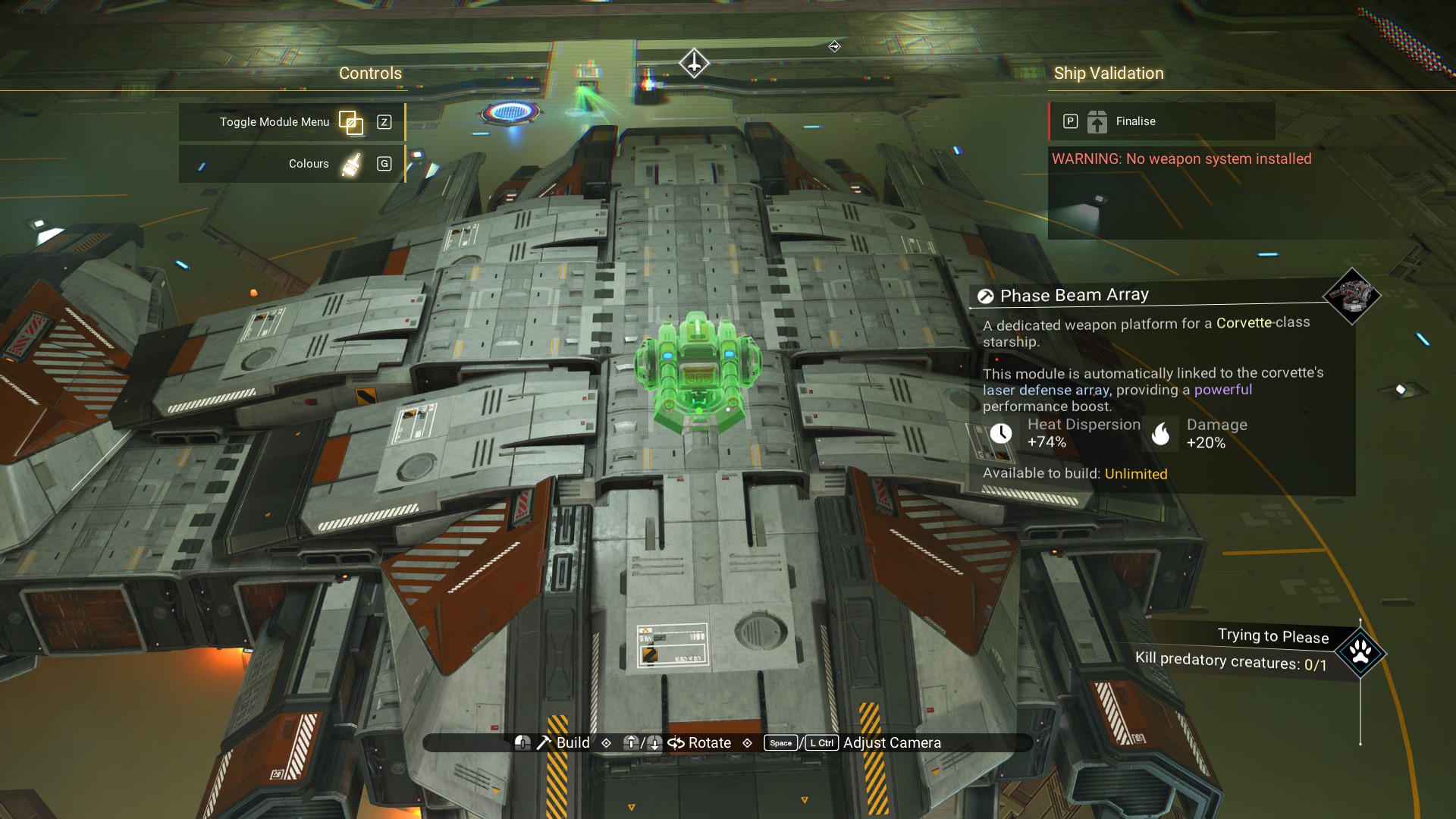 And, another on the bottom, also towards the front.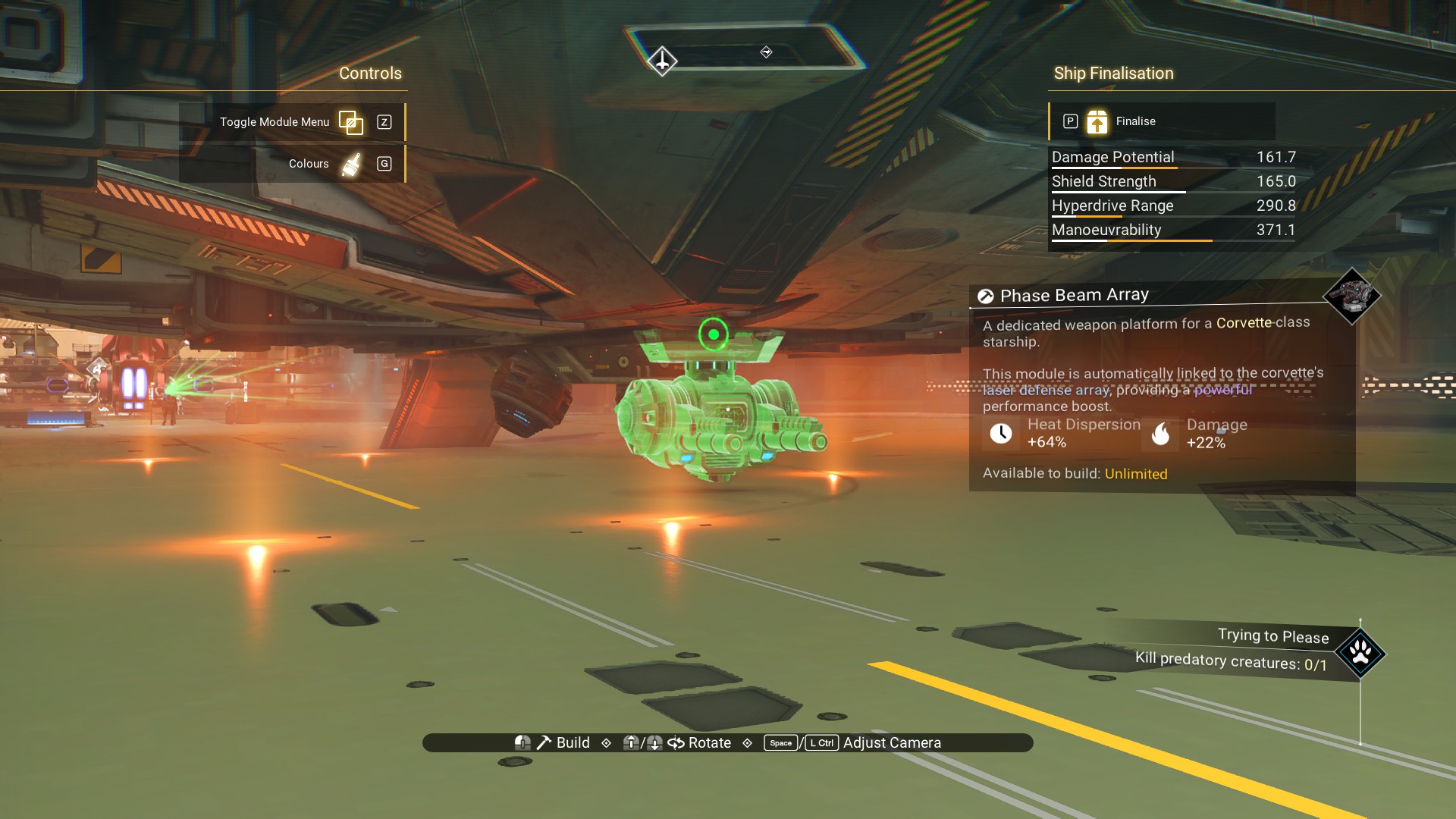
We can hide two of the small shield modules on the cockpit structure.
The first will go underneath the cockpit structure, in the gap where the Stabilisers and Blades meet.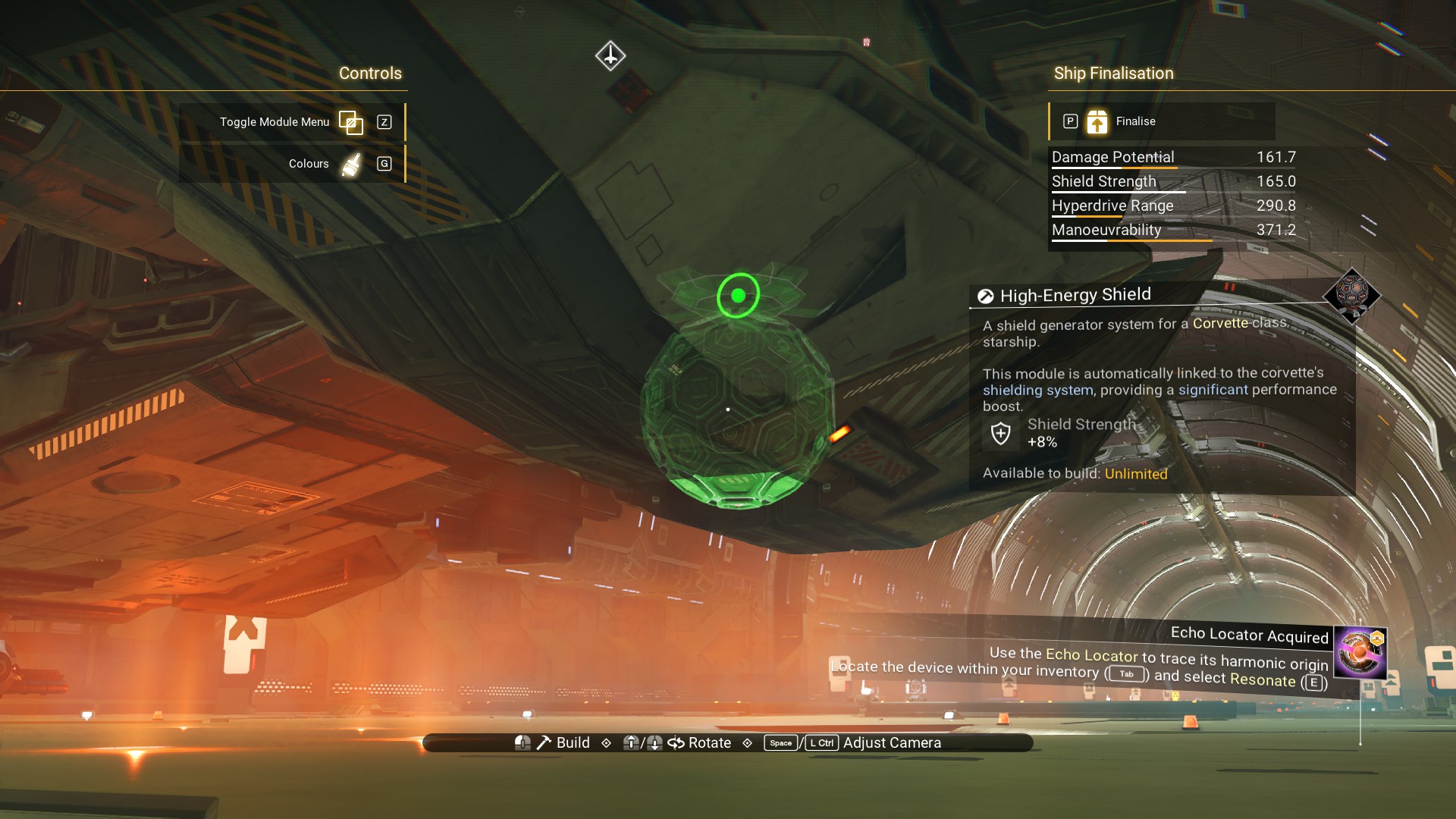
The second will go above, but we're going to do some extra work to hide it. So, let's add some other accessories first while we're still in the corvette building menu. I kind of like the Fuel Rods so I'll put some up top. Feel free to use whatever decorations you like as we go along.
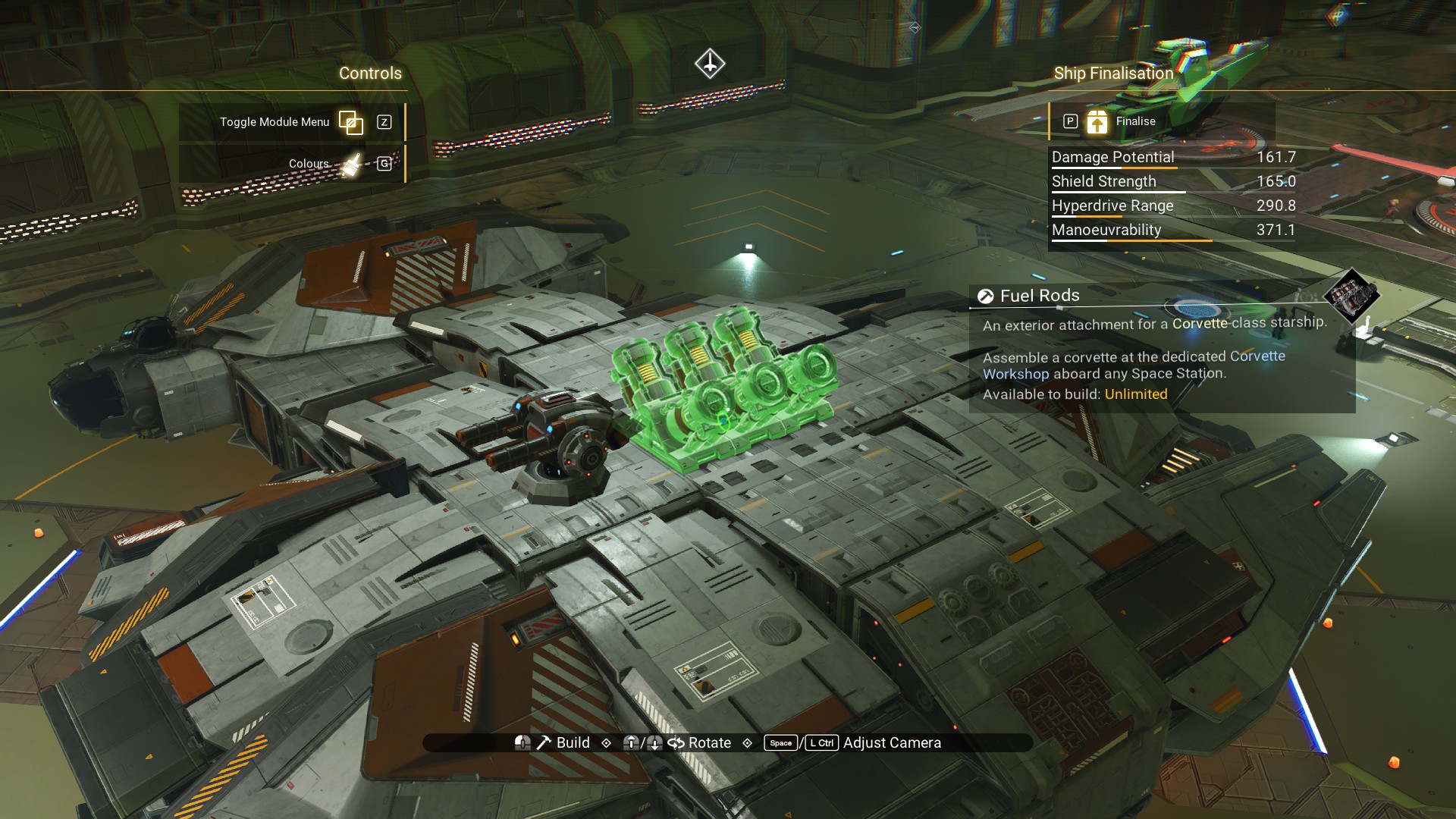 I'm going to throw some Ducting Outlets around the ship. They came in handy for the offsets so why not use some for decoration.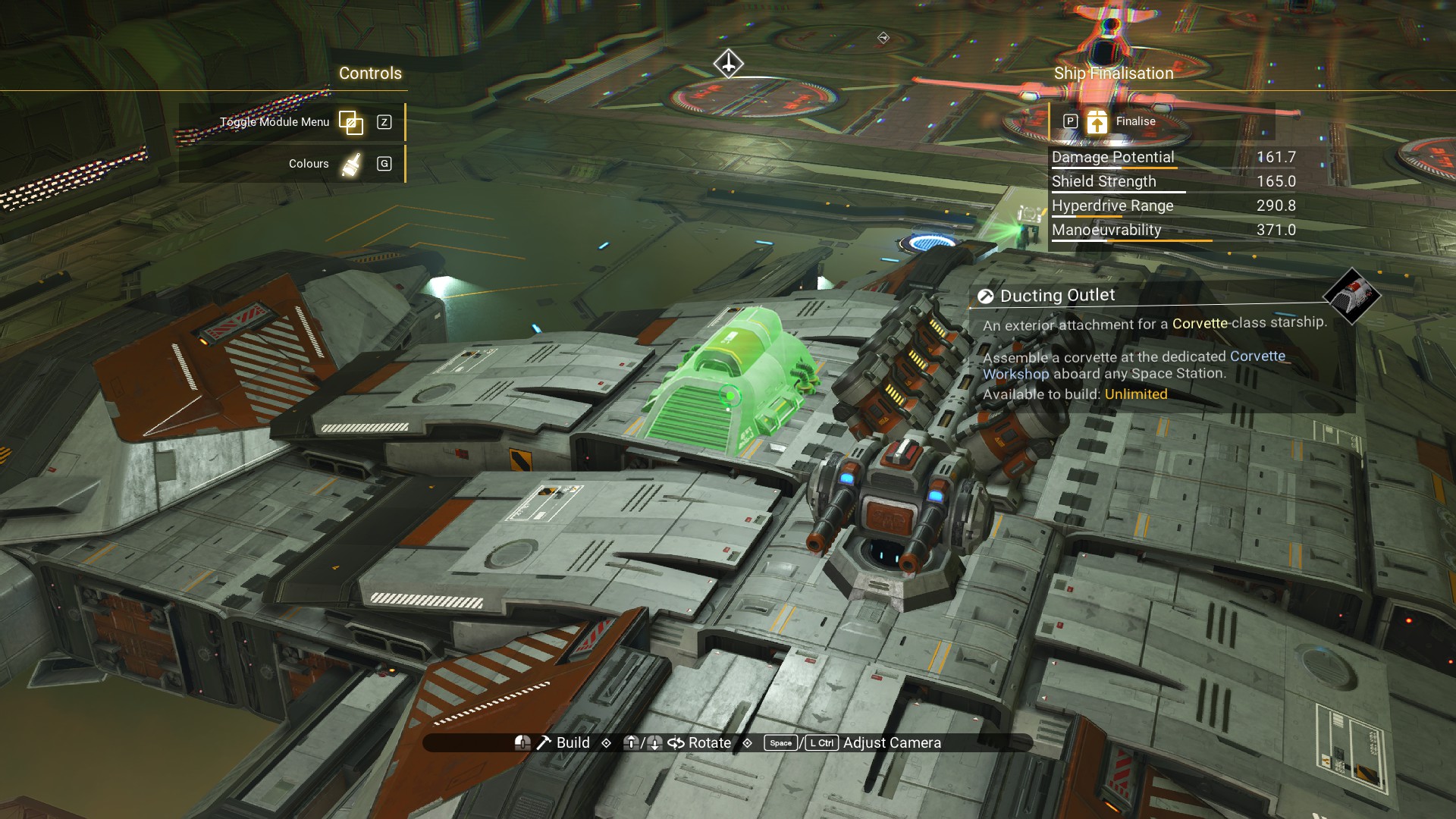
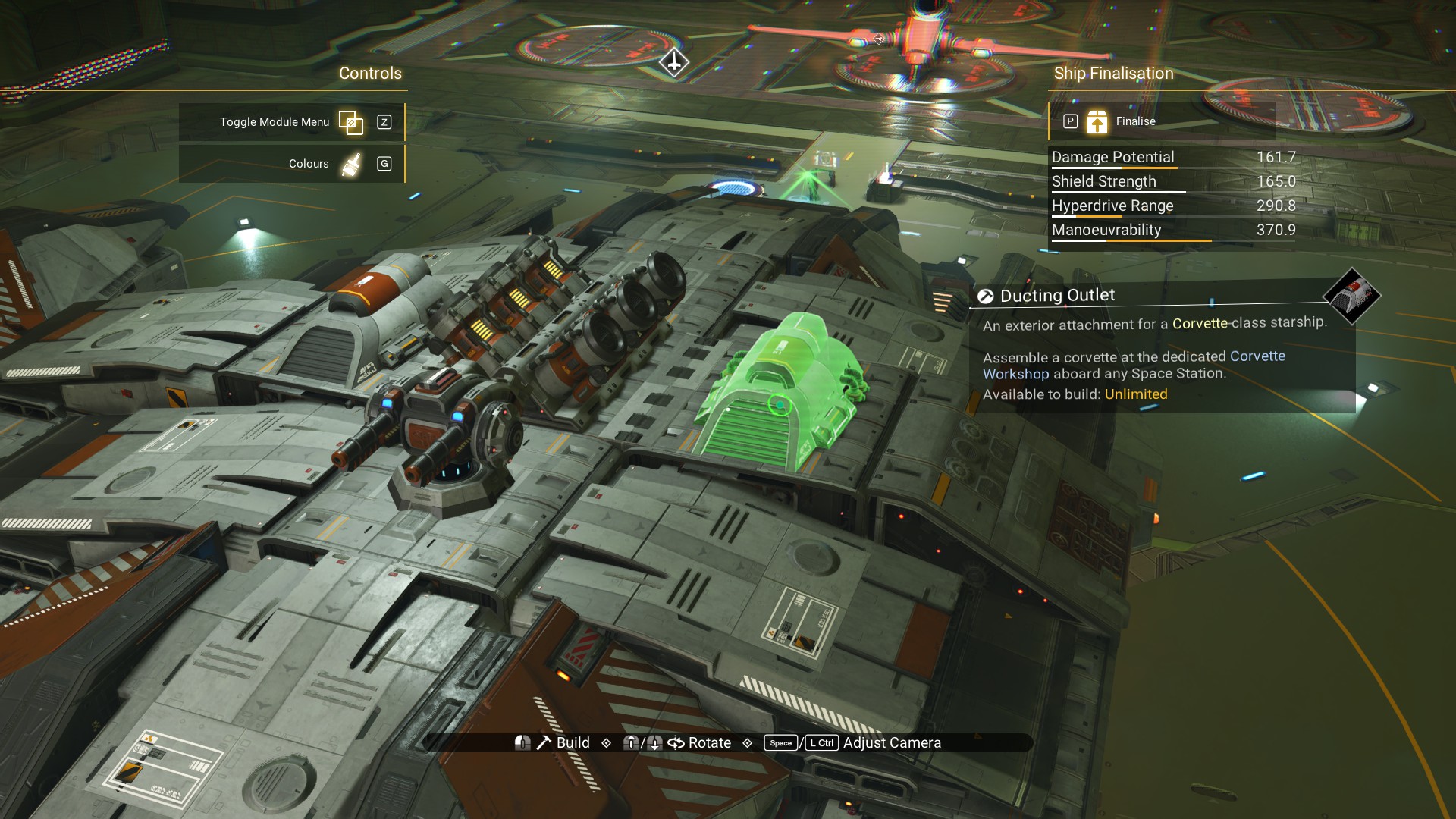
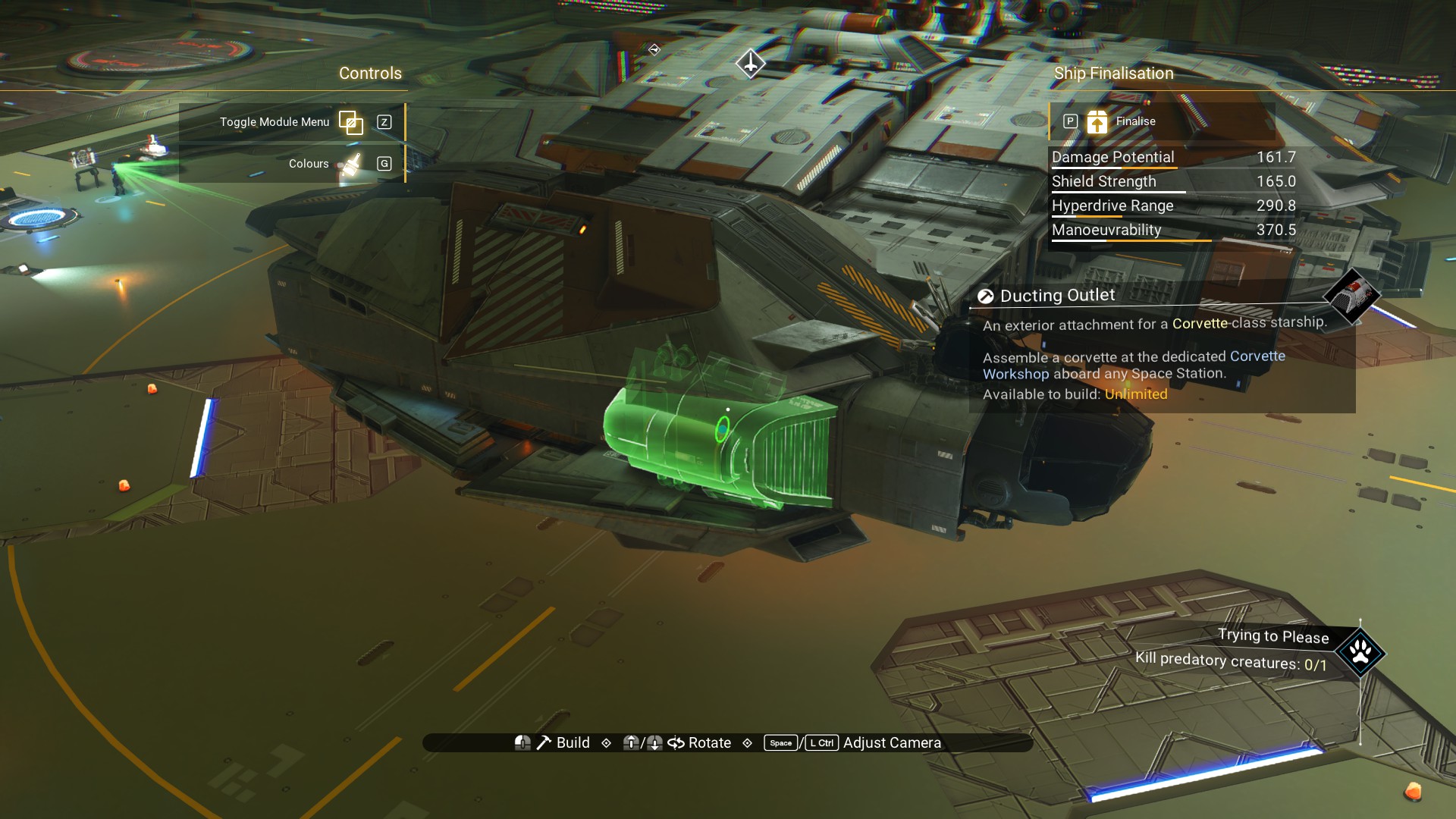
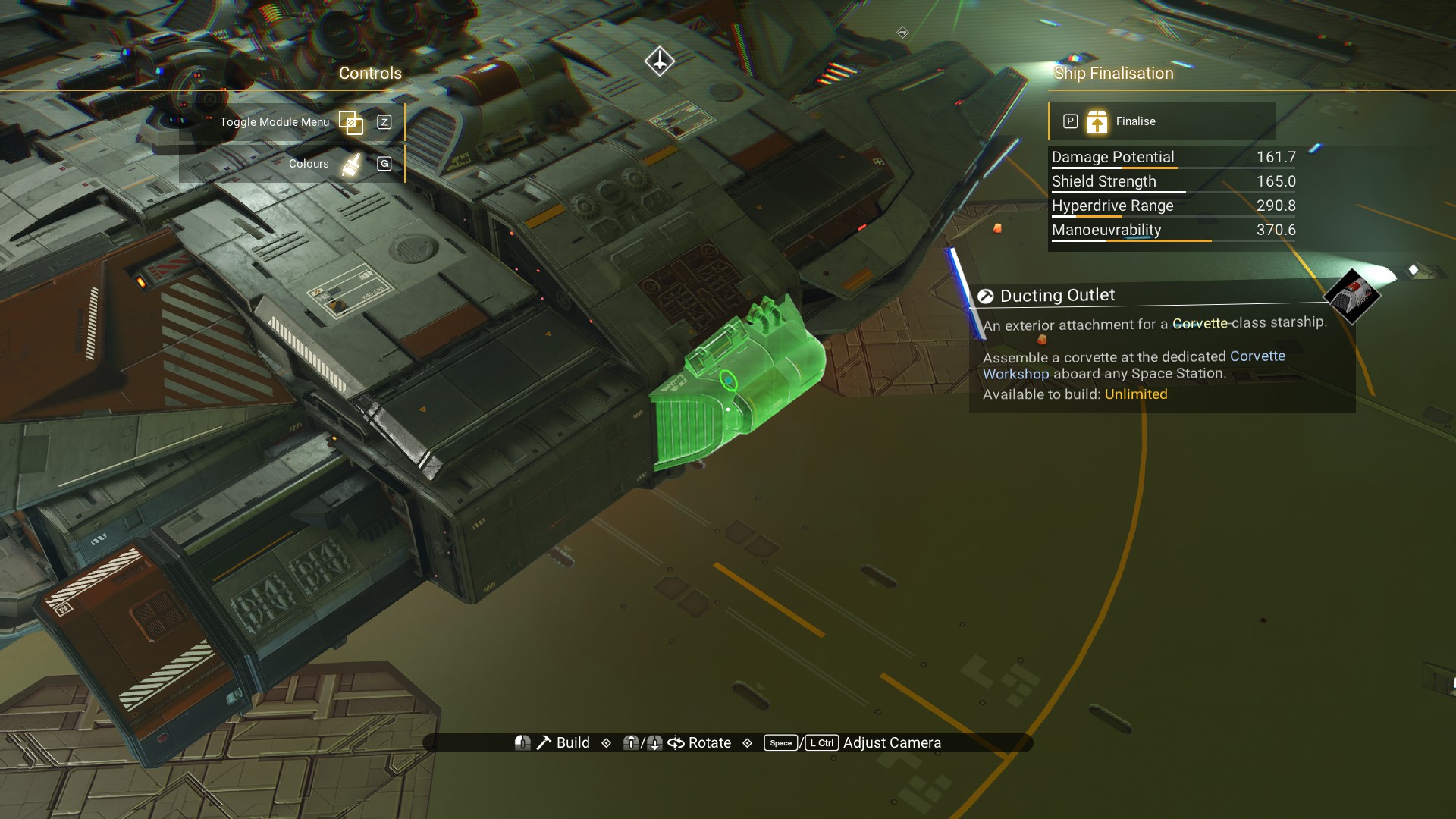 .
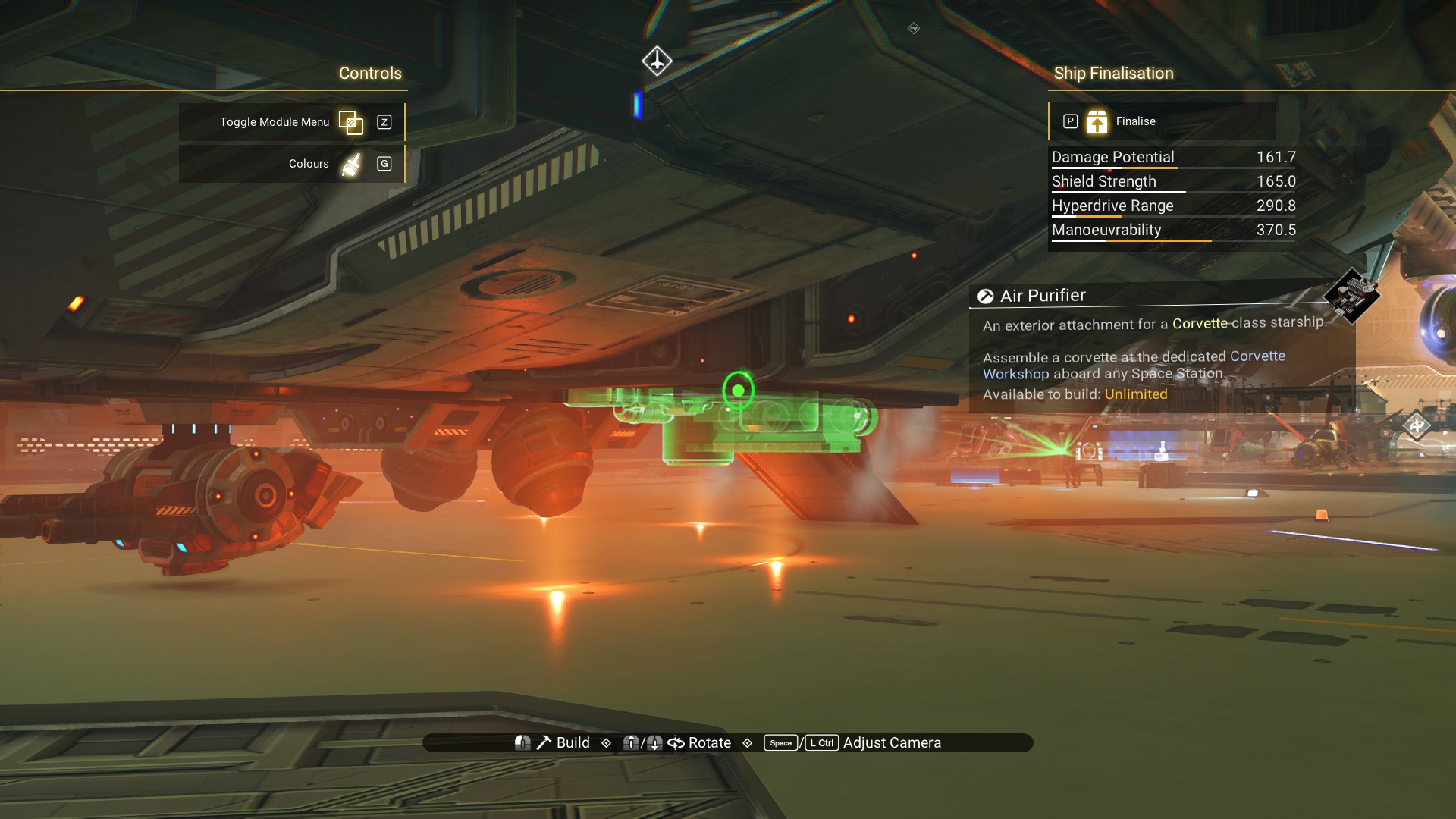
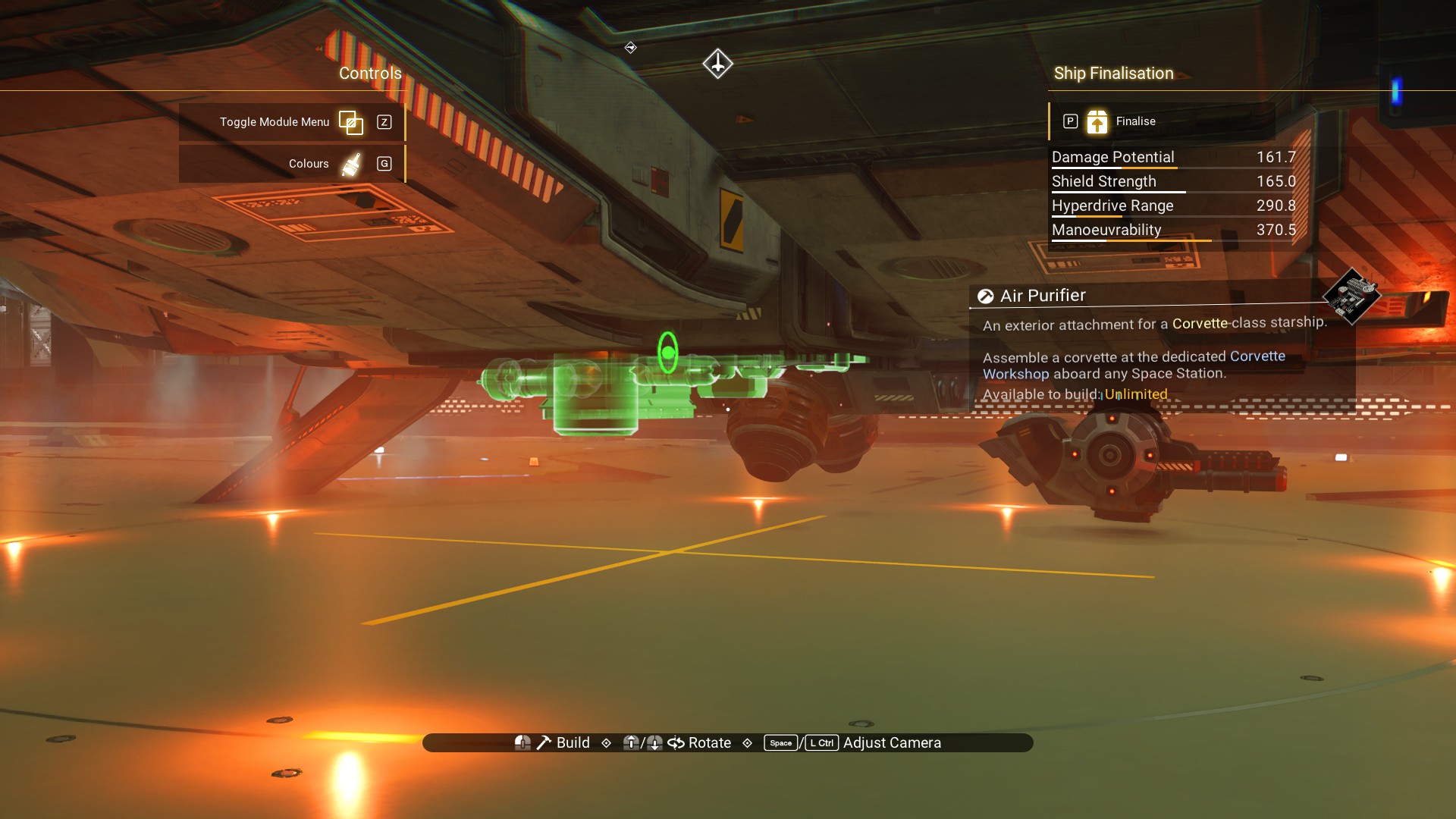
I like the Air Purifiers too, so I'll add one on top and a couple on the bottom.
.
I like the Air Purifiers too, so I'll add one on top and a couple on the bottom.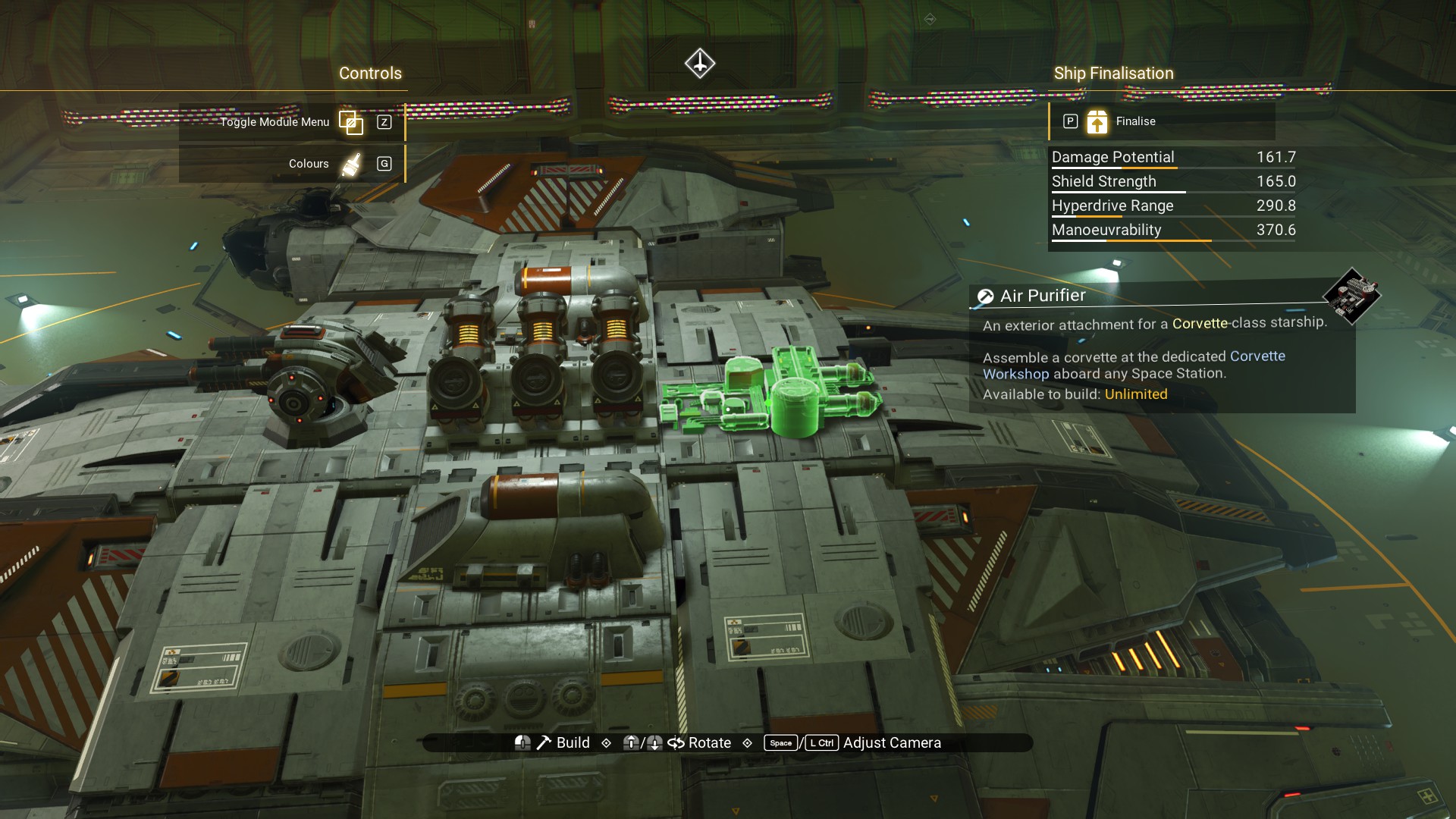
 A Cargo Link on the rear of the cockpit structure.
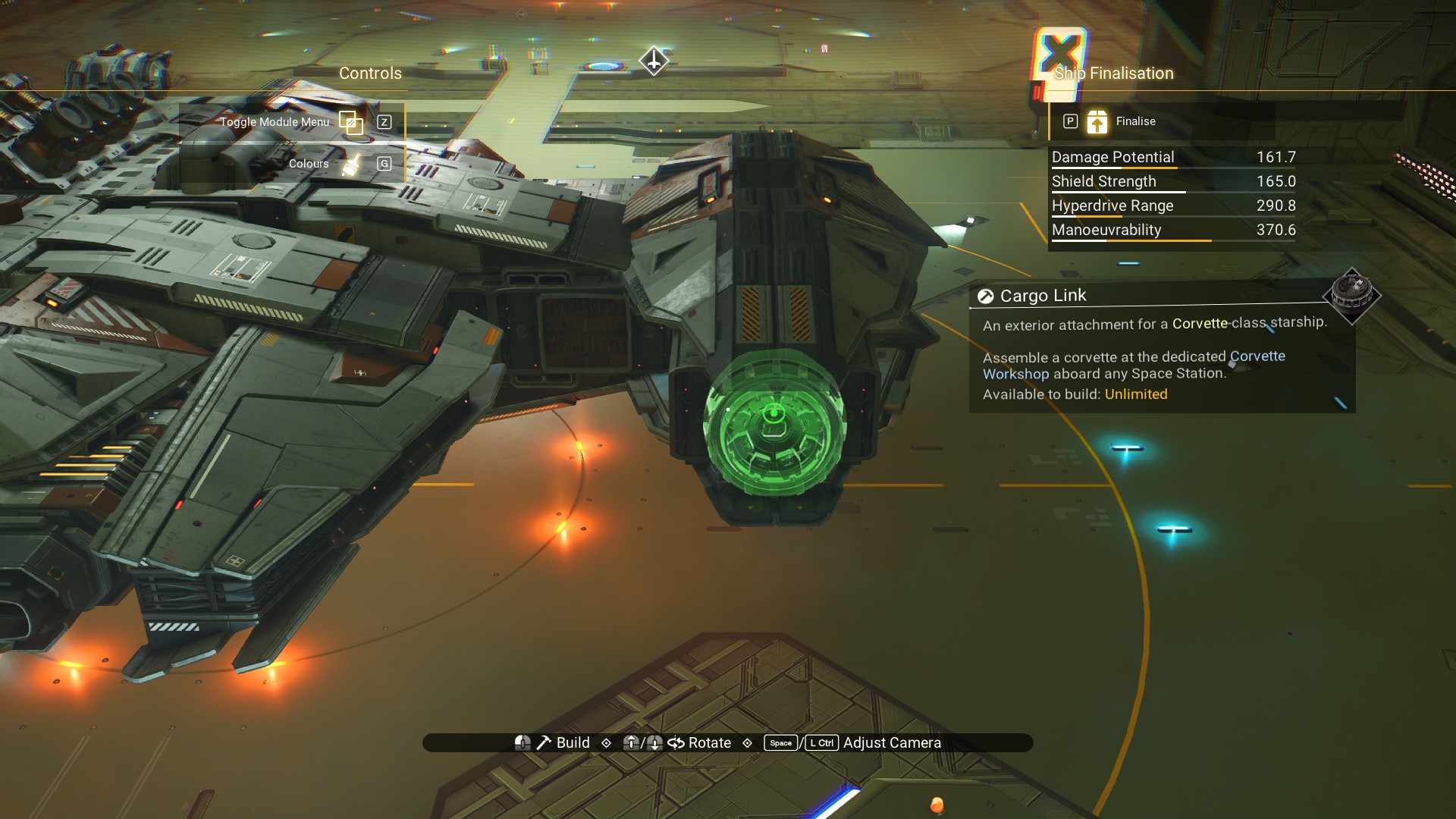 A Cargo Capsule next to it on the arm connecting the body to the cockpit.
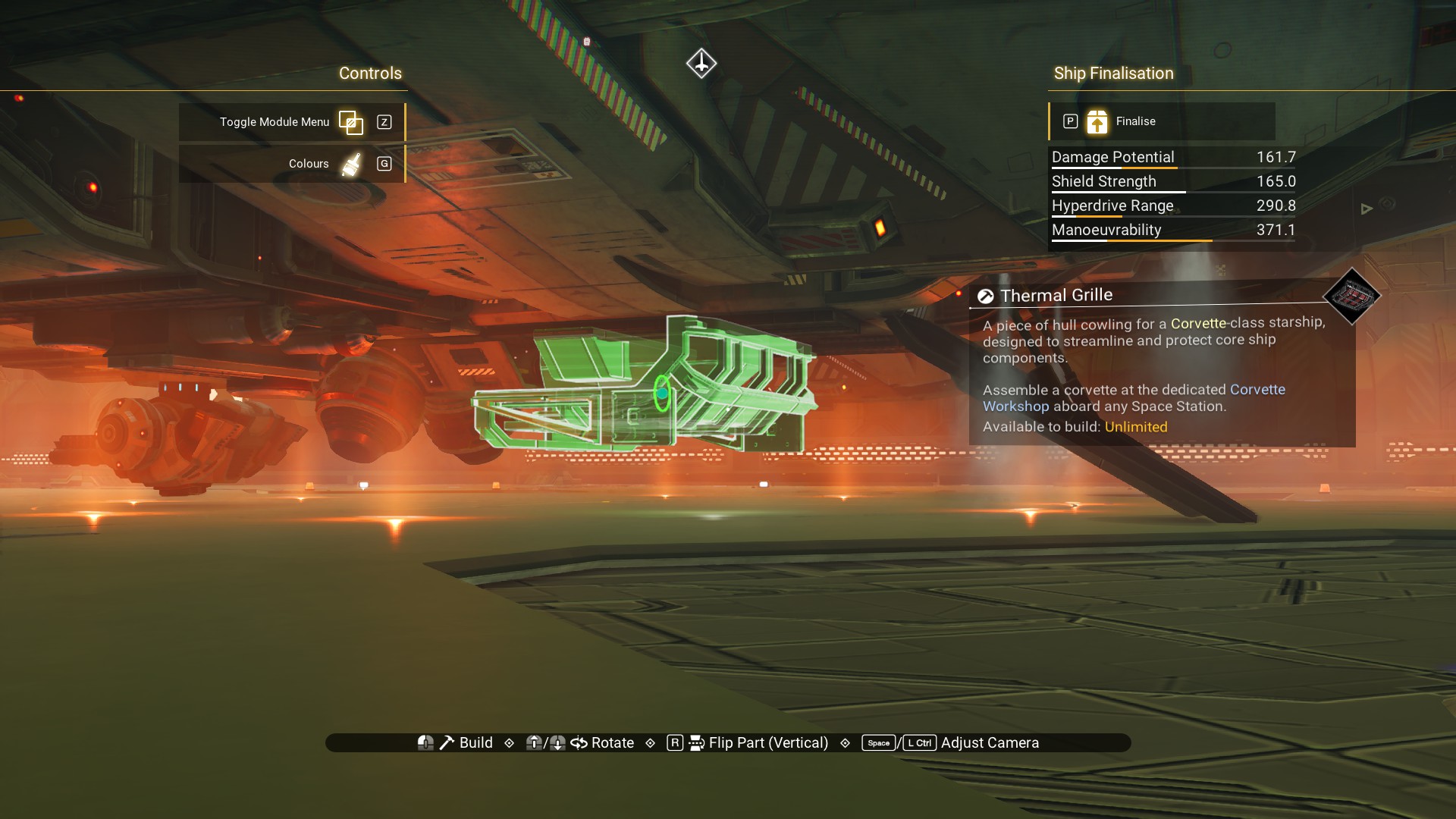
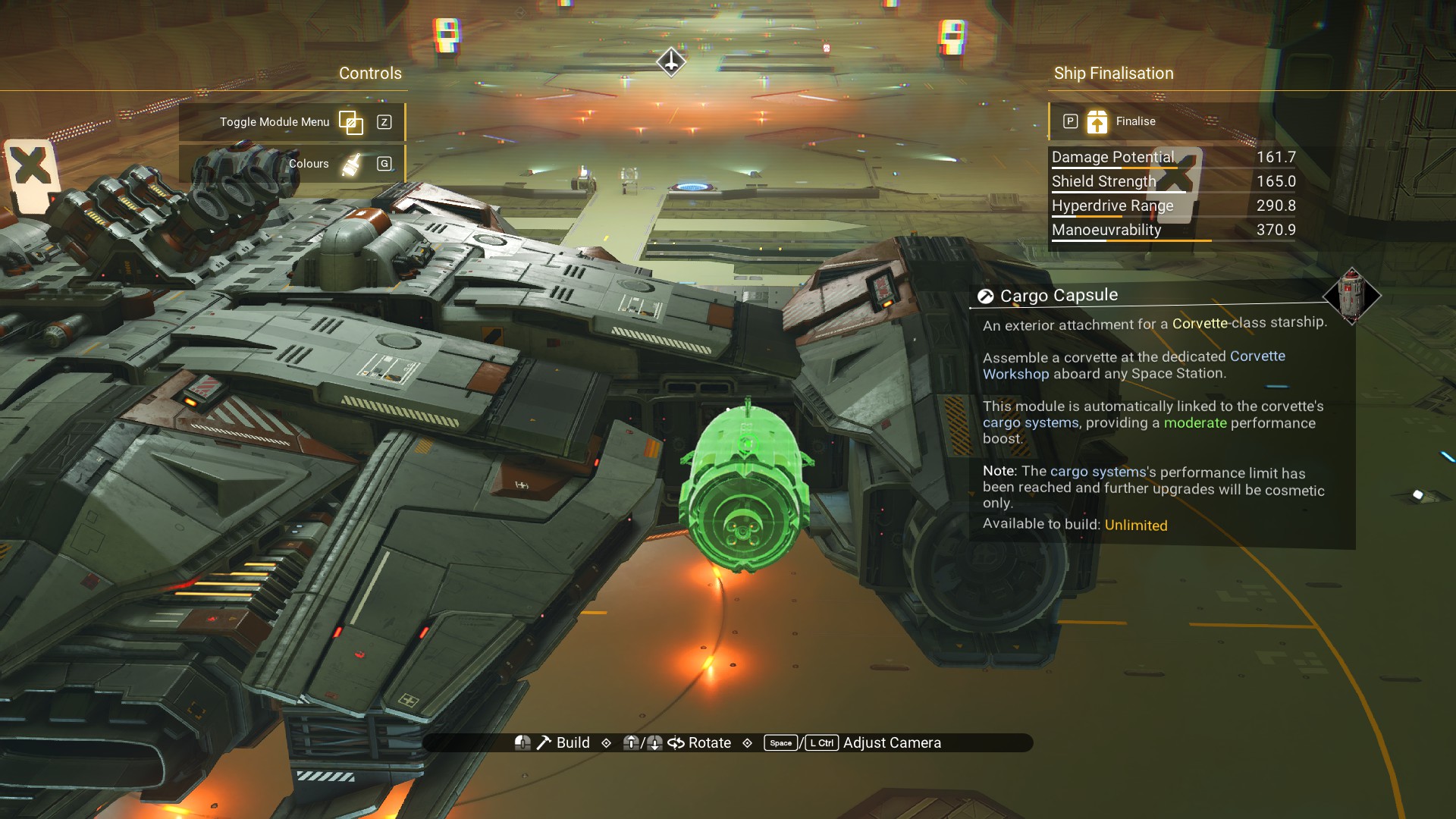 A Thermal Grille underneath behind the landing gear.
 Windows!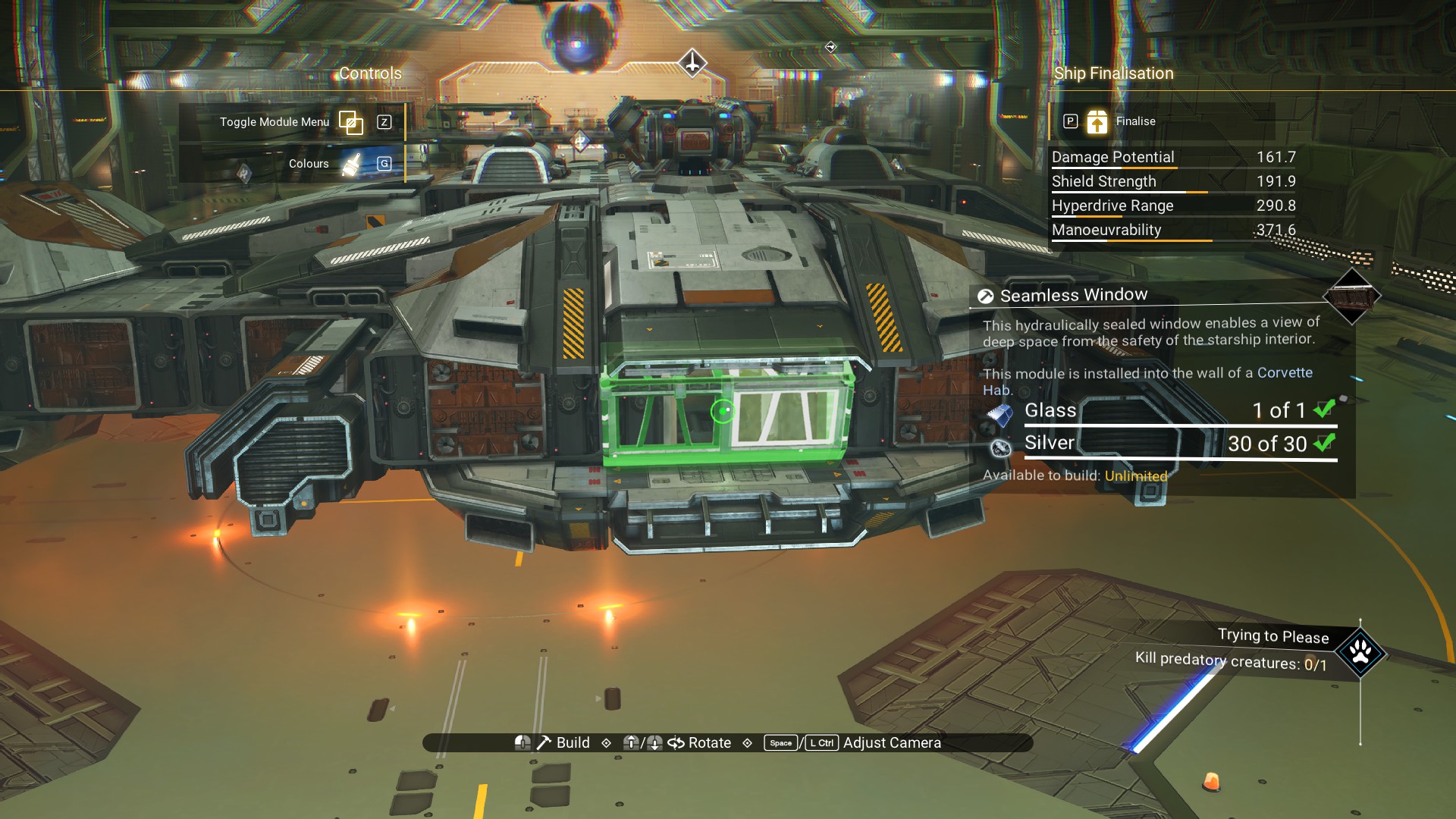
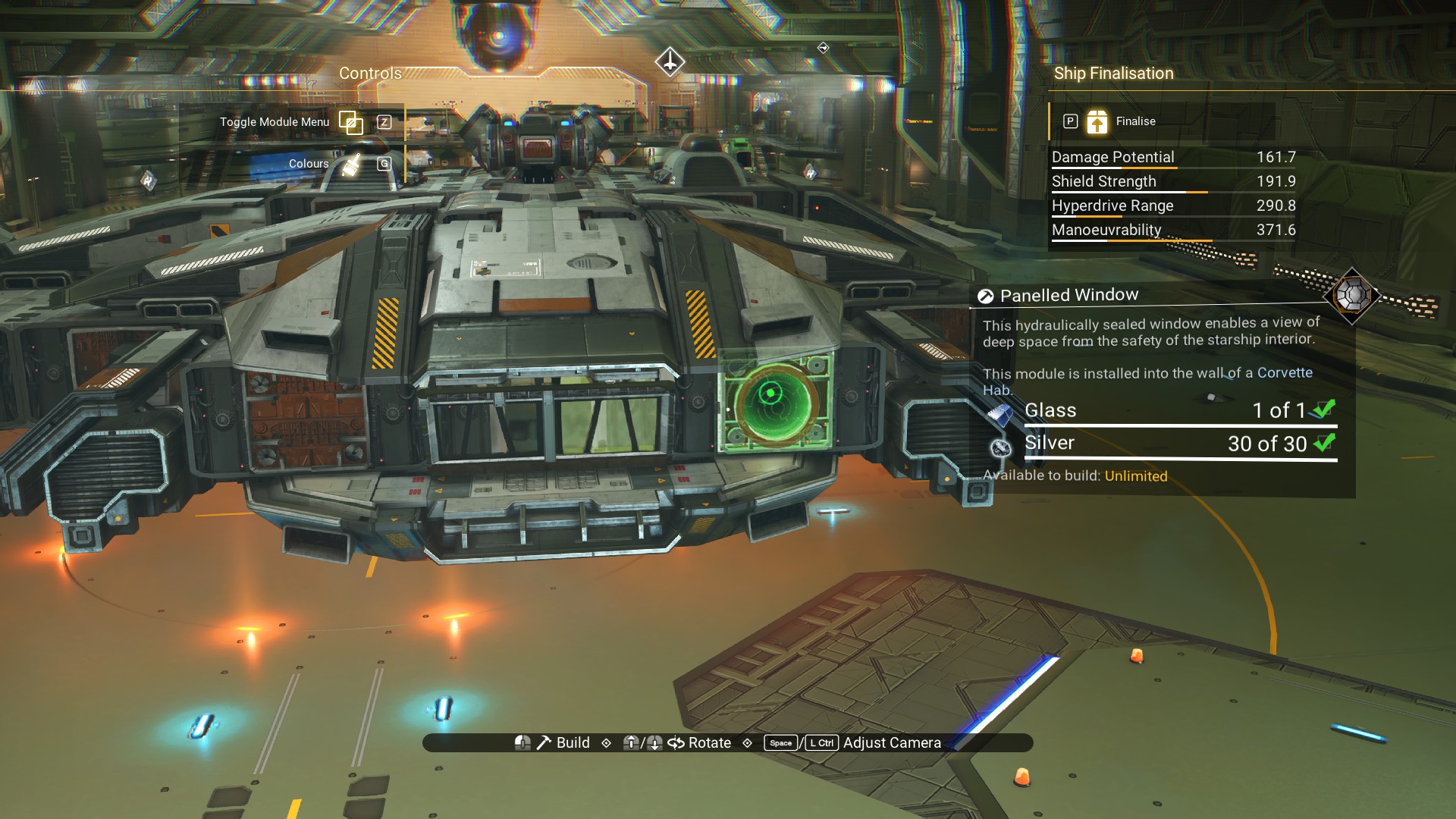
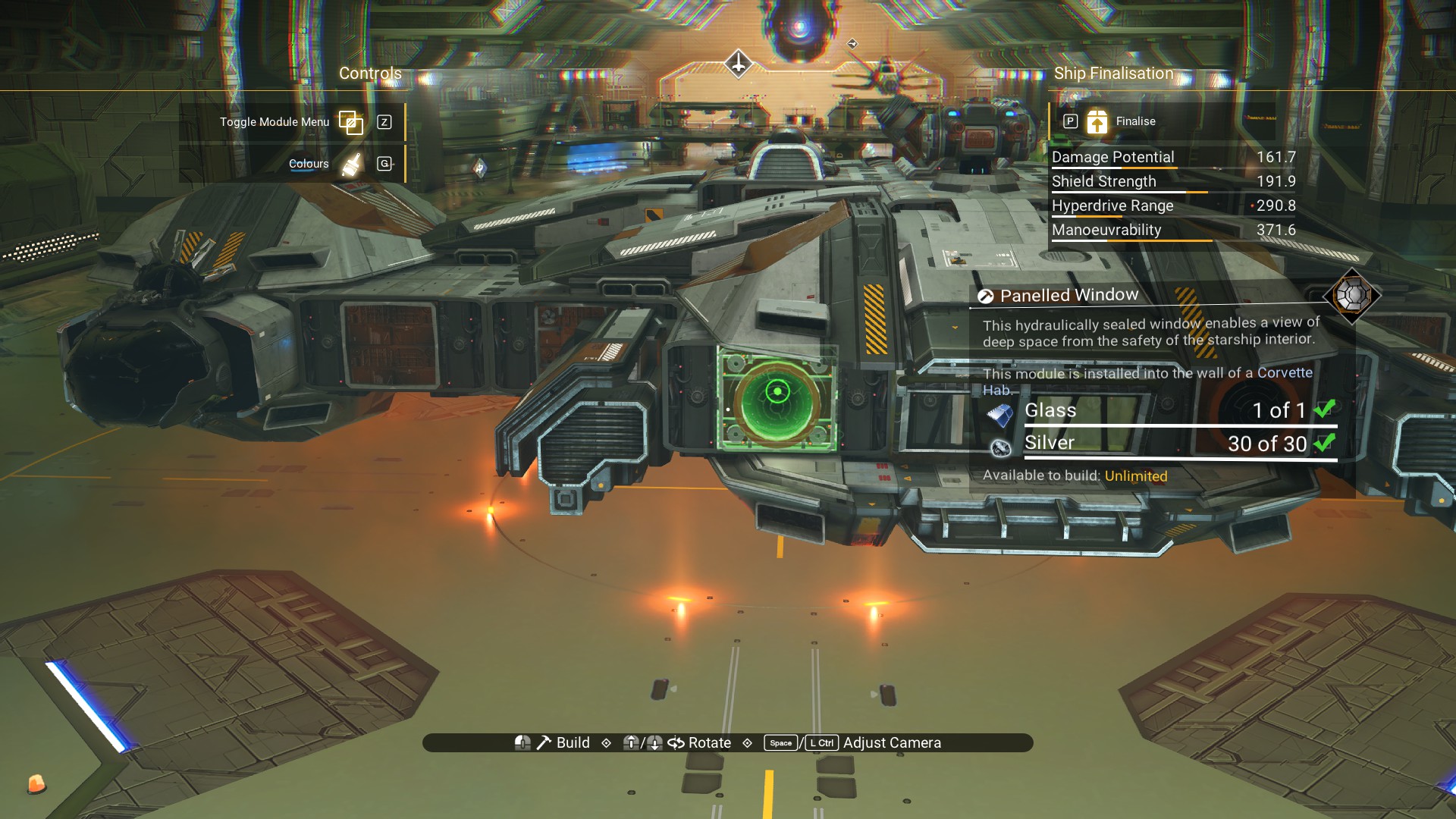
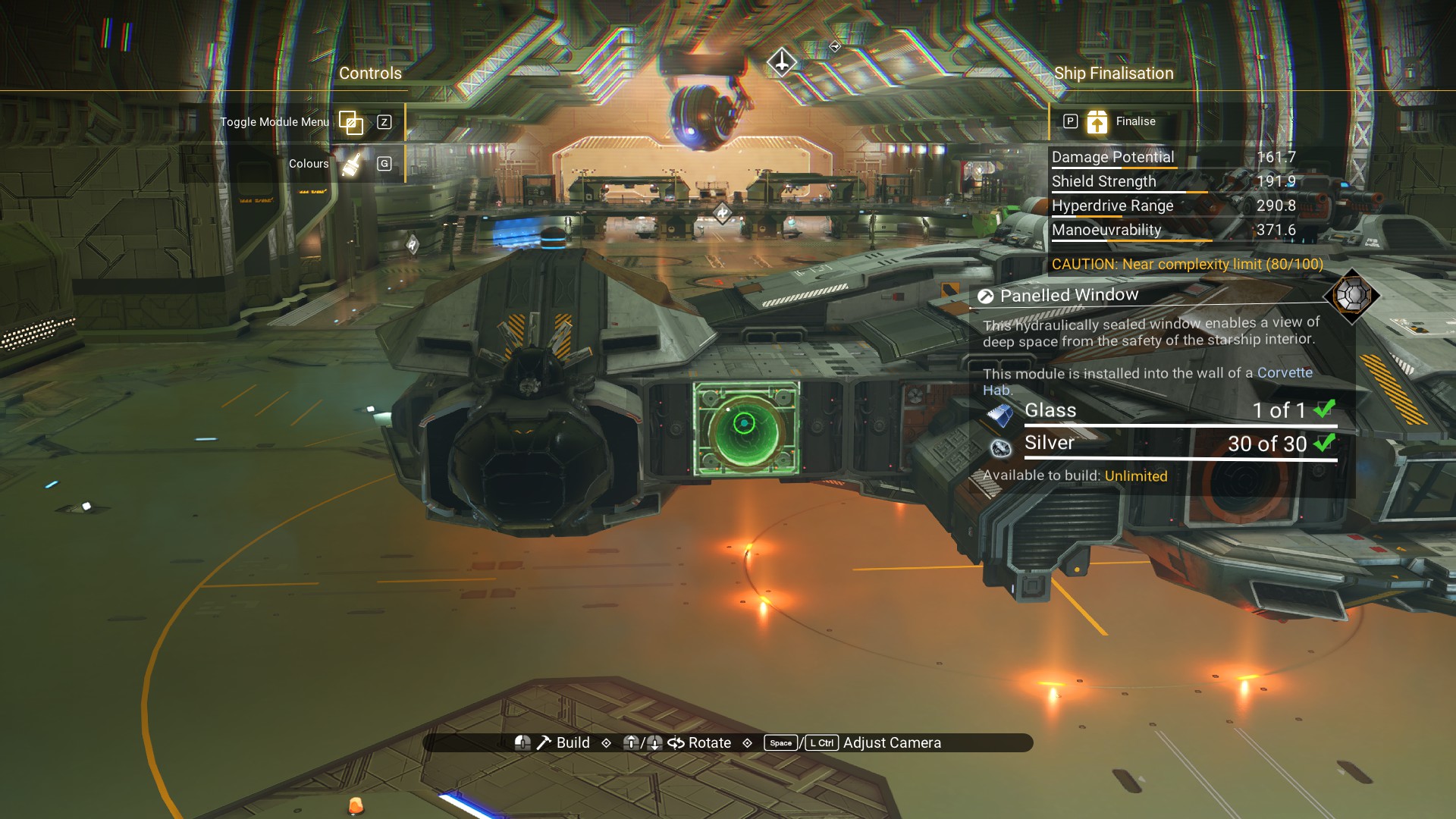
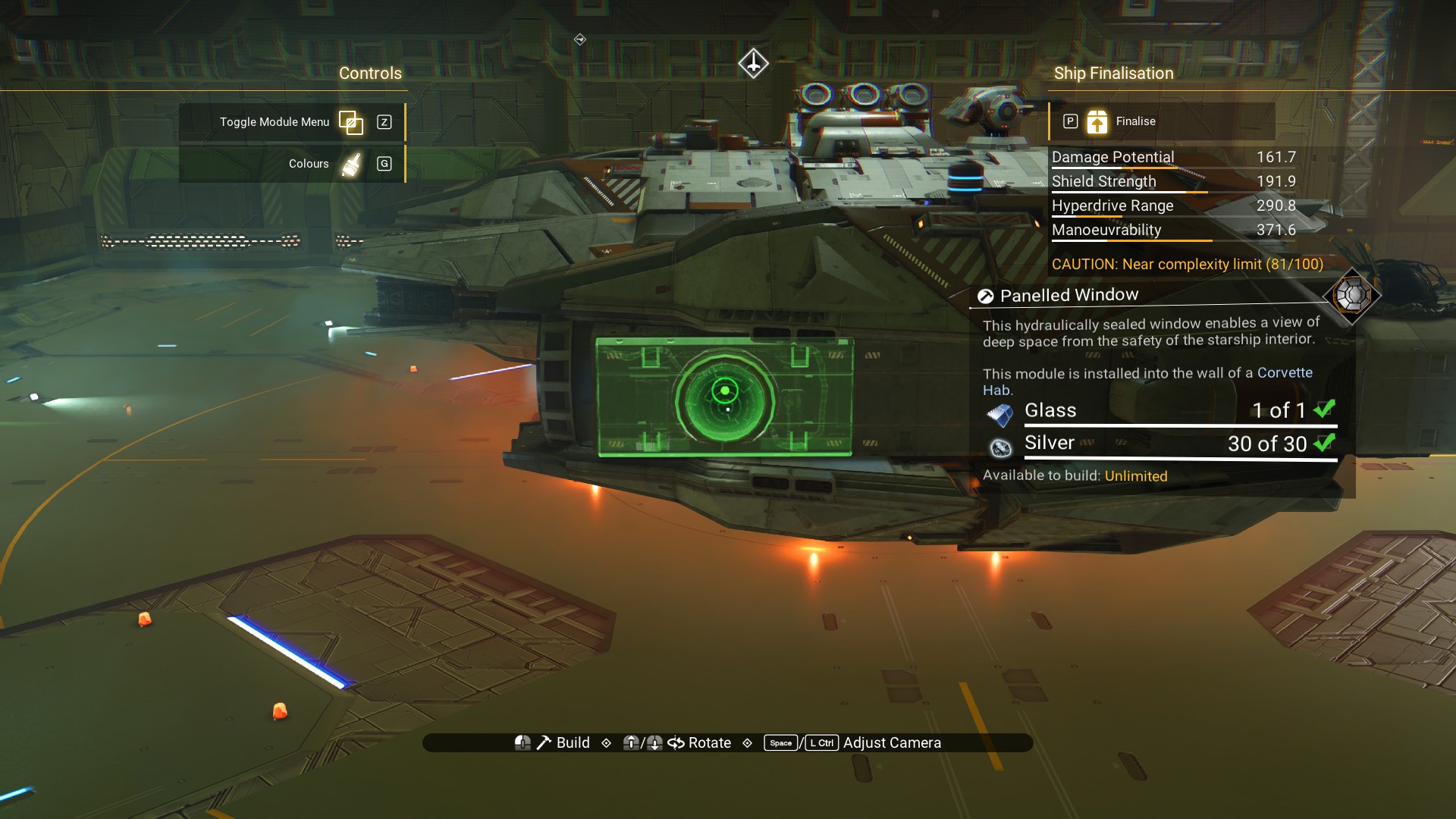
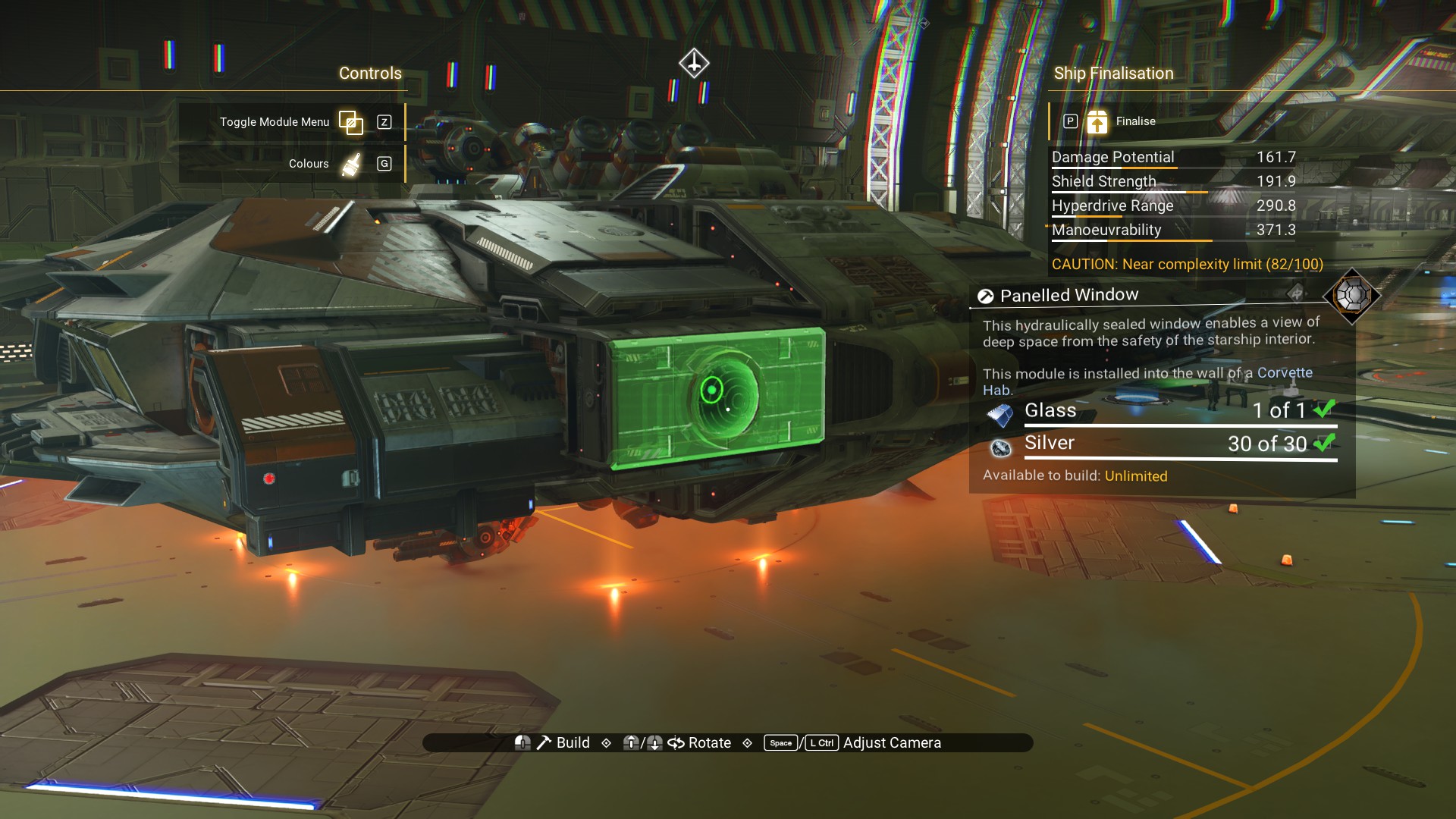
There's still a spot left on the cockpit, so why not a Radiator Vent.
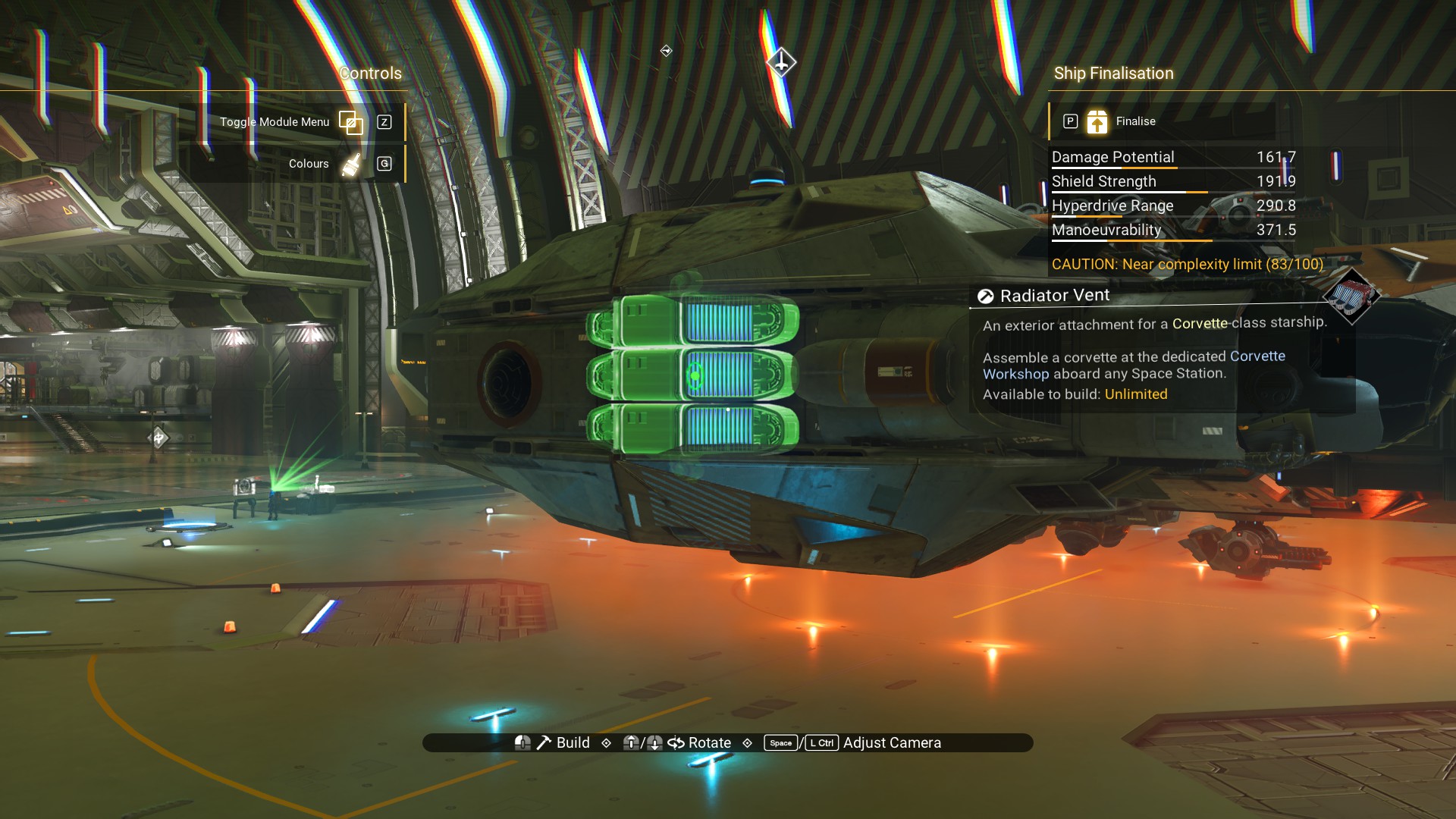
Finalize and Keep Building
Go ahead and finalize the ship. Then, we'll finish up through the interior build menu. Enter the ship and press Z or Up on the D-pad to enter the build menu.
Go to the top of the cockpit and look for the gap between the Stabilisers and Blades where we plan to hide one of the shield modules.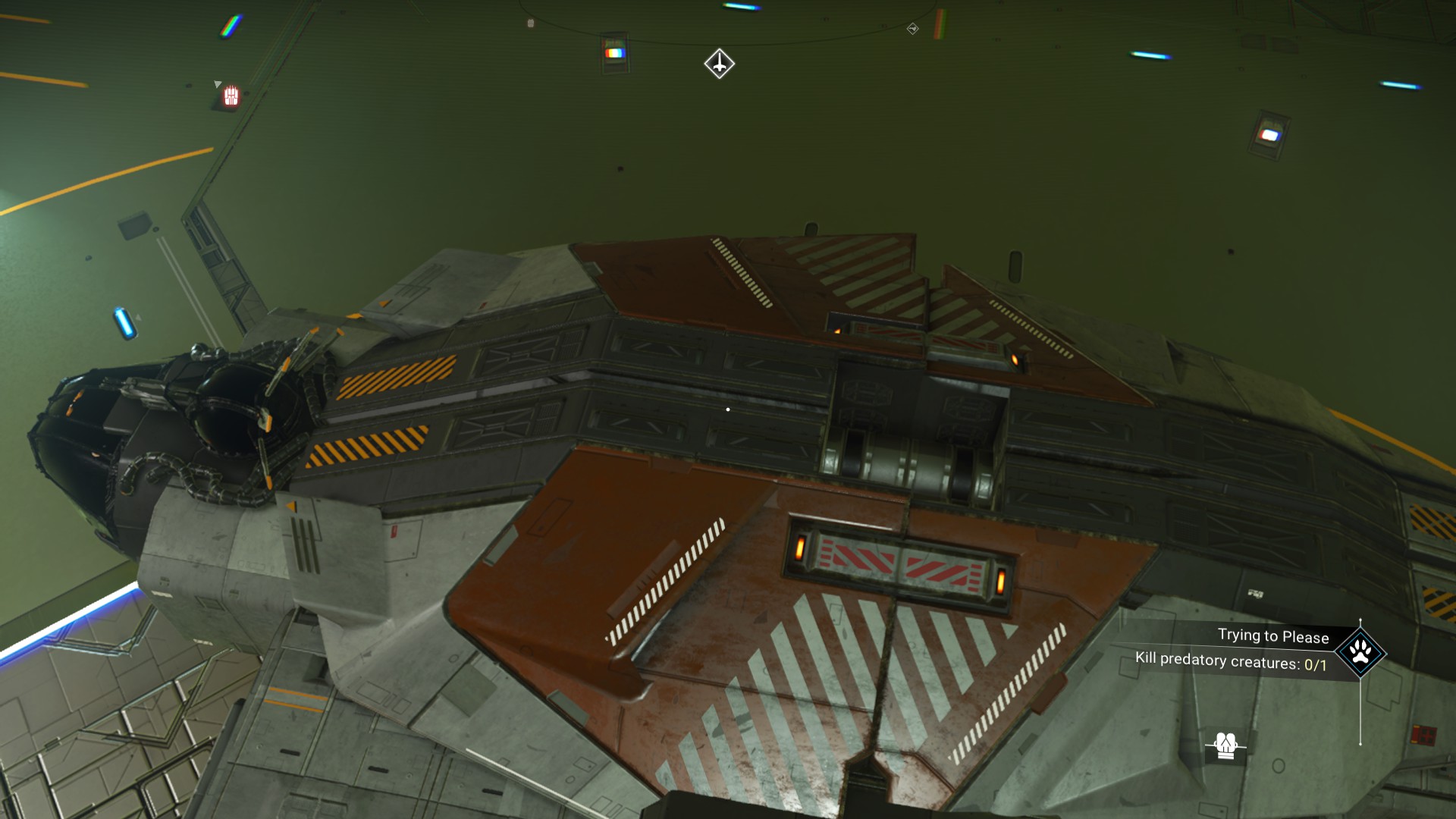
You'll want to be able to build a Wall Fan and a Compact Transmitter. The Wall Fan blueprint you can get from the Construction Research Unit. The Compact Transmitter, I think I picked up from the Anomaly. I can't remember if it was a Quicksilver item or I exchanged Salvaged Data for it, but I'm sure you can find it if you go to the Anomaly.
First, we'll enlarge a Wall Fan and place it over the gap so that the gap is fully covered.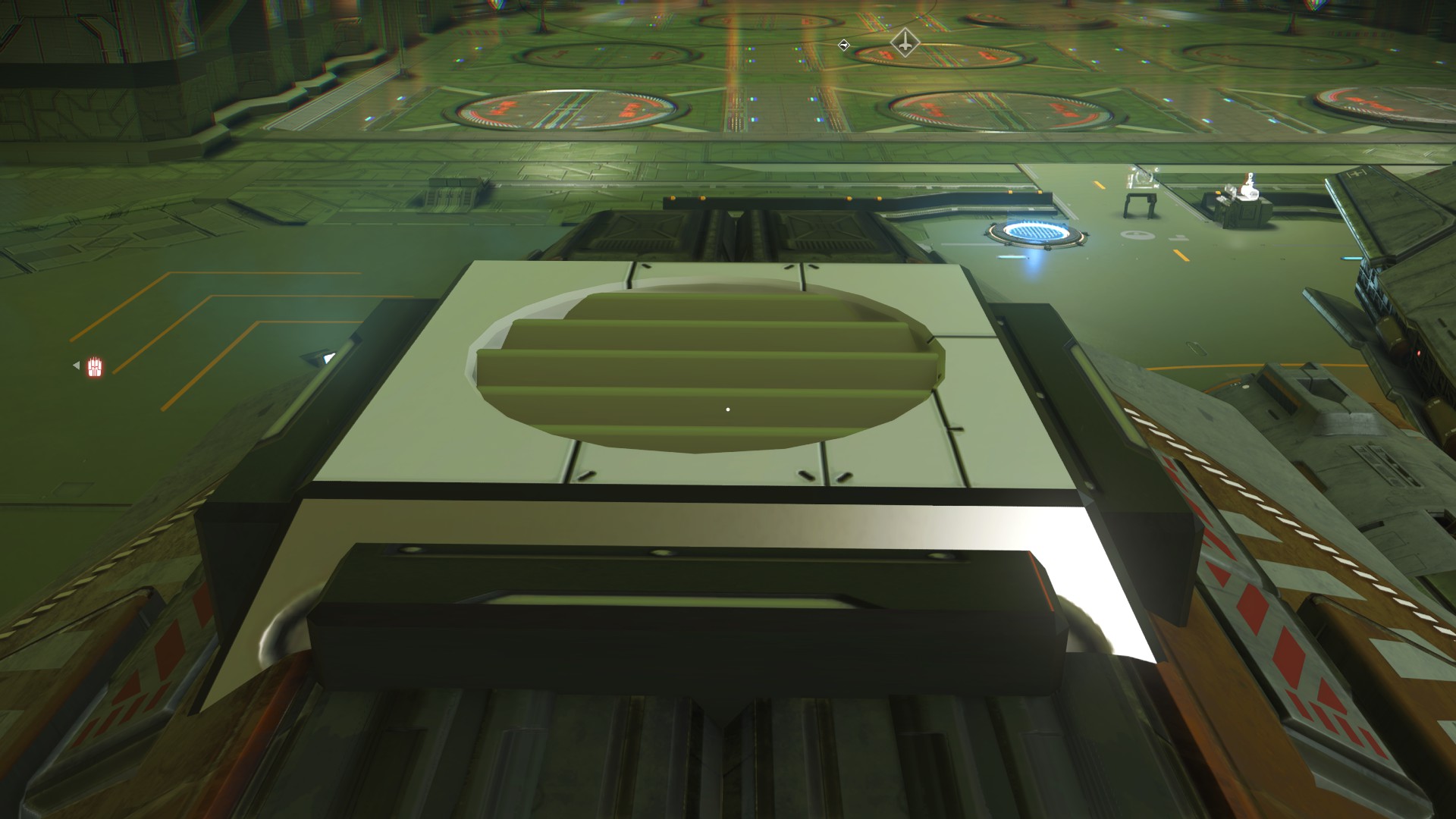 Then, we'll place the Compact Transmitter on top of the fan so it looks like one unit.
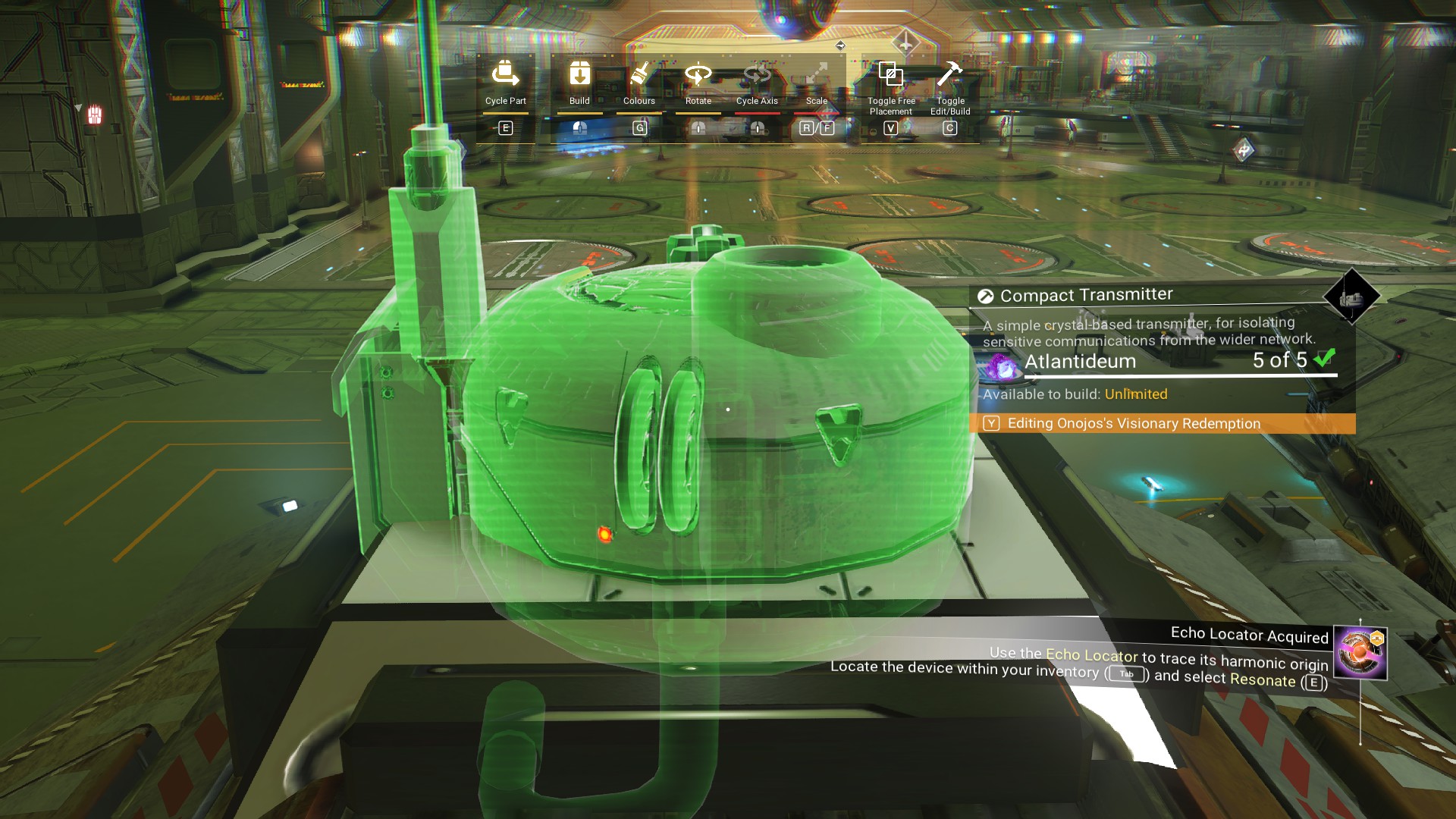 Once in place, it will hide the existence of a shield module placed in the gap.
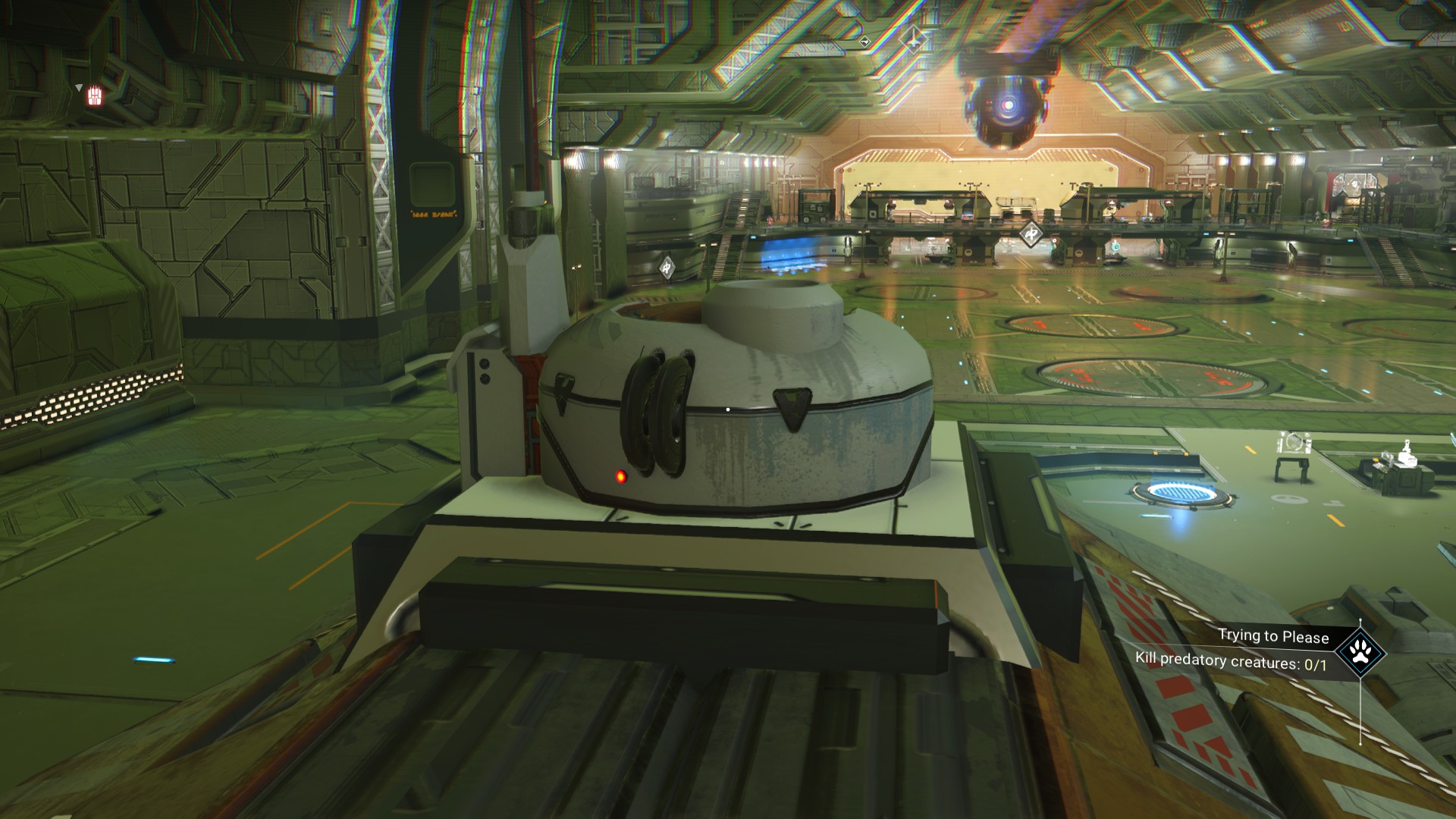 We can also add a Wall Fan on the rear Cowling, if we want.
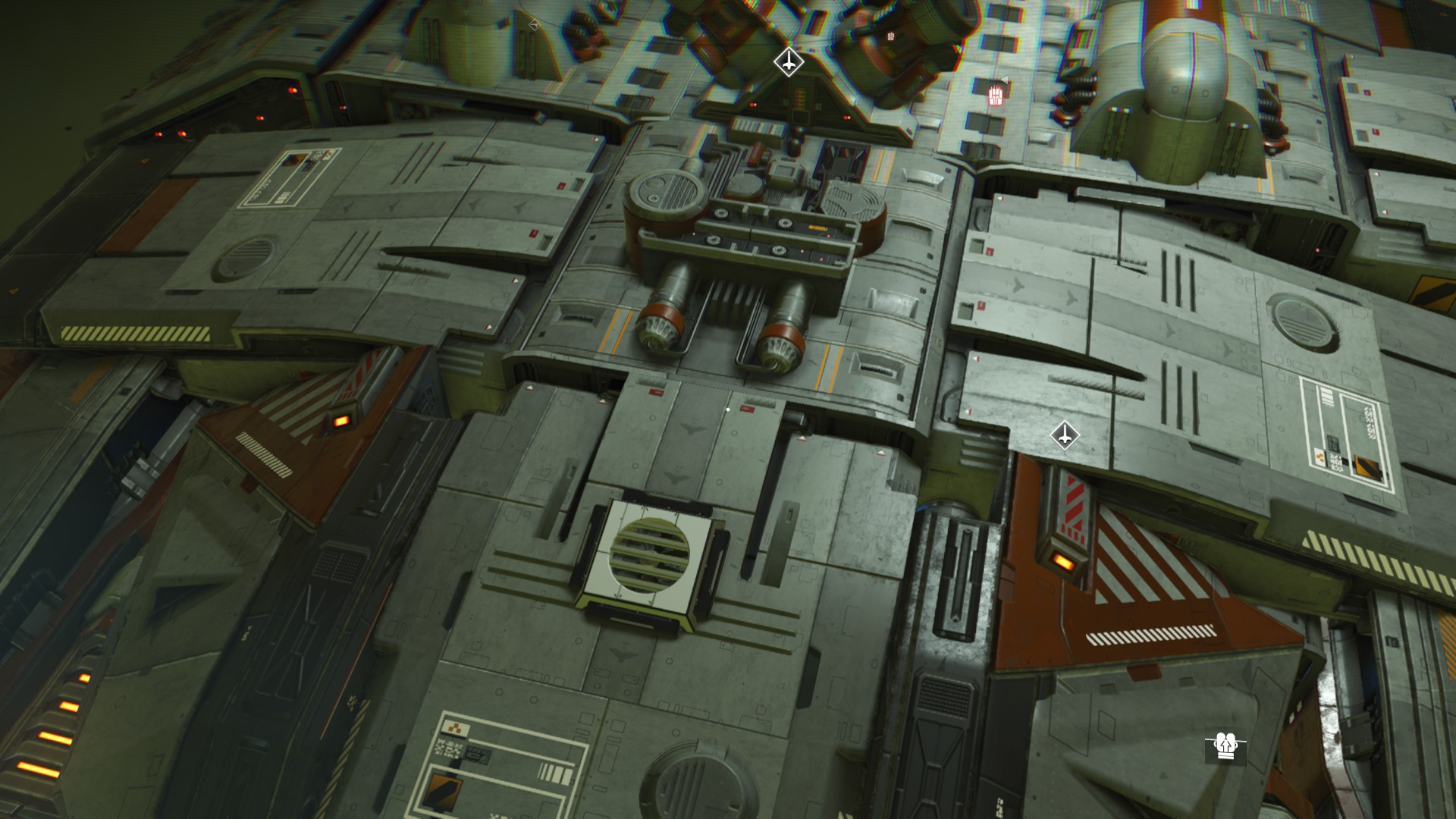 And, we can decorate the arm connecting the body to the cockpit with hanging cables, if you have them, on top and underneath.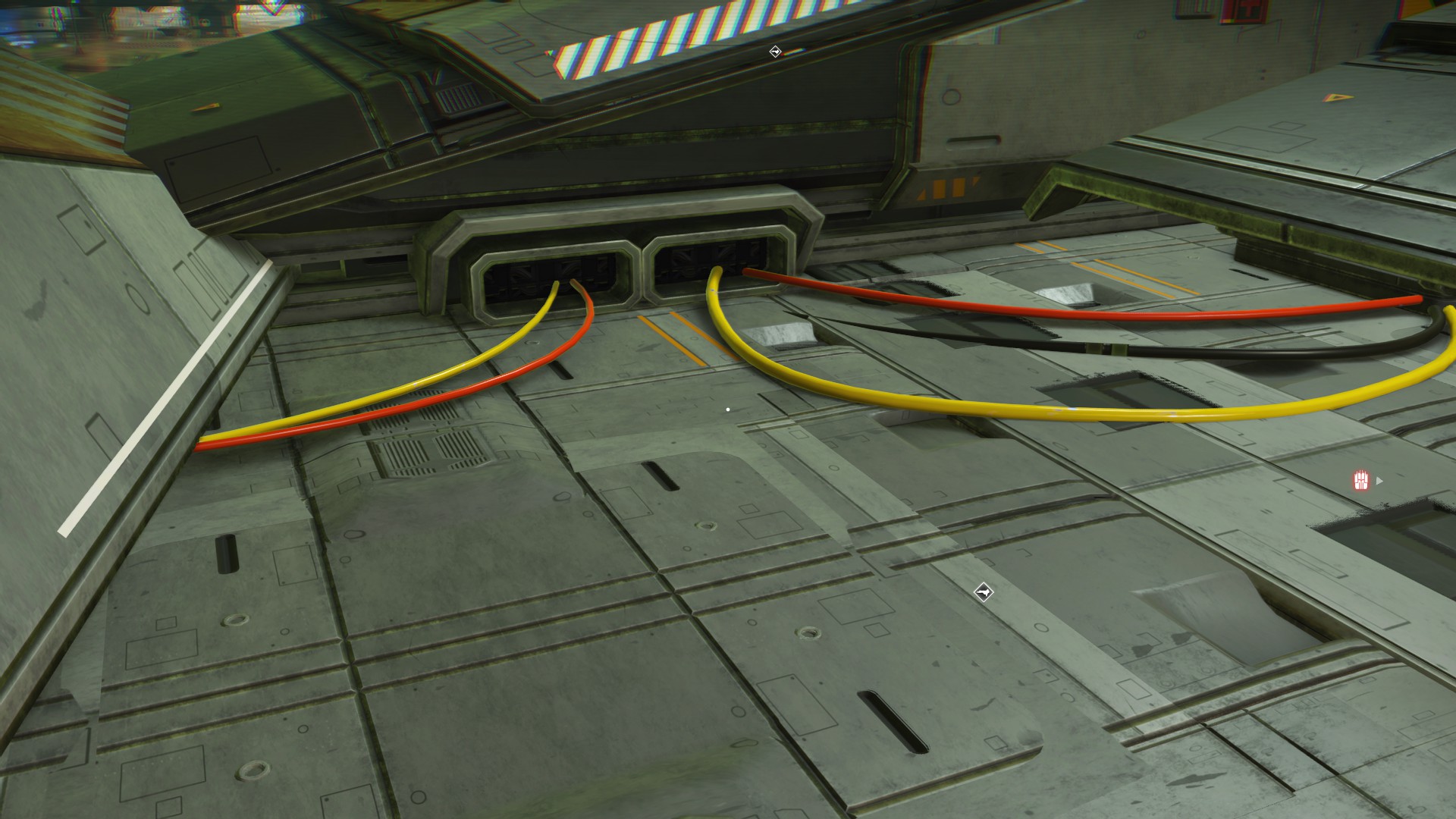
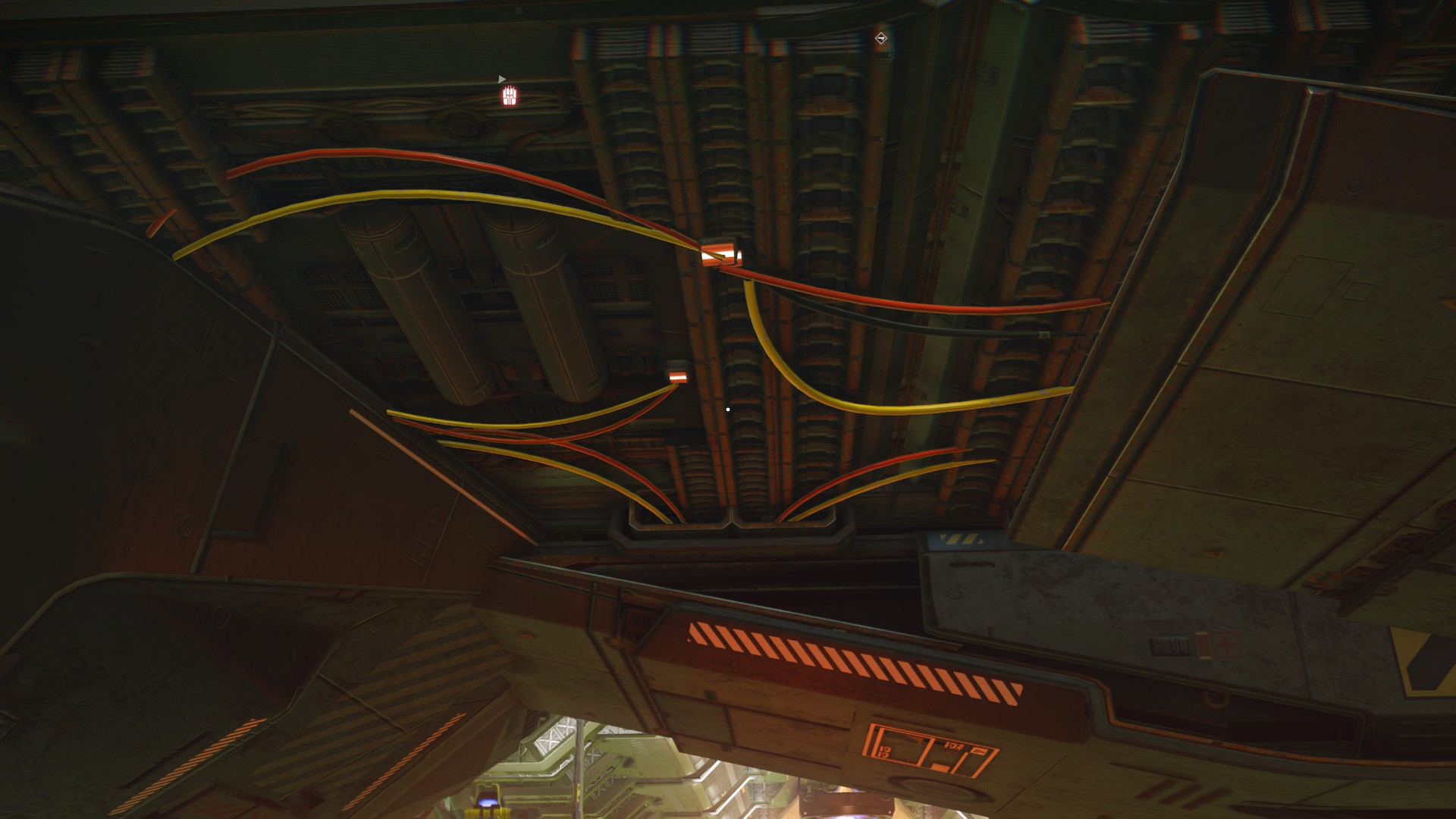
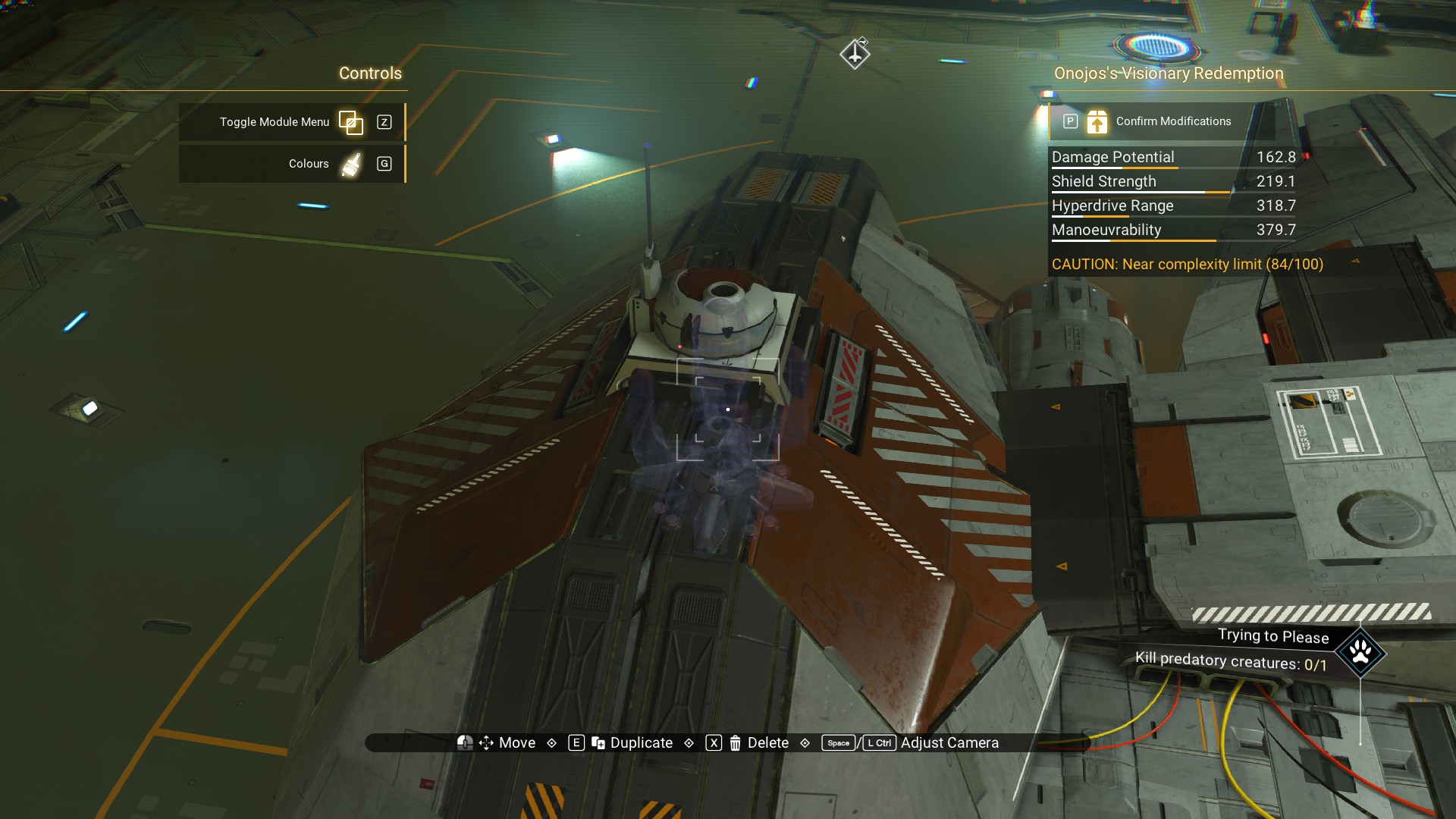
When you're done with the interior build menu, go back to the corvette build menu and add a shield module to the top of the cockpit structure where we placed the fan and transmitter.
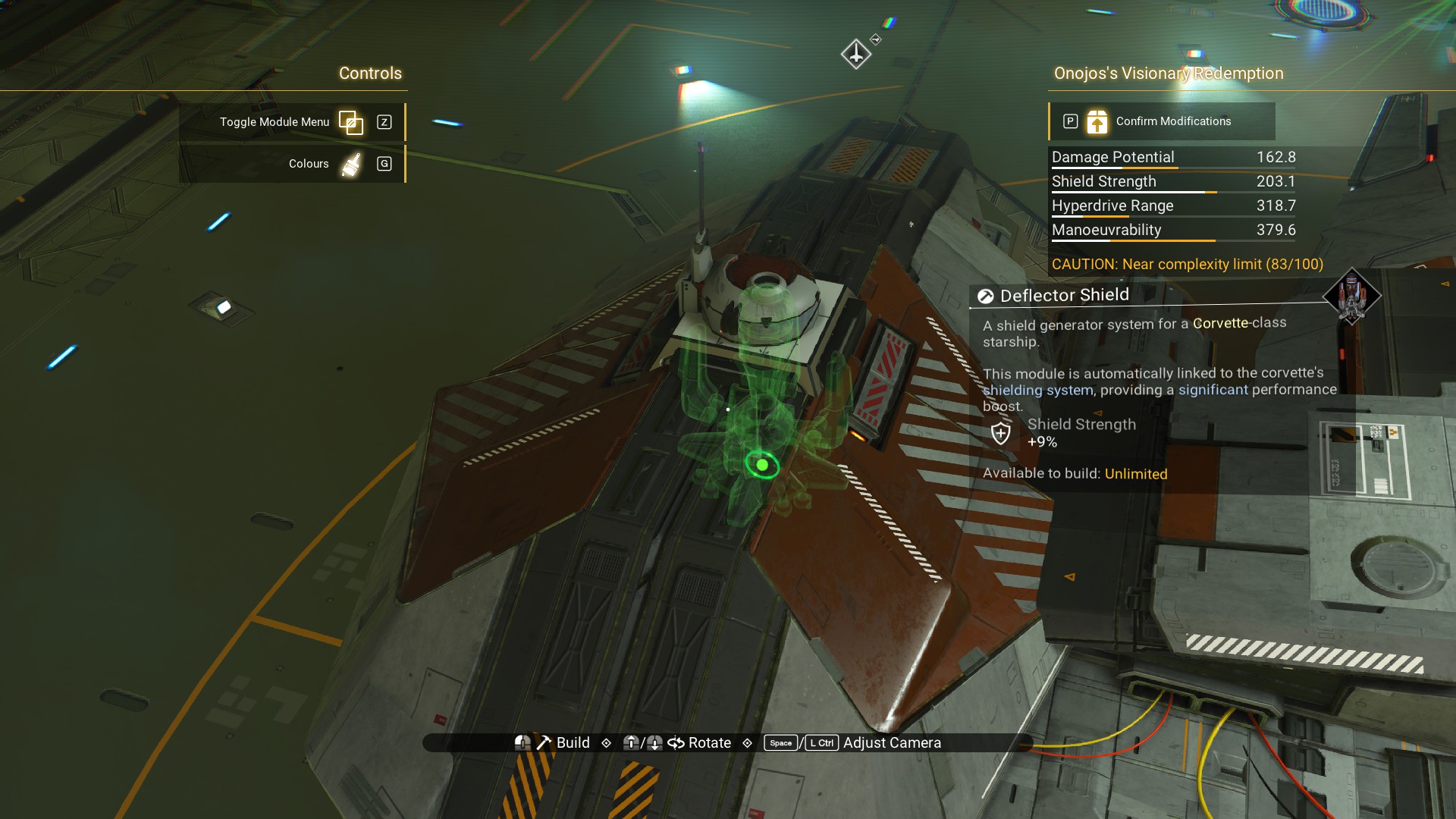 Once placed, it should be completely hidden.
 Congratulations! You have now completed your own LT-3570 Tetsudon class Corvette.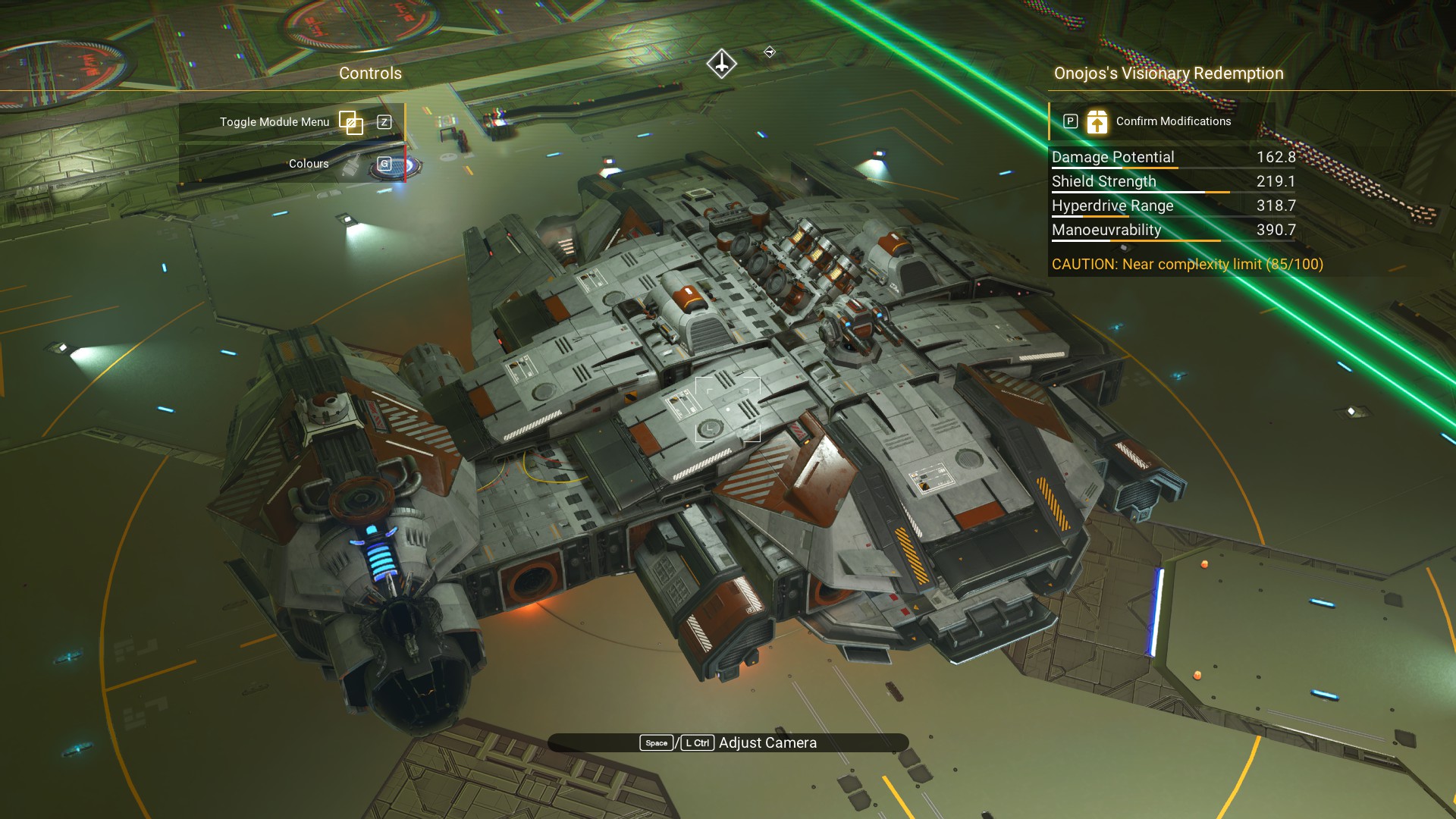
Upgrade it. Take it for a spin. Enjoy.
Even if you don't decide to build this ship, I hope this guide was useful and inspired you in your own building projects.
Images
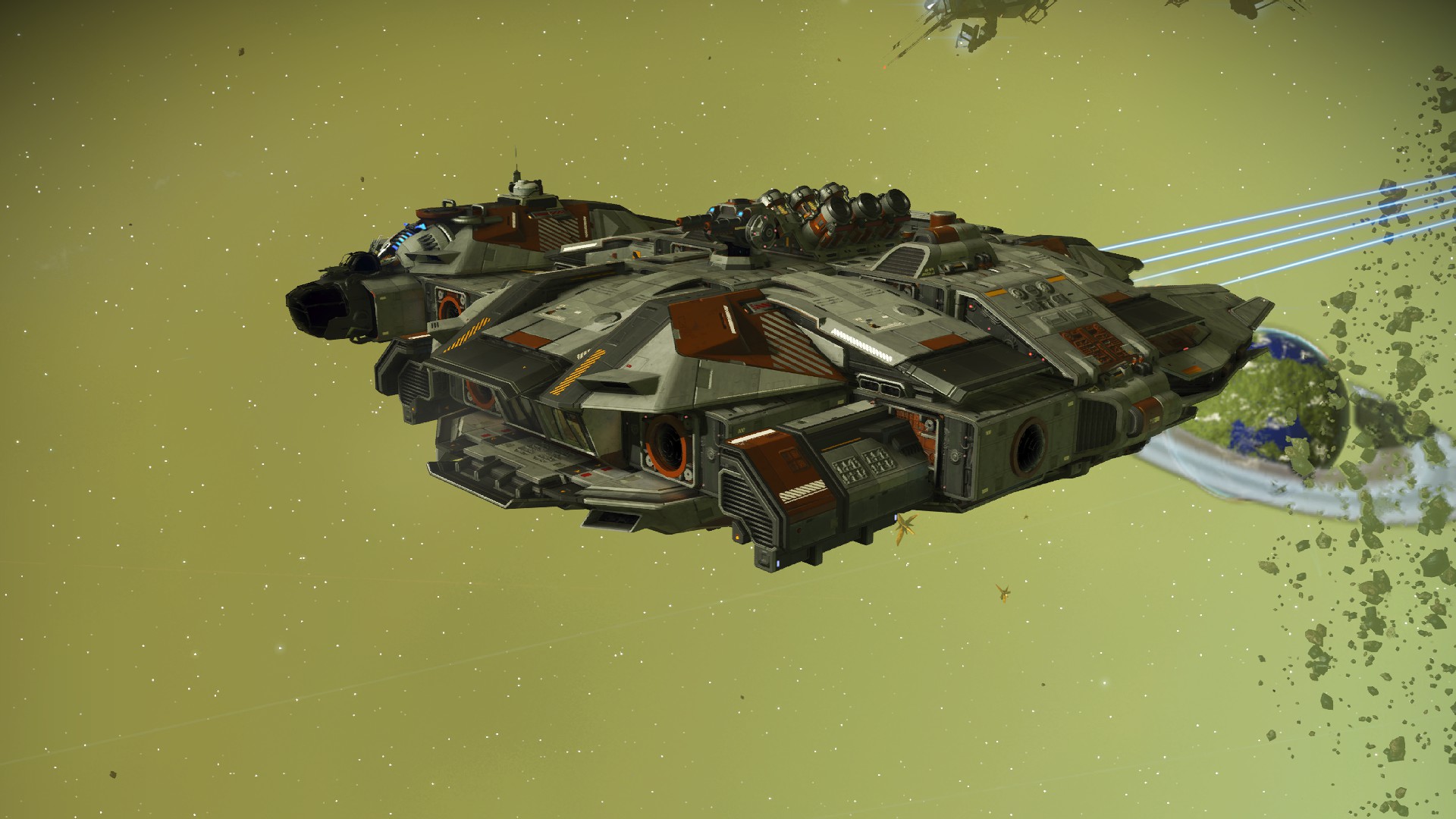
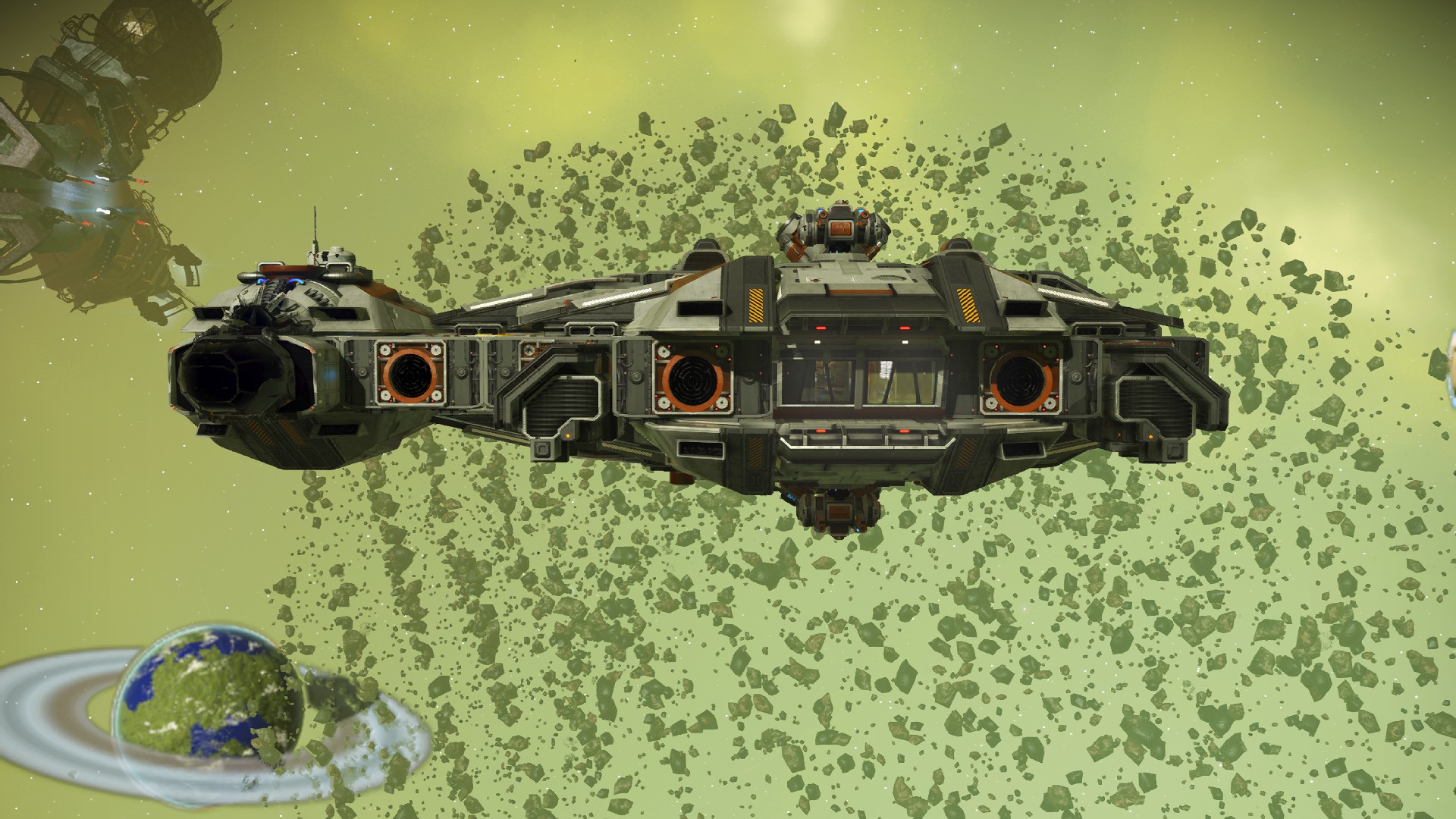
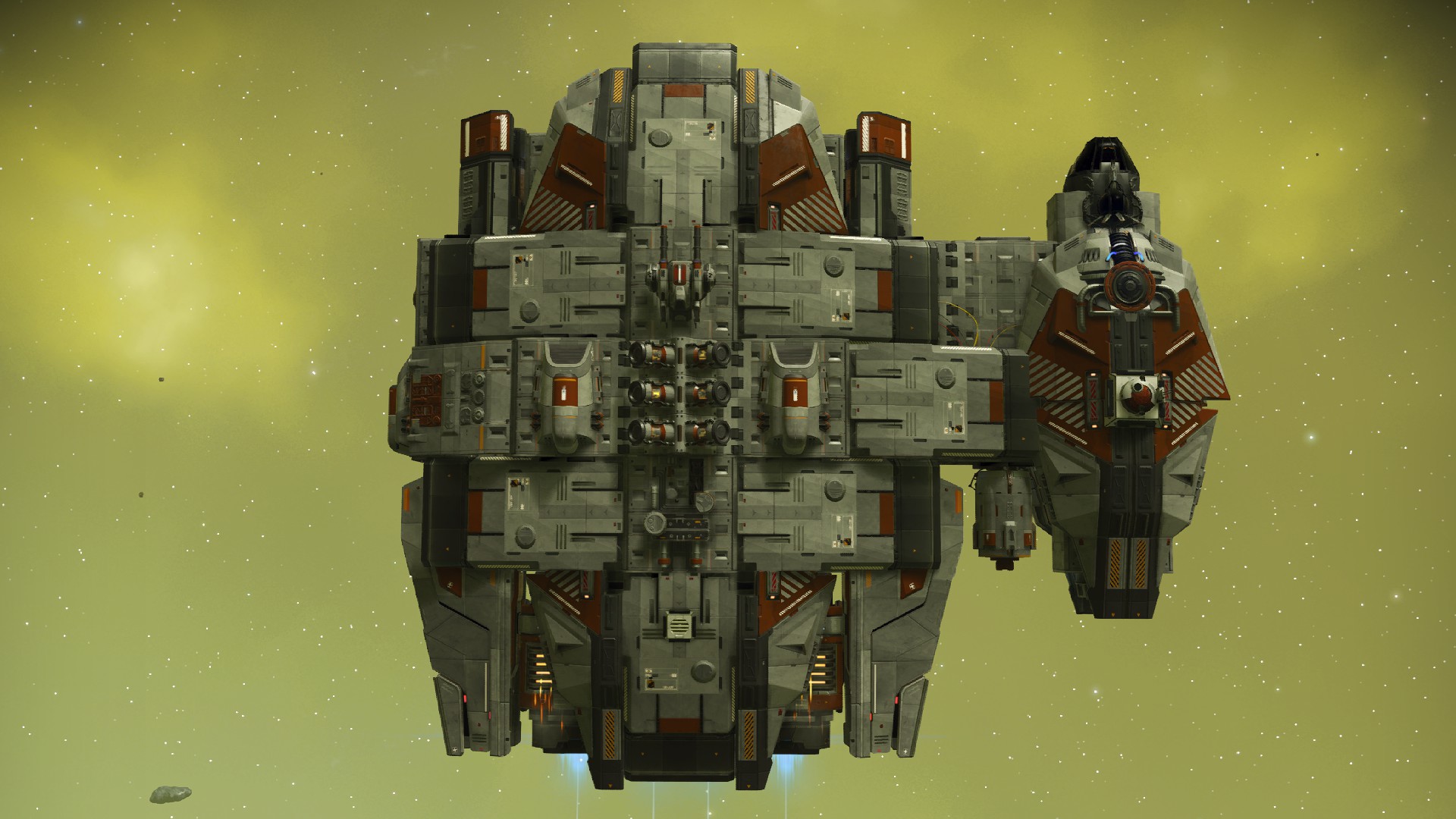
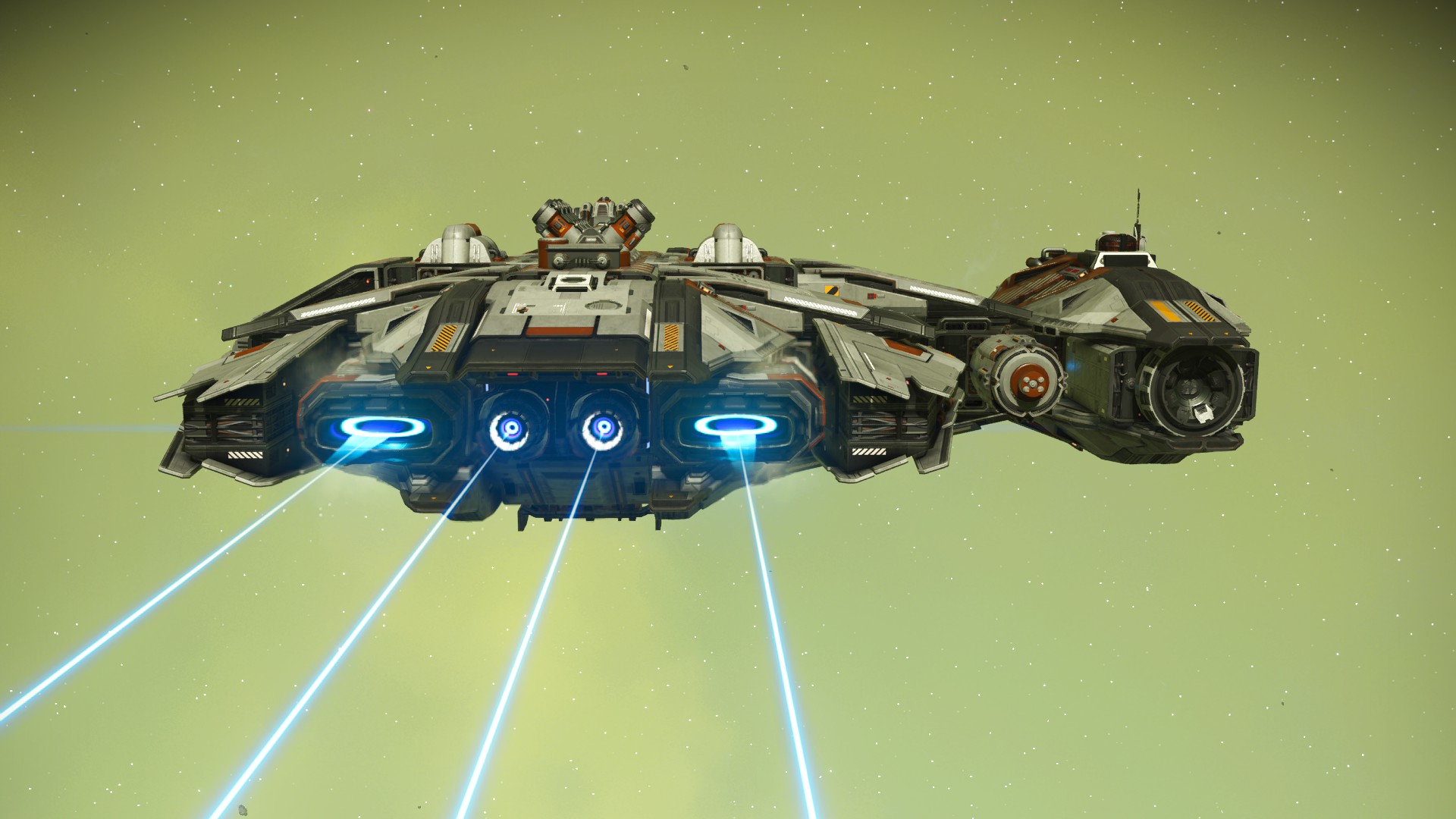
Change Log
5/17/2026 Added a hyperlink to another build guide.
5/27/2026 Added a hyperlink to another build guide.
- No Man's Sky Access Codes★ 5 (880)43k views2.1k ♥1 minUpdated 14 Apr
- Refining – The Magic Of Alchemy★ 5 (1.2k)41k views3.6k ♥5 minUpdated 24 Mar, 2022
- How to get RICH in NMS SUPER FAST★ 5 (501)32k views1k ♥2 minUpdated 7 Sep, 2022
- Multi-Tools: Types, Statistics, Weapons, Layouts★ 5 (550)27k views1.3k ♥7 minBulgarianUpdated 3 Jul, 2025
- Starship Guide: Types, Statistics & Roles★ 5 (461)25k views924 ♥8 minBulgarianUpdated 30 May
- Звездолеты СТРАЖЕЙ★ 5 (220)24k views519 ♥7 minRussianUpdated 9 Feb, 2025



- Upgrading to PremiumTeam Fortress 2★ 5 (20k)1441k views11k ♥6 minUpdated May 11, 2022
- No More Room in Hell Official ManualNo More Room in Hell★ 5 (2.8k)569k views2.1k ♥29 minUpdated Apr 22, 2019
- NMRiH Community Hosting GuidesNo More Room in Hell★ 5 (526)351k views653 ♥1 minUpdated Aug 10, 2022
- ULTIMATE GUIDE FOR GAME DEV TYCOONGame Dev Tycoon★ 5 (5.8k)326k views10k ♥4 minUpdated 23 Jan, 2014
- How to 'Git Gud' Soon™MORDHAU★ 5 (2k)318k views3k ♥68 minUpdated Nov 16, 2024
- Лучшие кооперативные игры SteamPAYDAY 2★ 5 (1.5k)315k views2.1k ♥56 minRussianUpdated Apr 27, 2025






This guide was created by its original author on the Steam Community. Are you the author and want it removed? Request removal.