How to create SFM Helmet camera/GoPro in sfm
The (rather short) guide
- spawn your animation lists (character, scene camera, gun, etc
- make sure your camera is directly in front of the part you want to connect it to (if you're really experienced you'd know how to lock the camera for anything so as an alternative you could, for example, connect it to it's spine bone closest to the chest to get a GoPro look instead), in this case, you'll need to get the camera riiiight in between the eyes.
- lock the camera to the head bone.
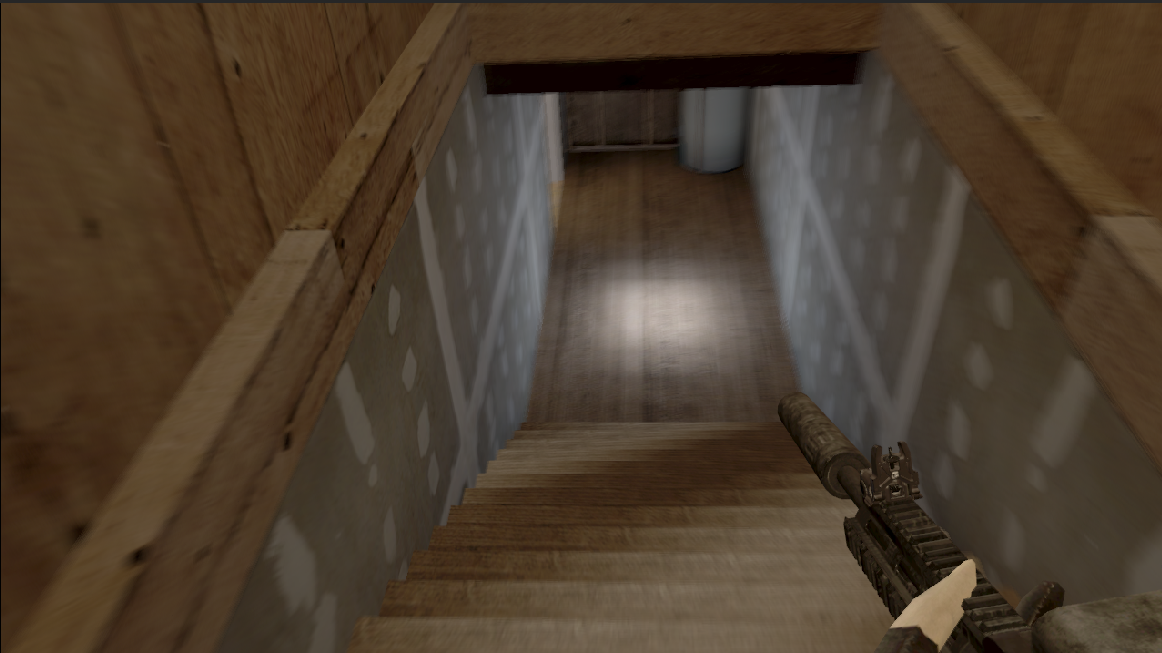
Now your camera is (effectively) a GoPro or a Helmet Cam This ultimately makes a good look if you're also pretty intermediate, as you can focus on where the character's looking/shooting while relieving you half the need of animating the character connected to the scene camera.
Simple tips: - You can connect certain parts of the gun's model (i.e, barrel/foregrip/handle) to your character's left/right hands (should they be properly positioned to seem as if they're holding it that way). Unless your character's doing anything aside from moving and shooting, you shouldnt need to bother the character's arms as long as you've already posed them with the gun correctly.
More Source Filmmaker guides
- Changing Textures Using Material Overrides★ 5 (1.4k)41k views2.7k ♥5 minUpdated Jul 26, 2014
- Manually Updating TF2 Content★ 5 (1.3k)35k views1.9k ♥2 minUpdated Nov 26, 2025
- The Fundamentals of SFM: For Beginners★ 5 (1.3k)25k views3.3k ♥55 minUpdated Apr 29
- Ваш первый постер★ 5 (1.1k)22k views2k ♥5 minRussianUpdated Oct 22, 2024
- Getting Gmod Workshop stuff too SFM★ 5 (510)15k views1.3k ♥1 minBulgarianUpdated Aug 4, 2015
- Animation Guide★ 5 (704)14k views1.9k ♥6 minUpdated Apr 9, 2023





🔥 Popular guides
- Upgrading to PremiumTeam Fortress 2★ 5 (20k)1441k views11k ♥6 minUpdated May 11, 2022
- No More Room in Hell Official ManualNo More Room in Hell★ 5 (2.8k)569k views2.1k ♥29 minUpdated Apr 22, 2019
- NMRiH Community Hosting GuidesNo More Room in Hell★ 5 (526)351k views653 ♥1 minUpdated Aug 10, 2022
- ULTIMATE GUIDE FOR GAME DEV TYCOONGame Dev Tycoon★ 5 (5.8k)326k views10k ♥4 minUpdated 23 Jan, 2014
- How to 'Git Gud' Soon™MORDHAU★ 5 (2k)318k views3k ♥68 minUpdated Nov 16, 2024
- Лучшие кооперативные игры SteamPAYDAY 2★ 5 (1.5k)315k views2.1k ♥56 minRussianUpdated Apr 27, 2025






This guide was created by its original author on the Steam Community. Are you the author and want it removed? Request removal.