HOW TO MAKE REPEATABLE MUZZLEFLASH
Particle editor tool
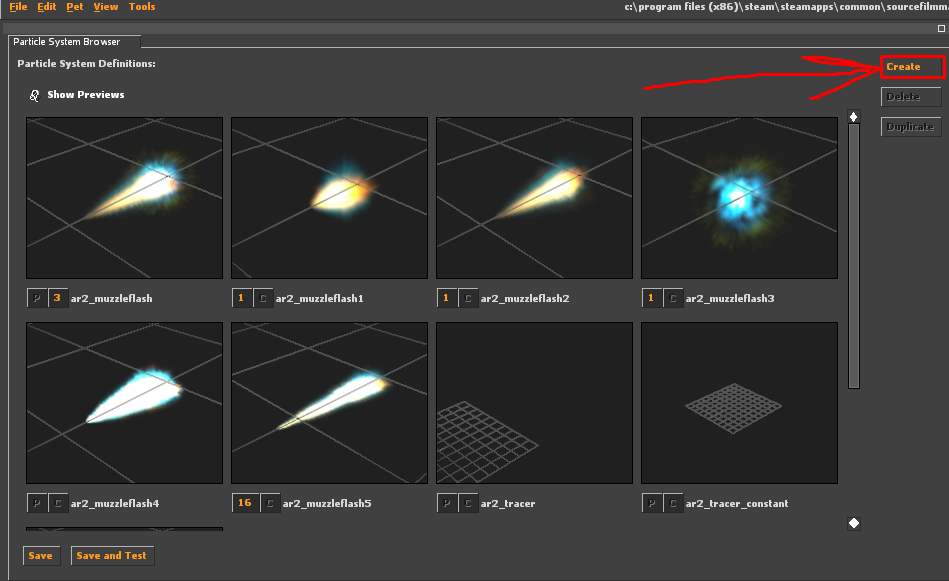
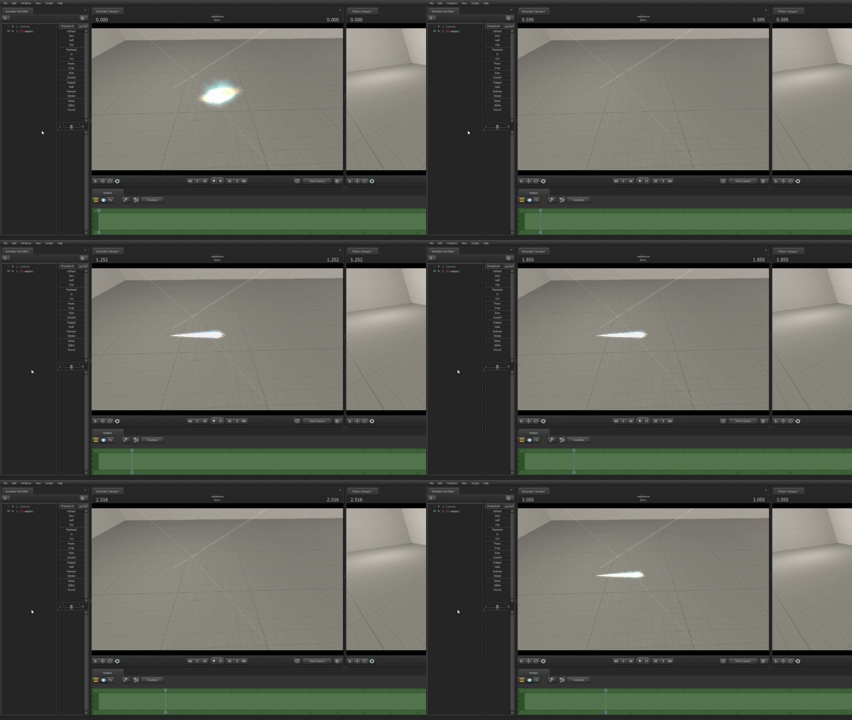
This guide will show you how to make a repeating gunshot flash using the [Particle] AR2 Bullet Tracers and Muzzle Flash from the workshop as an EXAMPLE. First, we need to open the Particle Editor tool and find the Particle we need.
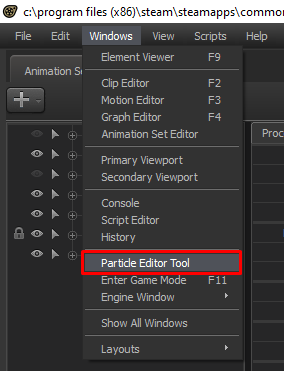
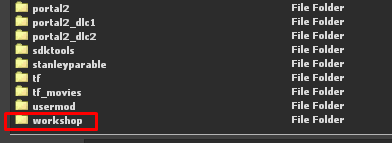
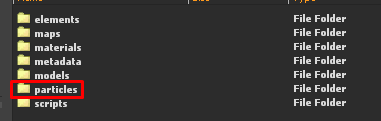
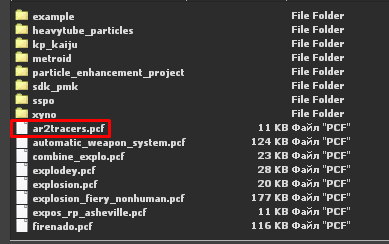
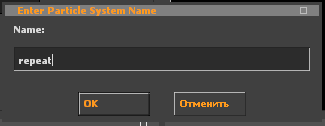
Here we see several Particles. We click the Create button and name our new Particle.
In the Properties tab, we right-click on the Children tab and click Add.
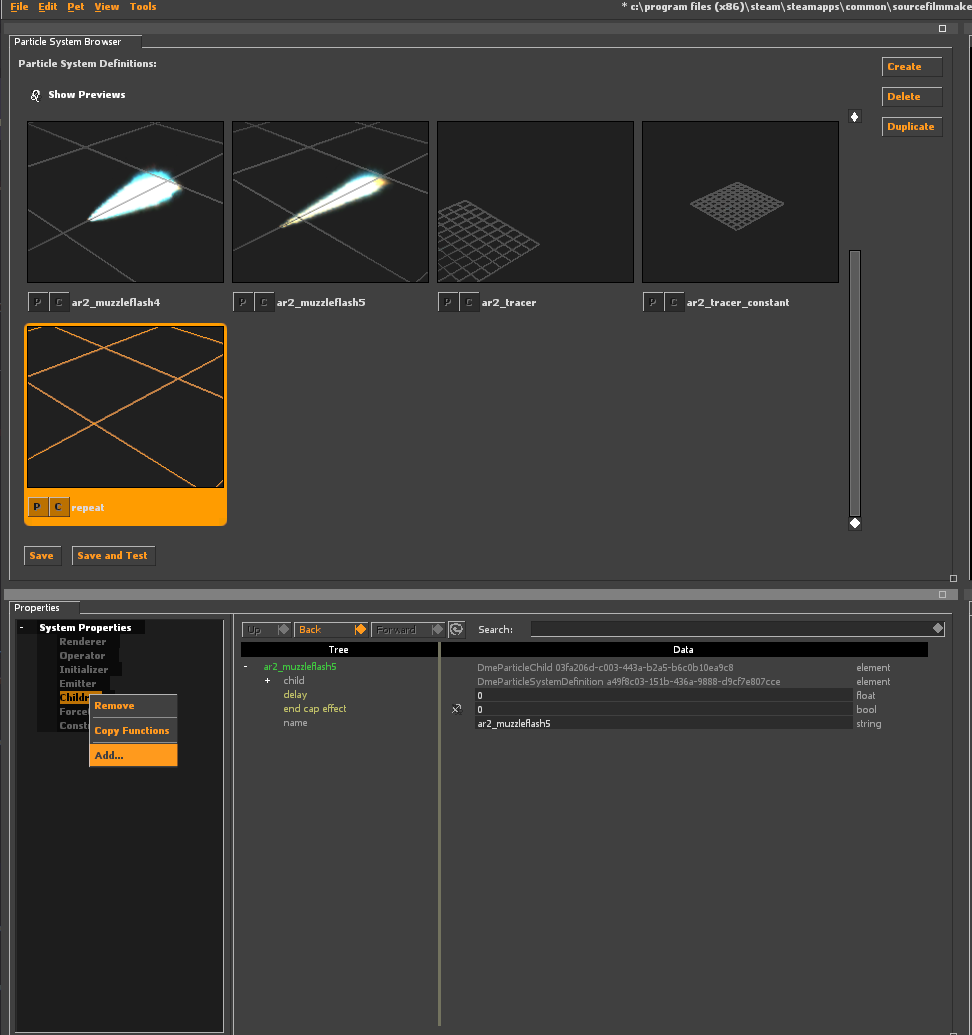
I want to make the Particle ar2_muzzleflash5 repeat, so I select it. Here, we are interested in the delay parameter.
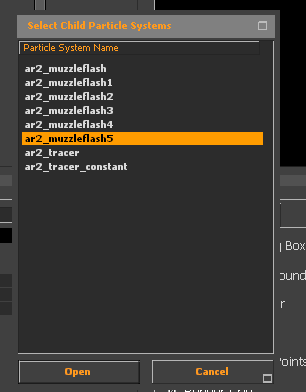
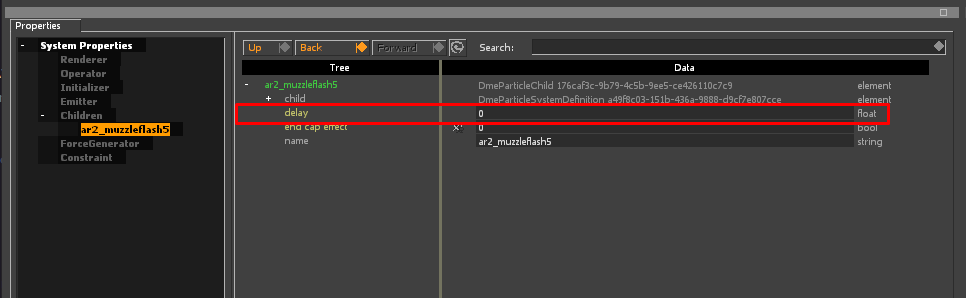
Next, we add another ar2_muzzleflash5 and set the delay to a certain interval, for example, 0.2.
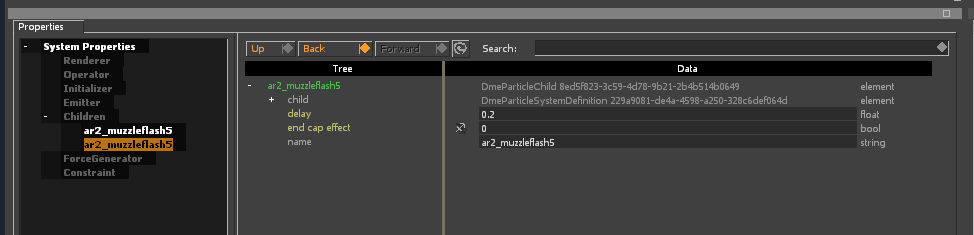
We repeat this, for example, up to 3 seconds.
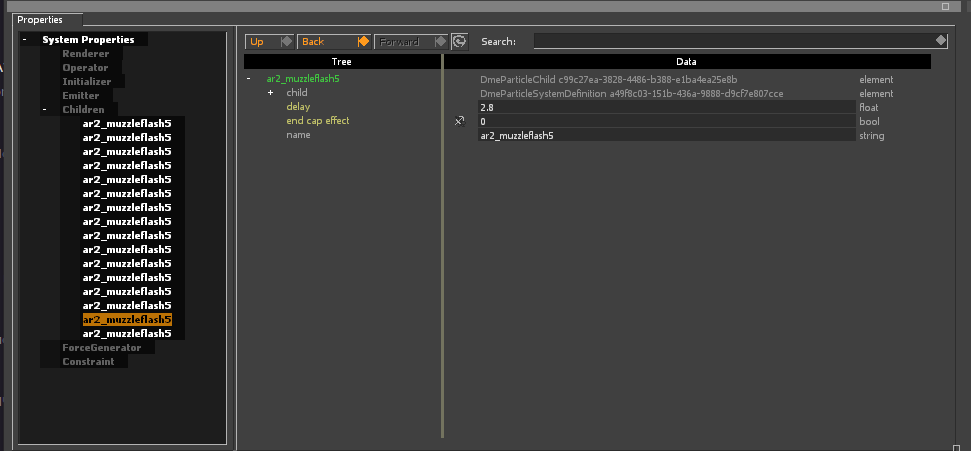
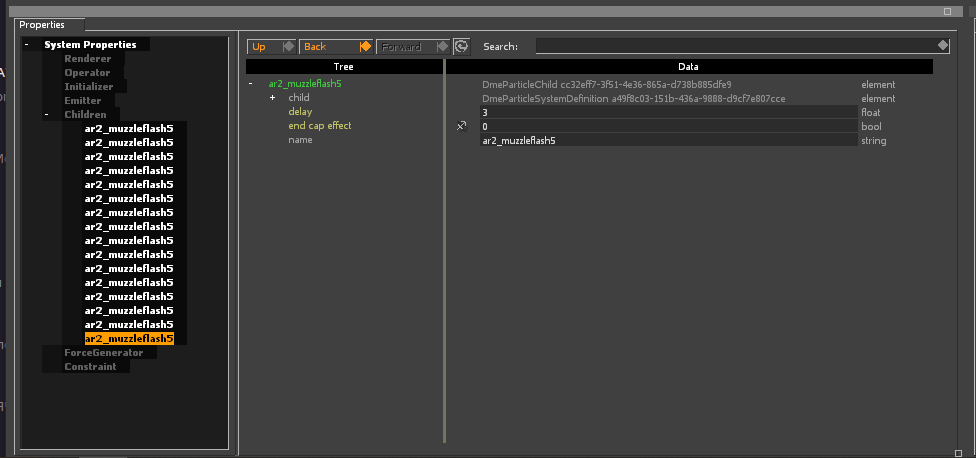
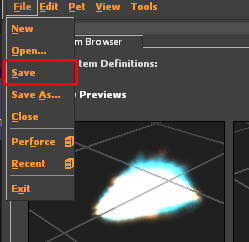
We save our Particle.
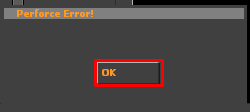
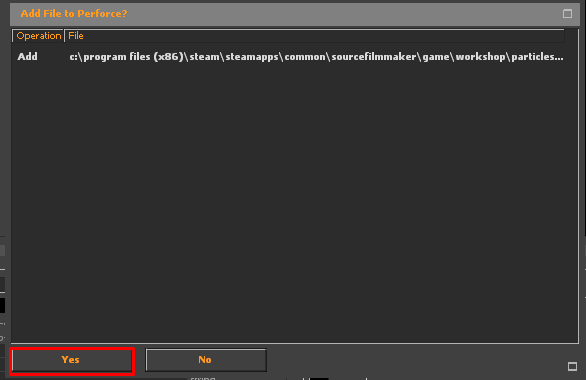
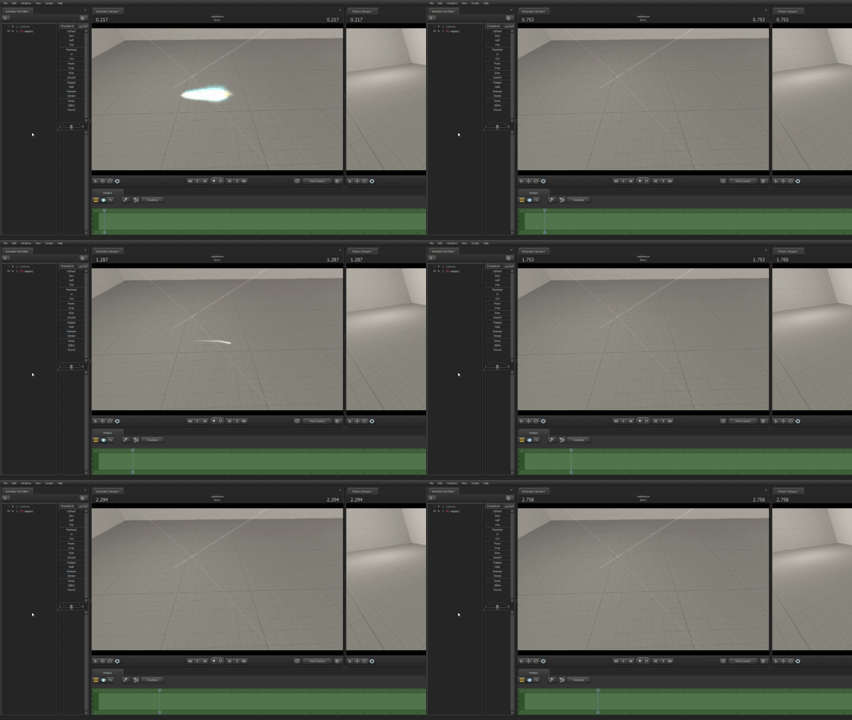
Then we restart SFM and check. Everything works.
More Source Filmmaker guides
- Changing Textures Using Material Overrides★ 5 (1.4k)41k views2.7k ♥5 minUpdated Jul 26, 2014
- Manually Updating TF2 Content★ 5 (1.3k)35k views1.9k ♥2 minUpdated Nov 26, 2025
- The Fundamentals of SFM: For Beginners★ 5 (1.3k)25k views3.3k ♥55 minUpdated Apr 29
- Ваш первый постер★ 5 (1.1k)22k views2k ♥5 minRussianUpdated Oct 22, 2024
- Getting Gmod Workshop stuff too SFM★ 5 (510)15k views1.3k ♥1 minBulgarianUpdated Aug 4, 2015
- Animation Guide★ 5 (704)14k views1.9k ♥6 minUpdated Apr 9, 2023





🔥 Popular guides
- Upgrading to PremiumTeam Fortress 2★ 5 (20k)1441k views11k ♥6 minUpdated May 11, 2022
- No More Room in Hell Official ManualNo More Room in Hell★ 5 (2.8k)569k views2.1k ♥29 minUpdated Apr 22, 2019
- NMRiH Community Hosting GuidesNo More Room in Hell★ 5 (526)351k views653 ♥1 minUpdated Aug 10, 2022
- ULTIMATE GUIDE FOR GAME DEV TYCOONGame Dev Tycoon★ 5 (5.8k)326k views10k ♥4 minUpdated 23 Jan, 2014
- How to 'Git Gud' Soon™MORDHAU★ 5 (2k)318k views3k ♥68 minUpdated Nov 16, 2024
- Лучшие кооперативные игры SteamPAYDAY 2★ 5 (1.5k)315k views2.1k ♥56 minRussianUpdated Apr 27, 2025






This guide was created by its original author on the Steam Community. Are you the author and want it removed? Request removal.