How to Close SFM
Step 0: Opening SFM!
This is the unofficial sequel to the amazing guide, How to open SFM! Remember to check this guide out first before you come to this one!
https://steamcommunity.com/sharedfiles/filedetails/?id=2842277340
https://steamcommunity.com/sharedfiles/filedetails/?id=2842277340
Step 1: Finding the Exit Button
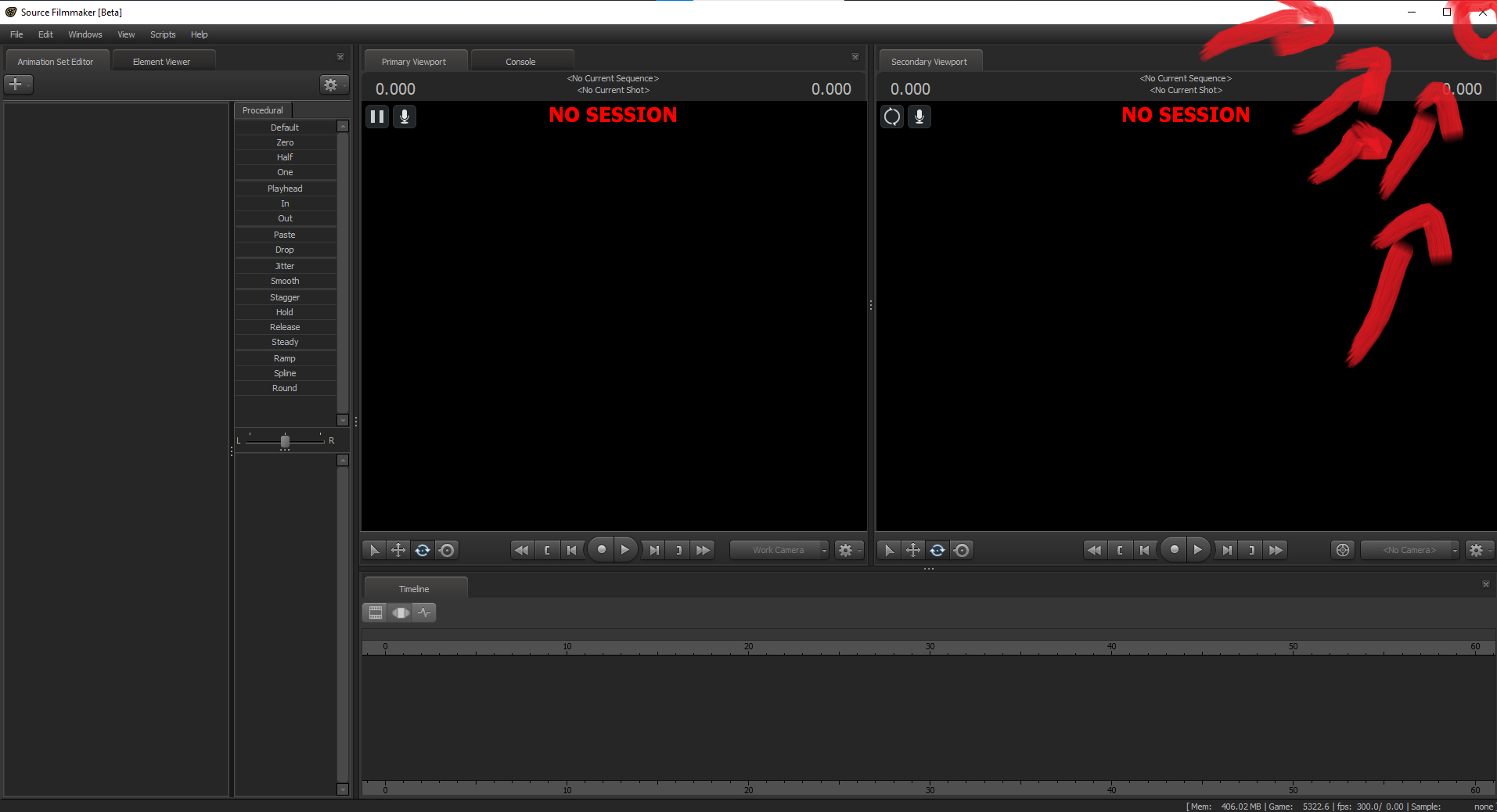
Now that you have launched Source Filmmaker, the first thing you want to do is find a large X, I repeat a large X on the outer tab of the Source Filmmaker. Generally speaking, it is on the top right corner. Sometimes it's marked in red and sometimes it's not, it depends on what operating system you're using. If you can't find it, don't worry just keep searching! You'll figure out where it is on your screen eventually. The bottom screen below is where it is usually on Windows 10 computers.
Step 2: Guiding with your Mouse
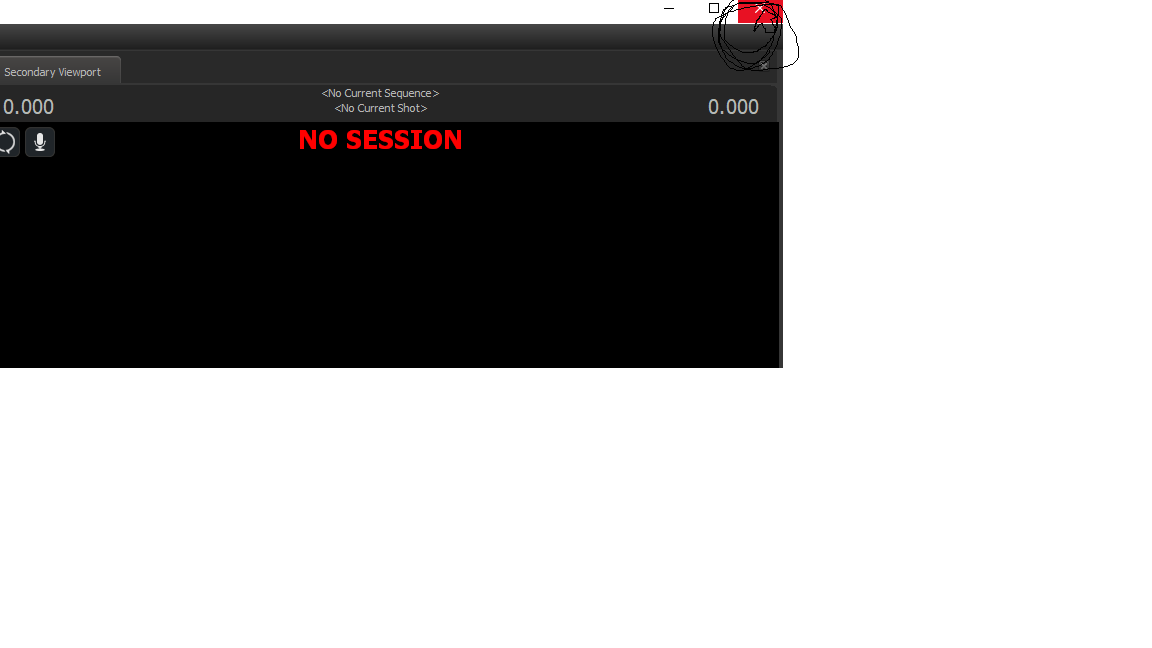
So if you've already read through the original How to open SFM guide, you should very much know how to move your mouse and click. Don't worry if you don't, just grab onto the mouse and move it around, you should see the little pointer on your screen move based on how you move your mouse. Now, guide that amazing little pointer over that X and keep it steady.
Step 3: Clicking on the X ( The Good Part! )
So don't worry, you're almost done! Make sure you haven't moved that mouse off of the big X. Now, all you have to do it press down on the left top of the mouse, which should mean you've now made a click! That click correlates to you pressing on the big X and finally, you have closed SFM!
If you wish to open SFM up again, refer to the original how to open SFM guide.
If you wish to open SFM up again, refer to the original how to open SFM guide.
More Source Filmmaker guides
- Changing Textures Using Material Overrides★ 5 (1.4k)41k views2.7k ♥5 minUpdated Jul 26, 2014
- Manually Updating TF2 Content★ 5 (1.3k)35k views1.9k ♥2 minUpdated Nov 26, 2025
- The Fundamentals of SFM: For Beginners★ 5 (1.3k)25k views3.3k ♥55 minUpdated Apr 29
- Ваш первый постер★ 5 (1.1k)22k views2k ♥5 minRussianUpdated Oct 22, 2024
- Getting Gmod Workshop stuff too SFM★ 5 (510)15k views1.3k ♥1 minBulgarianUpdated Aug 4, 2015
- Animation Guide★ 5 (704)14k views1.9k ♥6 minUpdated Apr 9, 2023





🔥 Popular guides
- Upgrading to PremiumTeam Fortress 2★ 5 (20k)1441k views11k ♥6 minUpdated May 11, 2022
- No More Room in Hell Official ManualNo More Room in Hell★ 5 (2.8k)569k views2.1k ♥29 minUpdated Apr 22, 2019
- NMRiH Community Hosting GuidesNo More Room in Hell★ 5 (526)351k views653 ♥1 minUpdated Aug 10, 2022
- ULTIMATE GUIDE FOR GAME DEV TYCOONGame Dev Tycoon★ 5 (5.8k)326k views10k ♥4 minUpdated 23 Jan, 2014
- How to 'Git Gud' Soon™MORDHAU★ 5 (2k)318k views3k ♥68 minUpdated Nov 16, 2024
- Лучшие кооперативные игры SteamPAYDAY 2★ 5 (1.5k)315k views2.1k ♥56 minRussianUpdated Apr 27, 2025






This guide was created by its original author on the Steam Community. Are you the author and want it removed? Request removal.